
Combine a video with a new audio track
Choose the video and audio files, build the WebM output, preview playback, and download the finished video.
Choose video and audio
Upload a browser-compatible video plus an audio file.
Create the combined clip
The browser records the video stream with the selected audio track.
Download or upload
Download the WebM output or upload the finished file to Zight.
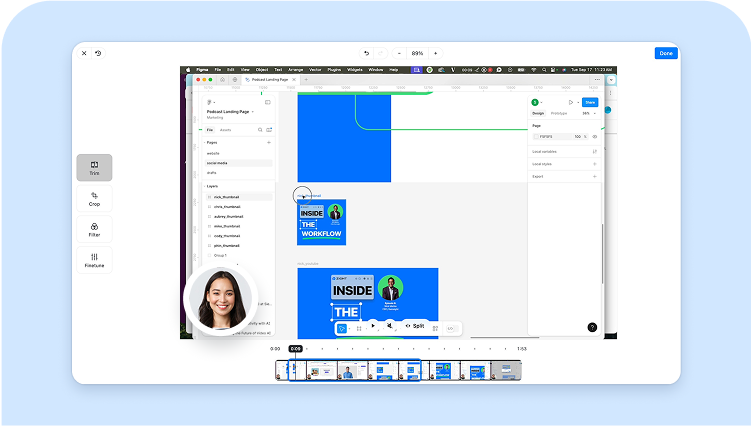
Add narration after recording
Use a separate voiceover or music file when the original recording needs clearer context.
Browser-compatible output
The production-safe browser path exports WebM with an Opus audio track, which modern browsers can play.
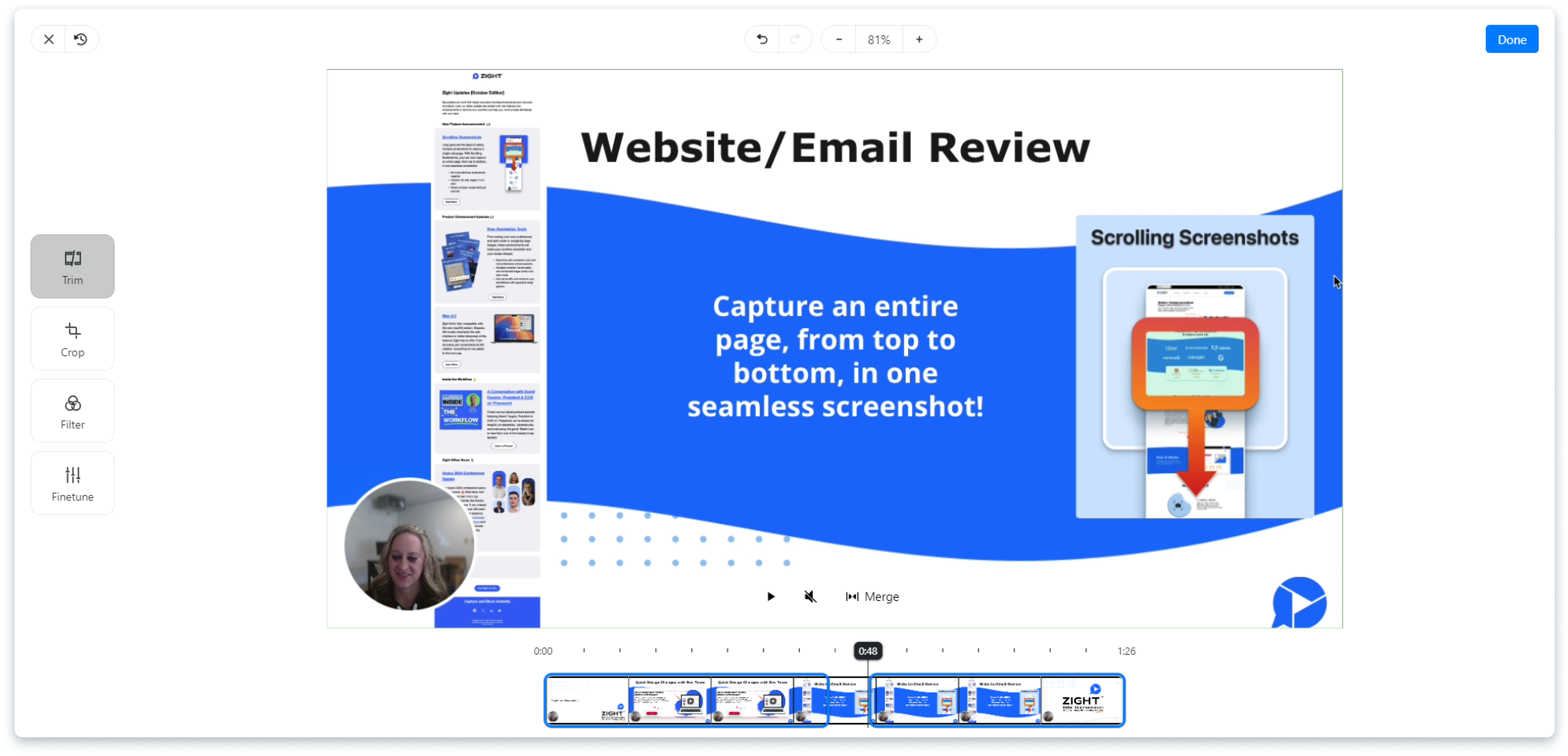
Keep direct download available
You can download the finished file even if the optional Zight upload path is unavailable.
Share context with Zight
Upload the finished clip to Zight when you want a link instead of an attachment.
Prepare the source files first
Record a voiceover, trim the video to the final duration, or extract the existing audio before building a new version.
Check timing and playback before sharing
The browser export uses WebM with an Opus audio track. Play the full result to check that narration starts at the right moment and the audio does not end too early. Direct download remains available even if you do not use the optional Zight upload action.
Frequently Asked Questions
Yes. The tool runs in a modern browser and exports a WebM file.
The current browser-safe path records the video with the selected audio track for a clean combined output.
Export stops when the video ends, so longer audio is trimmed to the video duration.
Use audio formats your browser can decode, such as WAV, MP3, M4A, or WebM audio depending on browser support.
Yes. After export, use Upload to Zight or the direct download.
Share the finished video with Zight
Upload the new clip and send one link for review, comments, and follow-up.
Try Zight for free











