
Extract MP3 or WAV in your browser
Choose a video, select MP3 or WAV, preview the result, and download the audio file.
Choose a video
Upload an MP4, MOV, or WebM file your browser can decode.
Pick MP3 or WAV
Choose a compact MP3 or an editing-friendly WAV output.
Download or share
Download the audio file directly or upload the processed file to Zight.
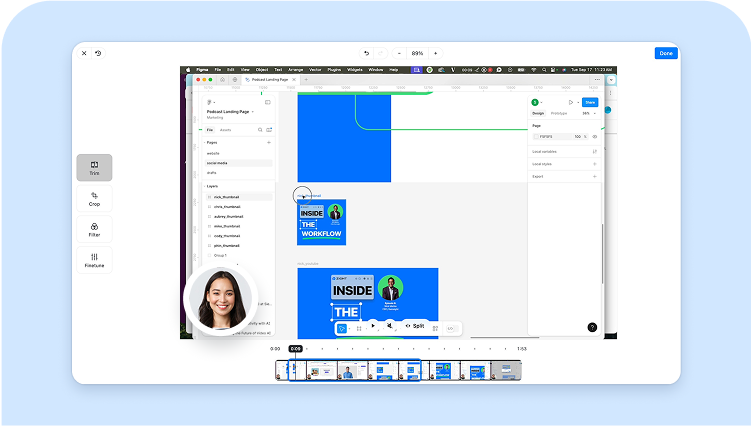
Save audio from recordings
Pull narration, interview audio, webinar sound, or support-call context from a video file.
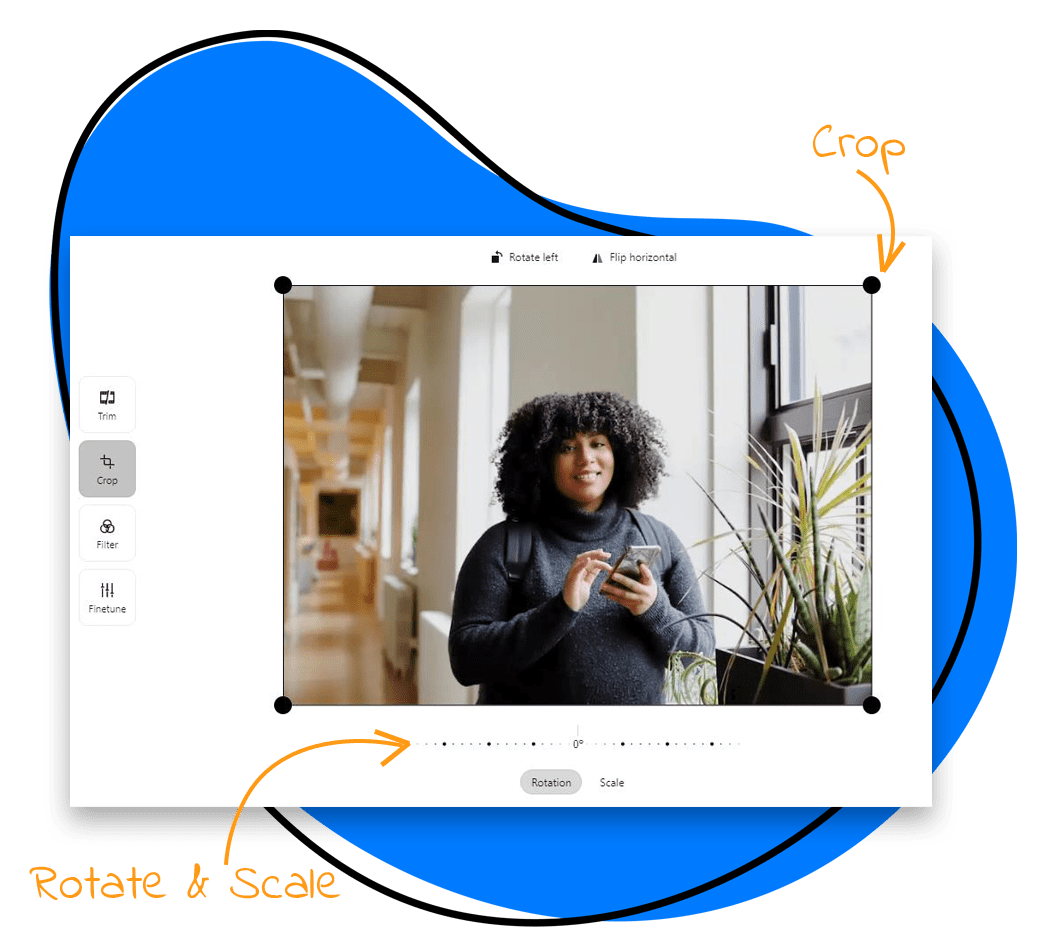
MP3 and WAV outputs
MP3 is useful for lightweight sharing. WAV is larger but easier to edit in many audio tools.
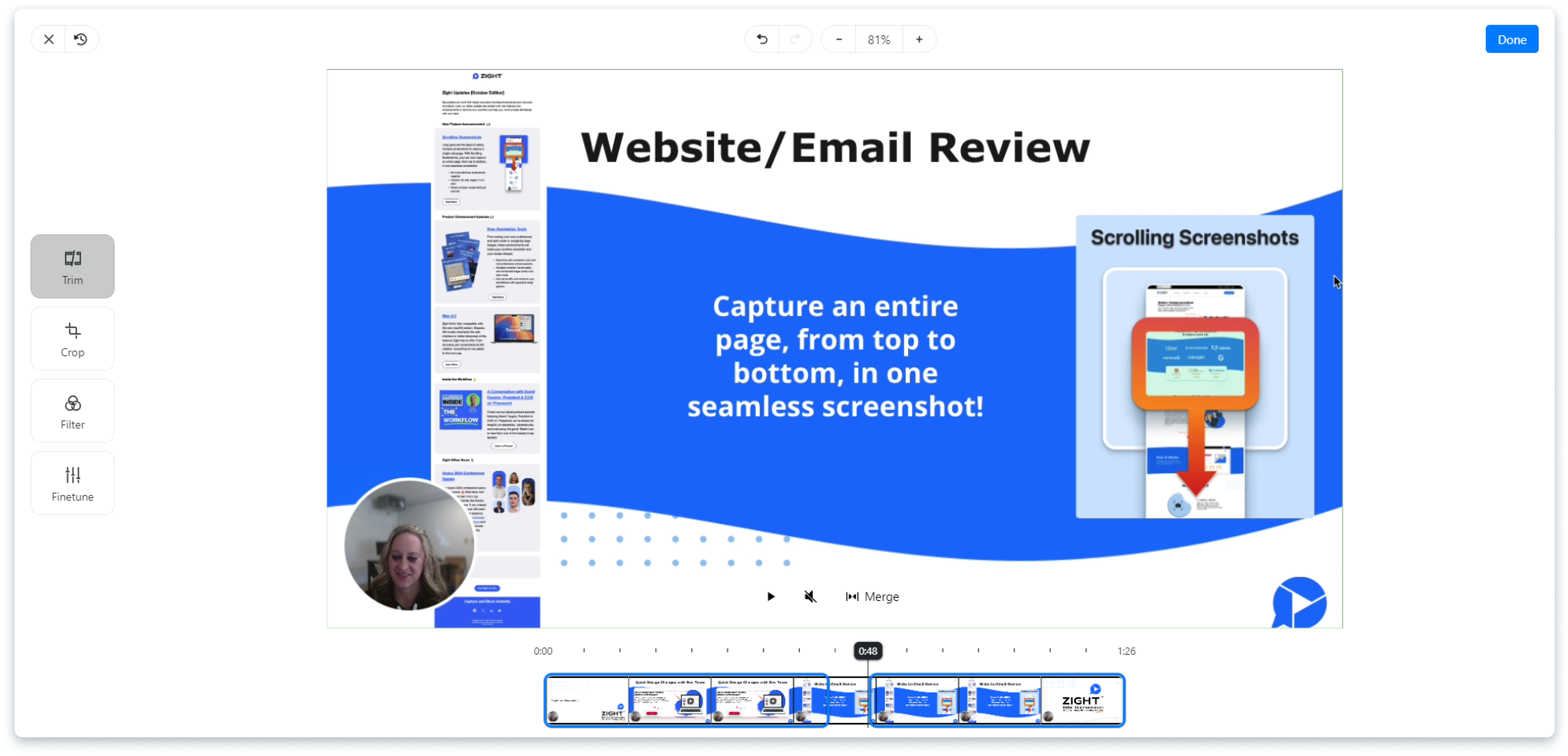
Browser-local extraction
The tool decodes the media in your browser and only uploads the finished audio if you click the Zight upload button.
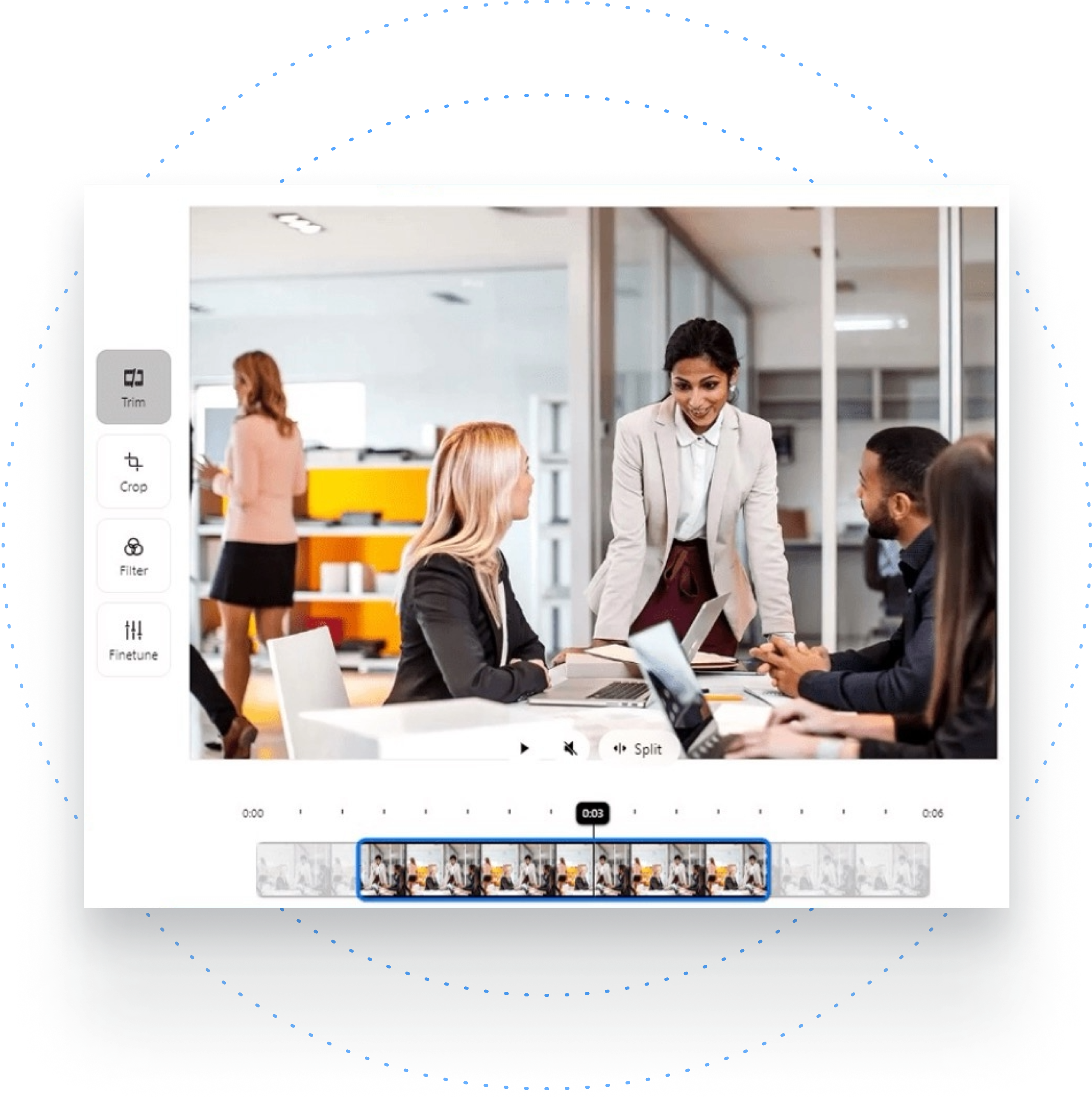
Use Zight for visual context
When the audio alone is not enough, record and share the full visual explanation with Zight.
Edit or reuse the extracted audio
Convert the file, trim the source video first, or inspect its metadata when the browser cannot decode the media.
Choose MP3 for sharing and WAV for editing
The source video is processed locally. MP3 is smaller and convenient for listening or sharing; WAV keeps uncompressed audio for editing but creates a larger file. Preview the download before deleting the original video, especially when it has multiple audio tracks.
Frequently Asked Questions
Yes. The tool runs in your browser and does not upload the source video.
Browser-supported MP4, MOV, and WebM files usually work, but codec support varies by browser and device.
Yes. The tool can create MP3 output in the browser and also supports WAV.
The tool shows an error and does not create an empty download.
Yes. After the output file exists, you can upload it to Zight or keep the direct download.
Keep the visual context when it matters
Upload the full recording to Zight when listeners also need to see what happened on screen.
Try Zight for free











