
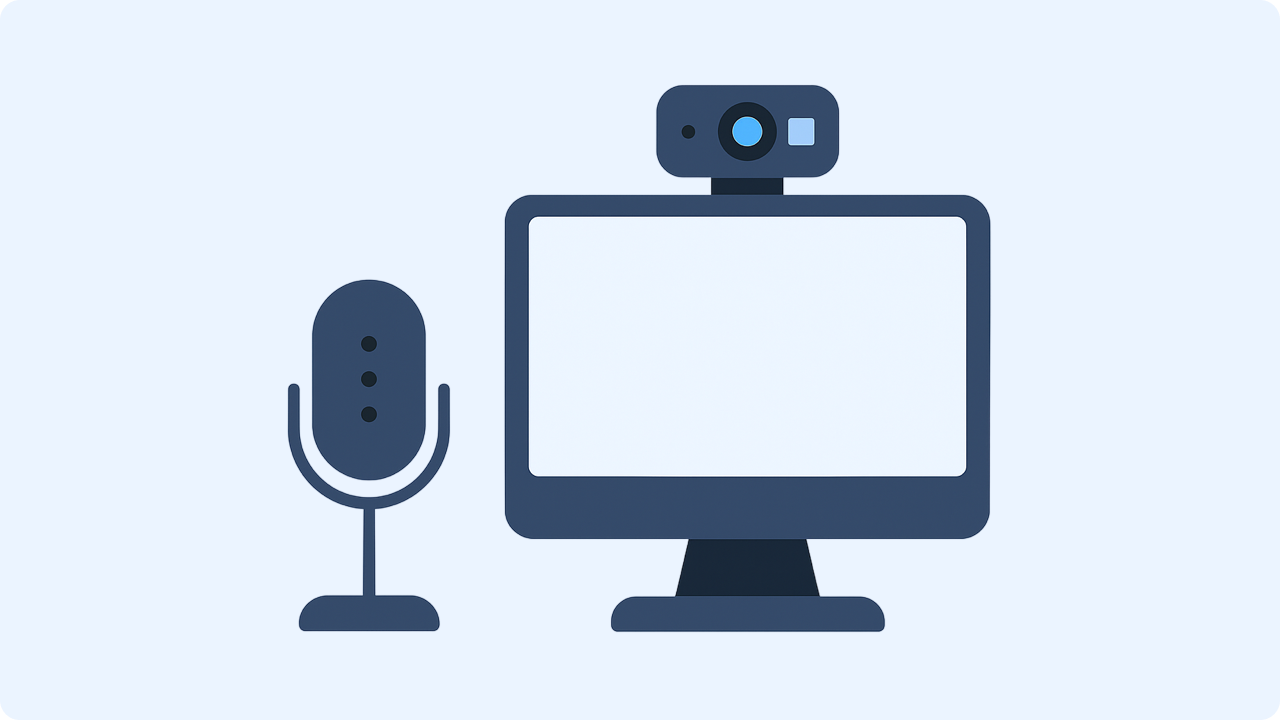

Share more than a processed file
Zight helps teams record, share, and discuss visual work with a link instead of a bulky attachment.
Get Zight freeHow to use this free tool
Complete the task in three browser-local steps.
1. Allow microphone access
Select Start recording and approve browser microphone permission.
2. Record your voice
Watch the timer and level meter, then pause, resume, or stop.
3. Preview and download
Play the WebM audio, rename it, download it, or upload it to Zight.
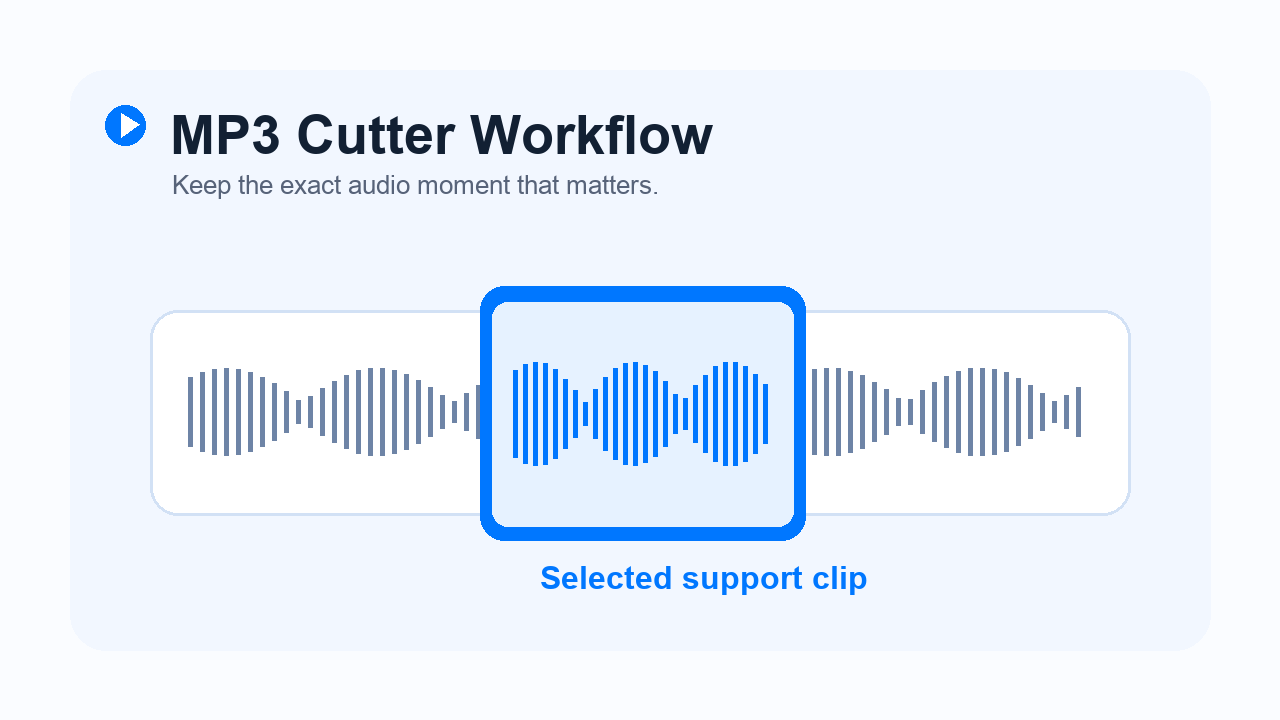
Record a quick voice note
Capture narration, feedback, reminders, interview prompts, or a spoken explanation without installing software.
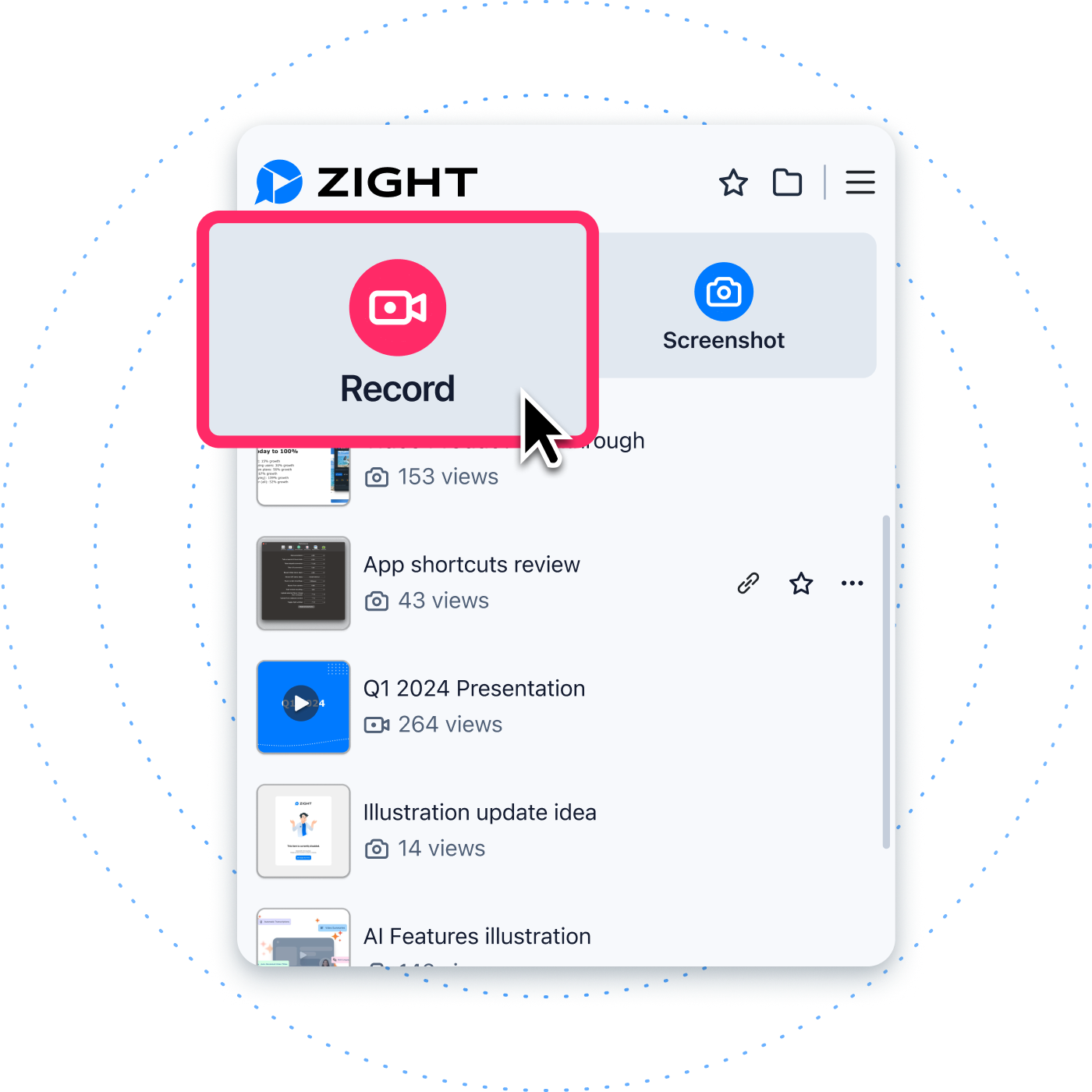
Stay in control of permissions
Your browser asks before using the microphone. The audio remains local until you explicitly upload it.
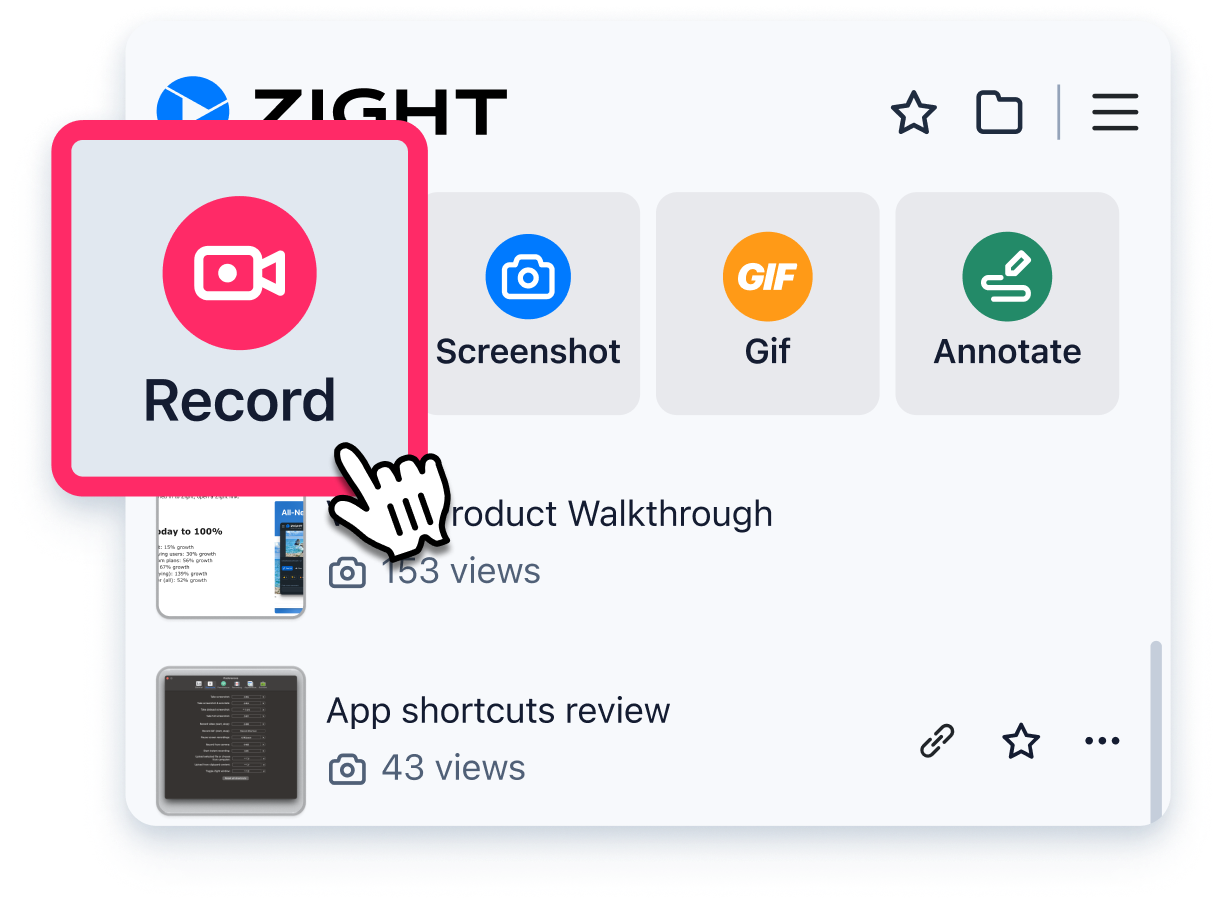
Download browser-quality audio
The recorder uses the browser MediaRecorder format, typically WebM with Opus audio in Chrome, Edge, and Firefox.
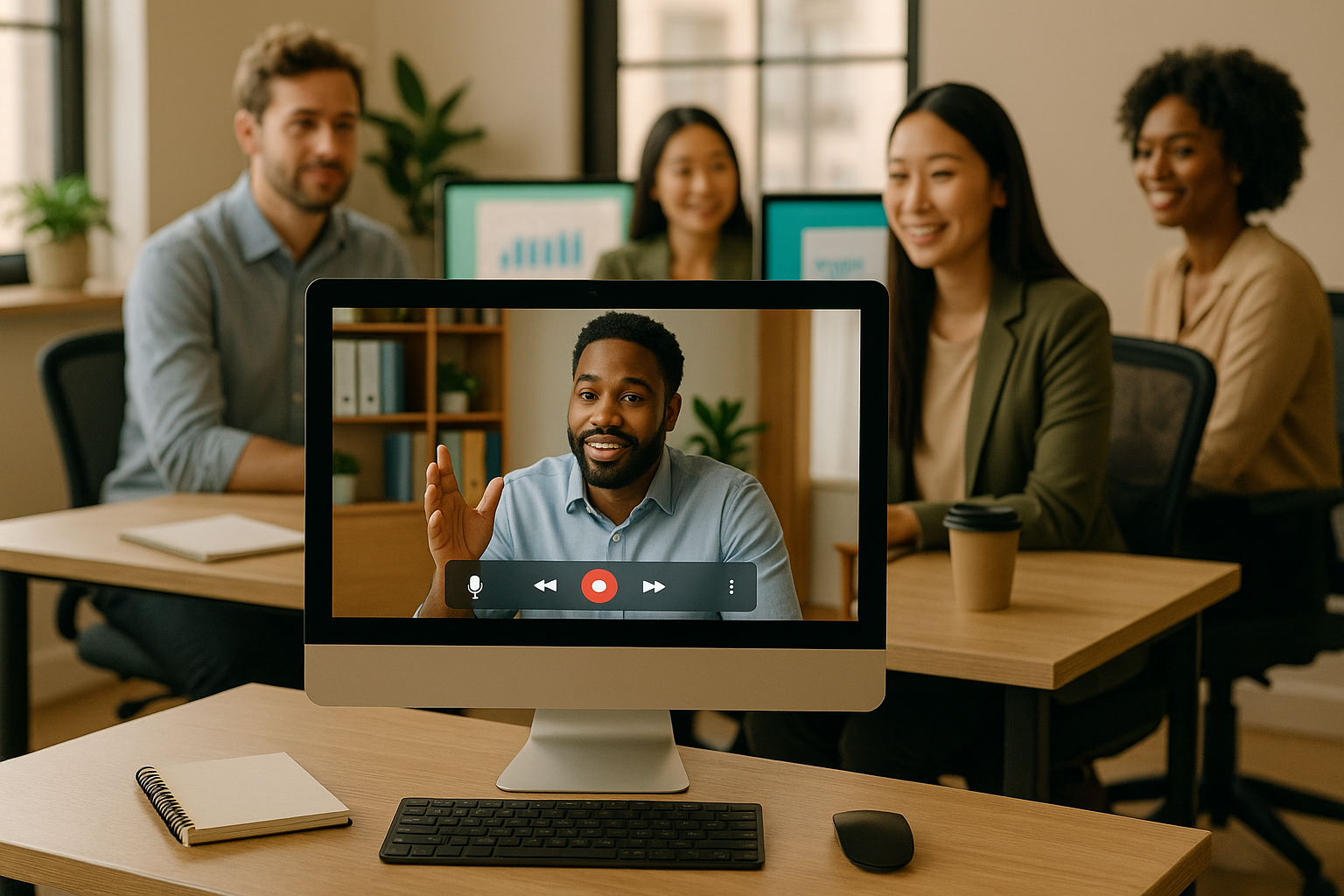
Move from voice to visual context
When an audio note is not enough, Zight can record your screen, webcam, and microphone and share the result with one link.
Related Zight tools and workflows
Record, pause, preview, and download a private microphone recording in your browser, then share it with Zight if you choose.
Ready to explain work visually?
Record your screen, webcam, and voice with Zight, then share one link for faster feedback.
Try Zight for freeFrequently Asked Questions
Select Start recording, allow microphone access, speak, then select Stop to preview and download the audio.
Current Chrome, Edge, and Firefox support WebM recording. Safari support and output formats can vary by version.
This tool downloads the browser-native WebM audio format. Use a converter when you specifically need MP3 or WAV.
Yes. Recording stays in your browser unless you explicitly choose Upload to Zight.
A practical guide to online voice recorder
Record, pause, preview, and download a private microphone recording in your browser, then share it with Zight if you choose.
Use the right next step
After completing this task, you can test your microphone, create a sound wave, record screen and voice with Zight. Each option keeps the workflow focused without forcing an unrelated tool.
Privacy and browser support
The core task runs locally in your browser. Media codec, recording, and export support varies by browser and operating system, so use a current Chrome, Edge, Firefox, or Safari release and preview the result before sharing.












