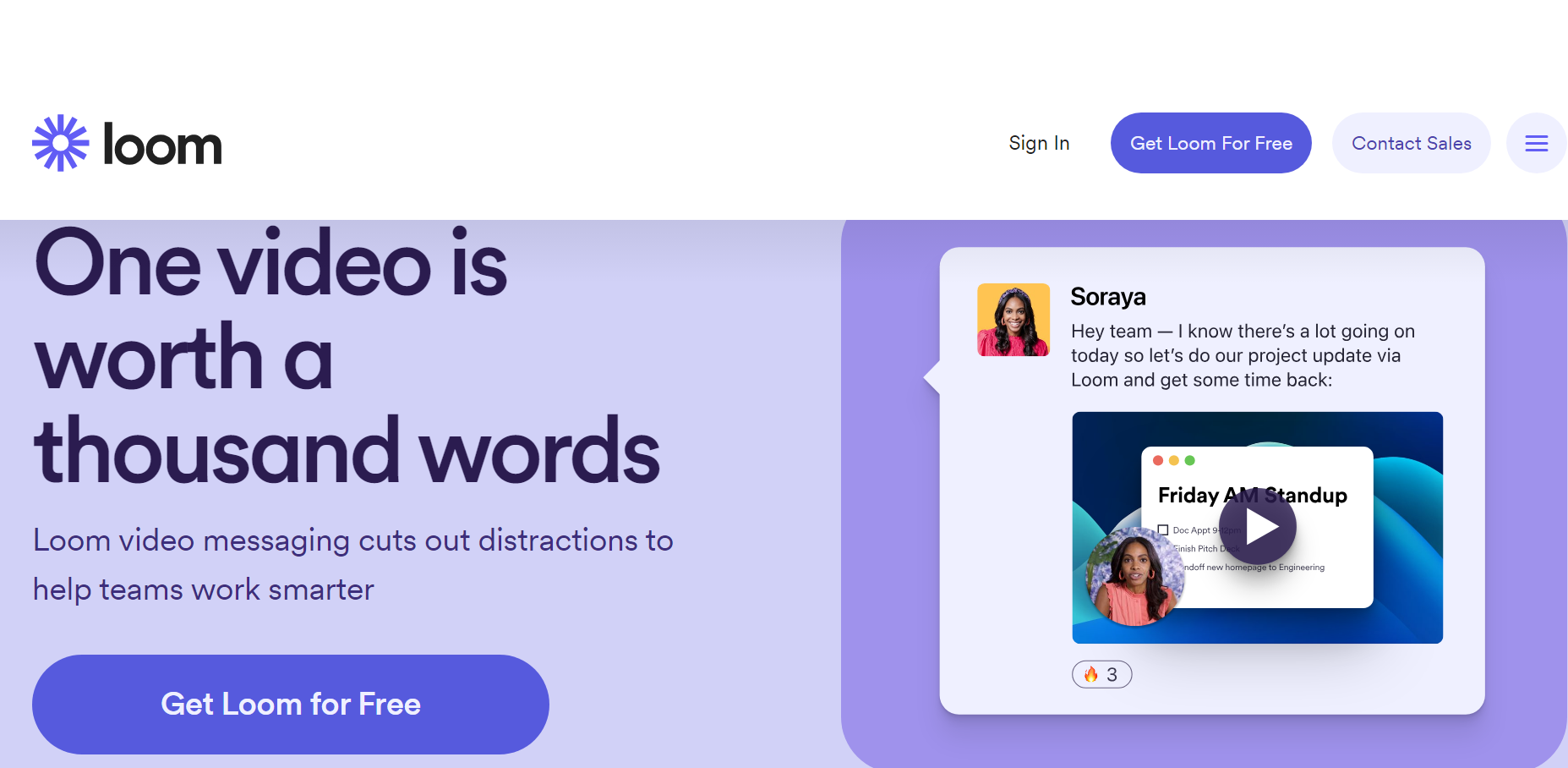
Gone are the days when video editing tools were reserved for seasoned professionals. Today, anyone can dive into video editing and unleash their creativity. The best video editing software or tools have quickly become must-have investments. Also, video editing software is fantastic for creating product demos, posting on Instagram, or sharing video streams on YouTube. So hello, content creators!
What to Consider when Choosing the Best Video Editing Software for Your Business
To find the best video editing softwar e, you need to realize that there’s no one-size-fits-all. Instead, it depends on what you want to use the tool for. For example, some professionals need video editing software to filter video content and remove unwanted mistakes. Others need a video editing solution to chop through clips and splice them together.
1. Ease of use
All video editing solutions have a learning curve to consider. However, some options are easier to use compared to others. A brilliant way to ensure you’re comfortable using your chosen tool is to look for a video editing tool with many guides, documentation, community support, and videos to help you.
2. Online or downloadable
Some video editing options allow you to upload your content into a web-based application for editing purposes. With others, however, you’ll need to download the tool. Both options are ideal for a wide range of video editing needs, but downloadable solutions are more comprehensive.
3. Budget
The more affordable the video editing tool, the more likely you’ll have to compromise on advanced features. However, finding a tool that matches your budget while still offering you the proper functionality is vital. Luckily, you can get some free video editing software that is worth it too.
4. Features
What do you want to achieve with your video editing solution? Most tools have many features, such as adding overlays and filters, changing aspect ratios, or adding captions and text to your videos. Some options include stock audio, scene transitions, and other functions.
5. File formats
An excellent video editing solution should permit you to access videos in many formats and save your finished video projects in the correct format and file type. In addition, access to various formats makes it easier for you to upload your videos to your desired platforms.
The Best Simple Video Editing Software for Business Videos
The right video editing software is essential when creating professional and engaging business videos. The best simple video editing software can help you enhance your videos, add effects, trim and merge clips, and create a polished final product that represents your business in the best possible way.
1. Zight Video Editor
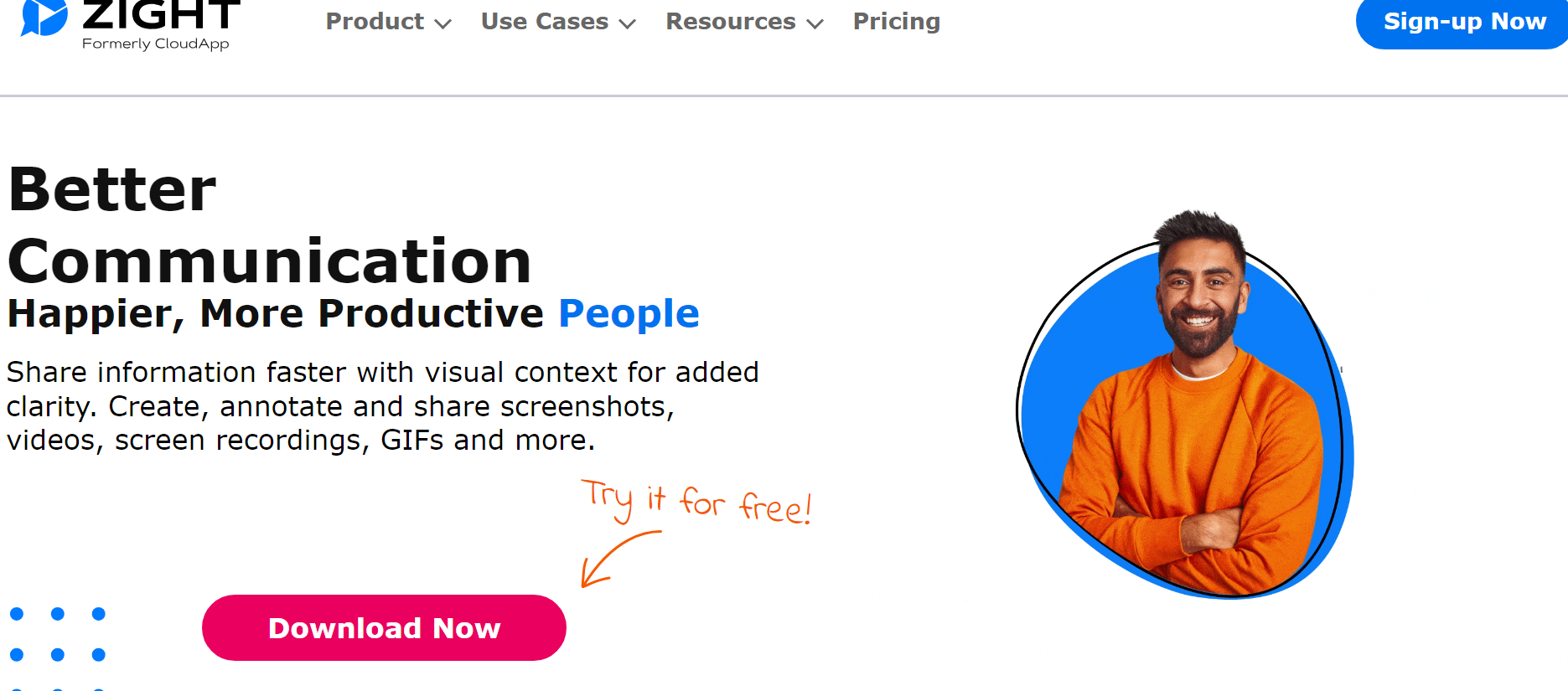
Zight is an exceptional choice for businesses looking for simple yet powerful video editing software tailored for screen and video recordings . With its extensive features and user-friendly interface, Zight empowers businesses to create professional-looking videos easily, making it the best video editing software.
- Specializes in editing screen and video recordings.
- Intuitive interface for seamless editing.
- Offers a range of features for trimming, cutting, and enhancing videos.
- Easy installation process.
- Ideal for business professionals seeking quick video edits.
- Limited advanced features compared to more robust editing software.
- It may not be suitable for complex editing projects.
2. Movavi Video Editor
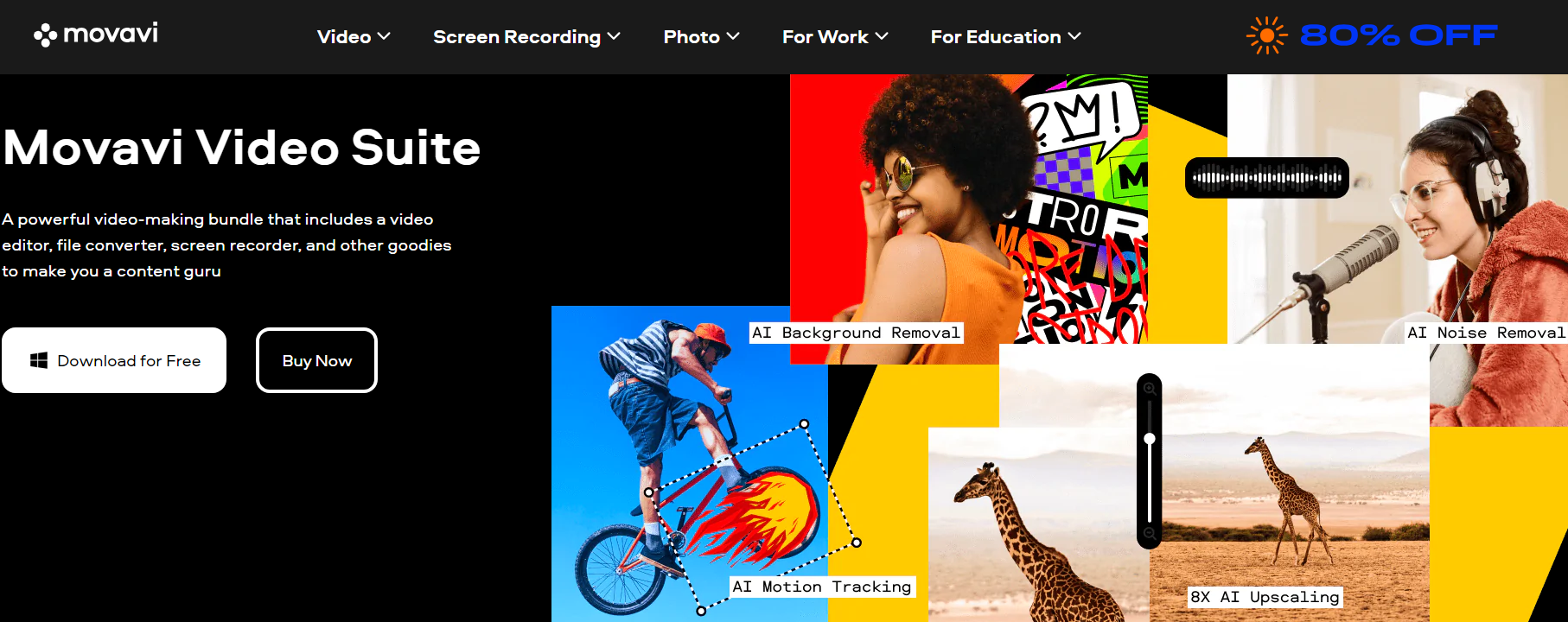
Movavi has established itself as one of the best simple video editing software options for business video editing. What sets it apart is its visually appealing interface that hosts a comprehensive range of tools, catering to the needs of business video editing, hobbyist video editors, and YouTubers.
- Easy-to-understand user interface
- Chroma-key capability
- Motion tracking and picture-in-picture tools
- Quick movie creation tool
- Transitions with sound
- It doesn’t have advanced trim modes and clip pre-trimming
- The rendering is on the slow side
- The free version may have limited functionality.
3. Loom Video Editor
If you are not using Zight, you can’t miss capturing your screen effortlessly with Loom’s intuitive interface . It is perfect for showcasing software demos, tutorials, and presentations. Edit your recordings easily, trimming and cropping to perfection while ensuring your videos are polished and professional without the steep learning curve.
- Effortless video creation and editing experience.
- Intuitive interface for easy navigation.
- Share videos with clarity and polish.
- Suitable for quick and simple editing tasks.
- It may lack some advanced features required for complex edits.
- Limited customization options compared to more advanced software.