
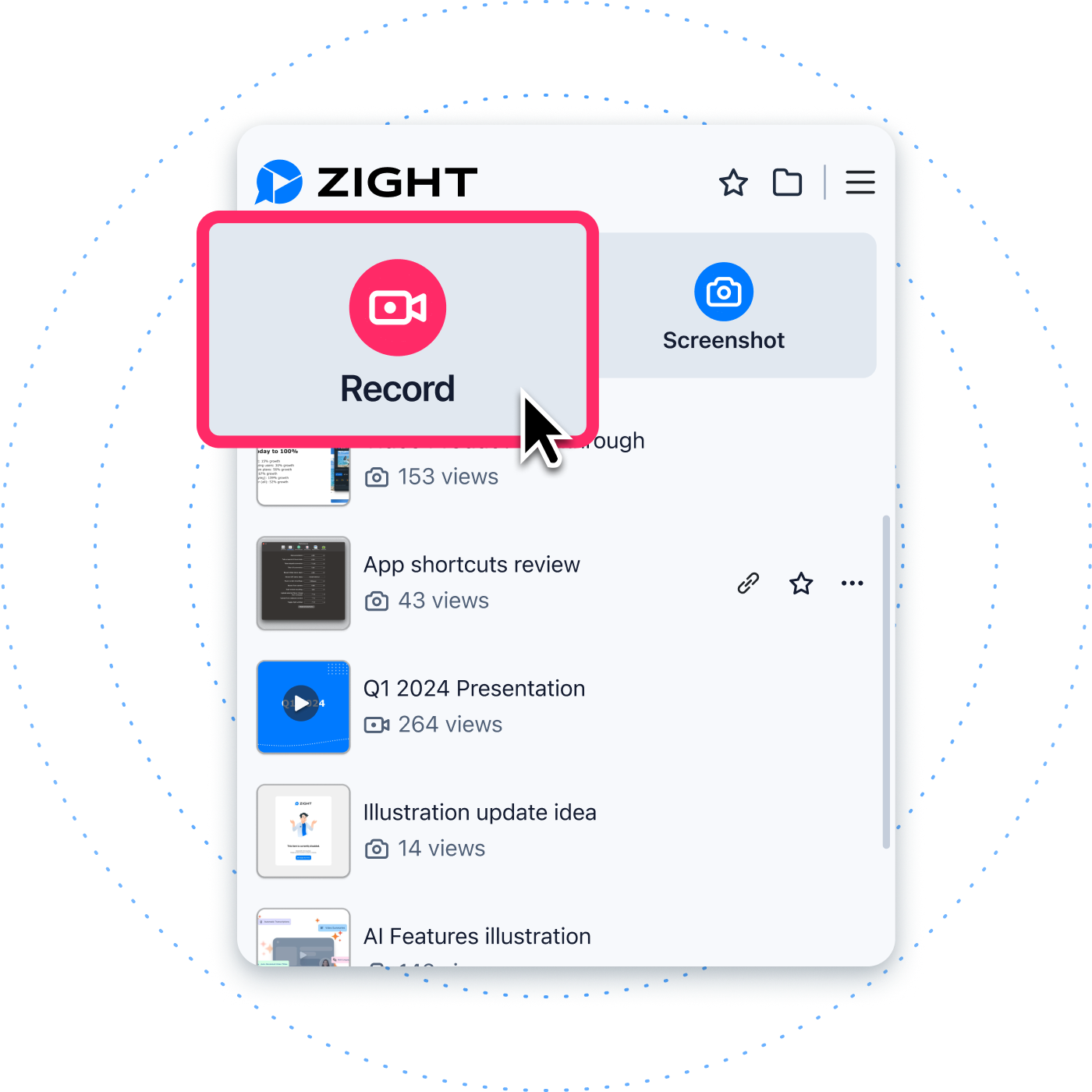
A share link connects the recording, the viewer, and the team responsible for access and retention. The right screen recorder should publish quickly, open without friction, and give administrators enough control to manage recordings after the first view.
What to require from a share-link recorder
A good screen recorder with share links should move quickly from capture to viewable URL, support low-friction playback, provide appropriate access controls, allow password or expiration options where needed, give administrators ownership and security settings, and make recordings useful after the first view through titles, summaries, analytics, and organization.
Comparison table
| Capability | Why it matters | Pilot test |
|---|---|---|
| Capture-to-link speed | Slow publishing kills adoption. | Record a one-minute answer and time how long until a teammate can view it. |
| Viewer access | Recipients should not struggle to open the explanation. | Test internal, external, mobile, and browser playback. |
| Password and expiration | Some links need extra protection. | Create protected links and verify behavior after expiration. |
| Analytics | Teams need to know whether a recording was watched. | Check views and percentage viewed where available. |
| Organization | Useful recordings should be findable later. | File a recording into a shared workflow and retrieve it a week later. |
| Admin controls | Workspace governance prevents sprawl. | Remove a user and confirm ownership and access behavior. |
Why the link is the workflow
The recorder creates the asset, but the link determines whether the asset actually helps. A useful link opens for the right viewer, carries enough context, respects company policy, and remains manageable after the conversation ends. A weak link becomes another attachment problem with a different shape.
When a share-link recorder is the right choice
Choose a screen recorder with share links when your team needs to show work without forcing recipients to download files or join a meeting. Evaluate the entire lifecycle: capture, upload or processing, playback, permissions, expiration, analytics, organization, ownership, retention, and deletion.
Where Zight fits
Zight is built around recording and sharing visual work by URL. Its screen recorder page describes recording and link sharing, while its file-sharing page describes URLs, public or password-protected links, and expiration options. That makes it relevant for teams that need visual communication rather than file attachments.
Capture-to-link speed
Adoption depends on how fast a person can record, finish, and send the link. Test a realistic workflow: a support answer, a product feedback note, and an internal update. Measure the time from pressing record to a recipient opening the link. Also check whether naming, trimming, and summary steps slow the user down or improve clarity.
Browser playback and viewer friction
Recipients should not need a complicated setup to view a simple explanation. Test the link in a clean browser session, on mobile, on a managed work device, and with an external recipient. Note whether login is required, whether the player works, whether captions or transcripts are available, and whether the page clearly communicates the content.
Access models
Different recordings need different access. Internal updates may belong inside a team workspace. Customer support replies may need external access. Sensitive walkthroughs may require password protection or expiration. Ask how public links, private links, password-protected links, revoked links, and workspace-only content behave.
Password, expiration, and revocation
Password protection and expiration are useful only if teams understand when to use them. Define policy by content type. For example, general product walkthroughs may be public, while customer-specific support recordings may need tighter access. During procurement, test what happens when a link expires or is revoked.
Link previews and context
A link preview can help recipients decide whether to open the recording, but it can also reveal sensitive information in the title or thumbnail. Train users to name recordings carefully and avoid exposing private details. Ask whether administrators can control preview behavior or default sharing settings.
Annotations and focused explanations
A share link is more useful when the recording or screenshot clearly points to the issue. Zight’s annotation workflow describes text, arrows, callouts, highlighting, and redaction or blur for screenshots. Use these tools to remove ambiguity before sending the link.
Captions, transcripts, and summaries
Written support around a recording helps accessibility, search, and reuse. If the product creates transcripts or summaries, review their accuracy and governance. Do not rely on generated text without checking it for sensitive information, wrong product names, or misleading instructions.
Analytics for follow-through
Viewer analytics can help teams understand whether a link was opened and watched. Zight’s analytics page describes views and percentage viewed. Use analytics carefully: they can guide follow-up, but they should not replace good ticket notes, customer communication, or privacy-aware measurement.
Organization and search
Recordings become more valuable when they can be found later. Teams should decide how assets are titled, tagged, collected, and retired. Zight’s collections are relevant when recordings need to be grouped for projects, support answers, onboarding, or product feedback.
Ownership transfer and offboarding
A practical screen recorder must handle people leaving the company or changing teams. Ask what happens to links created by a departed user, whether administrators can transfer ownership, and how shared collections or folders behave. Offboarding is a real workflow, not an edge case.
Retention and download policy
Recordings should not live forever by default unless there is a business reason. Ask about deletion, retention settings, downloads, exports, and legal or compliance needs. Decide which content should be reusable knowledge and which should be removed after the support or project need ends.
Mobile viewing
Many recipients open links on phones even if the recording was captured on desktop. Test mobile playback, orientation, captions, controls, and page load. A link that works only on a large monitor may fail executives, customers, field teams, and anyone reviewing context away from their desk.
Integrations and workflow placement
A link is most useful when it sits in the system where work already happens: tickets, issues, docs, project updates, chat, or email. Verify how the recorder behaves in your actual tools. The goal is not to create a separate archive that nobody checks.
Admin controls and security evidence
Ask about workspace settings, SSO, authentication, 2FA, link policies, content-level controls, and security evidence. Zight’s teams page describes team workspaces, user-based controls, company-wide policies, SSO availability, content-level security options, authentication and 2FA controls, and SOC 2 Type II, GDPR, and CCPA compliance. Validate current details with the vendor.
Hands-on pilot script
Run five scenarios: a support answer to an external customer, a product feedback recording, an async leadership update, an onboarding walkthrough, and a client-facing explanation. For each, record, share, protect if needed, view as the recipient, check analytics, organize the asset, and delete or retain it according to policy.
Share links versus attachments
Attachments force recipients to download, store, and manage files. Share links can centralize playback, access, and updates. Public hosting can create reach but may lack business controls. A business screen recorder should give teams the speed of a link with governance appropriate for work content.
Final recommendation
Choose the recorder that makes the link useful after the first send. It should be fast, viewable, governable, measurable, and findable. To test Zight, read how to share a screen recording, review secure video sharing tools, and start a pilot with real team workflows.
Verification checklist
- Confirm the current plan, platform, security, retention, and administration details with each vendor.
- Test the workflow with real internal and external viewers before rollout.
- Review whether sensitive data can appear in recordings, screenshots, transcripts, thumbnails, or link previews.
- Define ownership, naming, organization, expiration, deletion, and knowledge-base reuse rules.
- Measure operational outcomes instead of assuming visual communication automatically improves every metric.
Frequently asked questions
What is a screen recorder with share links?
It is a recording tool that creates a viewable URL after capture so recipients can watch without receiving a large attachment. Business teams should also evaluate access, analytics, organization, and administration.
Are public share links safe?
Public links can be appropriate for low-risk content, but sensitive recordings may need password protection, expiration, revocation, or workspace-only access. Teams should define policy by content type.
Why do viewer analytics matter?
Analytics can show whether a recipient opened or watched a recording. That helps with follow-up, support clarity, and internal communication, but it should be used alongside ticket notes and privacy-aware practices.
Should a share-link recorder include screenshots?
Yes, many workflows are better served by annotated screenshots than videos. A complete visual communication process should support both static and motion-based explanations.
How should teams pilot a share-link recorder?
Test real scenarios with internal and external viewers, mobile playback, password and expiration controls, analytics, ownership transfer, organization, and deletion.
Next step
If your team is ready to evaluate this workflow with real recordings, Try Zight for visual communication.
Where Zight fits: record, share, and route the next action
Zight combines screen recording with immediate sharing, so the link is part of the workflow rather than an afterthought. Use Zight’s screen recorder when a teammate, customer, or prospect needs to see the exact steps. For support scenarios, connect the recording to customer-support screen recording workflows. For enablement, pair the recording with training workflows that turn repeated explanations into reusable clips.
Choose the next step for the recording
- Record a new walkthrough when someone needs to see the exact steps.
- Use a customer-support workflow when the recording belongs with a ticket or escalation.
- Build a training workflow when the explanation should be reused in onboarding or documentation.
- Use a conversion, trimming, or compression tool when the video already exists and only the file needs work.












