
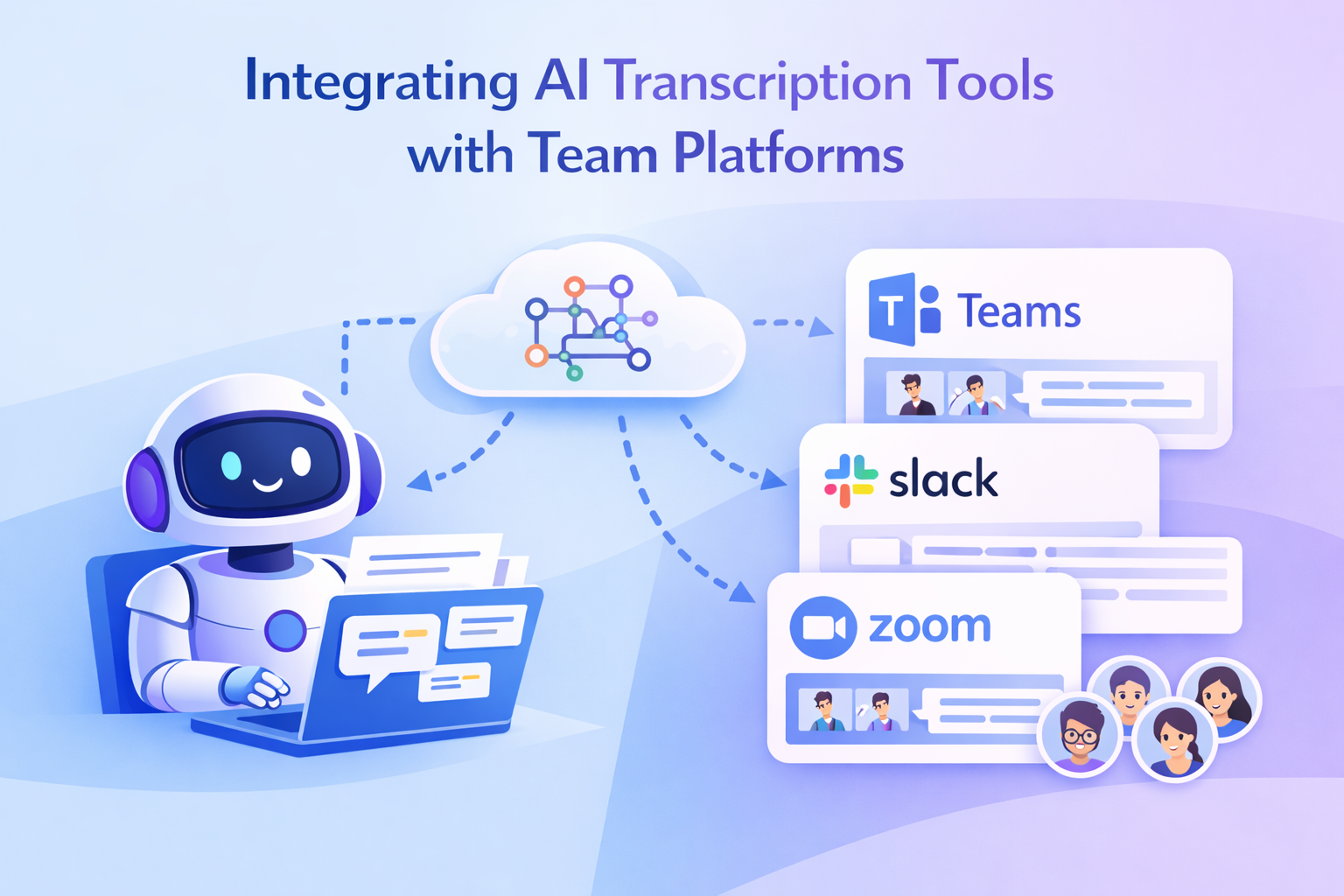
- Real-time transcriptions in multiple languages for global teams.
- Automated meeting summaries that capture decisions and action items.
- Direct integration with team platforms to eliminate manual file transfers.
- Accessibility improvements for hearing-impaired team members and non-native speakers.
How to Set Up AI Transcription Tools with Team Platforms
Integrating AI transcription tools with team platforms involves meeting specific technical requirements and following platform-specific setup procedures. Here’s a breakdown of the key steps to get started.Technical Requirements for Connection
To enable seamless integration, start by obtaining API keys for platforms like Slack, Microsoft Teams, or Jira. These keys allow automatic data exchange, ensuring transcripts flow directly into your team channels without requiring manual uploads. You’ll also need to configure your firewall to allow HTTPS traffic on standard ports. In some cases, specific IP addresses may need to be whitelisted. Ensure administrative access is granted on both the AI transcription tool and the team platforms for smooth configuration. Most AI transcription tools support standard file formats like TXT, DOCX, and PDF, making it easy to work with the transcripts. Additionally, implementing Single Sign-On (SSO) can simplify authentication processes for your team. Finally, ensure that your organization’s data storage and retention policies align with compliance requirements, especially if operating in regulated industries. Many tools offer GDPR compliance and customizable retention settings.Step-by-Step Setup for Different Platforms
Once technical requirements are in place, follow these steps to configure each platform. Slack Integration Head to Slack’s App Directory, find your AI transcription tool, and install it. During setup, authorize permissions such as reading channel information, posting messages, and accessing user profiles. Configure bot settings to specify which channels will receive transcripts, and adjust notification preferences. Test the integration by running a meeting and ensuring transcripts appear in the designated Slack channel. Microsoft Teams Setup For Microsoft Teams, integration often requires calendar access to enable automatic meeting participation. Use the Teams Admin Center to configure the AI transcription app under the Teams apps section. Grant permissions for calendar access, meeting participation, and channel posting. Set the tool to auto-join meetings based on calendar events, which streamlines workflows. Adjust sharing settings to ensure transcripts post to the appropriate channels and notify team members as needed. Jira Integration In Jira, access the app marketplace to install the AI transcription connector. Configure it to create tickets from meeting action items and link transcripts to relevant project issues. Use custom fields to capture valuable meeting metadata, such as attendees, decisions, and follow-up tasks. This setup is particularly useful for development teams managing discussions about features or bug fixes. Zight’s built-in connectors simplify these processes through a guided wizard, helping you configure API keys, permission settings, and channel mapping. With Zight, transcribed content from screen recordings and meetings is automatically organized into the correct project spaces, cutting down on manual file management.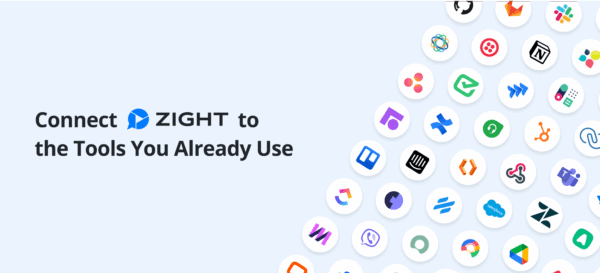
Testing and Optimization
Once integrations are set up, test each platform to ensure transcripts are generated correctly and appear in the right channels with proper formatting. Verify that permissions are working as intended and that team members can access transcripts based on their roles. To fine-tune performance, adjust settings to match your team’s needs. These may include setting language preferences for multilingual teams, creating custom vocabularies for industry-specific terms, and scheduling notifications to align with your team’s working hours. These tweaks ensure the integration supports your workflows without causing disruptions.Fixing Common Integration Problems
Even with a well-planned setup, integration issues can crop up. Common challenges include authentication failures and transcript synchronization errors. Tackling these problems promptly is essential to keep your team running smoothly.Fixing Login and Permission Problems
API Key Issues are a frequent cause of login troubles. These often occur when keys expire or are improperly configured, blocking the transcription tool from accessing platforms like Zoom or Microsoft Teams. Start by checking the API key’s expiration date in your transcription tool’s settings. If it’s expired, generate a new one via your meeting platform’s developer console and update the transcription tool accordingly. Also, ensure the API key has the correct permissions to access recordings, participant data, and scheduling information. Stable internet and updated software versions can also help avoid connectivity hiccups. Access Control Problems arise when user permissions are set incorrectly during setup. If you’re using Zight, the “Manage Users & Roles” feature simplifies adjusting permissions with customizable sharing settings for better access control. Single Sign-On (SSO) Conflicts may block authentication requests, especially in enterprise environments. Collaborate with your IT team to whitelist necessary domains or adjust security settings so your identity provider recognizes the transcription tool as an approved application. Calendar Integration Failures can disrupt automatic scheduling if the tool’s calendar access is incomplete or improperly configured during setup. Once login and permission problems are addressed, it’s time to focus on synchronization and language-related issues.Solving Transcript Sync and Language Problems
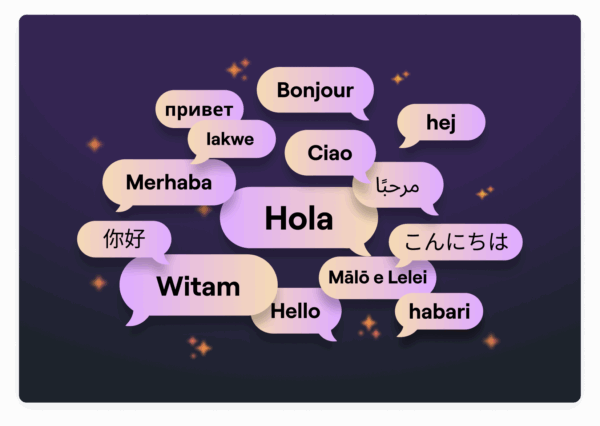
Synchronization Delays between transcription tools and team platforms can interrupt workflows. These delays might result from network issues, server overloads during peak times, or misconfigured webhooks. Checking the platform’s status page during sync issues can help identify any service-wide disruptions. Low-Quality Transcription Output is often caused by poor audio input. Ensure your microphone is set up correctly to deliver clear audio, and adjust noise cancellation settings to minimize background interference. Multilingual Transcription Challenges require careful attention. Zight supports over 50 languages and includes AI translation features, though accuracy may vary with different accents or dialects. To improve results, select your primary language and create custom vocabularies for industry-specific terms or frequently mentioned names. Fred Pike, Managing Director at Northwoods, shared his experience with Zight’s AI capabilities:“I’ve had the AI add-on for about a month now and the video transcriptions, the chapters in the video, and the summary data – wow, it’s great! I wasn’t sure it’d be worth it, but it absolutely is – I love those features!”
 Format Compatibility Issues can arise when transcripts fail to display correctly across platforms. While most tools support formats like TXT, DOCX, and PDF, formatting can sometimes break during transfers. Double-check your export settings and confirm that the receiving platform supports the chosen format. Security Protocol Conflicts are another common hurdle. Corporate firewalls, data loss prevention systems, or strict SSO configurations can block functionality. Work with your IT team to whitelist required IP addresses and domains. If GDPR compliance is a concern, verify that your transcription provider adheres to all relevant security and privacy standards.
 Monitoring and Prevention
Consistent monitoring can help you avoid recurring integration problems. Track transcription accuracy and synchronization delays to identify potential issues early. User feedback is invaluable – establish a routine for gathering input to address pain points effectively. Following best practices, such as rotating API keys every 90 days, can also bolster security. Keeping detailed documentation of your setup ensures quicker troubleshooting when needed.Getting More Done with AI Transcription Features
Once you’ve ironed out integration challenges, AI transcription tools can become a game-changer for team collaboration. These tools go far beyond basic speech-to-text functionality, offering features that can reduce tedious admin work and improve how teams work together.Using Advanced Features for Team Work
With integration set up, advanced transcription features can take your team’s productivity to the next level. One standout feature is automated action item extraction. Instead of manually jotting down tasks, the AI identifies them, assigns responsibilities, and highlights key decisions made during meetings. This means less time spent on follow-ups and more time focusing on execution. Another powerful tool is real-time speaker identification. By tagging who said what, this feature makes it easy to track commitments and understand who contributed specific insights. When reviewing decisions or assigning tasks later, this clarity can save hours of backtracking. Then there are searchable archives, which turn meeting transcripts into a goldmine of information. Imagine being able to search for that one feature change discussion or the exact moment a pricing strategy was finalized. This eliminates the frustration of combing through endless notes or relying on memory.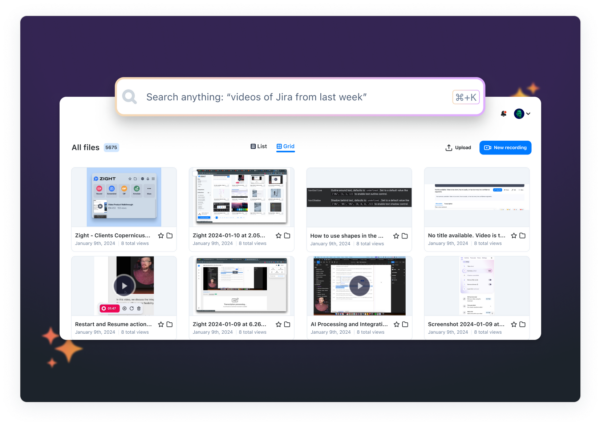 The impact of these tools is clear. For example, IBM reported a 30% reduction in time spent on note-taking during meetings and a 25% boost in productivity after adopting AI transcription tools. Additionally, 85% of companies have seen a noticeable uptick in efficiency thanks to these capabilities.
 Best Methods for Remote and Async Teams
Remote and asynchronous teams often struggle with staying aligned across time zones and varying schedules. AI transcription tools help bridge these gaps by streamlining workflows and ensuring everyone stays on the same page. Centralized knowledge management plays a big role here. Storing finalized transcripts in platforms like Notion or Confluence ensures that meeting outcomes are available to all team members, no matter where or when they work. Another key advantage is integration with project management tools like Asana or Trello. AI can automatically create tasks and assign them directly from meeting transcripts. For example, if an action item is discussed, it can instantly appear in the team’s workflow system, complete with deadlines and reminders. For global teams, language barriers are less of an issue with tools like Zight, which supports transcription and translation in over 50 languages. As Zight puts it:“If you think transcribing English is cool, we’ve got the power to take 50+ other languages and apply those same powers too!”Instant sharing mechanisms are another game-changer. These allow multilingual transcripts to be quickly distributed to team members or external stakeholders without needing additional accounts or navigating permissions. This is especially handy for sharing meeting summaries with clients or partners who weren’t part of the original discussion. These features ensure remote and asynchronous teams stay aligned, complementing the integration benefits already discussed.
Keeping Data Safe and Meeting Compliance Rules
While productivity is essential, data security and compliance take center stage when using AI transcription tools. Sensitive business discussions, client calls, and strategic plans require strict privacy measures and adherence to regulations. For organizations operating in or serving European markets, GDPR compliance is a must. Many transcription tools are designed to balance high-accuracy performance with GDPR requirements, ensuring privacy without sacrificing functionality. Secure storage options are equally critical. Transcripts should be stored in centralized systems with encryption both during transfer and at rest. It’s important to verify that the transcription service processes data on secure servers and aligns with your company’s data retention policies. Establishing access control policies is another key step. Clearly defining who can view, edit, and share transcripts is vital, especially when dealing with sensitive information. Role-based access controls are a practical way to maintain confidentiality while enabling collaboration. Finally, audit trails provide transparency by tracking who accessed specific transcripts and when. This helps organizations monitor security and meet compliance reporting requirements. The demand for AI-powered transcription tools is growing rapidly, with the global market expected to expand by 25% annually from 2023 to 2026. As this market grows, selecting tools with strong security features and clear data residency options will be crucial, particularly for industries with strict geographic data requirements.Conclusion: Better Team Work with Connected AI Transcription Tools
Bringing AI transcription tools into team platforms takes collaboration and communication to the next level. These tools not only streamline workflows but also save time, boosting productivity and reducing the need for constant follow-ups. By cutting down on tedious tasks, teams can focus on what really matters, working together effectively. Take IBM, for example. By using AI transcription tools, they’ve reduced note-taking time by 30% and increased meeting productivity by 25%. This efficiency comes from automating manual tasks that used to eat up hours of administrative work each week. For multilingual teams, tools like Zight make a huge difference. They break down language barriers by supporting over 50 languages, ensuring everyone is on the same page. Edward Wikstrom, Director of Technology at St. Dominic High School, shared how these tools have transformed his team’s workflow:“The AI has been a huge help with professional development videos by automatically adding chapters and turning videos into printed step-by-step guides”.But these tools go beyond just transcription. They offer searchable archives and can automatically pull out action items, creating a robust knowledge management system. This ensures nothing gets lost, and team members stay accountable across projects. For remote or asynchronous teams, the benefits are even greater. When integrated with project management platforms, action items from meetings flow directly into workflows, complete with deadlines and assignments. This smooth process eliminates the common issue of follow-through falling through the cracks. The growing adoption of AI transcription tools reflects their undeniable value. The global AI transcription market is set to grow by 25% annually between 2023 and 2026, signaling that businesses increasingly view these tools as essential, not optional. On top of that, these tools prioritize security and compliance. Features like enterprise-grade encryption, role-based access controls, and audit trails meet the strict demands of regulated industries, ensuring data remains protected without sacrificing collaboration. AI transcription tools don’t just record conversations, they turn them into actionable insights. This helps teams make better decisions, stay aligned, and execute tasks more efficiently, even when spread across different locations.












