Key Takeaways:
- Why It Matters: 52% of remote workers struggle with excessive meetings; async tools cut meeting time by 25% and boost project speed by 30%.
- Key Features: Threaded chats, file sharing, screen recording, AI summaries, and integrations with tools like Slack, Jira, and Google Workspace.
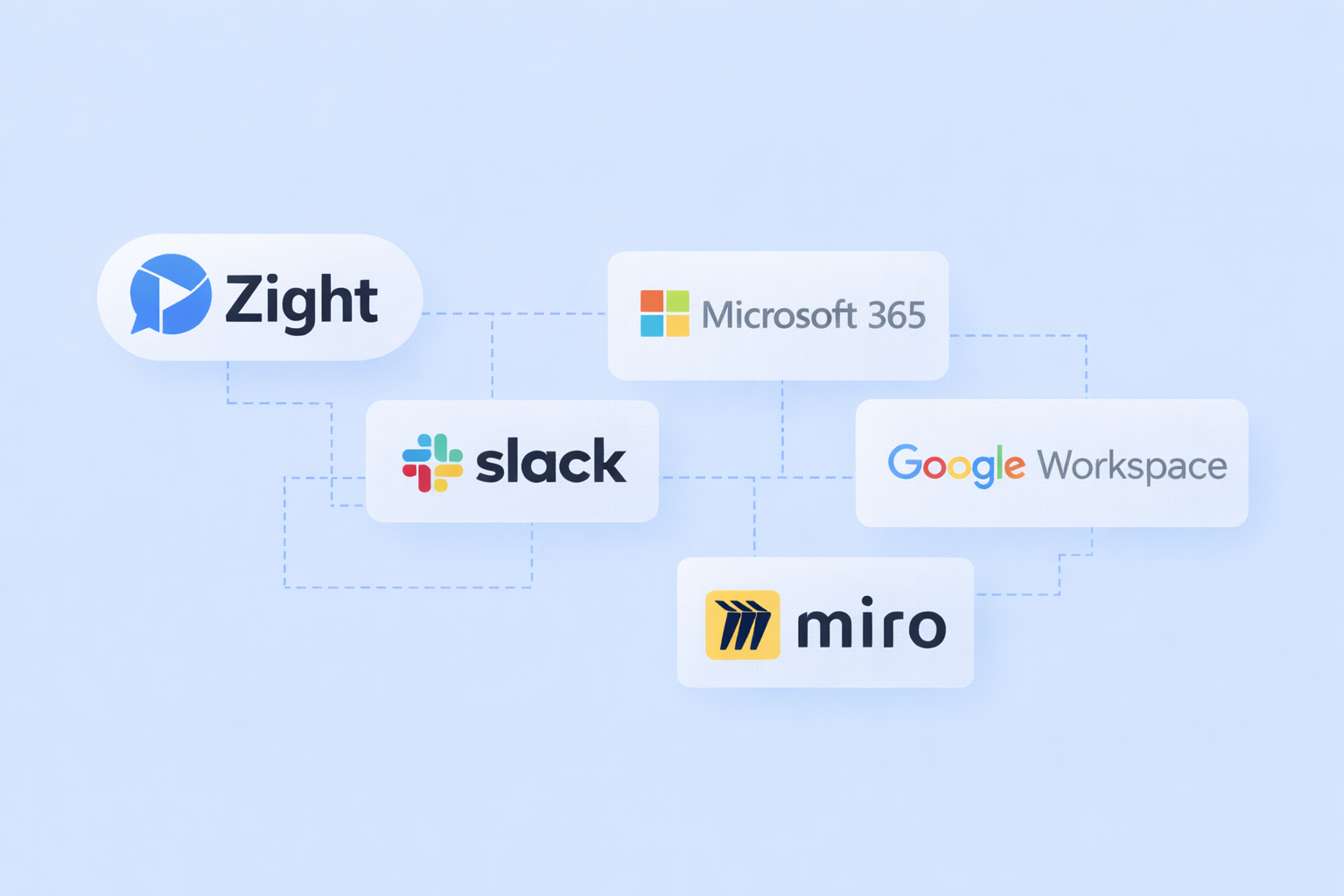
- Top Tools:
- Zight: Visual communication, AI transcription, $9/month.
- Slack: Threaded conversations, AI recaps, $4.35/month.
- Microsoft Teams: Microsoft 365 integration, $4.00/month.
- Google Workspace: Document collaboration, $7.00/month.
- Miro: Visual brainstorming, $8.00/month.
Quick Comparison:
What to Look for in Asynchronous Tools
Asynchronous tools can revolutionize how teams collaborate, but choosing the right one is key. A well-suited platform can simplify workflows and improve communication, while the wrong one may create unnecessary hurdles. Here’s what to focus on when evaluating options.Core Features
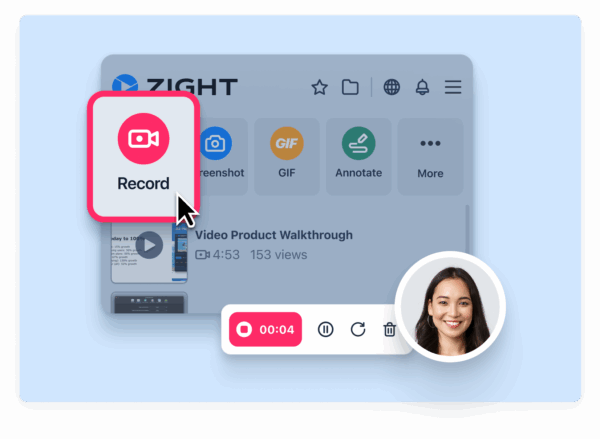
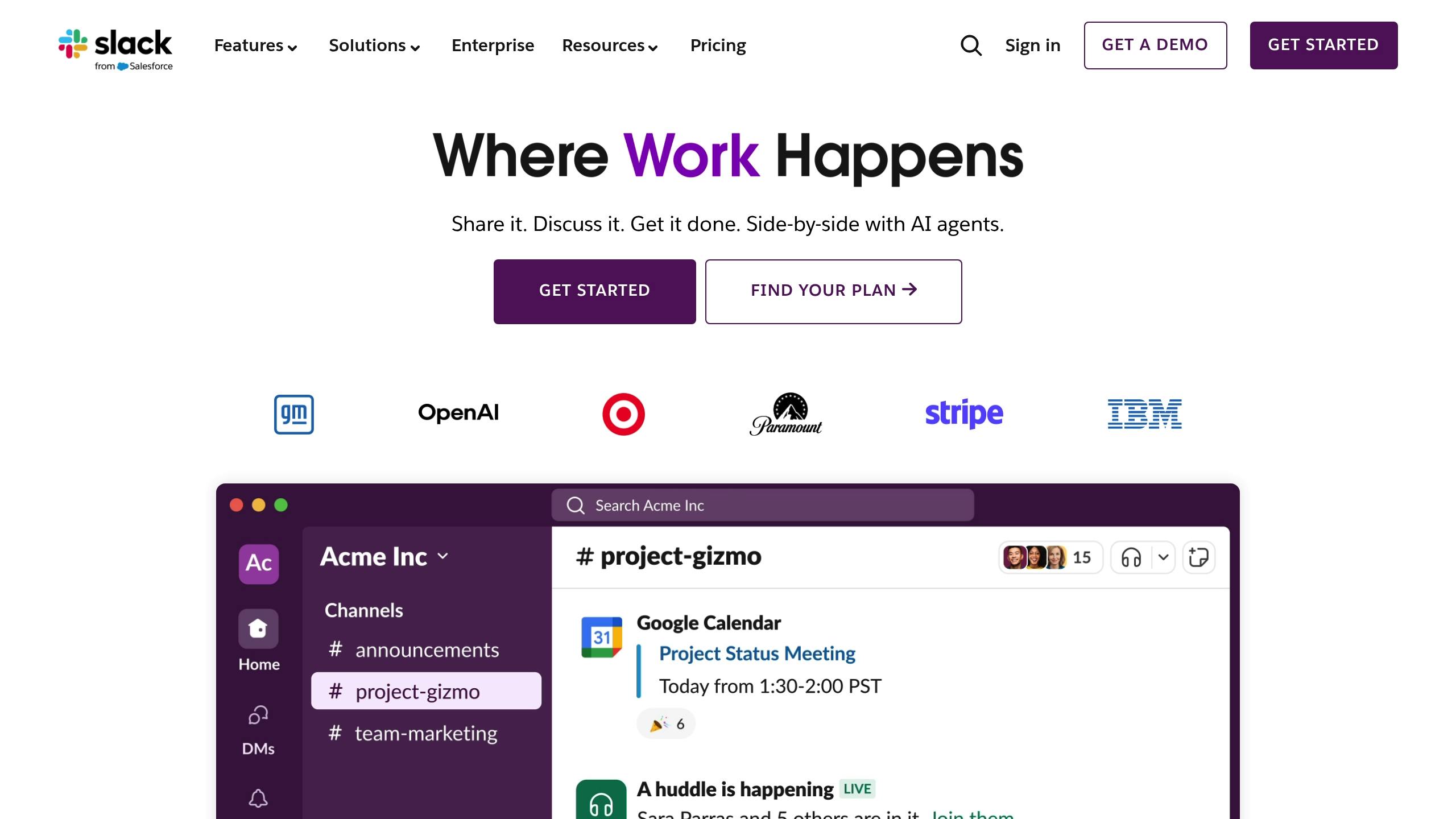
The best asynchronous tools are built on solid core features. For starters, persistent chat with threaded conversations is a must. This ensures that team members can catch up on discussions and decisions at their own pace without losing context. Slack, for example, excels in this area with its structured channels, earning it a 4.7/5 Capterra score for asynchronous communication.“Zight has been great, I’ve used it for many years now. Primarily I use it as a visual reference in Slack messages. I will write up instructions/updates etc and link specific words to Zight screenshots to illustrate my point. As a designer this happens a lot, so I’m doing quick UI mocks to get concepts across fast.” – Kate Frappell, Senior Design Lead, OfloadAnother essential feature is file sharing that’s directly integrated into conversations. This eliminates the hassle of hunting for the latest version of a document. Combine this with video and screen recording capabilities, and you’ve got a tool that allows team members to visually explain complex ideas or demonstrate processes. This approach is especially helpful for distributed teams working across time zones, as it minimizes misunderstandings and speeds up problem-solving.
 On top of that, a robust search function is crucial. Whether it’s messages, files, or video content, team members should be able to quickly locate what they need. Once these core features are in place, the next step is ensuring the tool integrates seamlessly with your existing workflows.
 Integration Options
The most effective asynchronous tools don’t operate in a vacuum, they work in harmony with the platforms you already use. Seamless integration with tools like Slack, Microsoft Teams, Jira, Google Workspace, and Trello can eliminate the constant switching between apps that disrupts productivity. Take Zight, for example. It integrates directly with platforms like Slack, Microsoft Teams, and Jira, allowing users to share screen recordings and visual content without leaving their primary workspaces. This kind of integration keeps everything flowing smoothly, enabling team members to share feedback and explanations right where discussions are happening.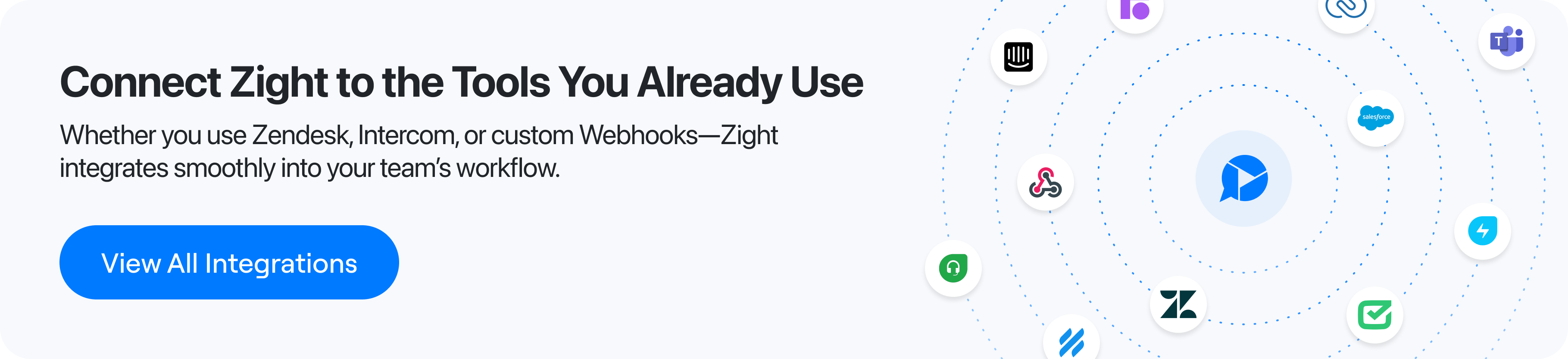 The best platforms also offer extensive integration options through app marketplaces. These allow teams to automate notifications, sync task updates, and centralize the flow of information. When evaluating tools, prioritize those that already connect with your team’s essential apps. For U.S.-based teams, it’s also important to ensure integrations meet local compliance standards and data residency requirements. Security is another critical consideration. Enterprise-grade security controls and admin features are vital when sensitive data is shared across multiple platforms. Once integrations are in place, advanced AI capabilities can take collaboration to the next level.
 AI-Powered Tools and Analytics
Modern asynchronous platforms are increasingly powered by AI to automate repetitive tasks and provide actionable insights. For instance, automated transcription can convert video messages into searchable text, while AI-generated summaries distill long conversations into key points. Translation features are also invaluable for diverse teams, with some platforms supporting over 50 languages.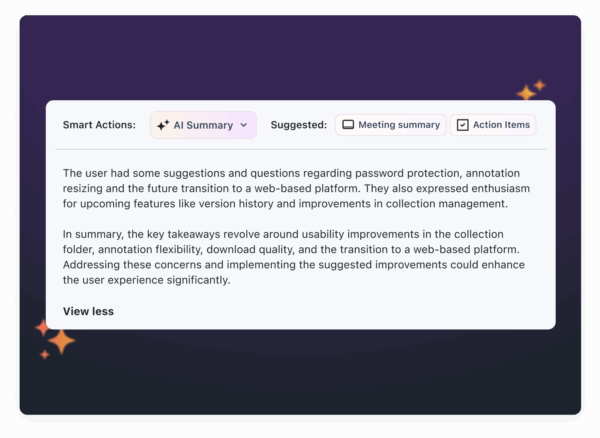 AI can save teams a lot of time. For example, some tools can automatically generate step-by-step guides, bug reports, or standard operating procedures from video content.
 “This is the most useful implementation of AI I have ever seen. I recently recorded a different video using Zight and used Gemini to do the write-up for our onboarding manual, but this is brilliant because it captures all the nuances without me having to instruct Gemini what the nuances are.” – Dillon Chi, UX Researcher, BeenVoyageAnalytics and usage insights are another game-changer. These tools can track engagement, response times, and workflow bottlenecks, helping managers pinpoint areas for improvement. For example, Google Workspace’s Gemini AI can generate automatic email thread summaries and meeting notes, while other platforms focus on smart actions like streamlining bug reporting. When assessing AI features, think about what your team needs most. A development team might prioritize tools that generate bug reports, while a marketing team could benefit from AI-powered content summaries or visual annotations. The goal is to find AI features that feel natural, enhance productivity, and genuinely save time.
Best Tools for Asynchronous Team Collaboration
Here’s a look at some standout tools that help U.S. teams collaborate effectively, even when they’re not working at the same time. Each platform has its own strengths, tailored to fit a variety of team needs.Zight
 Zight is a modern solution for asynchronous collaboration, offering a range of visual communication tools. It combines screen recording, GIF creation, annotated screenshots, and step-by-step visual guides into one streamlined platform. Plus, it integrates smoothly with popular workflow tools. What sets Zight apart is its AI-powered features. It can automatically transcribe videos, create summaries, and translate content into more than 50 languages. This is a game-changer for distributed teams, as it ensures everyone can quickly grasp key points without watching entire recordings or struggling with language barriers. Zight integrates with tools like Slack, Microsoft Teams, and Jira, making it easy to share visual content directly within ongoing discussions. For U.S. teams juggling complex projects, this visual-first approach helps cut through misunderstandings and keeps things moving across time zones. The platform offers a free plan with 5-minute recordings, while paid plans start at $9/month. It’s available on Mac, Windows, Chrome, and iOS, ensuring accessibility for various team setups.
 Slack
Microsoft Teams
Google Workspace
Miro