
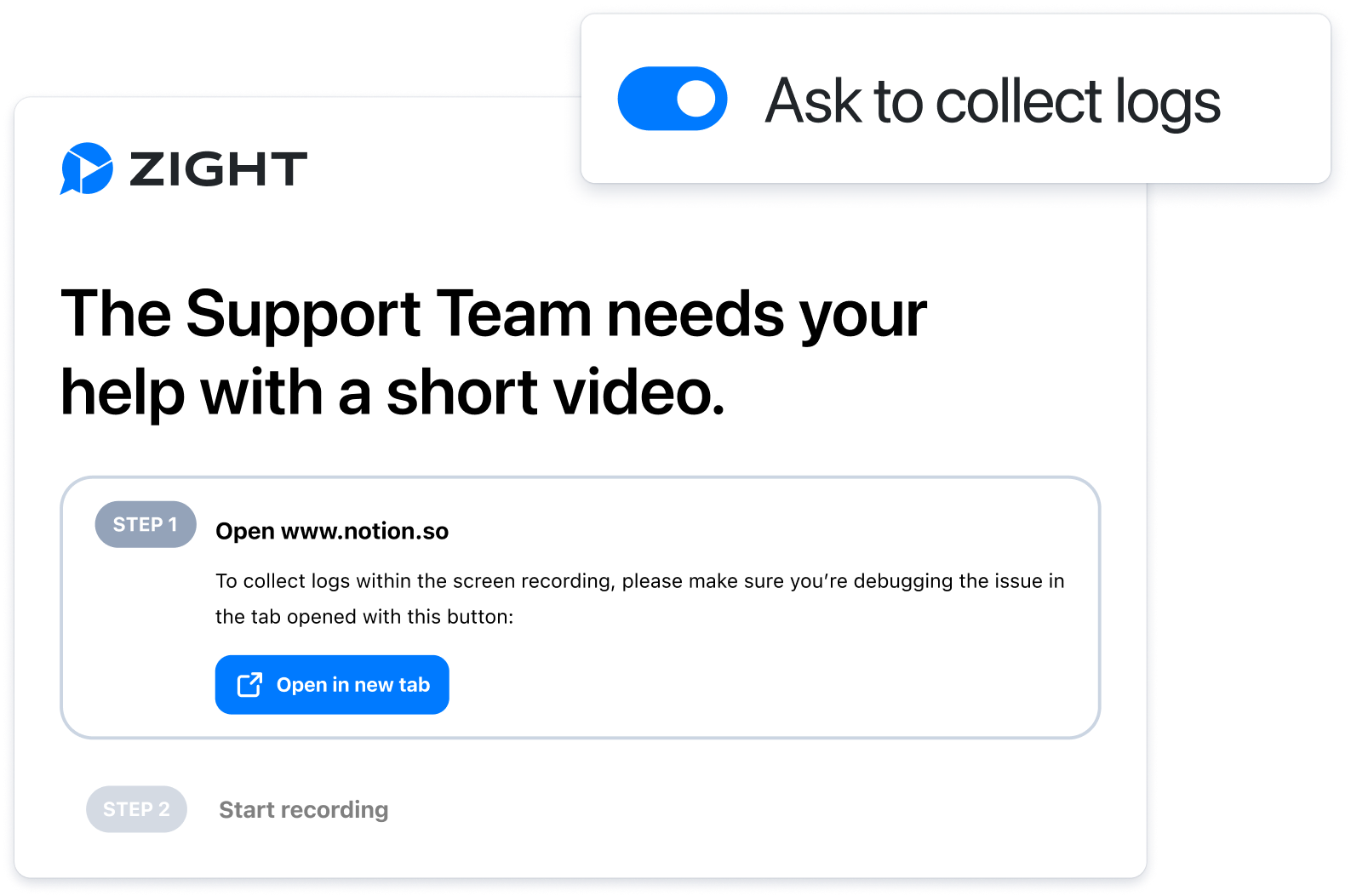
Choose who needs to record
Record a short walkthrough when an agent needs to show the fix. Send a Request Video link when the customer needs to capture a bug, setting, or browser-specific problem. In both cases, keep the recording with the ticket so engineering, success, and the customer can work from the same evidence.
See the broader visual communication workflow for support teams and the Zendesk integration.
Three support moments that benefit from video
Match the recording direction to the question.
Show the fix
Record a short walkthrough so the customer can replay the exact steps.
See the bug
Send a Request Video link when the customer needs to capture what happened on their screen.
Escalate with evidence
Share recordings, screenshots, and annotations with engineering instead of rewriting the issue.
Keep the recording with the ticket
Use the share-link buyer’s guide to evaluate viewer access and administration. For onboarding and repeatable process guidance, see screen recorder for training. If a video already exists, create a reviewable URL with the video link generator.
Frequently Asked Questions
It captures the exact workflow, error, or setup path so support teams can reduce back-and-forth and hand clearer evidence to customers or engineering.
Yes. Zight Request Video lets teams ask customers to record what they are seeing and return a shareable visual response.
Keep recordings with the support ticket, help-center article, or internal handoff so the visual context is available where the work happens.
Give support tickets clearer context
Record, request, annotate, and share visual answers with Zight.
Start Free











