
Resolve support questions with shared visual context
Text is useful for simple answers. Visual communication is better when a customer needs to demonstrate a hard-to-reproduce issue or an agent needs to walk through several steps. Zight helps both sides capture the screen, add context, and share a link.
Explore the established Zight customer support workflow or see how screen recording and annotated screenshots work.
Use a recording when text cannot show the failure
Give customers a simple way to capture the problem as it happens. An agent can then annotate the evidence, share it with engineering, and keep the recording with the ticket instead of rewriting the issue for each handoff.
For more specific workflows, see screen recorder for customer support and screen recorder for training.
Three visual support workflows
Use the format that matches the question.
Show the answer
Record a short walkthrough or annotate a screenshot so the customer can follow the exact path.
See the problem
Send a Request Video link so a customer can capture what they see in the browser rather than describing it from memory.
Document the fix
Turn a recording into a step-by-step guide, then share it with customers or reuse it in your knowledge workflow.
CUSTOMER-TO-SUPPORT
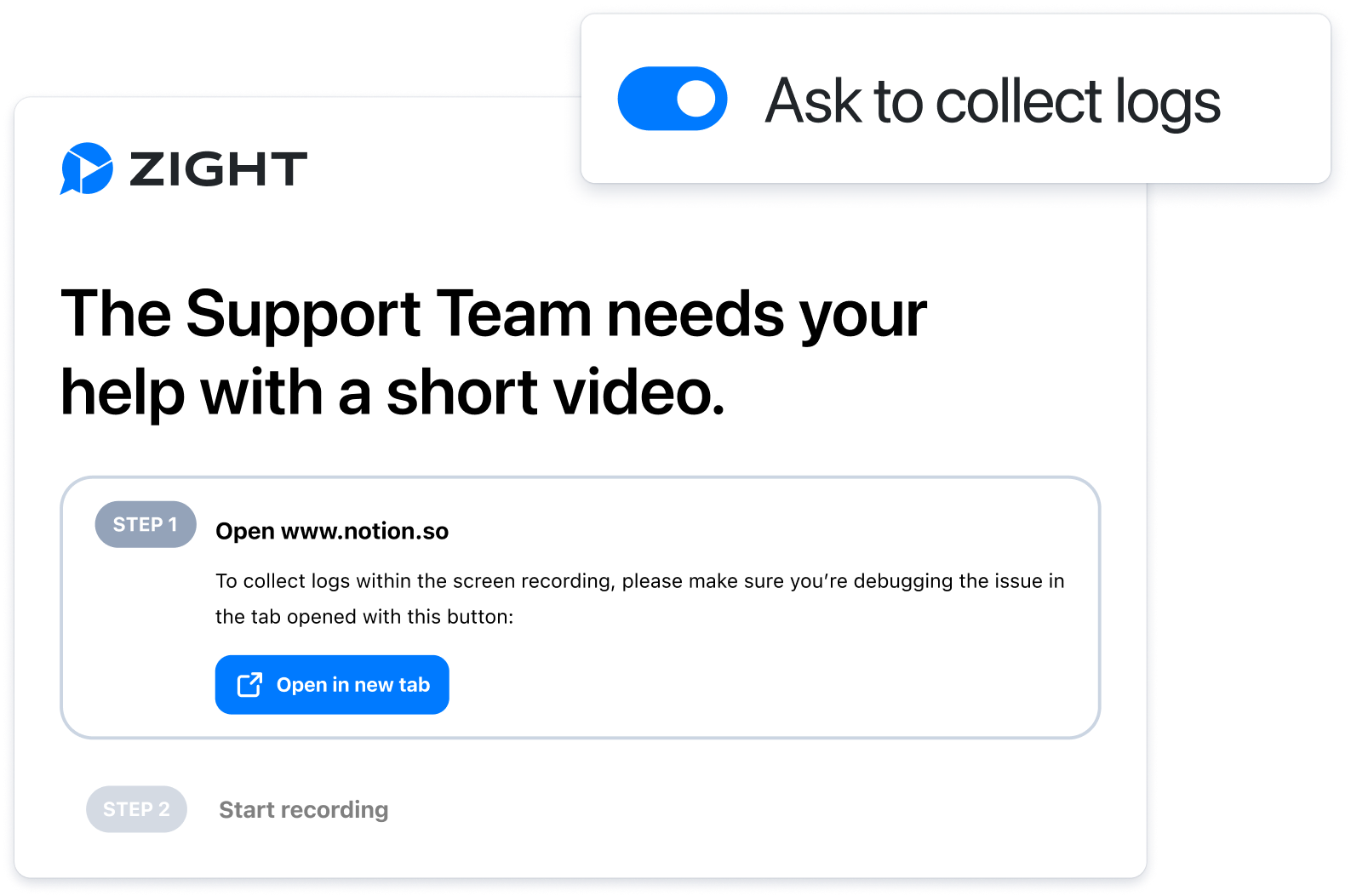
Collect better issue context with Request Video
Send a browser-based request link when an issue is difficult to reproduce. The customer can record the problem and return visual context without joining a live call.
Review Request Video for current capabilities and plan limits.
SUPPORT-TO-CUSTOMER
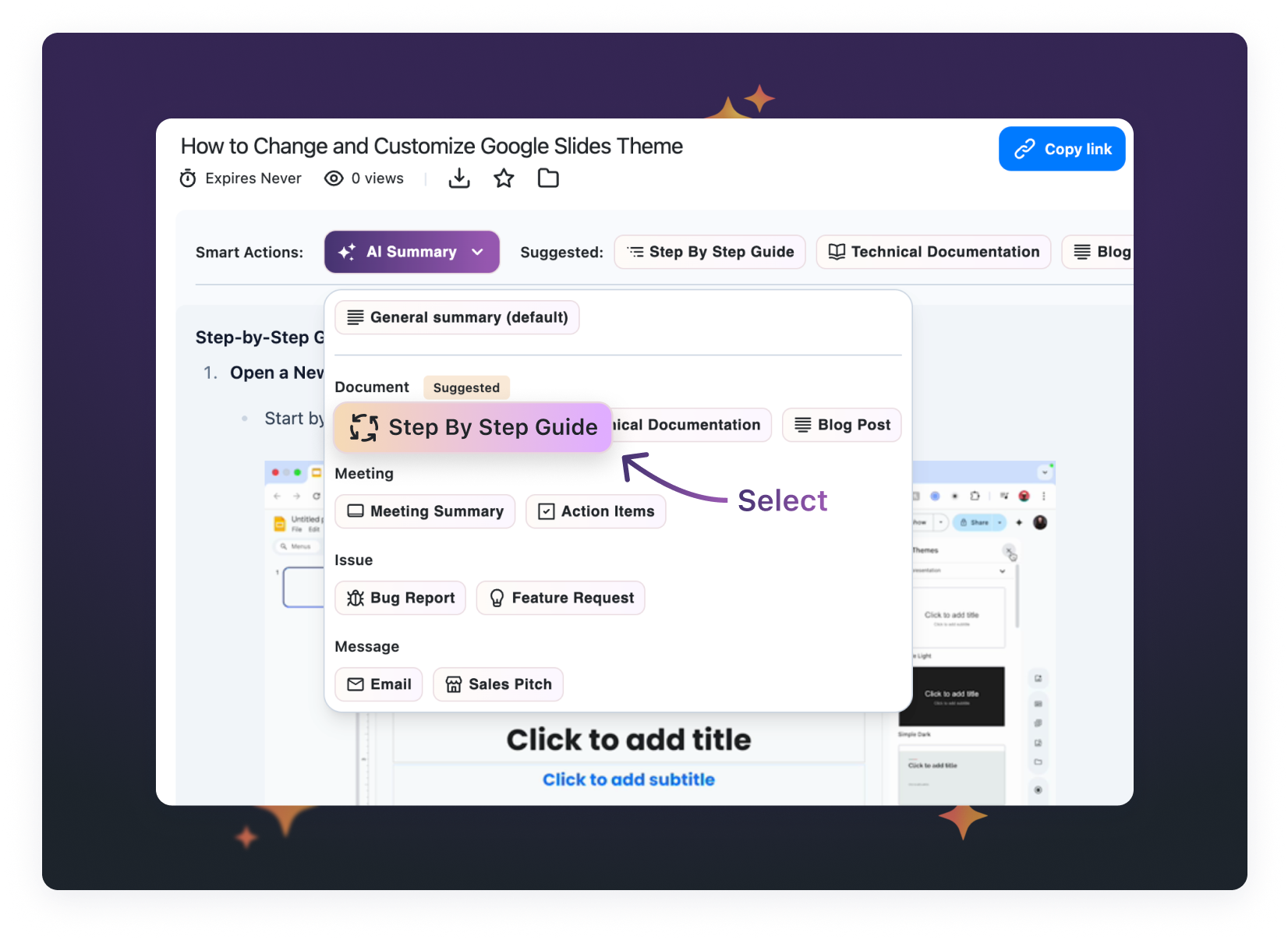
Create reusable answers from recordings
Zight AI can turn recordings into summaries, transcripts, and step-by-step guides with screenshots. Use the output as a starting point for troubleshooting instructions, internal handoffs, and repeatable support documentation.
Learn more about Zight AI.
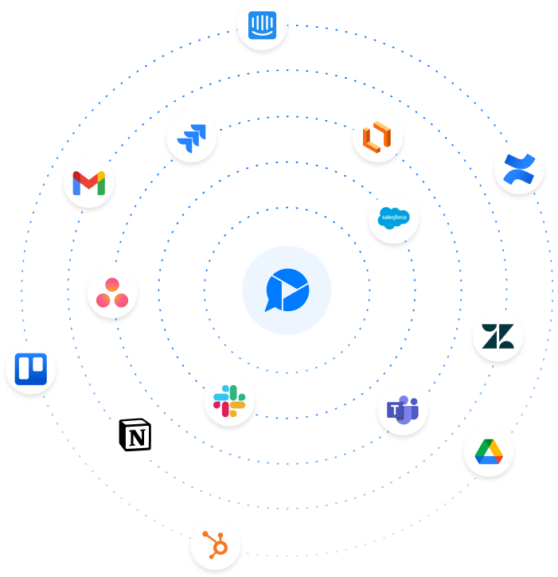
Connect visual answers to the rest of your support stack
Keep the visual context with the ticket, handoff, or article.
Zendesk
Review Zight’s Zendesk integration for sharing recordings and supporting visual documentation workflows.
Engineering handoffs
Share the customer’s recording and supporting context with engineering instead of rewriting the issue.
Knowledge reuse
Organize recordings and generated guides so agents can reuse a proven answer for the next similar ticket.
Frequently Asked Questions
Visual communication uses screen recordings, screenshots, GIFs, and annotated images to show an issue or answer instead of relying on text alone.
Support teams can record visual replies, annotate screenshots, request customer recordings, and turn recordings into step-by-step guides that can be shared by link.
Zight Request Video lets a recipient respond from a browser through a request link. See the Request Video page for current capabilities and plan limits.
Zight offers integrations for support and work-management tools. Review the integrations directory for the currently supported options.
Visit Zight’s Trust & Security page, which links to the Vanta-hosted Trust Center as the source of truth for current compliance documents and controls.
Give every support answer more context
Record, annotate, request, and share visual explanations with Zight.
Start Free











