Asynchronous collaboration tools are transforming how teams work, enabling communication and productivity without requiring everyone to be online simultaneously. These tools help reduce meeting overload, improve focus, and allow flexibility across time zones. Key features include persistent chat, visual communication, file sharing, and AI-powered tools for transcription and summaries. Popular options like Zight, Slack, Microsoft Teams, Google Workspace, and Miro cater to different team needs, offering integrations and features to streamline workflows.
Key Takeaways:
- Why It Matters: 52% of remote workers struggle with excessive meetings; async tools cut meeting time by 25% and boost project speed by 30%.
- Key Features: Threaded chats, file sharing, screen recording, AI summaries, and integrations with tools like Slack, Jira, and Google Workspace.
- Top Tools:
- Zight: Visual communication, AI transcription, $9/month.
- Slack: Threaded conversations, AI recaps, $4.35/month.
- Microsoft Teams: Microsoft 365 integration, $4.00/month.
- Google Workspace: Document collaboration, $7.00/month.
- Miro: Visual brainstorming, $8.00/month.
Quick Comparison:
These tools help teams work smarter, reduce stress, and improve efficiency. Choose based on your team’s workflow and priorities.
What to Look for in Asynchronous Tools
Asynchronous tools can revolutionize how teams collaborate, but choosing the right one is key. A well-suited platform can simplify workflows and improve communication, while the wrong one may create unnecessary hurdles. Here’s what to focus on when evaluating options.
Core Features
The best asynchronous tools are built on solid core features. For starters, persistent chat with threaded conversations is a must. This ensures that team members can catch up on discussions and decisions at their own pace without losing context. Slack, for example, excels in this area with its structured channels, earning it a 4.7/5 Capterra score for asynchronous communication.
“Zight has been great, I’ve used it for many years now. Primarily I use it as a visual reference in Slack messages. I will write up instructions/updates etc and link specific words to Zight screenshots to illustrate my point. As a designer this happens a lot, so I’m doing quick UI mocks to get concepts across fast.” – Kate Frappell, Senior Design Lead, Ofload
Another essential feature is file sharing that’s directly integrated into conversations. This eliminates the hassle of hunting for the latest version of a document. Combine this with video and screen recording capabilities, and you’ve got a tool that allows team members to visually explain complex ideas or demonstrate processes. This approach is especially helpful for distributed teams working across time zones, as it minimizes misunderstandings and speeds up problem-solving.
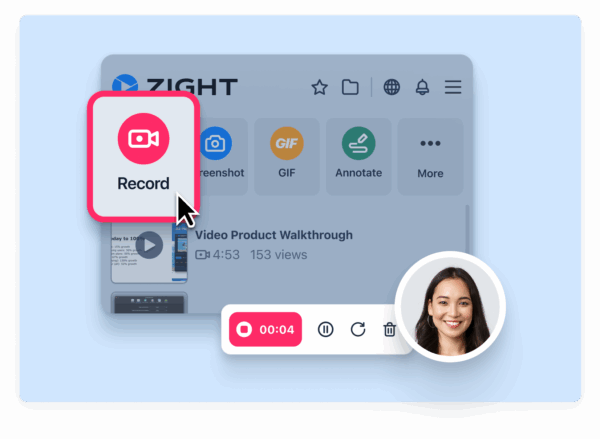
On top of that, a robust search function is crucial. Whether it’s messages, files, or video content, team members should be able to quickly locate what they need. Once these core features are in place, the next step is ensuring the tool integrates seamlessly with your existing workflows.
Integration Options
The most effective asynchronous tools don’t operate in a vacuum, they work in harmony with the platforms you already use. Seamless integration with tools like Slack, Microsoft Teams, Jira, Google Workspace, and Trello can eliminate the constant switching between apps that disrupts productivity.
Take Zight, for example. It integrates directly with platforms like Slack, Microsoft Teams, and Jira, allowing users to share screen recordings and visual content without leaving their primary workspaces. This kind of integration keeps everything flowing smoothly, enabling team members to share feedback and explanations right where discussions are happening.
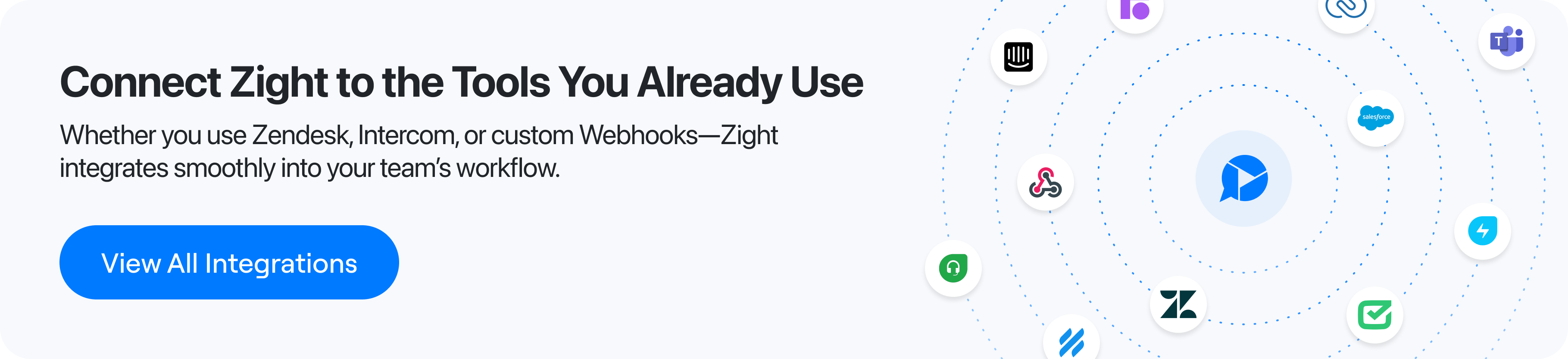
The best platforms also offer extensive integration options through app marketplaces. These allow teams to automate notifications, sync task updates, and centralize the flow of information. When evaluating tools, prioritize those that already connect with your team’s essential apps. For U.S.-based teams, it’s also important to ensure integrations meet local compliance standards and data residency requirements.
Security is another critical consideration. Enterprise-grade security controls and admin features are vital when sensitive data is shared across multiple platforms. Once integrations are in place, advanced AI capabilities can take collaboration to the next level.
AI-Powered Tools and Analytics
Modern asynchronous platforms are increasingly powered by AI to automate repetitive tasks and provide actionable insights. For instance, automated transcription can convert video messages into searchable text, while AI-generated summaries distill long conversations into key points. Translation features are also invaluable for diverse teams, with some platforms supporting over 50 languages.
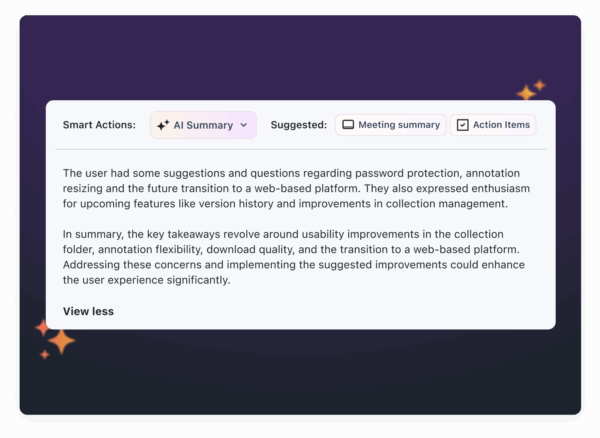
AI can save teams a lot of time. For example, some tools can automatically generate step-by-step guides, bug reports, or standard operating procedures from video content.
“This is the most useful implementation of AI I have ever seen. I recently recorded a different video using Zight and used Gemini to do the write-up for our onboarding manual, but this is brilliant because it captures all the nuances without me having to instruct Gemini what the nuances are.” – Dillon Chi, UX Researcher, BeenVoyage
Analytics and usage insights are another game-changer. These tools can track engagement, response times, and workflow bottlenecks, helping managers pinpoint areas for improvement. For example, Google Workspace’s Gemini AI can generate automatic email thread summaries and meeting notes, while other platforms focus on smart actions like streamlining bug reporting.
When assessing AI features, think about what your team needs most. A development team might prioritize tools that generate bug reports, while a marketing team could benefit from AI-powered content summaries or visual annotations. The goal is to find AI features that feel natural, enhance productivity, and genuinely save time.
Best Tools for Asynchronous Team Collaboration
Here’s a look at some standout tools that help U.S. teams collaborate effectively, even when they’re not working at the same time. Each platform has its own strengths, tailored to fit a variety of team needs.
Zight

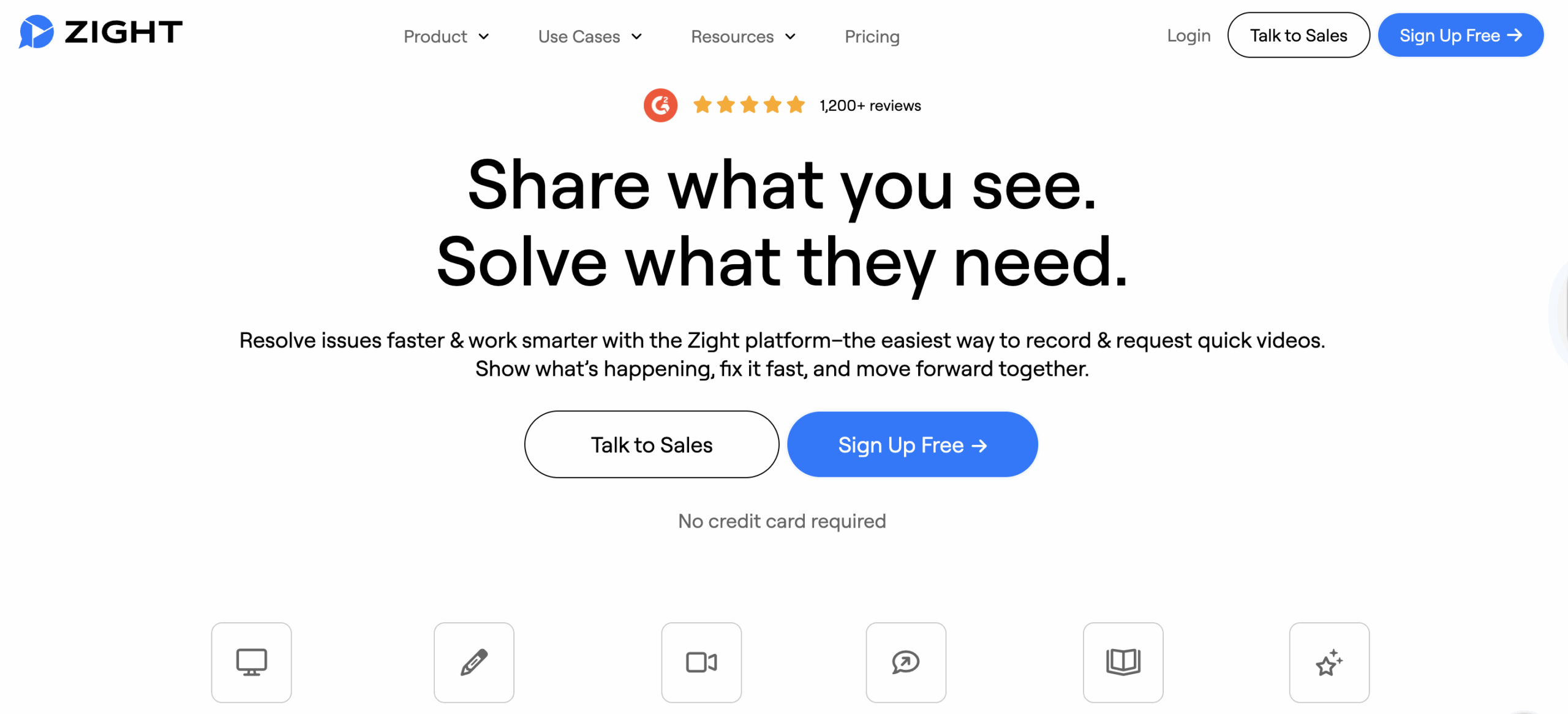
Zight is a modern solution for asynchronous collaboration, offering a range of visual communication tools. It combines screen recording, GIF creation, annotated screenshots, and step-by-step visual guides into one streamlined platform. Plus, it integrates smoothly with popular workflow tools.
What sets Zight apart is its AI-powered features. It can automatically transcribe videos, create summaries, and translate content into more than 50 languages. This is a game-changer for distributed teams, as it ensures everyone can quickly grasp key points without watching entire recordings or struggling with language barriers.
Zight integrates with tools like Slack, Microsoft Teams, and Jira, making it easy to share visual content directly within ongoing discussions. For U.S. teams juggling complex projects, this visual-first approach helps cut through misunderstandings and keeps things moving across time zones.
The platform offers a free plan with 5-minute recordings, while paid plans start at $9/month. It’s available on Mac, Windows, Chrome, and iOS, ensuring accessibility for various team setups.
Slack
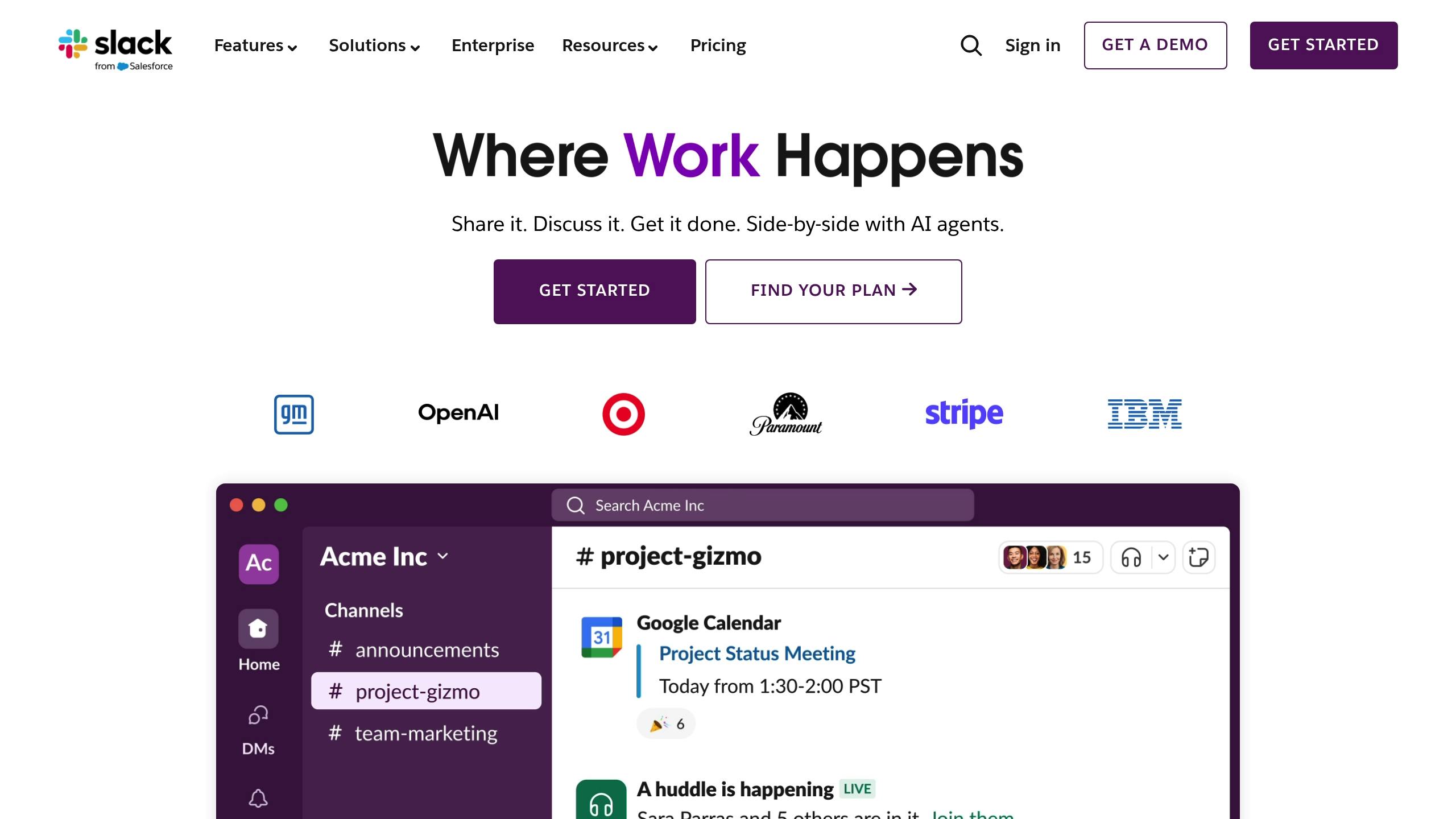
Slack is widely recognized as the go-to platform for organized, persistent communication. With its channel-based structure and threaded conversations, team members can catch up on discussions at their own pace, making it a strong choice for asynchronous collaboration.
One standout feature is scheduled send, which lets you compose messages during your work hours and schedule them to be delivered when your teammates are active. On paid plans, AI-powered recaps help users quickly get up to speed on what they missed.
Slack’s real power lies in its extensive integrations. It connects seamlessly with tools like Jira, Google Drive, and visual platforms, centralizing workflows. However, the free plan’s 90-day message history limit might be a drawback for teams needing long-term records.
Paid plans start at $4.35 per user/month when billed annually, making it a practical investment for U.S. businesses aiming to enhance communication.
Microsoft Teams

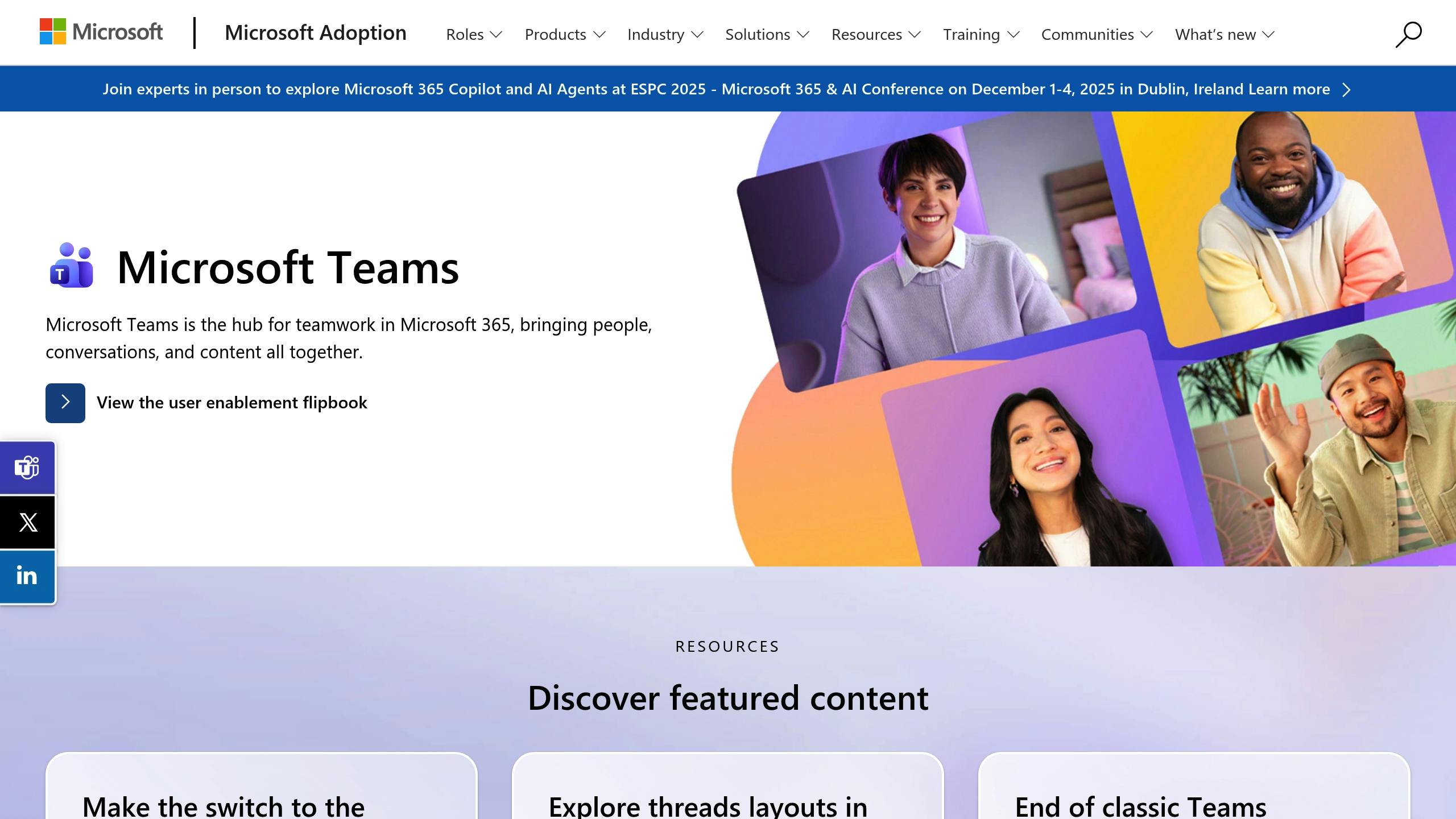
For teams already using Microsoft products, Teams is a natural fit. It integrates effortlessly with Word, Excel, PowerPoint, and OneDrive, allowing seamless collaboration on documents, task assignments, and comments without requiring real-time meetings.
Teams stands out with persistent chat and threaded conversations, along with robust file-sharing capabilities. Documents sync automatically, which is ideal for asynchronous workflows. Additionally, its enterprise-grade security is a key feature for U.S. organizations handling sensitive data or operating under strict regulations.
Microsoft Teams is included in most Microsoft 365 subscriptions, but standalone plans start at $4.00 per user/month for Teams Essentials. This makes it an appealing option for teams already using Microsoft’s suite of tools.
Google Workspace

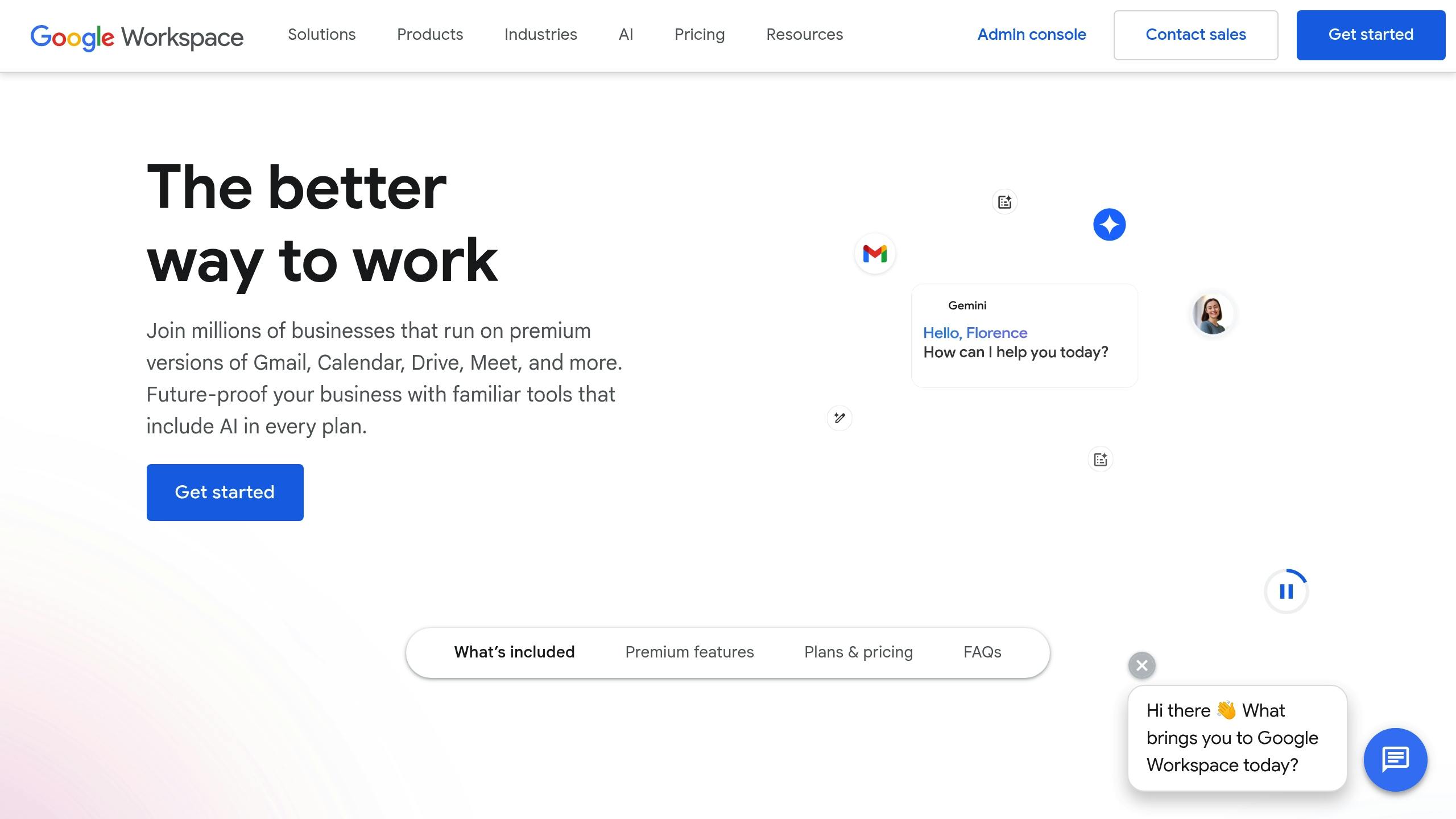
Google Workspace creates a seamless environment for asynchronous collaboration by combining Gmail, Chat, Spaces, and its productivity apps. Its strength lies in how it blends communication with document collaboration.
Features like assigning tasks directly from document comments and threaded discussions in Spaces help projects progress smoothly, even when team members aren’t online at the same time. The introduction of Gemini AI adds automatic email thread summaries and meeting notes, making it easier to process information quickly.
The Business Starter plan starts at $7 per user/month, offering straightforward pricing that works well for U.S. teams. Its compliance with U.S. data standards and strong admin controls make it a reliable choice for organizations of all sizes.
Google Workspace’s Spaces feature ensures projects stay organized and easily accessible.
Miro

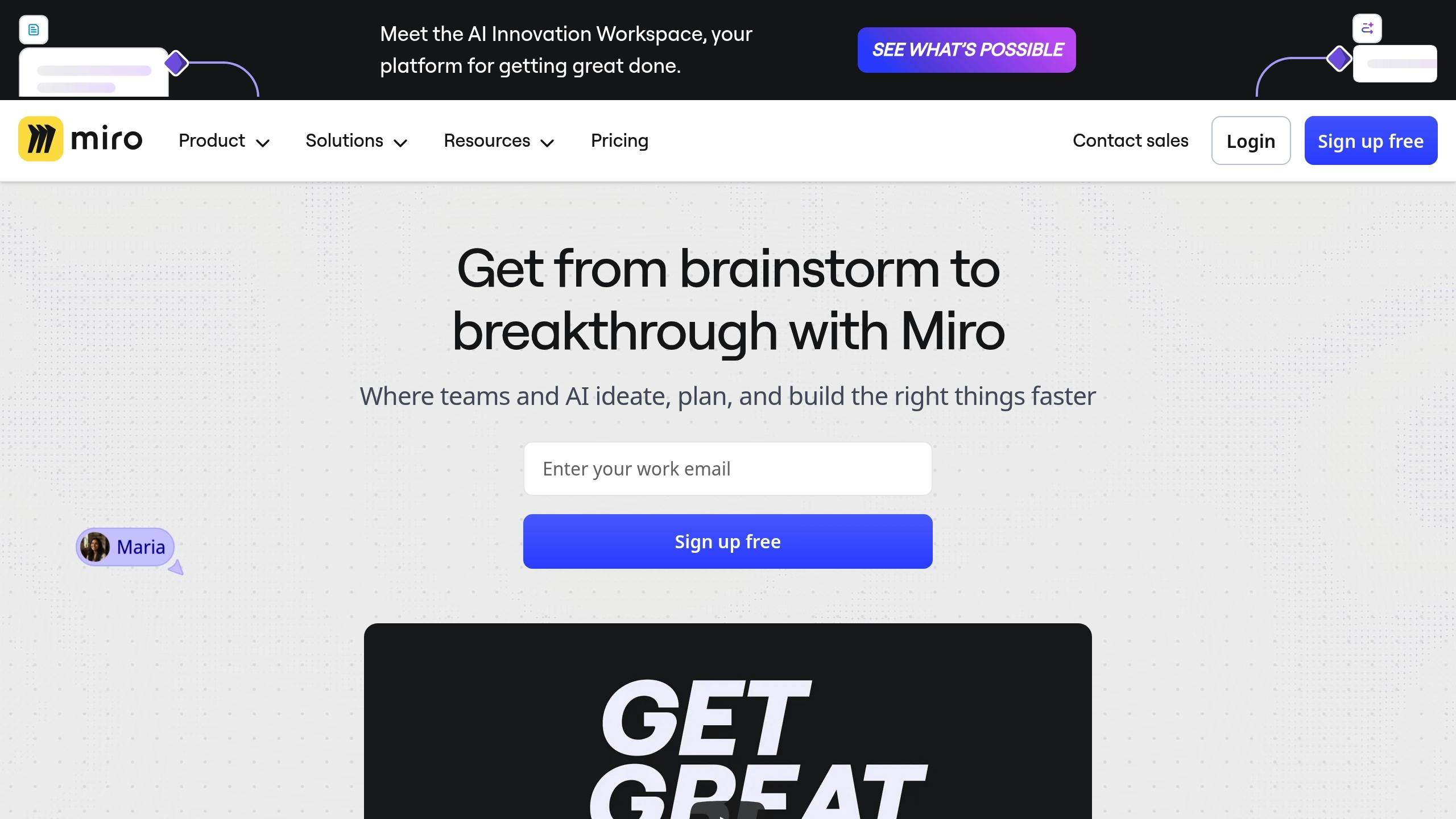
Miro is all about visual collaboration, offering digital whiteboards, templates, and brainstorming tools. With over 60 million users worldwide as of 2025, it’s a favorite for teams needing to ideate and plan asynchronously.
Miro’s visual tools are perfect for brainstorming sessions, workflow mapping, and project planning. Team members can contribute ideas, provide feedback, and refine concepts on their own schedules. Its 4.8/5 rating on G2 highlights its intuitive design and powerful features.
The platform integrates with Slack, Microsoft Teams, and Google Drive, so you can embed visual content into your existing workflows. Miro offers a free plan with limited boards, while paid plans start at $8 per user/month, making it accessible for teams of any size.
Its mix of templates and freeform whiteboards gives teams the flexibility to organize their collaboration in a way that best suits their projects and workflows.
Tool Comparison
Building on our review of core features and integrations, here’s a closer look at how top asynchronous tools compare. The right choice depends on how well each platform matches your team’s unique needs. Below is a detailed breakdown of five popular tools and their standout features for U.S.-based teams.
Feature Comparison Table
This table highlights the core differences, but let’s explore how these features translate into real-world benefits for your team.
When it comes to pricing, Microsoft Teams offers an affordable entry point at $4.00/month, making it ideal for enterprises already using Microsoft 365. Zight, at $9/month, focuses on delivering strong visual communication tools, perfect for teams that rely heavily on annotated screenshots and quick recordings.
For teams needing extensive integrations, Slack stands out with over 2,000 app connections, including popular tools like Jira and Google Drive. On the other hand, Zight narrows its focus to key integrations like Slack, Microsoft Teams, and Jira, ensuring seamless workflows for its visual-first users.
AI capabilities are another area where Zight shines. It offers automatic transcription, video summaries, and translation in over 50 languages.
Platform support is robust across all tools, but Zight’s availability on Chrome and iOS adds extra convenience for remote teams who need quick access for capturing and sharing.
Lastly, visual communication is where Zight and Miro truly separate themselves. While Slack, Microsoft Teams, and Google Workspace handle basic file sharing, Zight excels with its quick, annotated captures and recordings. Miro, on the other hand, caters to creative teams with its interactive whiteboards and brainstorming templates.
With user satisfaction ratings consistently around 4.7 out of 5 on Capterra, each tool has its strengths. The best choice ultimately depends on your team’s workflow and priorities.
Best Practices for Asynchronous Team Communication
Making the most of asynchronous collaboration tools requires thoughtful practices to keep productivity high. Teams that excel in remote work often rely on structured approaches to ensure smooth communication. Here’s how you can fine-tune your team’s async communication for better results.
Set Clear Communication Guidelines
The success of asynchronous work hinges on having clear protocols for how and when to communicate. Start by defining response time expectations, specifying which channels to use for different types of messages, and outlining how decisions should be documented.
For example, you might designate urgent messages to be sent via immediate Slack notifications, while non-urgent updates can be logged in shared spaces like project management tools. Establishing clear response deadlines ensures no critical information gets lost in the shuffle.
Tailoring response expectations to your team’s workflow is equally important. Non-urgent messages could have a longer response window, while critical issues might require quicker replies during business hours. Additionally, maintaining proper documentation, such as assigning someone to summarize decisions and store meeting notes in a shared repository, creates a searchable knowledge base. This makes onboarding smoother and ensures everyone stays informed without disruption.
Use Visual Content
Once you’ve established guidelines, incorporating visual communication can make your messages clearer and reduce misunderstandings. Tools like screen recordings and annotated screenshots allow team members to digest complex information at their own pace, cutting down on unnecessary back-and-forth exchanges.
The format you choose should match the complexity of the message. Simple updates might work best in written form, but intricate topics or nuanced feedback often benefit from visual aids. For instance, a quick screen recording can replace a lengthy email thread, saving time for everyone involved.
Visual content is also a game-changer for onboarding. Instead of hosting multiple live training sessions, you can create step-by-step video guides that new team members can revisit whenever needed. This not only reduces ramp-up time but also frees up experienced team members from repetitive training tasks.
Integrate and Automate Workflows
Streamlining workflows through integration and automation can eliminate much of the manual effort that slows down async communication. By connecting tools like communication platforms, project management software, and file storage systems, teams can centralize information and minimize the need to switch between apps.
Automation plays a key role in handling repetitive tasks. Features like Slack’s scheduled send option ensure messages reach team members at the right time across different time zones. Similarly, tools like Google Workspace’s Gemini AI can summarize lengthy email threads or generate meeting notes, reducing the need for live catch-up sessions.
Automated updates also keep everyone informed without extra effort. For instance, when a task is completed, relevant team members can receive notifications with all the necessary context. AI tools that transcribe video messages, summarize discussions, or translate content across languages further enhance team efficiency, especially for global teams working across time zones.
To keep things running smoothly, conduct regular audits of your automated workflows. Identifying bottlenecks and refining processes ensures your async collaboration remains efficient and continuously improves over time.
Conclusion: Choosing the Right Tools for Your Team
Selecting the best asynchronous collaboration tools comes down to understanding your team’s workflows and specific needs. The most effective teams focus on compatibility, seamless integration, security, and user-friendliness. These elements can drive real productivity improvements as new tools and workflows are adopted.
It’s all about finding tools that fit your team’s unique dynamics. For instance, Slack is a great choice for engineering and IT teams due to its robust integrations and organized channel system. On the other hand, Google Workspace is ideal for teams already immersed in the Google ecosystem. The goal is to pick tools that align with how your team communicates and operates daily.
For teams that rely heavily on visual communication, Zight offers features like screen recording, GIF creation, and AI-powered transcription. These capabilities integrate smoothly with platforms like Slack, Microsoft Teams, and Jira, ensuring complex information is shared efficiently across Mac, Windows, Chrome, and iOS systems.
The effectiveness of these tools is backed by user feedback. For example, Slack boasts a 4.7/5 rating on Capterra, showcasing its ability to streamline communication and task management.
Teams that take the time to evaluate their workflow complexity, ensure system security, and provide proper training see higher adoption rates. By running pilot programs and offering structured training, they can turn new tools into powerful productivity boosters.
As we’ve seen, the choice of asynchronous tools plays a critical role in shaping team efficiency. Investing in the right tools can cut down on meeting times, improve project transparency, and boost team satisfaction, especially for distributed teams working across time zones. Whether you go with a comprehensive suite like Google Workspace, a communication hub like Slack, or a visual-first tool like Zight, the key is selecting tools that enhance and complement your team’s natural way of working.
FAQs
How can asynchronous collaboration tools help remote teams work more efficiently and avoid meeting fatigue?
Asynchronous collaboration tools, such as Zight, are game-changers for remote teams looking to stay productive without being tied to endless meetings. They enable team members to share updates, provide context, and document workflows on their own time, cutting down on interruptions and allowing for deeper focus.
Zight stands out with features like screen recording, AI-generated summaries, and effortless sharing, making it simple to communicate even the most complex ideas. By reducing the reliance on real-time discussions, teams can simplify their processes while enjoying more flexibility in how they manage their schedules.
What features should I prioritize when choosing an asynchronous collaboration tool for my team?
When choosing an asynchronous collaboration tool, prioritize features that improve both communication and efficiency. Tools offering screen recording, webcam recording, and GIF creation can make sharing ideas much easier and more engaging. Editing functions like trimming, cropping, and adding annotations are crucial for ensuring your content is clear and to the point.
It’s also important to consider tools that integrate smoothly with platforms your team already relies on, like Slack or Microsoft Teams. Features powered by AI, such as transcription, summaries, and translations, can further simplify workflows and save valuable time.
How do AI-powered tools in asynchronous platforms improve team communication and productivity?
AI-powered tools integrated into asynchronous platforms, such as those from Zight, are transforming how teams communicate and collaborate. These tools take over tedious tasks, like creating concise summaries, identifying actionable items, and generating documentation from video content. The result? Teams save valuable time and stay better organized.
Beyond that, these tools make shared content more accessible. They can automatically transcribe videos and even translate them into different languages, breaking down communication barriers. AI also adds meaningful titles and descriptions to videos, improving searchability and making content more engaging for team members. By streamlining workflows and cutting down on manual tasks, AI lets teams concentrate on what truly matters.