
How to Generate Tags
Follow these simple steps to get started.
Enter Your Target Keywords
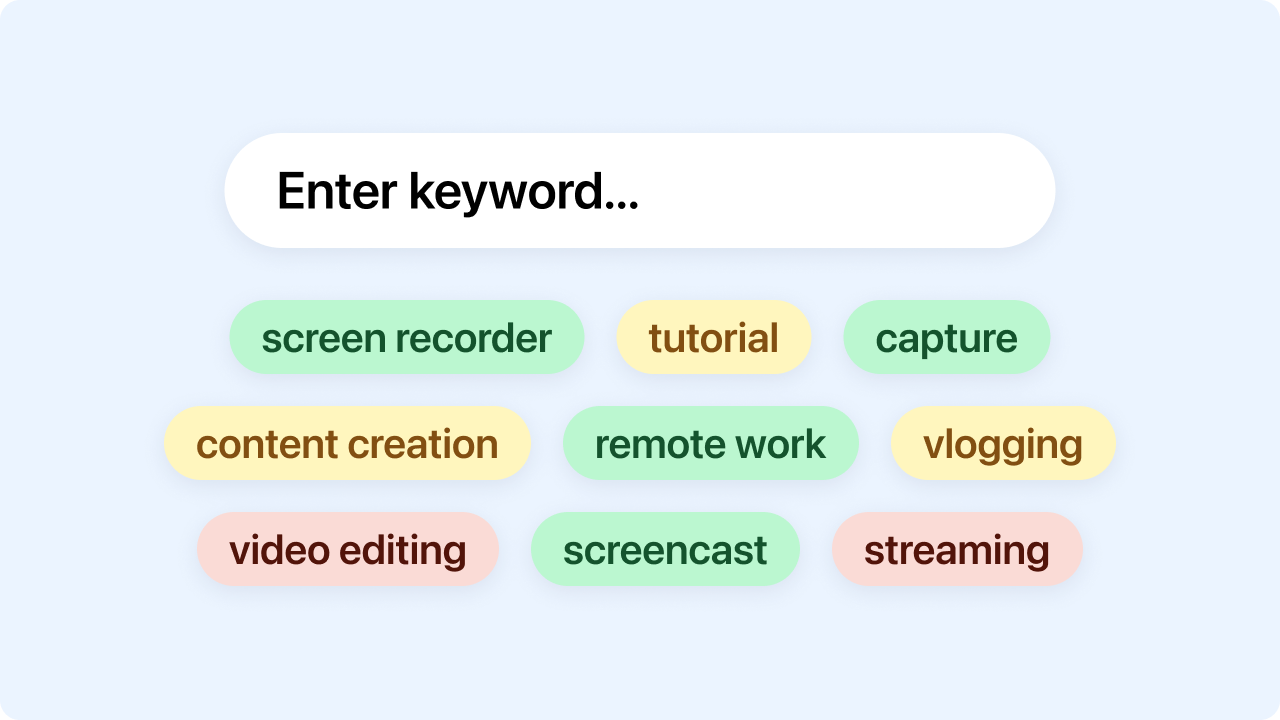
Type in your primary topic or phrase like “cooking recipes, baking, cookies, chocolate chip”. Zight analyzes your input instantly.
Click Generate Tags
Your keywords are processed using semantic matching to produce highly relevant tags grouped by priority and depth.
Copy & Use
With one click, copy individual tags or your full tag set — ready to paste into YouTube, blogs, social media, or content workflows.
Ready to Boost Your Productivity?
Save time and money while boosting your productivity with Zight — free tools for screen recording, screenshots, GIFs, and webcam capture.
Try Zight for Free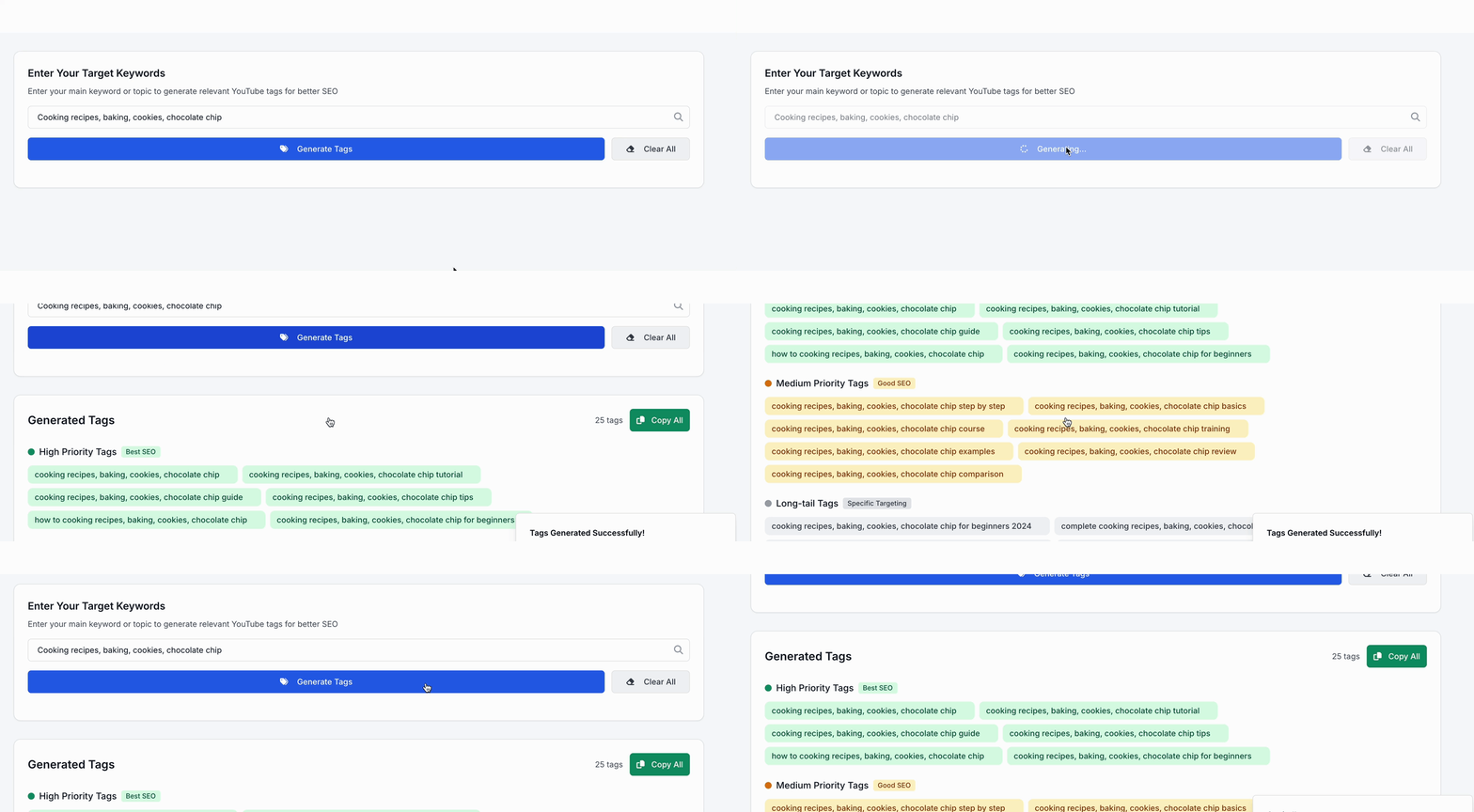
Why Use a Tag Generator?
Tags help platforms understand your content, connect topics, and surface your work to the right audience. Using optimized, well-structured tags helps you:
-
Improve search rankings
-
Reach your ideal audience faster
-
Organize content effectively
-
Boost video and blog performance
-
Target niche keywords more strategically
Why Use Zight’s Tag Generator?
Smart grouping
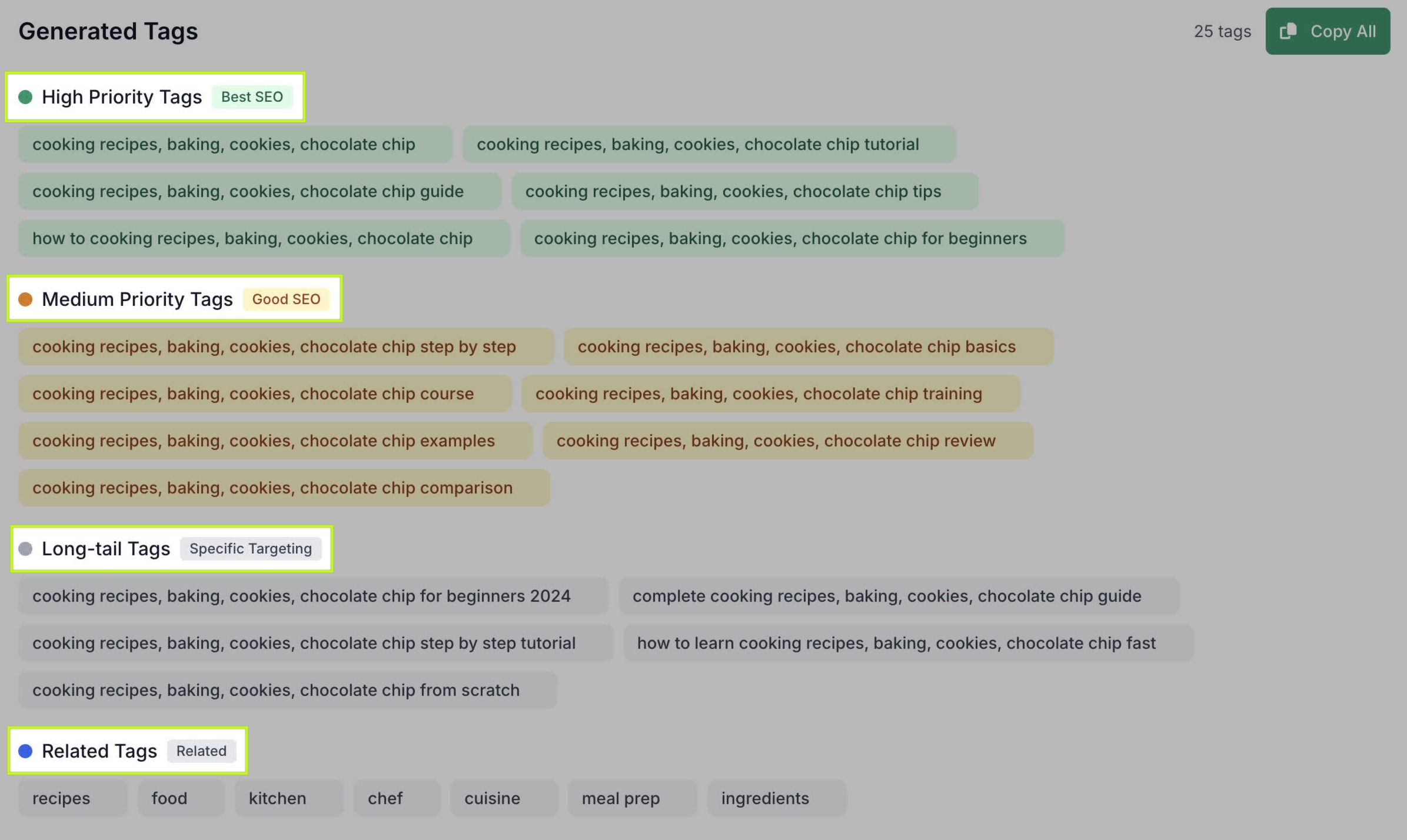
Tags are categorized by High Priority, Medium Priority, Long-Tail, and Related.
SEO-focused
High-performing, keyword-rich tags tailored to your query.
Instant results
Generate dozens of relevant tags in one click.
Creator-friendly
Perfect for YouTube, TikTok, Instagram, and blogs.
Completely private
All generation happens in your browser.
Unlimited & free
No restrictions, no account needed.

Supported Use Cases
For YouTubers
Quickly generate optimized video tags to improve ranking and visibility.
For Bloggers & Copywriters
Get semantic keyword suggestions to strengthen SEO and internal linking.
For Social Media Managers
Find relevant themes for posts, campaigns, and content series.
For Marketers
Use long-tail, niche tags to target specific audiences more effectively.
For Product Listings
Generate descriptive tags for e-commerce platforms and online stores.
Ultimate Guide: Getting the Best Tags for Your Content
Zight’s Tag Generator helps you improve discoverability by analyzing your keywords and producing targeted tags that match intent, audience, and topic clusters.
High Priority Tags
These are your strongest SEO performers — tightly aligned to your main keyword. Use them first in YouTube, blog metadata, or product listings.

Medium Priority Tags
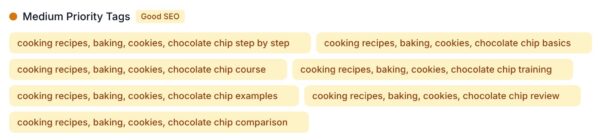
These secondary tags expand your reach by covering broader variations or related topics without diluting focus.
Long-tail Tags
Long, specific tags help you rank in niche searches. They’re ideal for tutorials, reviews, walkthroughs, and specialized content.

Related Tags
Contextual phrases that help algorithms understand your content category are great for improving topic association.

Using Tags Strategically
-
Mix high-priority and long-tail tags for balanced performance.
-
Avoid repeating the same tag multiple times.
-
Use natural language tags that match how people search.
-
Keep tags relevant to avoid confusing algorithms.
Conclusion
Zight’s Tag Generator helps creators and marketers instantly generate high-quality, SEO-focused tags for videos, blogs, social posts, and more. Enter your keywords, generate your tags, and copy them with one click.
Start generating powerful, optimized tags today and boost your content’s visibility.
Unlock More Tools
Expand your toolkit with these additional free tools
Frequently Asked Questions
YouTube, Instagram, TikTok, blogs, e-commerce, SEO, and more.
Unlimited, generate as many sets as you need.
Yes. Tags are built using semantic relevance and keyword matching.
Yes, one click copies your entire tag set.
No. Everything is processed locally for privacy.
Just enter a new keyword combination to refresh results.
Absolutely, tags are platform-agnostic.
Yes, completely free with no sign-up required.












