
Ready to Boost Your Productivity?
Save time and money while boosting your productivity with Zight — free tools for screen recording, screenshots, GIFs, and webcam capture.
Try Zight for FreeHow Spanish Audio Translator Works
Follow these simple steps to get started.
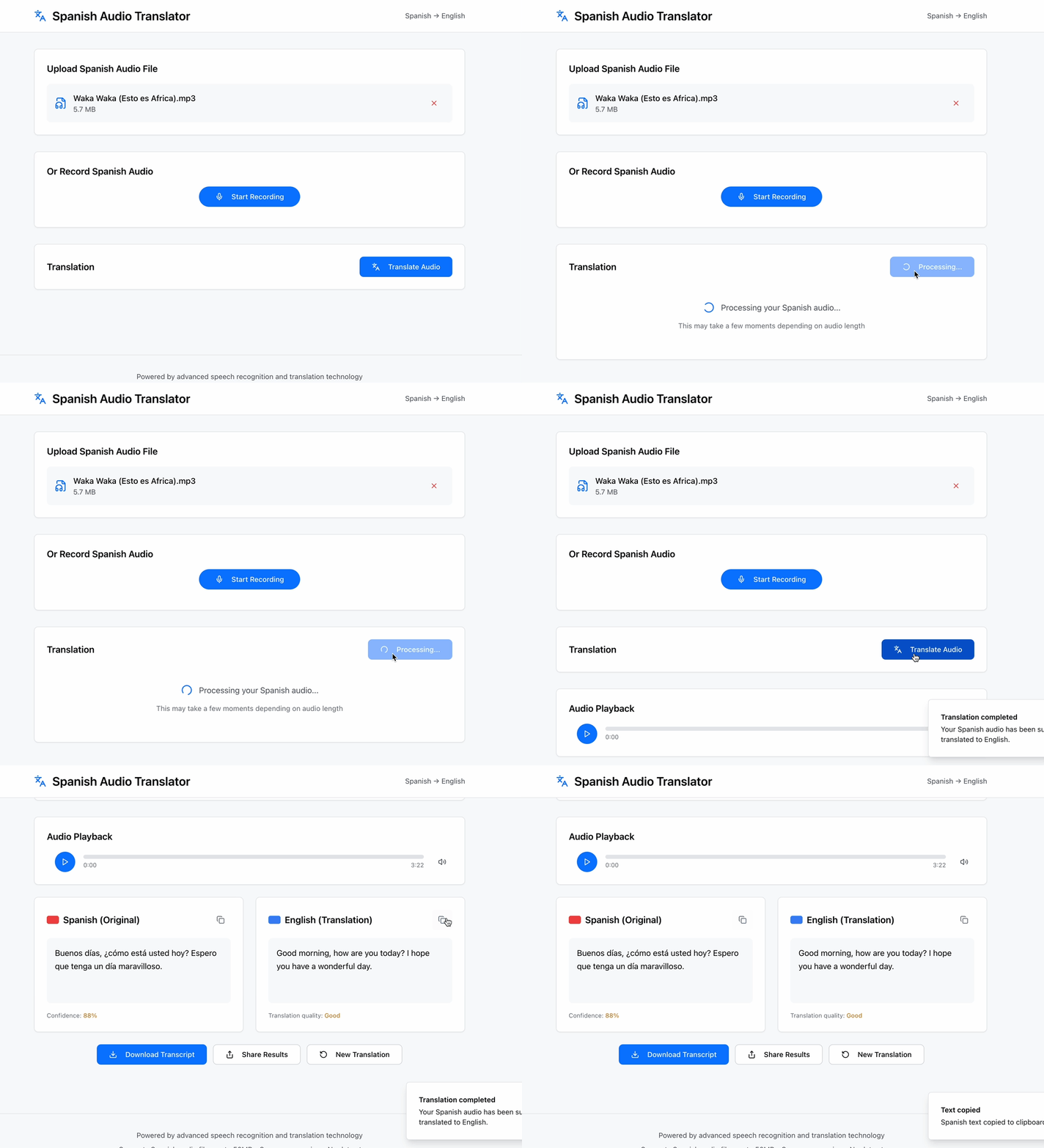
Upload Your Spanish Audio
Choose any supported audio, Zight detects spoken Spanish automatically.
Generate the Translation
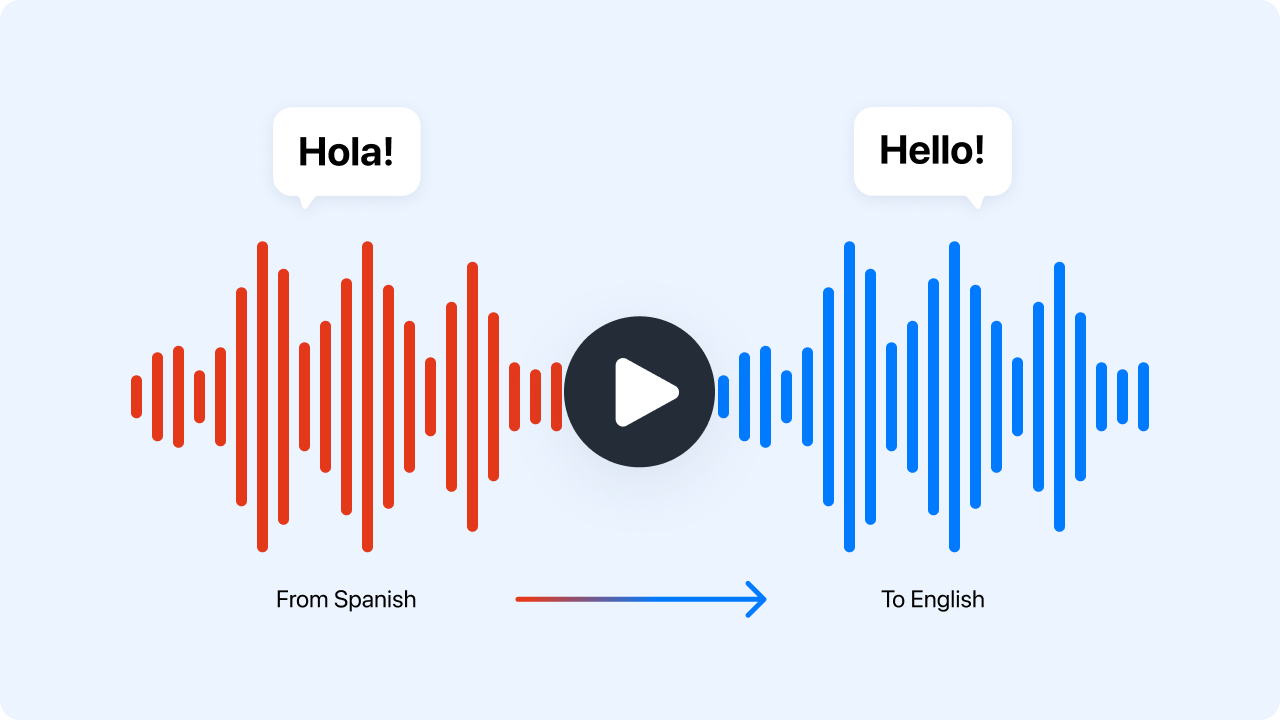
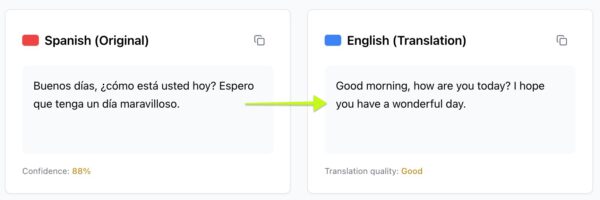
Zight transcribes the Spanish speech and converts it into accurate English text.
Copy or Download Your Translation
View the translated text, copy it instantly, or download it for documentation, captions, or writing.
Choosing Between JSON and YAML
Zight provides fast and accurate Spanish to English translation in one simple step. You do not need separate transcription and translation tools. Everything happens automatically.
-
Accurate Spanish to English translation
-
Works with audio files
-
Clean and easy to read transcription output
-
Instant copying and exporting
-
Ideal for captions, notes, and documentation
Zight streamlines translation so you can focus on using the information, not extracting it.
More Than Just a Spanish Audio Translator
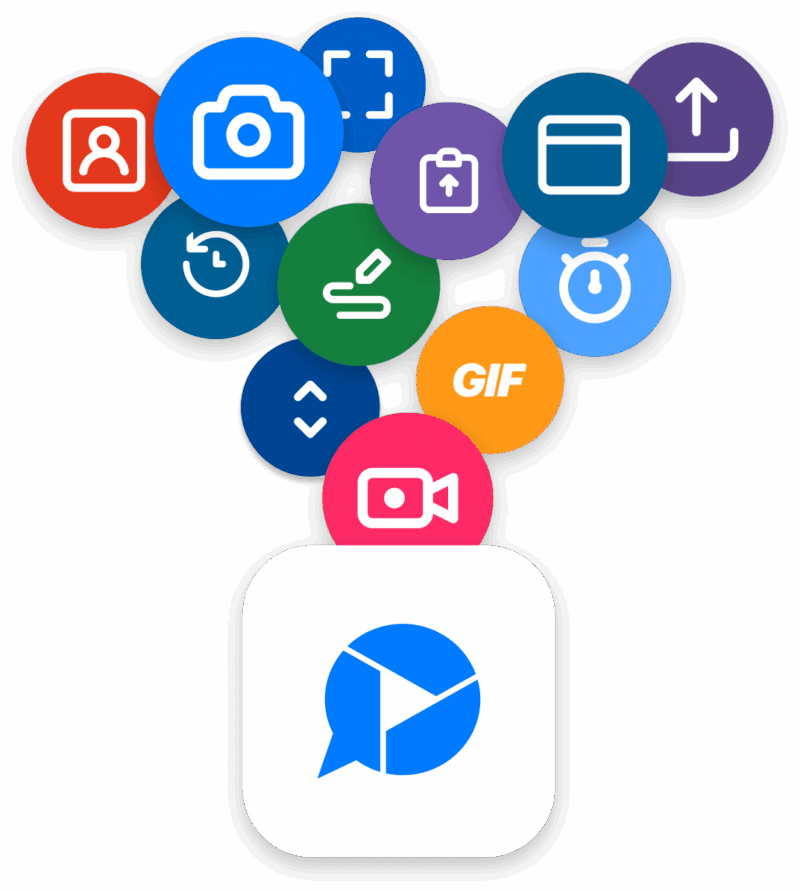
Zight offers a suite of powerful tools designed to enhance productivity and content creation. Looking for more? Check out these additional features:
Screen Recording – Capture high-quality videos for presentations and tutorials.
Screenshot Tool – Take quick, annotated screenshots for feedback and collaboration.
AI (Artificial Intelligence) – Generate captions, summaries, and insights from your video content.
Merge Videos – Combine multiple video clips into a single seamless presentation.
URL Shortener – Generate trackable short links for easy sharing.
Supported Use Cases
For Students and Educators
Translate lectures, language exercises, or recorded lessons into English for easier study.
For Businesses
Translate customer calls, support recordings, or internal training clips from Spanish to English.
For Podcasters and Creators
Turn Spanish audio segments into English transcripts for captions, posts, or summaries.
For Travelers and Language Learners
Translate voice notes, conversations, or guides spoken in Spanish.
For Customer Support Teams
Understand Spanish speaking customers more clearly by translating their audio messages.
Ultimate Guide: How Spanish Audio Translation Helps You Work Faster
Converting Spanish audio into English text opens up new ways to use, share, and understand spoken content. Zight simplifies this process by handling both transcription and translation simultaneously.
Improve Accessibility and Understanding
Translations make content easier to read and help teams who do not speak Spanish access important information.
Repurpose Your Translations
Use your translated text for:
-
English subtitles
-
Meeting notes
-
Article writing
-
Reports or documentation
-
Social media captions
-
Summaries and outlines
Ideal for Multilingual Workflows
If you work with Spanish speaking users, customers, or collaborators, translation helps bridge communication gaps.
Conclusion
Zight’s Spanish Audio Translator makes it simple to convert spoken Spanish into clear English text. Upload your recording, generate the translation, and use the results for captions, notes, documentation, or learning. Fast, accurate, and accessible from any browser.
Translate Spanish audio into English text instantly with Zight.
Unlock More Tools
Expand your toolkit with these additional free tools
Frequently Asked Questions
This tool translates spoken Spanish into English text.
MP3, WAV, and M4A are supported.
Yes. It transcribes Spanish speech and converts it to English text automatically.
Yes. You can copy or export the translation instantly.
Most regional Spanish accents are recognized accurately.
No. Files are processed temporarily and not saved.
Most recordings are supported. Longer ones may take extra processing time.
Yes. Punctuation is added to make the translation readable.












