

Share the finished work with Zight
Zight helps teams record, edit, share, and discuss visual work with one secure link instead of bulky attachments.
Get Zight freeHow to use this free tool
Complete the workflow in three browser-local steps.
Choose a PDF
Select a PDF from your device. It is read locally in your browser.
Select pages
Enter page numbers or ranges such as 1, 3-5.
Download or share
Create a new PDF, download it, or upload it to Zight.
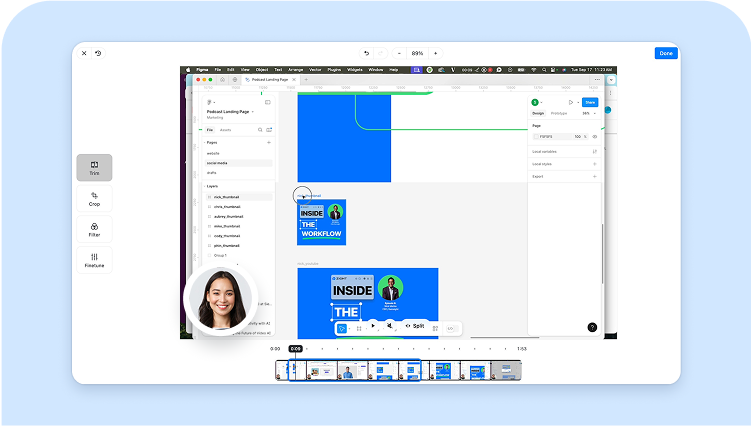
Share only the pages people need
Create a focused excerpt for approvals, support, contracts, reports, or training instead of forwarding a full document.
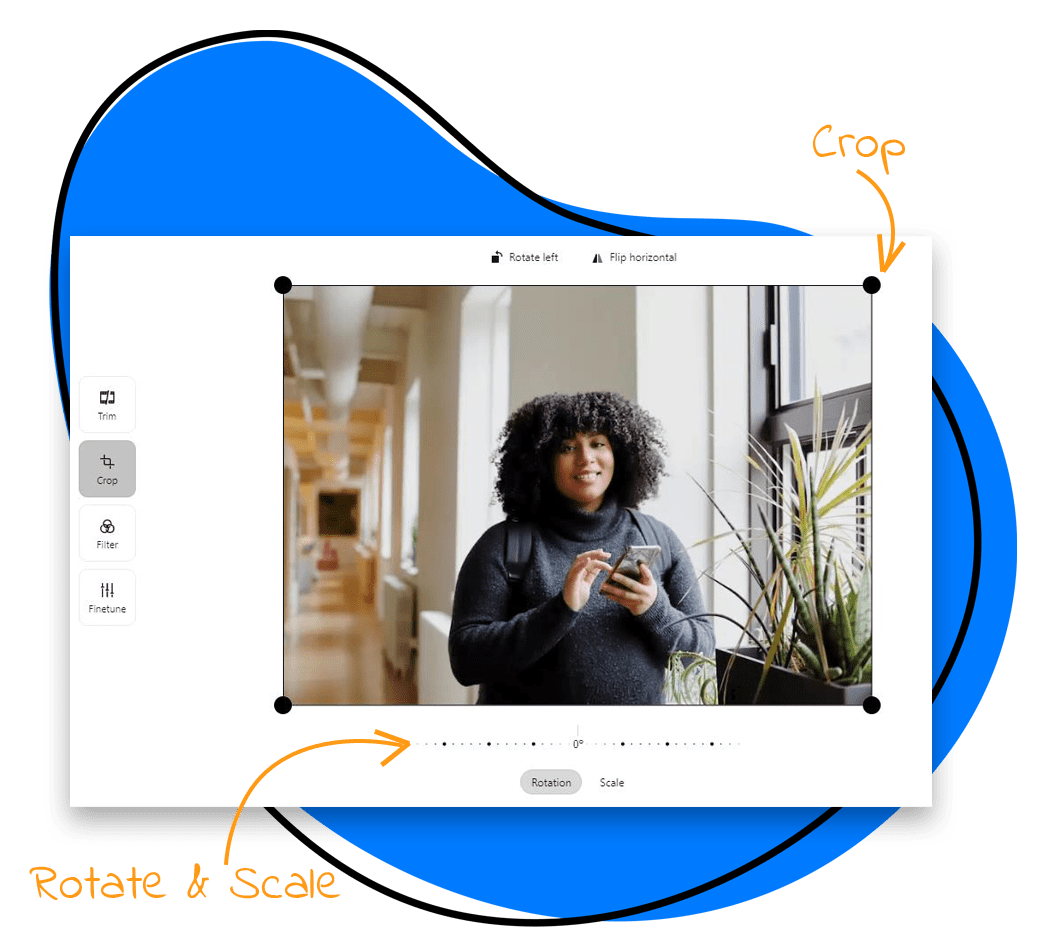
Browser-local PDF processing
The source PDF stays on your device. Upload happens only when you choose Upload to Zight.
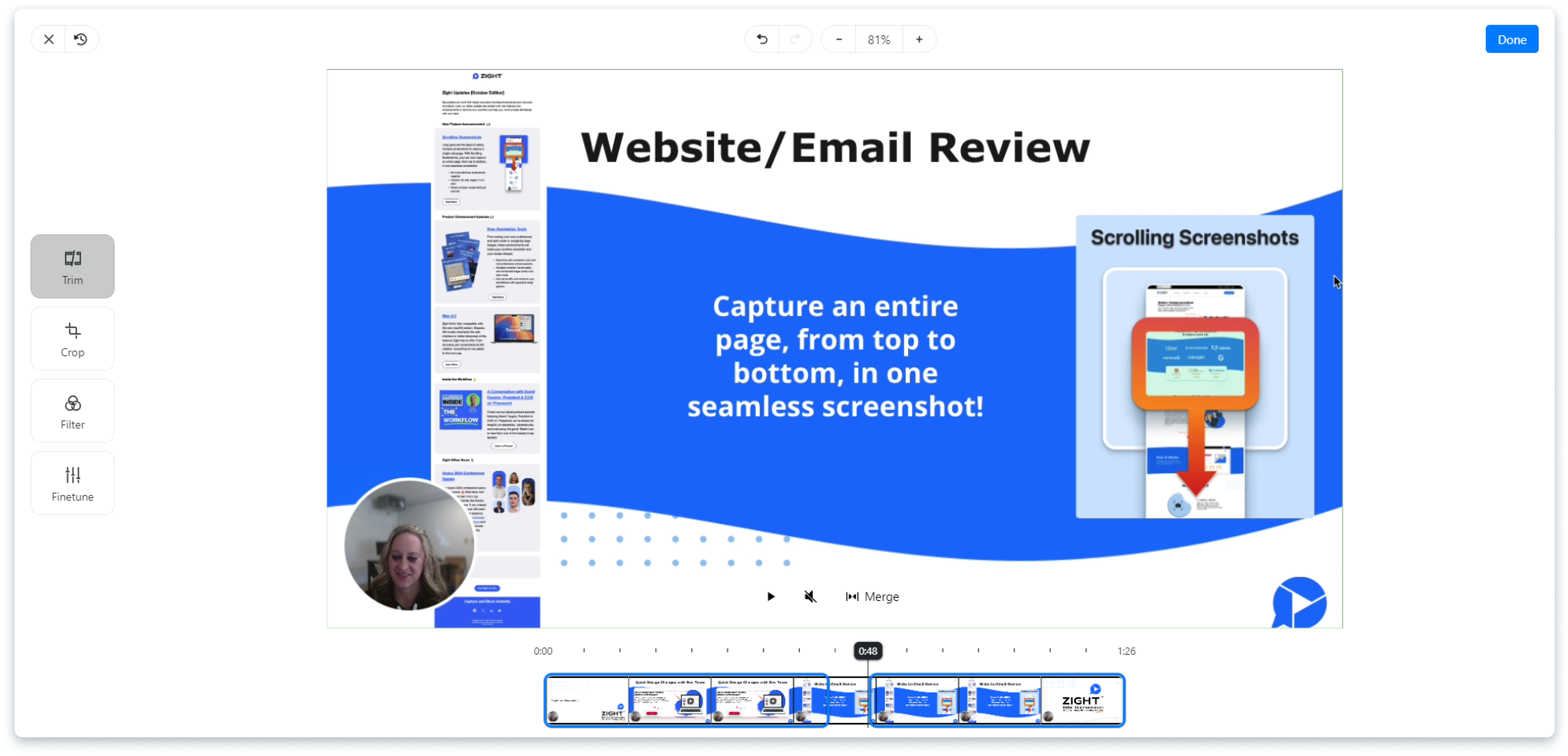
Review privacy before sharing
Open the extracted PDF and check every page for names, signatures, comments, account details, or other sensitive information.
Keep the handoff clear
Use a descriptive filename and add a short note explaining which pages are included and what the recipient should review.
Related Zight tools and workflows
Extract only the PDF pages you need without uploading the source file to a server.
Ready to explain work visually?
Record your screen, webcam, and voice with Zight, then share one link for faster feedback.
Try Zight for freeFrequently Asked Questions
Choose a PDF, enter page numbers or ranges, and select Extract selected pages.
No. The tool creates a new PDF and leaves the source file unchanged.
Yes. Use a list such as 1, 3-5, 8.
No. Extraction runs locally unless you explicitly upload the result to Zight.
Password-protected PDFs are not supported by this browser-local workflow.
A practical guide to pdf page extractor
Extract only the PDF pages you need without uploading the source file to a server.
Use the right next step
After completing this task, you can compress the extracted PDF, convert PDF pages to JPG, read the PDF extraction guide. These internal paths connect the tool to nearby video, audio, and sharing workflows.
Privacy and browser support
The core task runs locally in your browser. Media codec, recording, and export support varies by browser and operating system, so use a current Chrome, Edge, Firefox, or Safari release and preview the result before sharing.












