
Calculate matching dimensions
Enter one known dimension, choose the target ratio, and copy the matching width or height.
Enter dimensions
Add a known width and height to simplify the current ratio.
Choose a target ratio
Pick 16:9, 9:16, 1:1, 4:3, 21:9, or another common preset.
Copy the result
Use the calculated dimensions before cropping, resizing, or compressing media.
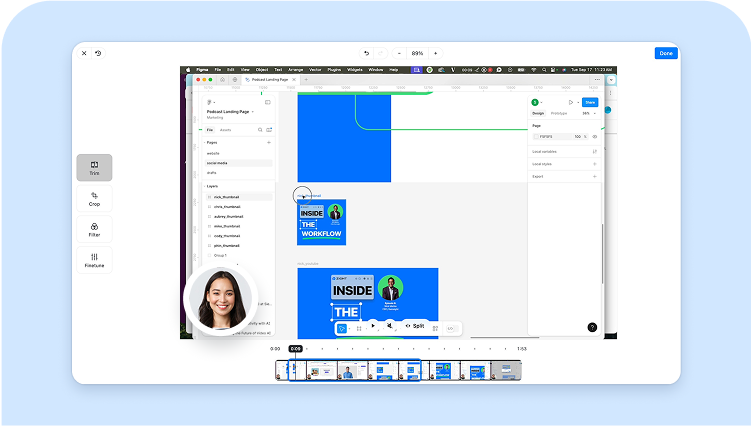
Calculate ratios before editing
Aspect ratio mistakes create stretched videos, awkward thumbnails, and clipped screenshots. Use the calculator first, then resize or crop with confidence.
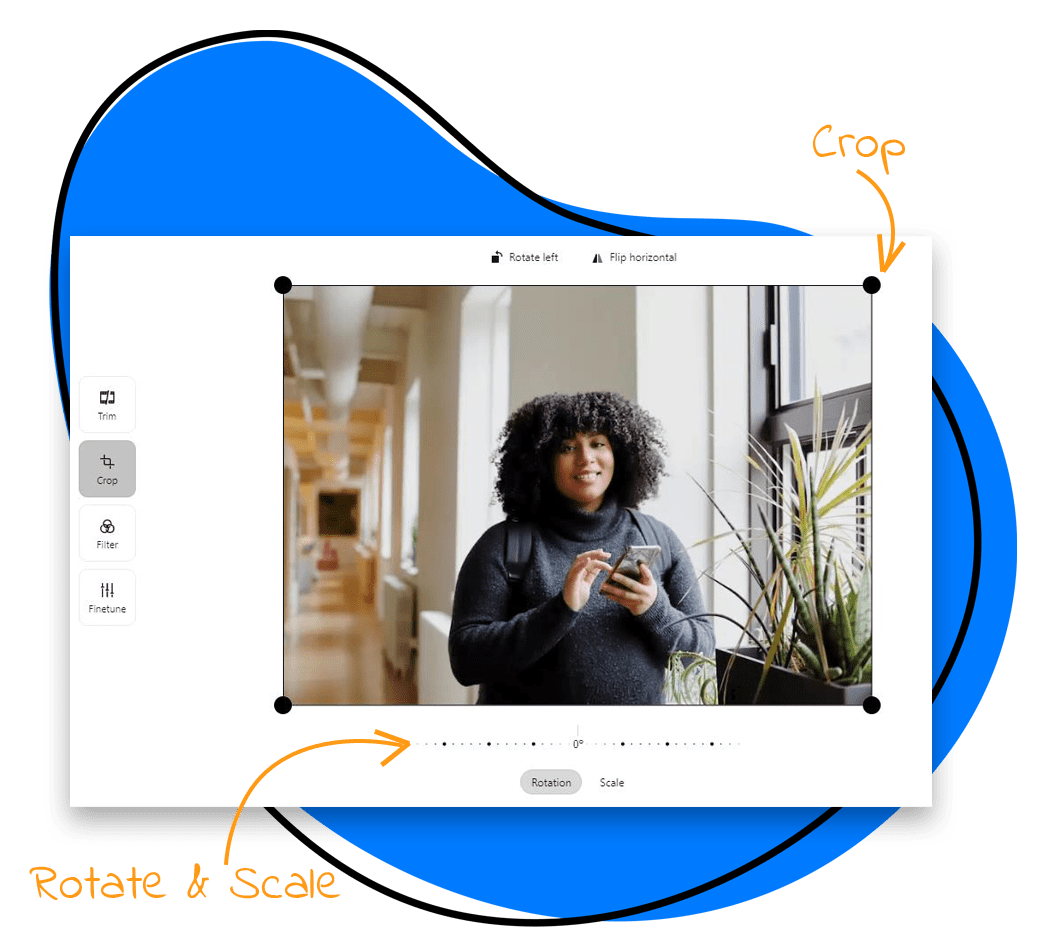
Common ratios for video and social
Use 16:9 for most screen recordings and YouTube videos, 9:16 for vertical mobile clips, and 1:1 for square social posts.
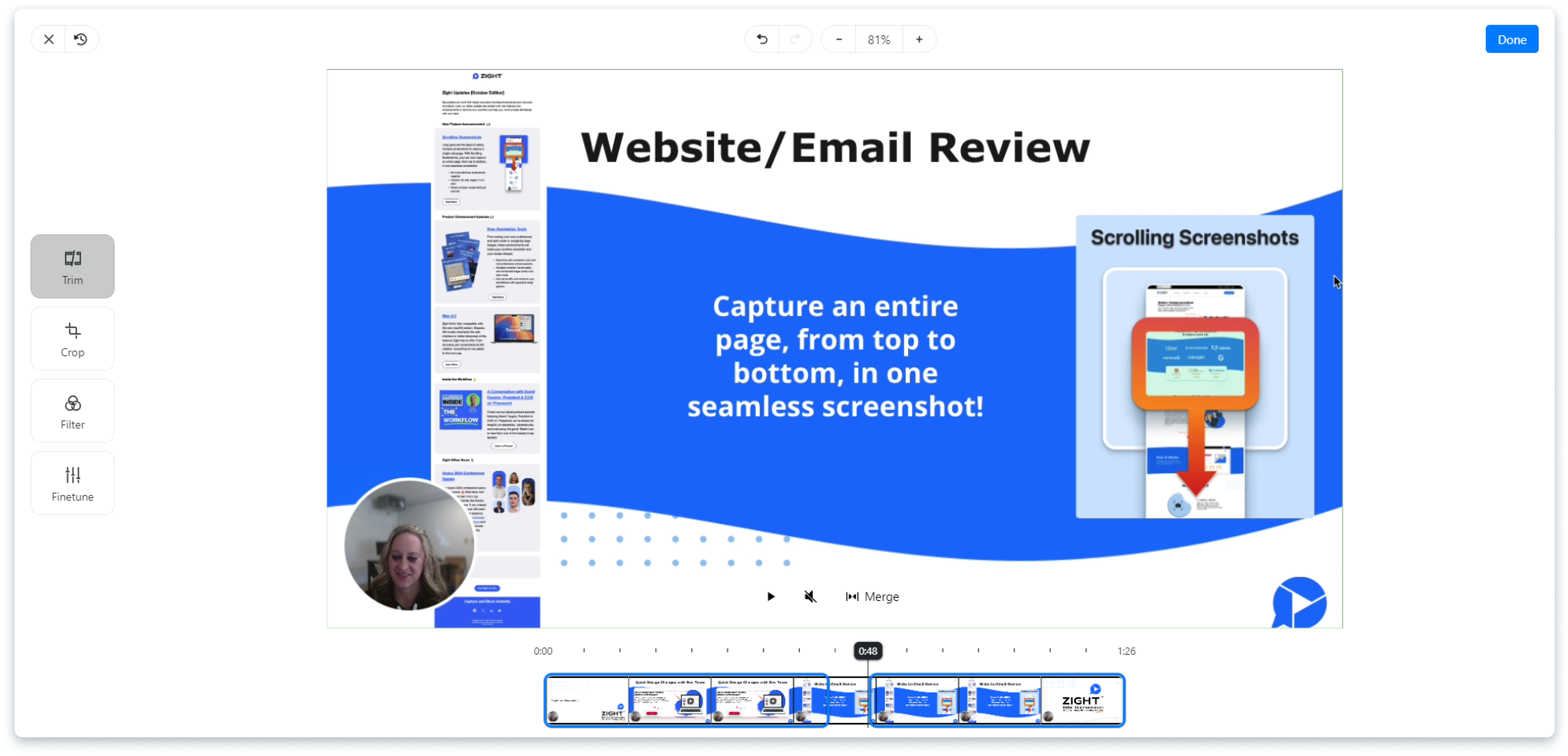
Private, instant, and file-free
This calculator does not need your media file. It only works with dimensions, so it is fast and private.

Share the finished asset with Zight
After resizing or cropping, use Zight to share the finished screenshot or recording with teammates and customers.
Resize or crop with the calculated ratio
Use the result in a resizer or cropper, then compress only if the finished video is still too large.
Keep the ratio through the next edit
The calculator uses dimensions only; it does not need the image or video file. Apply the result in the video resizer or video cropper, then preview the export to make sure the subject and on-screen text still fit.
Frequently Asked Questions
Divide width and height by their greatest common divisor. For example, 1920×1080 simplifies to 16:9.
1920×1080 is 16:9, the standard widescreen ratio for many videos, presentations, and screen recordings.
16:9 works for most desktop walkthroughs. Use 9:16 for mobile-first clips and 1:1 when the destination needs a square format.
Keep the original ratio or use fit/crop settings. Do not stretch unless distortion is acceptable.
YouTube usually works best at 16:9. LinkedIn supports several formats, but 16:9, 1:1, and 4:5 are common choices.
Share the finished visual with Zight
Record or upload the finished asset, then send one link for review and feedback.
Try Zight for free











