
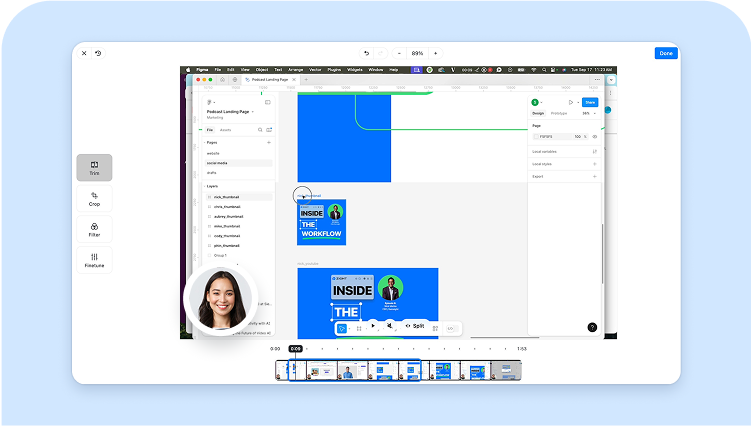

Share more than a processed file
Zight helps teams record, share, and discuss visual work with a link instead of a bulky attachment.
Get Zight freeHow to use this free tool
Complete the task in three browser-local steps.
1. Choose a video
Upload a short MP4, MOV, or WebM that your browser can play.
2. Select dimensions
Pick a preset or custom size and choose how the source should fit.
3. Export WebM
Download the resized video or upload it to Zight.
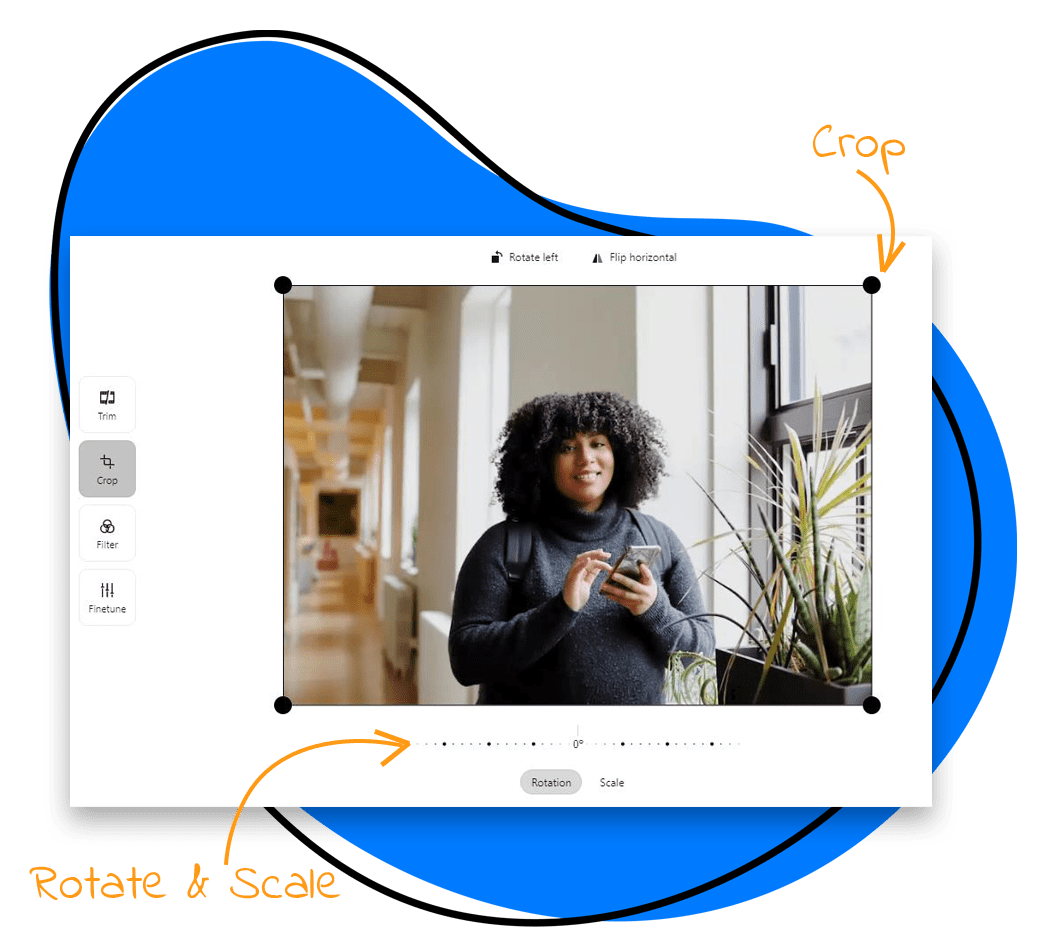
Resize for the destination
Use widescreen for presentations, vertical for stories and reels, square for feeds, or a custom canvas for a specific player.
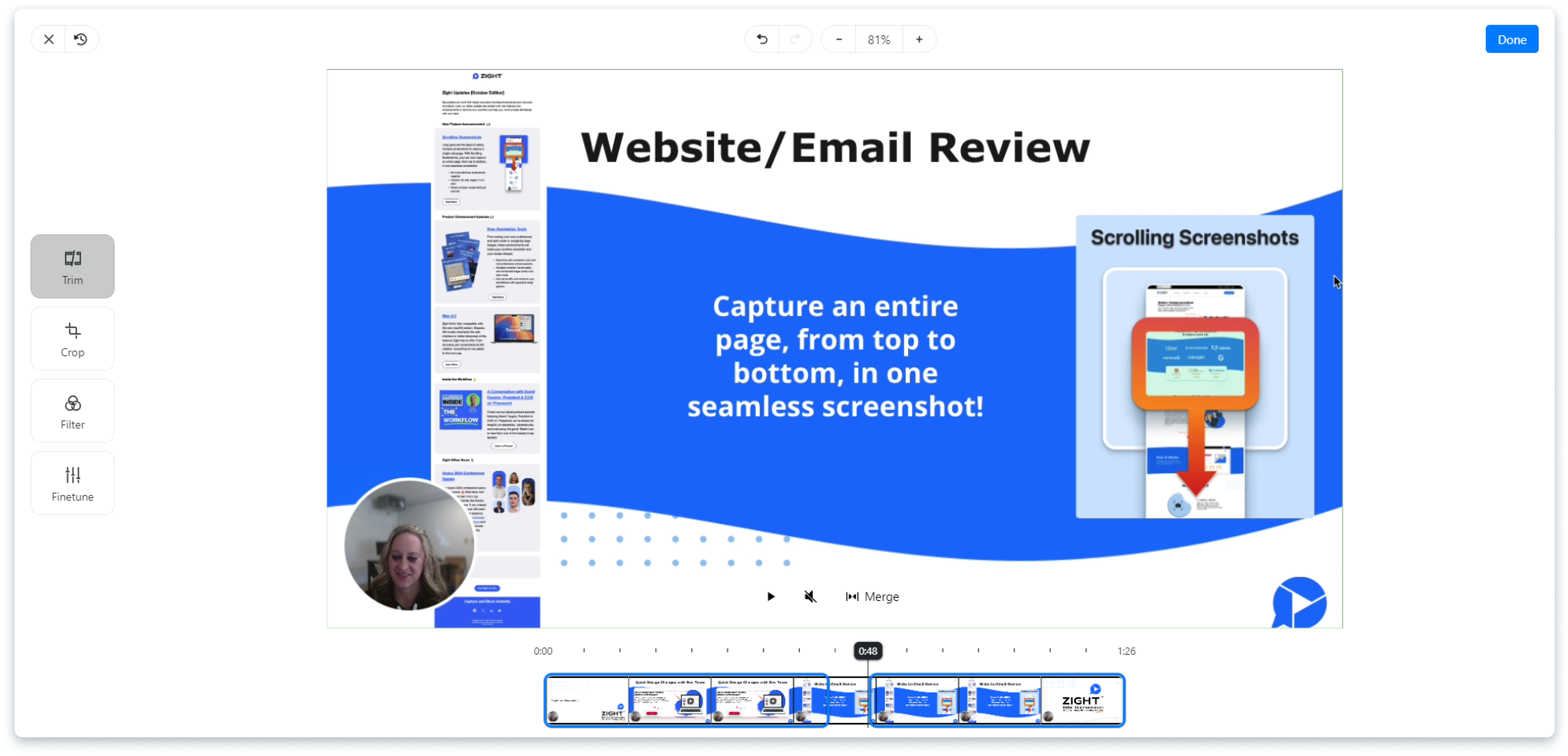
Fit, crop, or stretch
Fit preserves the full frame with a background. Crop fills the canvas. Stretch changes proportions and can distort the image.
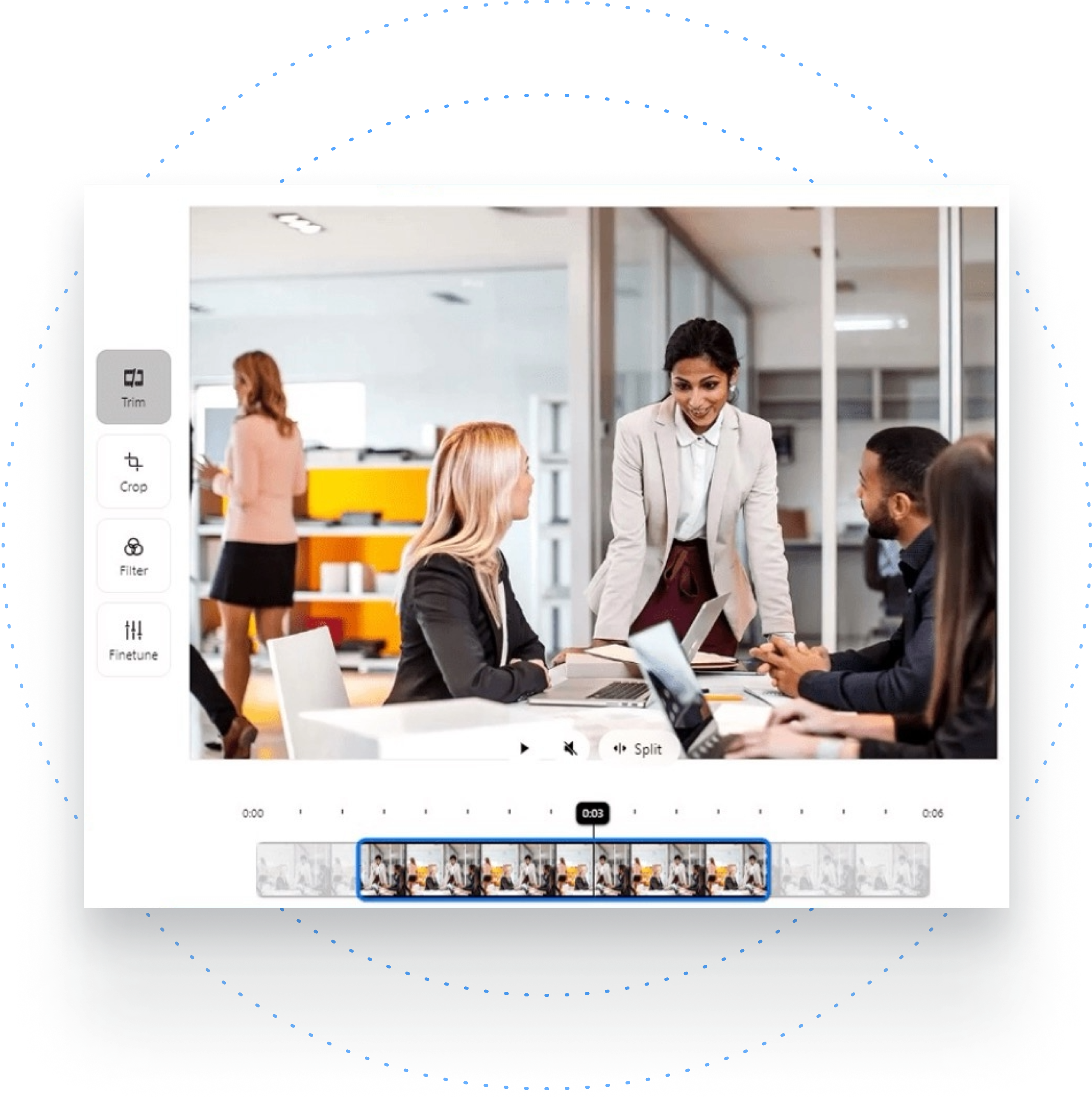
Browser-local WebM export
The browser draws each frame to the selected canvas size and records the result as a browser-compatible WebM.

Share videos without bulky attachments
After resizing, use Zight to share the finished clip with a link and keep feedback connected to the visual context.
Related Zight tools and workflows
Resize short videos to 16:9, 9:16, 1:1, 4:5, or custom dimensions with fit, crop, and stretch modes.
Ready to explain work visually?
Record your screen, webcam, and voice with Zight, then share one link for faster feedback.
Try Zight for freeFrequently Asked Questions
Upload a compatible video, choose dimensions and a fit mode, then select Resize video.
Yes. The preset menu includes vertical 9:16, square 1:1, widescreen 16:9, and 4:5.
Upscaling can soften a video, and every re-encode can affect quality. Choose dimensions close to the intended destination.
No. Resizing runs locally. Upload happens only if you choose Upload to Zight.
A practical guide to video resizer
Resize short videos to 16:9, 9:16, 1:1, 4:5, or custom dimensions with fit, crop, and stretch modes.
Use the right next step
After completing this task, you can crop a video, compress a video, share video with Zight. Each option keeps the workflow focused without forcing an unrelated tool.
Privacy and browser support
The core task runs locally in your browser. Media codec, recording, and export support varies by browser and operating system, so use a current Chrome, Edge, Firefox, or Safari release and preview the result before sharing.












