
Turn vague bug reports into visual evidence
A good bug report shows what happened, where it happened, and what the reporter expected instead. Screen recordings help when timing, hover states, loading, or multi-step behavior matters.
Use the screen recorder for motion, the screenshot app for static states, and annotations to point engineering at the exact detail.
What every bug recording needs
The recording should reduce ambiguity, not replace the written report.
Starting state
Show the page, account type, or setup before reproducing the issue.
Exact steps
Move slowly enough that clicks and inputs are clear.
Final result
Capture the error, broken state, or unexpected behavior.
ENGINEERING HANDOFF
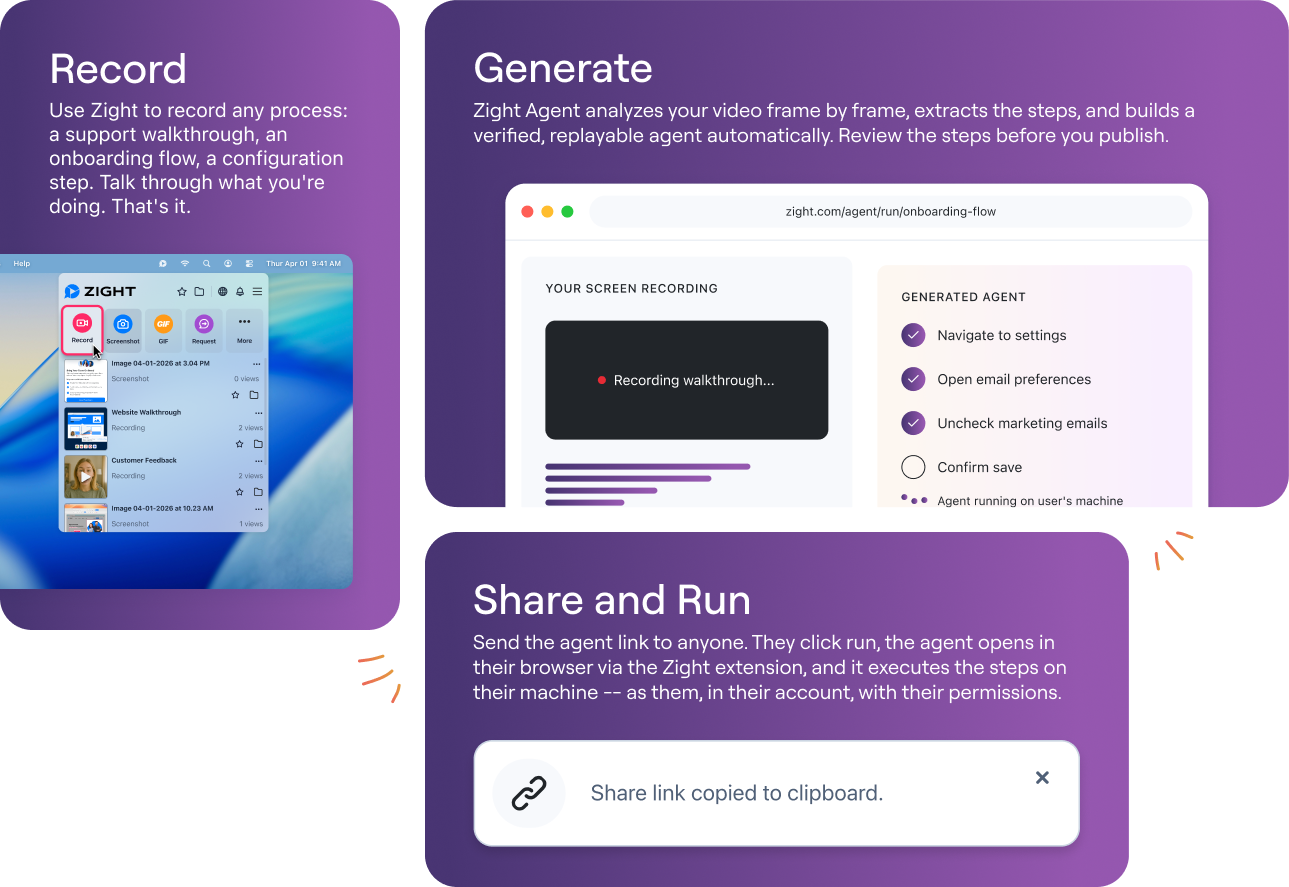
Pair video with structured notes
Add browser, device, account context, expected result, actual result, and reproduction frequency. The recording helps engineering see the issue, while the notes help them prioritize and debug it.
For demo-style explanation, see how to create a software demo.
Privacy checks before sending
Bug reports often expose more than people realize.
Use test data
Reproduce in a safe account when possible.
Crop attention
Keep the relevant window visible and avoid unrelated tabs.
Blur sensitive details
Hide customer names, tokens, and private account data.
STATIC EVIDENCE
Screenshots still matter
Use a screenshot when the important evidence is a single state. Add arrows, highlights, and notes so the issue can be understood without replaying video.
Frequently asked questions
It is a recording workflow that captures the steps, visual state, expected result, and actual result so engineering can understand an issue faster.
Show the starting state, exact steps, error message, environment details, and final result. Add written reproduction steps with the link.
Sometimes. Use screenshots for static states and annotations. Use recordings when timing, sequence, hover behavior, or intermittent states matter.
Use test accounts when possible, crop to the relevant window, blur private areas, and stop before unrelated tabs or customer data appear.
Keep the recording link in the issue tracker or ticket with structured notes so engineering can reproduce, prioritize, and verify the fix.
Give engineering the context they need
Record the issue, add the steps, and keep the link with the ticket or issue.
Start recording











