

In today’s remote and hybrid work environment, effective knowledge sharing is critical. Visual collaboration tools simplify complex ideas, improve communication, and make workflows more efficient. Here’s a quick rundown of five tools that excel in this space:
- Miro: A versatile platform with 1,000+ templates, real-time collaboration, and 160+ integrations. Ideal for brainstorming, workshops, and agile planning.
- FigJam: Designed for design teams, it integrates seamlessly with Figma, offering tools for brainstorming and UI/UX reviews.
- Lucidspark: A dynamic whiteboard with features like Breakout Boards and Lucidchart integration for structured diagrams.
- ClickUp Whiteboard: Combines brainstorming with task management, letting you turn ideas into actionable tasks.
- Zight: Focuses on asynchronous knowledge sharing through screen recordings, GIFs, and step-by-step guides.
Each tool offers unique features tailored to different team needs, from live collaboration to asynchronous documentation. Below is a comparison table summarizing their key differences.
Quick Comparison
Choose the tool that best aligns with your team’s workflow and collaboration style.
1. Miro
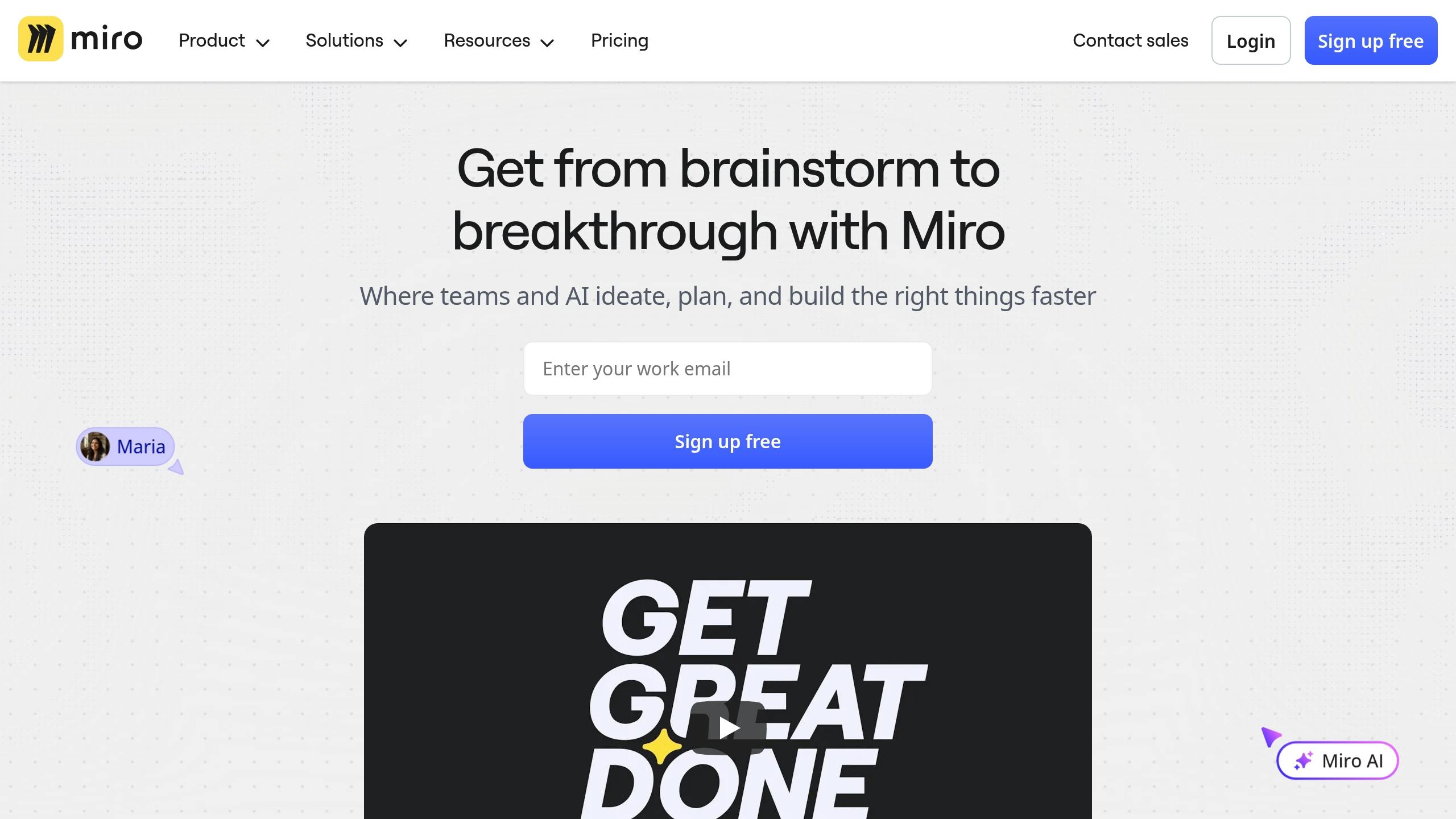
Miro stands out as a leader in visual collaboration, offering a platform packed with over 1,000 pre-built templates and more than 160 native integrations. It’s become a go-to tool for remote and hybrid teams conducting workshops, sprint planning, and strategic meetings.
Real-time Collaboration Features
Miro makes teamwork seamless with multi-user editing and live cursors, letting everyone see exactly what others are working on in real time. Whether it’s adding sticky notes, sketching diagrams, or moving elements, team members can collaborate fluidly without missing a beat.
The platform supports unlimited board members, making it ideal for large groups where dozens of participants need to contribute simultaneously. Its threaded discussion system allows for instant feedback using comments, mentions, and reactions, all without disrupting the creative flow. This setup captures ideas as they happen, ensuring that the context and nuances of brainstorming sessions are preserved. Instead of just documenting one person’s input, Miro helps teams build shared knowledge collaboratively in real time.
But Miro doesn’t stop at collaboration – it integrates seamlessly with tools you already use to ensure your workflow stays smooth.
Integration Capabilities
With 160+ native integrations, Miro connects effortlessly with tools like Slack, Microsoft Teams, Google Workspace, Jira, Asana, Notion, Figma, and Zoom.
This means your work in Miro doesn’t live in isolation. You can share brainstorming results directly to Slack, link planning boards to Jira tickets, or integrate diagrams into Notion for centralized knowledge management. By bridging Miro with your existing tools, it eliminates the need for additional silos, allowing visual insights to flow naturally into your daily tasks.
Visual Documentation Tools
Miro takes visual documentation to the next level with its infinite collaborative whiteboard. From sticky notes and diagrams to flowcharts, the platform provides tools to capture and organize ideas effectively. Its extensive template library speeds up workflows with ready-made structures for brainstorming, agile planning, mind mapping, and retrospectives.
One standout feature is automatic shape recognition, which turns rough sketches into polished diagrams. This is especially handy during fast-paced sessions, where messy visuals can be quickly cleaned up and used as professional references later.
Centralized workspaces allow teams to organize projects into folders with specific permissions, ensuring that content is accessible to the right people. The frames feature breaks down complex ideas into manageable sections, keeping everything organized and easy to follow. Additionally, Miro offers end-to-end encryption and robust permission controls to safeguard sensitive information.
AI-powered Features
Miro’s AI-assisted tools simplify diagram creation and idea generation, turning rough concepts into clear visuals. The AI can create diagrams from text descriptions, suggest connections between ideas, and even identify patterns during brainstorming sessions.
These features save time by reducing the need for manual formatting, allowing teams to focus on refining their ideas. Even team members without design expertise can produce high-quality visuals with AI support, making collaboration more inclusive. By speeding up documentation and improving how information is shared, these tools enhance knowledge-sharing across teams.
With a Capterra rating of 4.7 out of 5 stars, Miro consistently earns praise for its user-friendly design and powerful features. From real-time collaboration to AI-driven efficiencies, Miro streamlines visual knowledge sharing, making teamwork both productive and engaging.
2. FigJam
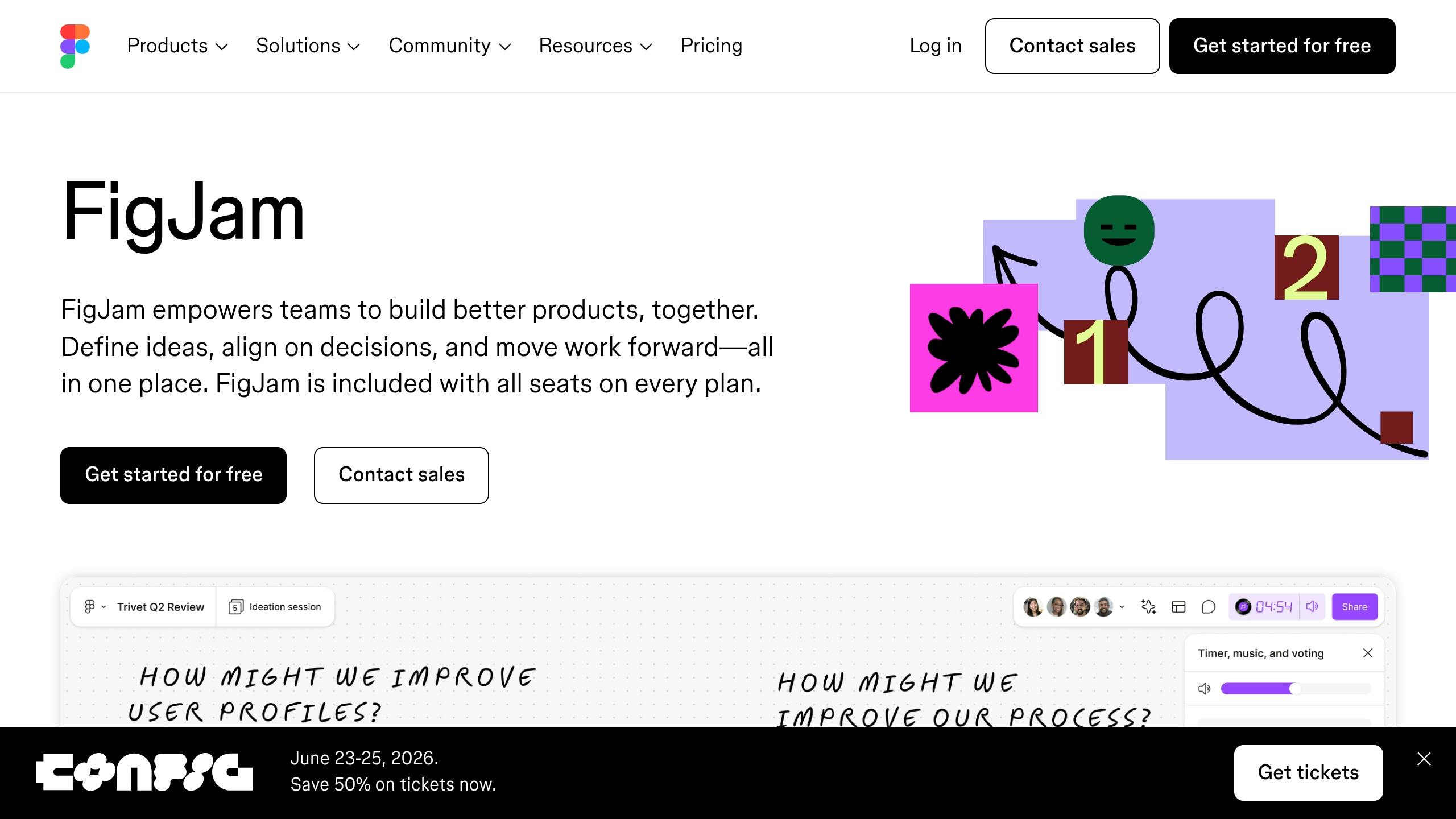
Building on the success of Miro’s collaborative tools, FigJam offers a whiteboarding experience tailored specifically for design teams, all within the familiar Figma environment. This integration makes it easy to move from brainstorming to execution without skipping a beat.
FigJam is designed to shine in real-time collaboration, UI reviews, and creative brainstorming sessions. It enables team members to work together seamlessly, no matter where they are. With its parent platform earning an impressive 4.7 out of 5 stars on Capterra, FigJam has carved out a strong reputation for supporting design collaboration.
Real-time Collaboration Tools
FigJam makes teamwork effortless with live cursors that show exactly what each contributor is doing. Features like board chat, multimedia comments, and audio chat keep brainstorming sessions flowing smoothly. Threaded discussions and multimedia feedback ensure that even team members in different time zones stay in sync. For distributed teams, live presentations make it easy to walk stakeholders through designs or lead knowledge-sharing sessions.
Seamless Integration with Figma
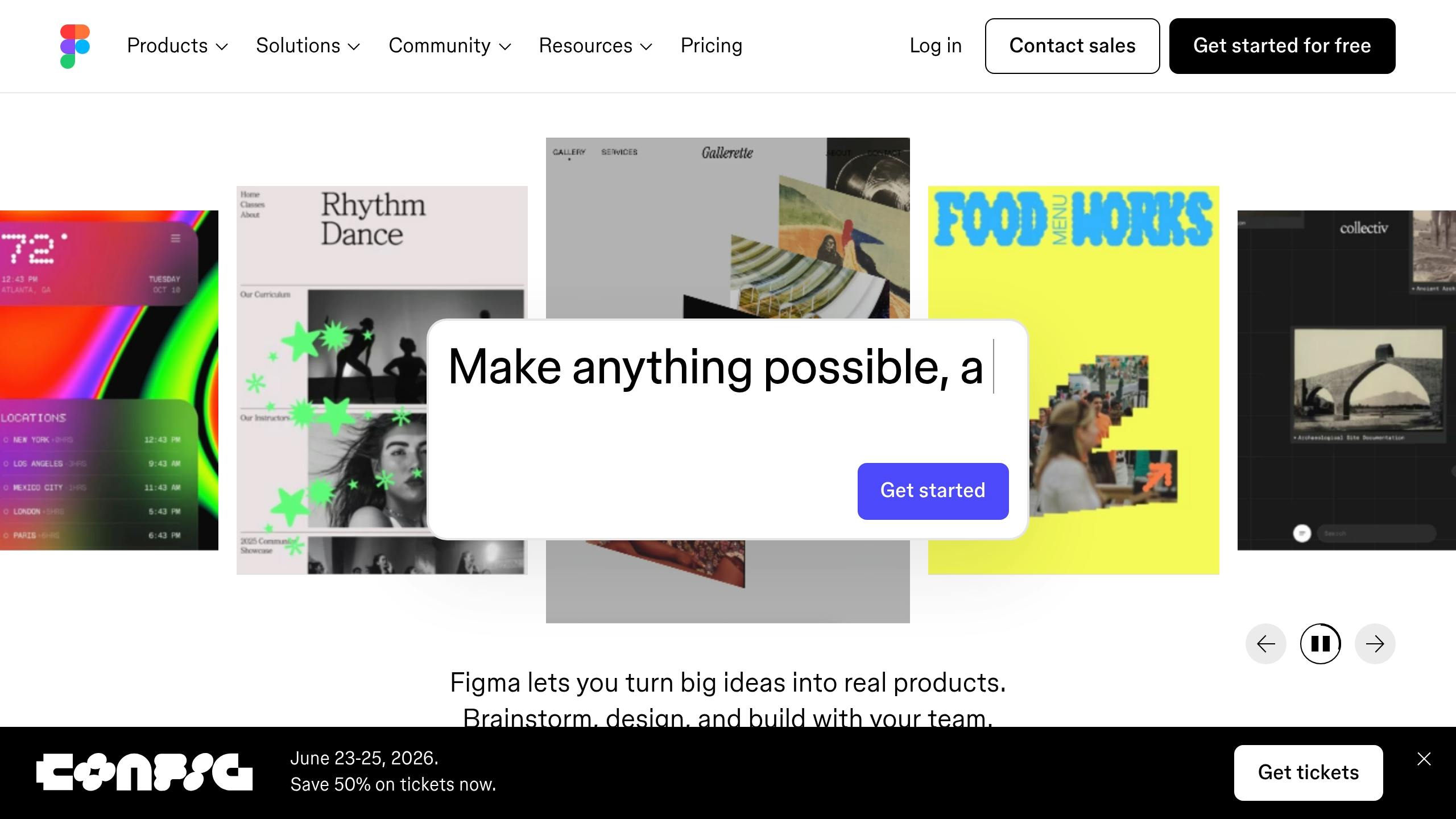
One of FigJam’s standout features is how effortlessly it integrates with Figma. Teams can move ideas directly into detailed designs, sharing assets, components, and workflows without losing context. This eliminates the need to juggle multiple tools, allowing teams to focus entirely on creativity.
Tools for Visual Documentation
With an infinite canvas and a versatile set of tools – like sticky notes, drawings, shapes, arrows, and mind-mapping features – FigJam makes it simple to capture and organize ideas. Sticky note clustering helps uncover patterns and build clear visual hierarchies during brainstorming. The platform’s flexible presentation paths let teams arrange information in a way that makes sense for their workflow. Plus, the infinite canvas doesn’t just hold final ideas, it also preserves the creative process, making it a valuable resource for onboarding and knowledge retention.
3. Lucidspark
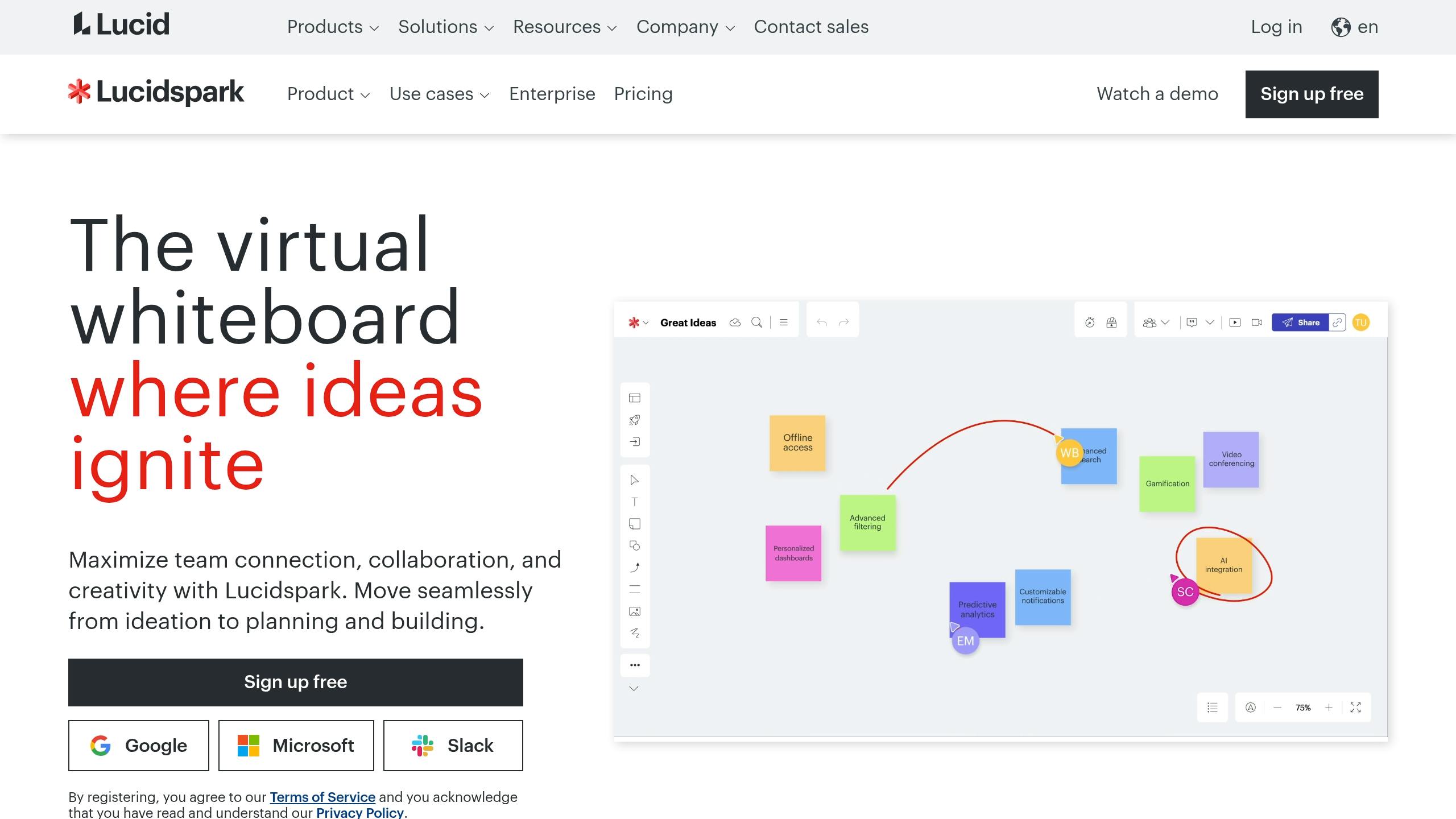
Lucidspark is a dynamic whiteboard tool designed to bring teams together for visual collaboration. As part of the Lucid Visual Collaboration Suite, it blends the creative freedom of brainstorming with tools that help simplify and organize complex ideas.
Known for its speed, Lucidspark updates boards almost instantly and keeps cursor movements smooth, even when dozens of people are working simultaneously. With a Capterra rating of 4.6 out of 5 stars, it’s clear that users appreciate its real-time collaboration features. These capabilities make it an excellent choice for teams looking to work together effectively, no matter where they are.
Real-time Collaboration Features
Lucidspark excels at connecting remote teams. Live cursors show what each team member is doing in real time, and comments update instantly, making it feel like everyone is in the same room, even if they’re spread across the globe.
Standout features include Breakout Boards, which allow teams to divide projects into smaller tasks that automatically sync back to the main board, and “Call Others to Me”, a function that pulls team members’ cursors to a specific area for focused discussions. These tools make it easy to stay organized and ensure everyone is on the same page.
Integration Capabilities
Lucidspark integrates smoothly with popular tools like Google Drive, Jira, Slack, and Microsoft Teams, letting teams keep their work connected to the software they already use. Its strongest integration is with Lucidchart, the suite’s diagramming tool. This partnership allows teams to brainstorm in Lucidspark and then seamlessly transition to creating structured diagrams in Lucidchart, without losing any context or data. For teams that need to move quickly from brainstorming to formal documentation, this workflow keeps everything aligned and efficient.
Visual Documentation Tools
The platform provides a variety of tools to capture and organize ideas, including sticky notes, shapes, connectors, and embedded content. Breakout Boards also double as an organizational tool, breaking down complex projects into smaller, connected components while maintaining the overall visual structure. This setup creates a clear, persistent record of team discussions and decisions, which can be revisited later or used for onboarding new team members. By turning brainstorming sessions into reusable knowledge, Lucidspark ensures nothing gets lost.
AI-Powered Features
Lucidspark incorporates AI to help teams make sense of their brainstorming sessions. It can group and organize ideas into themes, making it easier to create visual hierarchies from scattered thoughts. The platform supports both real-time and asynchronous collaboration, allowing team members to revisit sessions, leave comments, or build on ideas at their convenience. This flexibility is especially useful for global teams working across different time zones, ensuring everyone can contribute meaningfully even if they can’t join live sessions.
4. ClickUp Whiteboard
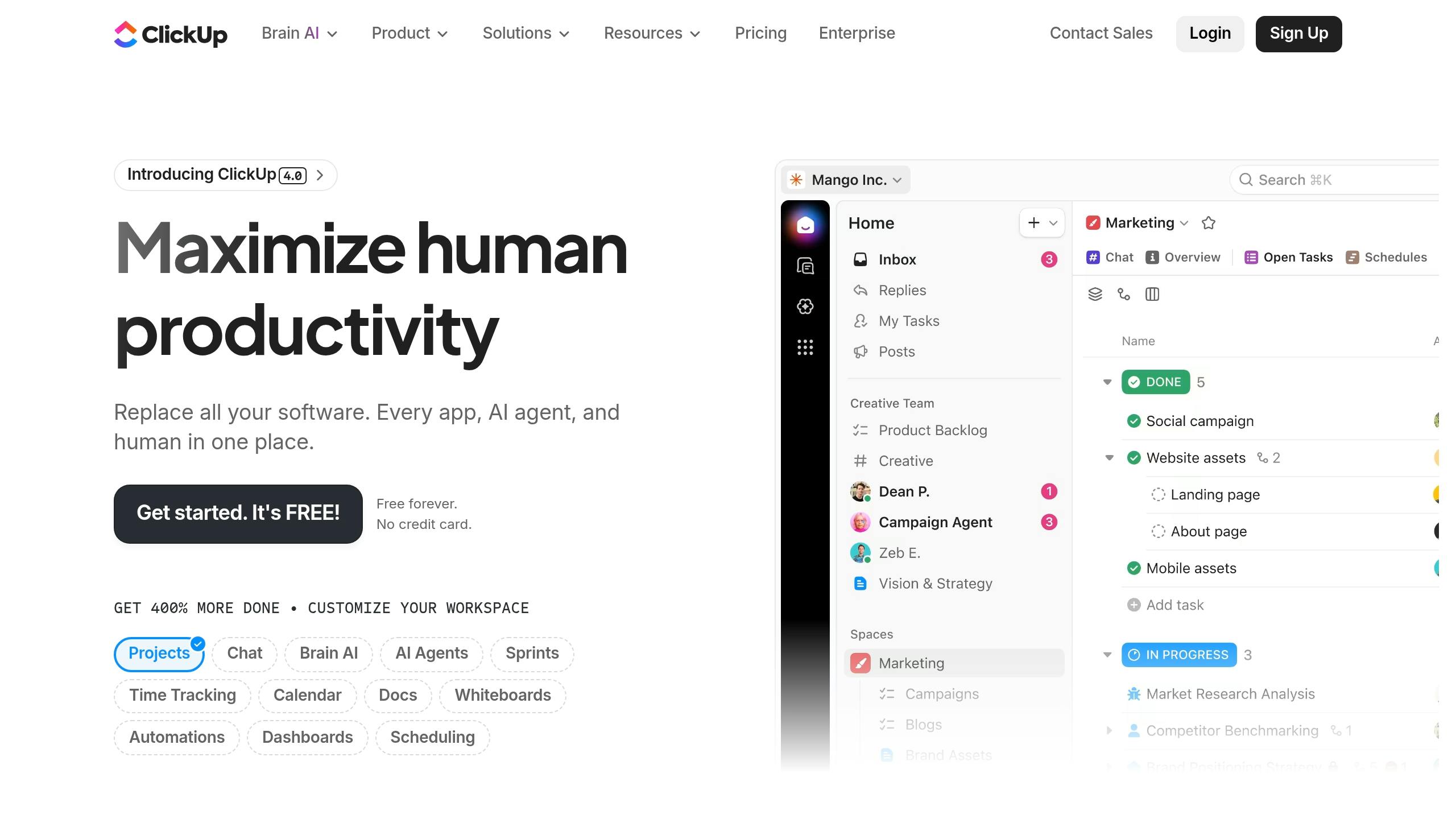
ClickUp Whiteboard brings visual brainstorming into the ClickUp project management suite, combining creativity with task management. With a 4.7 rating on Capterra and starting at $7.50 per user/month, it allows teams to transform ideas into actionable tasks directly from the whiteboard.
What makes ClickUp Whiteboard stand out is its ability to turn whiteboard elements into tasks seamlessly. Teams can brainstorm on an infinite canvas, then instantly assign ideas as tasks with deadlines, owners, and project details, all without switching between tools. This integration bridges the gap between brainstorming and execution, a recurring theme in visual collaboration tools.
Real-time Collaboration Features
ClickUp Whiteboard supports real-time teamwork with distinct user cursors that show where each team member is working. Whether your team is across town or across the globe, this feature fosters a sense of presence. Sticky notes, connections, and updates appear in real time, ensuring everyone stays on the same page.
The platform also includes commenting tools, allowing team members to provide feedback and add context as ideas evolve. Plus, with auto-save functionality, you’ll never lose progress during those fast-paced brainstorming moments.
Integration Capabilities
ClickUp Whiteboard integrates effortlessly with the broader ClickUp ecosystem, ensuring a smooth transition from planning to task execution. Teams can link tasks, projects, and deadlines directly to whiteboard elements. Whether you’re mapping out a project roadmap or designing a process flow, you can connect visual elements to existing tasks or create new ones on the spot.
Even better, ClickUp Whiteboard comes included with ClickUp subscriptions at no extra cost. For individuals, there’s also a free version. The platform’s relationship linking feature keeps everything organized, making it easy to navigate between visual plans and their corresponding tasks.
Visual Documentation Tools
Like other tools in this category, ClickUp Whiteboard features an infinite canvas where teams can add sticky notes, shapes, lines, and text. The canvas expands as needed, growing with your project.
The platform offers 15 templates designed for project planning, brainstorming, and agile workflows. You can even embed documents and media directly onto the canvas, keeping all your resources in one place.
To make complex ideas easier to digest, the Visual Hierarchy feature organizes content into clear mind maps, flowcharts, and diagrams. With 35+ ClickApps available, teams can customize their whiteboard experience to fit their specific workflows.
AI-Powered Features
ClickUp AI acts as a virtual meeting assistant during collaborative sessions. It summarizes discussions, proposes next steps, and handles repetitive tasks. It can also search online for information and condense text to fit specific areas on your whiteboard.
These AI-driven tools free up your team to focus on creativity and strategy, minimizing time spent on administrative tasks.
5. Zight
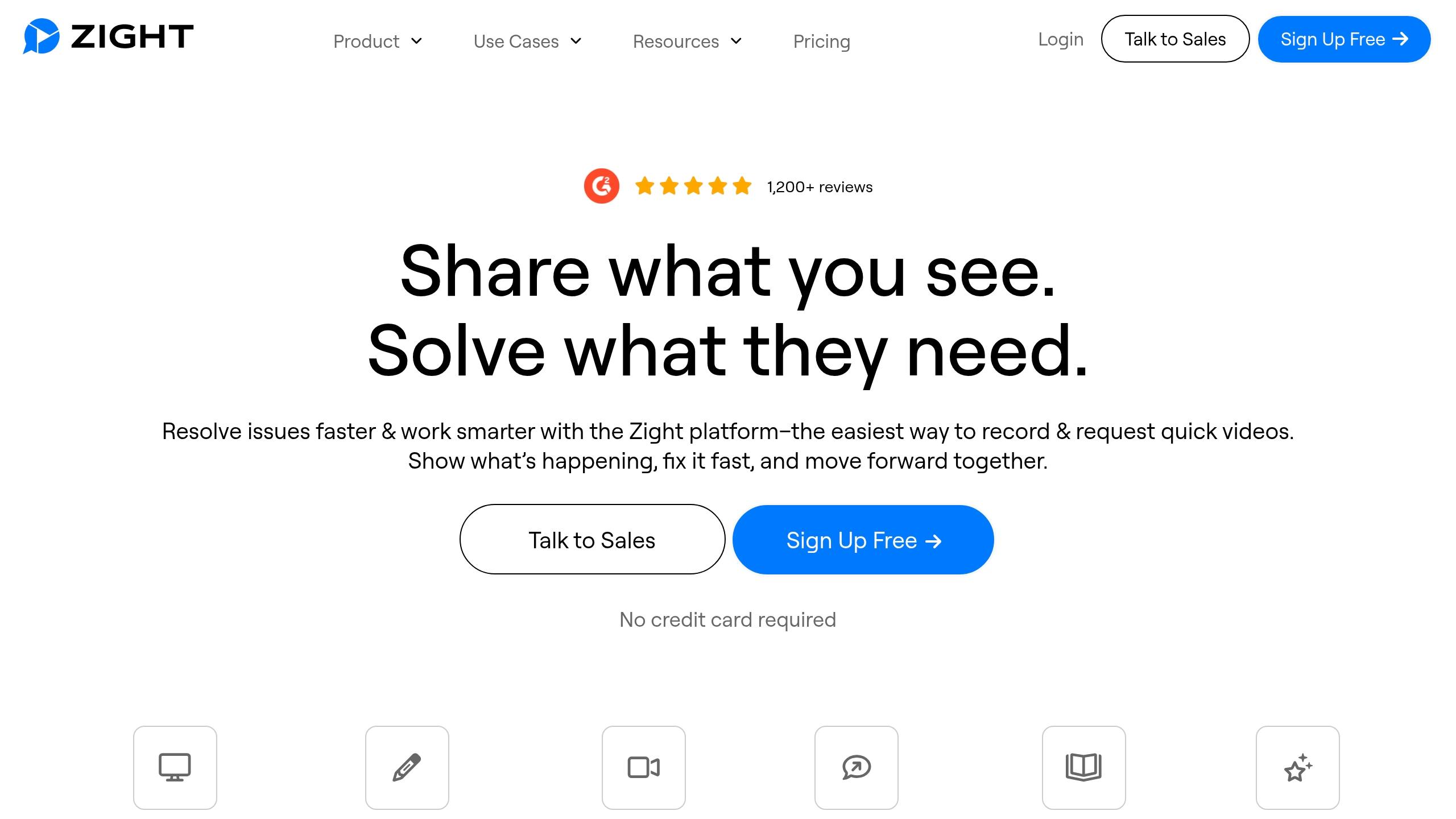
Zight isn’t your typical whiteboarding tool. Instead, it focuses on capturing and sharing knowledge through screen recordings, screenshots, GIFs, and step-by-step guides. This makes it a go-to solution for documenting processes, creating training materials, and sharing expertise asynchronously.
The platform combines several tools – screen recording, screenshot capture, GIF creation, and guide development – into one streamlined package. Available on Mac, Windows, Chrome, and iOS, Zight starts at $9/month for individuals and $11/month per user for teams. Here’s a closer look at how Zight’s visual tools, AI features, and integrations simplify knowledge sharing.
Visual Documentation Tools
Zight shines when it comes to breaking down complex workflows into easily digestible formats. With screen recordings and narration, experts can create tutorials that are perfect for onboarding and training. Short, looping GIFs are great for demonstrating quick actions, while step-by-step guides combine screenshots, text, and annotations to provide clear, structured instructions.
AI-Powered Features
Zight leverages AI to make recorded knowledge more accessible and easier to find. Its Auto-Transcribe feature converts spoken content from videos into searchable text, allowing team members to quickly locate key details. The Video Summarizer creates concise overviews of recordings, making content easier to navigate.
Other AI-driven tools include Translation, which supports over 50 languages to help global teams collaborate seamlessly. Additionally, Zight can instantly convert videos into step-by-step guides, bug reports, SOPs, or how-to documents, cutting out the need for extra manual effort.
Integration Capabilities
Zight integrates smoothly with tools like Slack, Microsoft Teams, and Jira, making it easy to share content directly. With Slack, users can instantly share recordings, screenshots, or guides in channels or direct messages. Meanwhile, Jira integration allows developers to attach video walkthroughs and annotated screenshots to tickets, ensuring tasks are clearly documented.
Tool Comparison Table
Selecting the right visual tool comes down to your team’s workflow, budget, and how you prefer to collaborate. Below is a detailed comparison of Miro, FigJam, Lucidspark, ClickUp Whiteboard, and Zight, outlining how they perform across key features for knowledge sharing.
The table provides a snapshot of each tool’s strengths and features.
Miro, FigJam, Lucidspark, and ClickUp Whiteboard excel in real-time collaboration, making them perfect for brainstorming sessions, sprint planning, and workshops where immediate interaction is key. Miro stands out with its vast template library and extensive integrations, making it a top choice for enterprise-level workshops. FigJam caters to design teams, while ClickUp Whiteboard adds value by seamlessly turning visual ideas into actionable tasks within its project management ecosystem.
Zight, on the other hand, takes a different route with its asynchronous approach to knowledge sharing. Instead of focusing on live collaboration, it specializes in capturing and documenting knowledge through screen recordings, screenshots, and step-by-step guides. This makes it an excellent choice for distributed teams working across time zones, where scheduling live sessions can be tricky.
AI capabilities also set these tools apart. Miro, ClickUp, and Lucidspark leverage AI for diagram creation and idea organization during collaborative sessions. In contrast, Zight’s AI features, such as transcription, summaries, and translation, enhance recorded content by converting videos into searchable text and supporting over 50 languages. This makes Zight particularly useful for teams building training materials or searchable knowledge bases.
Pricing is another important factor. ClickUp Whiteboard is included with a ClickUp subscription, offering strong value for existing users. Zight provides a free plan for basic needs, with Pro plans starting at $9 per month and Team plans at $11 per user monthly. For teams that require a large template library and extensive integrations, Miro’s enterprise pricing reflects its comprehensive offerings.
Ultimately, your choice should align with your team’s primary needs. For live brainstorming and planning, synchronous tools like Miro, FigJam, Lucidspark, and ClickUp Whiteboard are ideal. If your focus is on creating training materials, documenting processes, or building a searchable knowledge base, Zight’s asynchronous approach might be a better fit. Combining both types of tools can create an efficient workflow for knowledge sharing and collaboration.
Conclusion
Deciding on the best visual tool for team knowledge sharing comes down to understanding your team’s workflow and specific goals. Each platform caters to different needs, and knowing these differences can help you pick one that truly enhances collaboration.
For teams focused on live collaboration, Miro and Lucidspark stand out. Miro shines with its robust visual tools and extensive integrations, making it perfect for brainstorming sessions. On the other hand, Lucidspark simplifies complex projects with features that help teams break tasks into smaller, manageable pieces. Both platforms support large-scale, real-time collaboration, making them ideal for teams that thrive on synchronous interaction.
If your team is design-oriented, FigJam is a great choice. Integrated with Figma, it allows design teams to seamlessly transition between brainstorming and actual design work without switching platforms. Whether it’s creative decision-making or tackling UI/UX challenges, FigJam offers the tools design teams need to stay in sync.
For teams looking to connect planning with execution, ClickUp Whiteboard is a game-changer. Its ability to turn whiteboard elements into actionable tasks bridges the gap between brainstorming and implementation. For teams already using ClickUp, this feature comes included, making it a cost-effective option for project management.
When it comes to asynchronous knowledge sharing, Zight is unmatched. While tools like Miro, FigJam, Lucidspark, and ClickUp excel at live collaboration, Zight focuses on capturing and sharing knowledge through screen recordings, screenshots, GIFs, and step-by-step guides. Its AI-powered transcription and multilingual support make it invaluable for training, onboarding, and documenting processes, especially for distributed teams working across time zones.
FAQs
How does Zight help teams share knowledge effectively across time zones?
Zight simplifies the way teams share knowledge, no matter where they’re located. With features like screen recording, step-by-step guide creation, and AI-powered transcription, team members can easily document and share information that others can access whenever they need it.
This means important updates, tutorials, and insights are always within reach, helping teams stay on the same page and maintain productivity, even when spread across multiple time zones.
How does Zight’s AI simplify creating training materials and documenting workflows?
Zight’s AI makes creating training materials and documenting workflows a breeze. It automatically converts video transcripts into easy-to-follow meeting notes or detailed step-by-step guides. This not only saves time but also ensures precision by removing the need for manual transcription or formatting.
With Zight, you can concentrate on delivering knowledge while the platform takes care of organizing and summarizing the content for you.
How does Zight work with tools like Slack and Jira to improve team knowledge sharing?
Zight works effortlessly with tools like Slack and Jira, making team communication and knowledge sharing smoother than ever. With these integrations, users can instantly share videos, screenshots, and other visual content right within their team’s existing workflow.
This connection allows teams to give clear instructions, share updates, or provide feedback without stepping outside their preferred tools. The result? Important information stays easy to access and act on, boosting teamwork and efficiency.












