
Tired of background noise ruining your audio? Whether you’re recording a podcast, teaching online, or hosting virtual meetings, these AI noise reduction tools can save you time and effort by automatically cleaning up your sound. From real-time noise suppression to advanced post-production capabilities, these tools make professional-quality audio accessible without expensive gear or soundproofing. Here’s a quick rundown of the top options:
- Zight: Perfect for creators and educators, it combines AI noise reduction with screen recording and transcription tools.
- Krisp: Real-time noise cancellation for video calls, remote work, and live streaming.
- Adobe Podcast Enhance: A free web-based tool for turning average recordings into studio-quality audio.
- Cleanvoice AI: Ideal for podcasters, it removes filler words and silences while cleaning up background noise.
- Pixop Denoiser: Designed for video creators, it offers high-quality noise removal with batch processing options.
- AudioCleaner.ai: A simple web-based tool to clean up audio files on any device.
- Podcastle: An all-in-one platform for podcasts and video projects, featuring noise removal, voice clarity, and editing tools.
Quick Comparison
| Tool | Key Features | Best For | Platform Compatibility | Pricing |
|---|---|---|---|---|
| Zight | Noise reduction, transcription | Educators, remote teams | Mac, Windows, iOS, Chrome | Free-$9/mo |
| Krisp | Real-time noise cancellation | Video calls, streaming | Windows, Mac | Freemium |
| Adobe Podcast | One-click audio cleanup | Podcasts, content creators | Web-based | Free |
| Cleanvoice AI | Filler word removal, noise cleanup | Podcasters | Web-based | Pay-per-use |
| Pixop Denoiser | High-quality audio restoration | Video creators, filmmakers | Web-based | Credit-based |
| AudioCleaner.ai | Drag-and-drop interface, fast cleanup | Quick fixes, social media | Web-based | Freemium |
| Podcastle | Noise removal, editing suite | Podcasts, video projects | Web-based | Subscription |
Each tool excels in specific scenarios, so choose the one that fits your needs. Whether you need real-time noise suppression or advanced editing features, these solutions ensure your audio is clear, professional, and distraction-free.
Easiest way to remove background noise (AI)
1. Zight
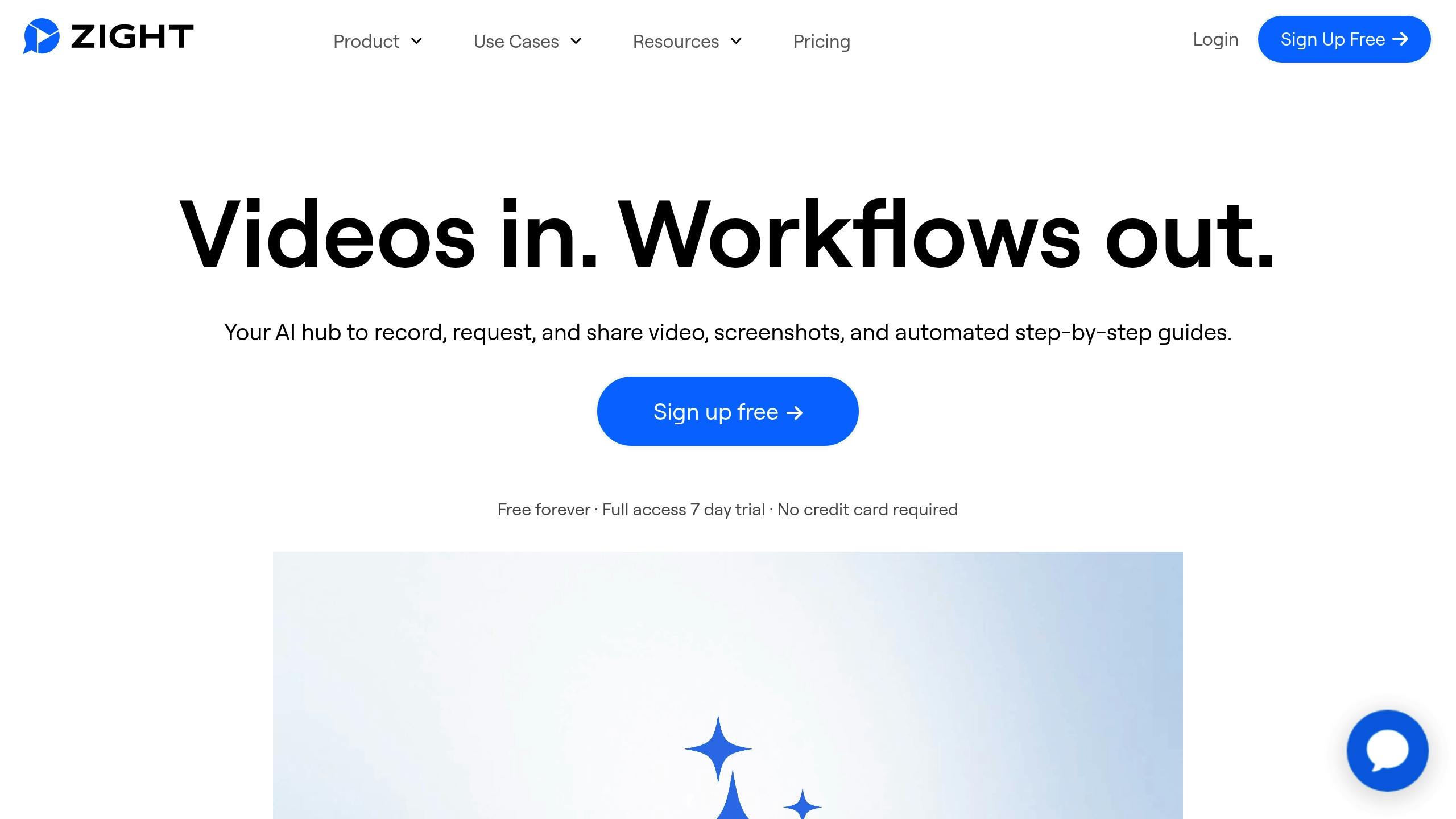
Zight is an all-in-one visual communication platform that simplifies the content creation process. Instead of juggling multiple tools for recording, editing, and sharing, Zight brings everything together in one seamless workflow. It also stands out with its AI-driven audio features.
Noise Reduction Capabilities
Zight’s noise reduction feature, powered by AI, works automatically during screen recordings and video creation. It identifies and suppresses common background noises like keyboard clicks, fan hums, and street sounds. The best part? It requires almost no effort from the user. This real-time processing means you don’t have to spend extra time cleaning up audio in post-production, making it ideal for creators aiming for polished, professional sound without diving into technical settings.
Platform Compatibility
Zight is available on Mac, Windows, Chrome, and iOS, giving users the freedom to create content on their preferred devices. Regardless of the platform you choose, the audio quality remains consistent and reliable.
Additional Features
Zight goes beyond noise reduction with a suite of tools designed to enhance productivity. These include AI-powered transcription, summaries, and translations, which work seamlessly with its cleaner audio to improve accuracy and make content easier to search. The platform also supports screen capture, webcam recording, GIF creation, and file sharing, all of which integrate smoothly with the noise reduction technology.
Best Use Cases
Zight shines in scenarios where both clear visuals and audio are essential. For instance:
- Educators can record lessons with crisp audio and screen demonstrations, ensuring students stay focused on the material.
- Remote teams can produce clearer meeting recordings that integrate directly with tools like Slack, Microsoft Teams, and Jira.
- Content creators, such as podcasters and video editors, benefit from Zight’s automatic noise reduction paired with transcription features, streamlining production workflows.
- It’s also perfect for building step-by-step tutorials, where clear instructions and visuals are key to guiding viewers effectively.
With its versatile features and user-friendly design, Zight is a game-changer for anyone looking to create polished content effortlessly.
2. Krisp
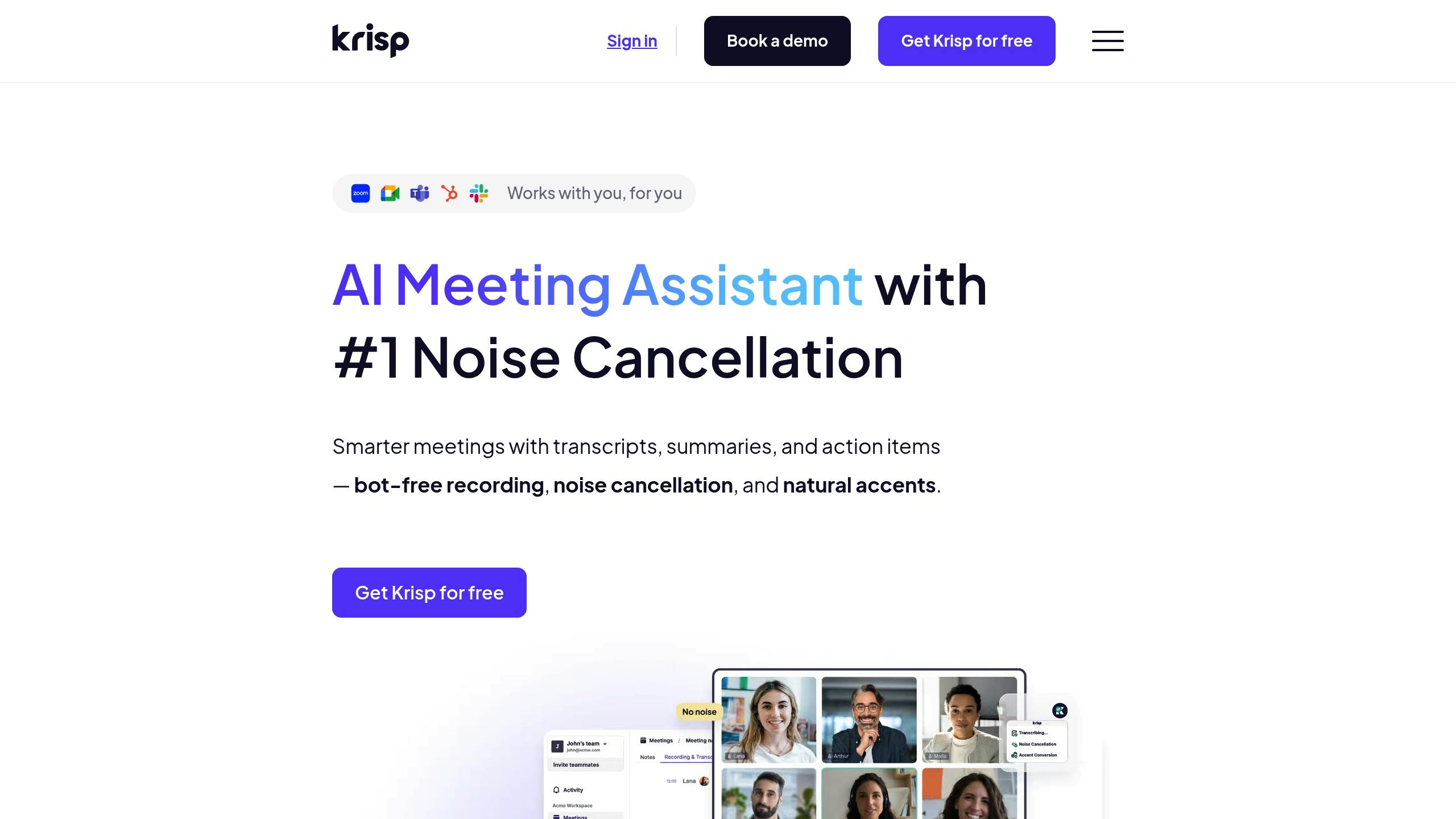
Krisp is a real-time noise cancellation tool that works as a virtual microphone and speaker, filtering out unwanted sounds during live conversations and recordings. Here’s a closer look at what it offers.
Noise Reduction Capabilities
Krisp uses advanced machine learning to differentiate between human voices and background noise. It can effectively mute distractions like barking dogs, construction sounds, crying babies, or even the clatter of keyboard typing, all without distorting the natural tone of your voice. Since the processing happens directly on your device, it ensures minimal delay and keeps your audio private. Impressively, it can eliminate up to 99% of background noise while maintaining clear voice quality.
Platform Compatibility
Krisp operates as a virtual audio device on both Windows and Mac, making it incredibly versatile. It works seamlessly with nearly any app that handles audio. This includes popular video conferencing platforms like Zoom, Microsoft Teams, and Google Meet, as well as recording tools, streaming services, and voice chat apps. To use it, simply select Krisp as your audio device within the application.
Best Use Cases
Krisp shines in situations where background noise could interfere with communication. Remote workers in noisy environments can have clearer calls and meetings with clients or teams. Content creators also benefit from consistent, high-quality audio, no matter where they’re recording.
3. Adobe Podcast Enhance / Enhance Speech
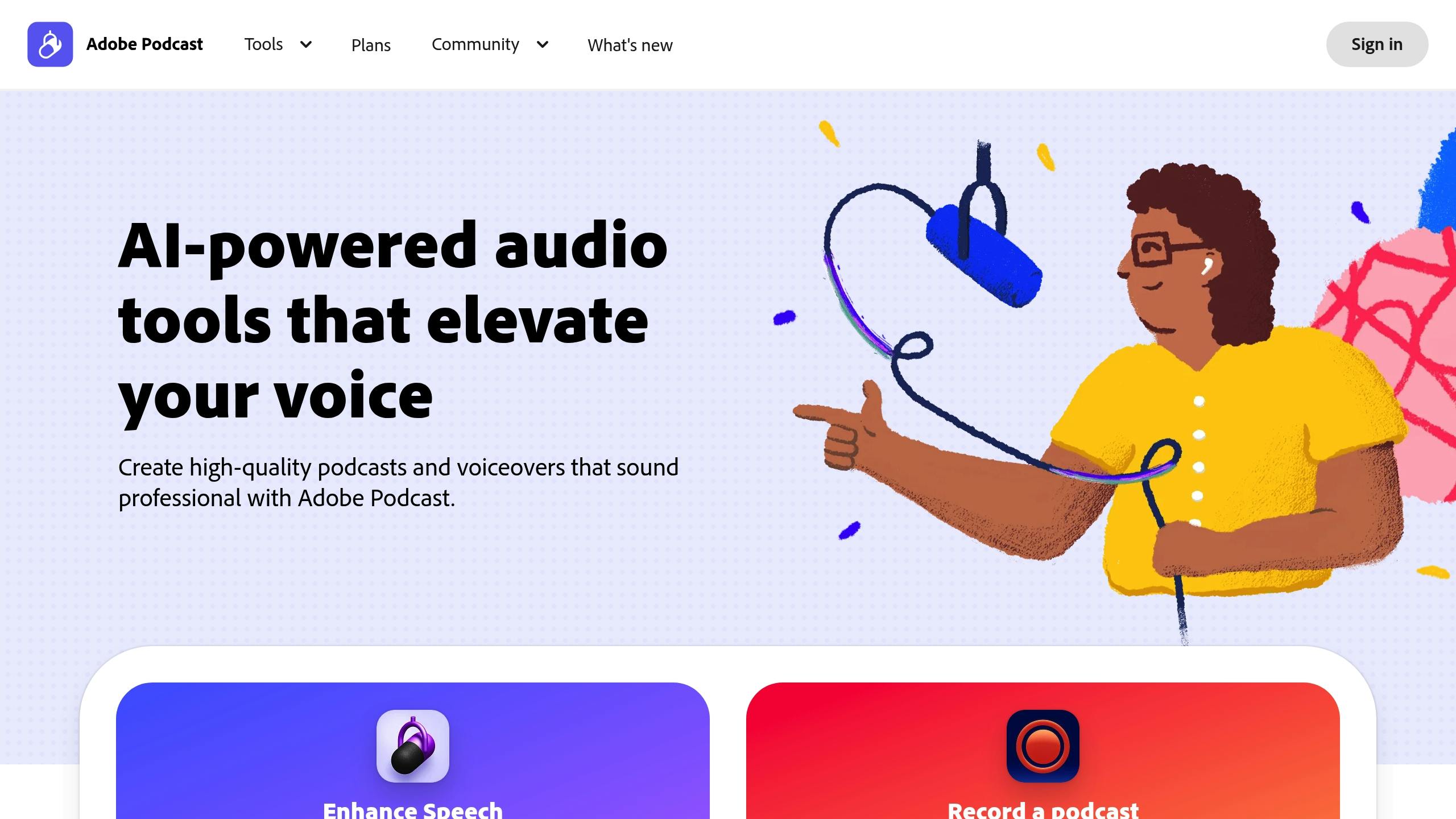
Adobe’s Enhance Speech is a free, web-based AI tool designed to turn average-quality recordings into professional-grade audio. While it was initially created with podcasters in mind, its versatility has made it a favorite among creators working with recordings made in less-than-perfect environments. Here’s a closer look at what it brings to the table.
Noise Reduction Capabilities
Using Adobe’s Sensei AI, Enhance Speech effectively reduces background noise, echo, and reverb, all while keeping the natural quality of the voice intact. It tackles persistent noises like the hum of an air conditioner or distant traffic by combining noise reduction, equalization, and voice optimization in a single automated process. This makes it especially handy for recordings with clear voice tracks but noticeable background interference.
Platform Compatibility
One of the tool’s standout features is its accessibility. Since it runs entirely in your web browser, there’s no need to install software or subscribe to Adobe Creative Cloud to access its basic functions. You can use it on any device with an internet connection. The tool supports popular audio formats like MP3, WAV, and M4A, and it can process audio files up to one hour long.
Additional Features
Enhance Speech doesn’t stop at noise reduction. It also applies compression, normalization, and frequency adjustments to create audio that’s ready for broadcast. Plus, it offers a before-and-after comparison feature, allowing users to instantly evaluate the improvements.
Best Use Cases
This tool shines in various scenarios, such as polishing podcast audio, cleaning up remote interviews, improving home-recorded voiceovers, editing dialogue tracks, and producing instructional content, all without the need for a professional studio setup.
4. Cleanvoice AI
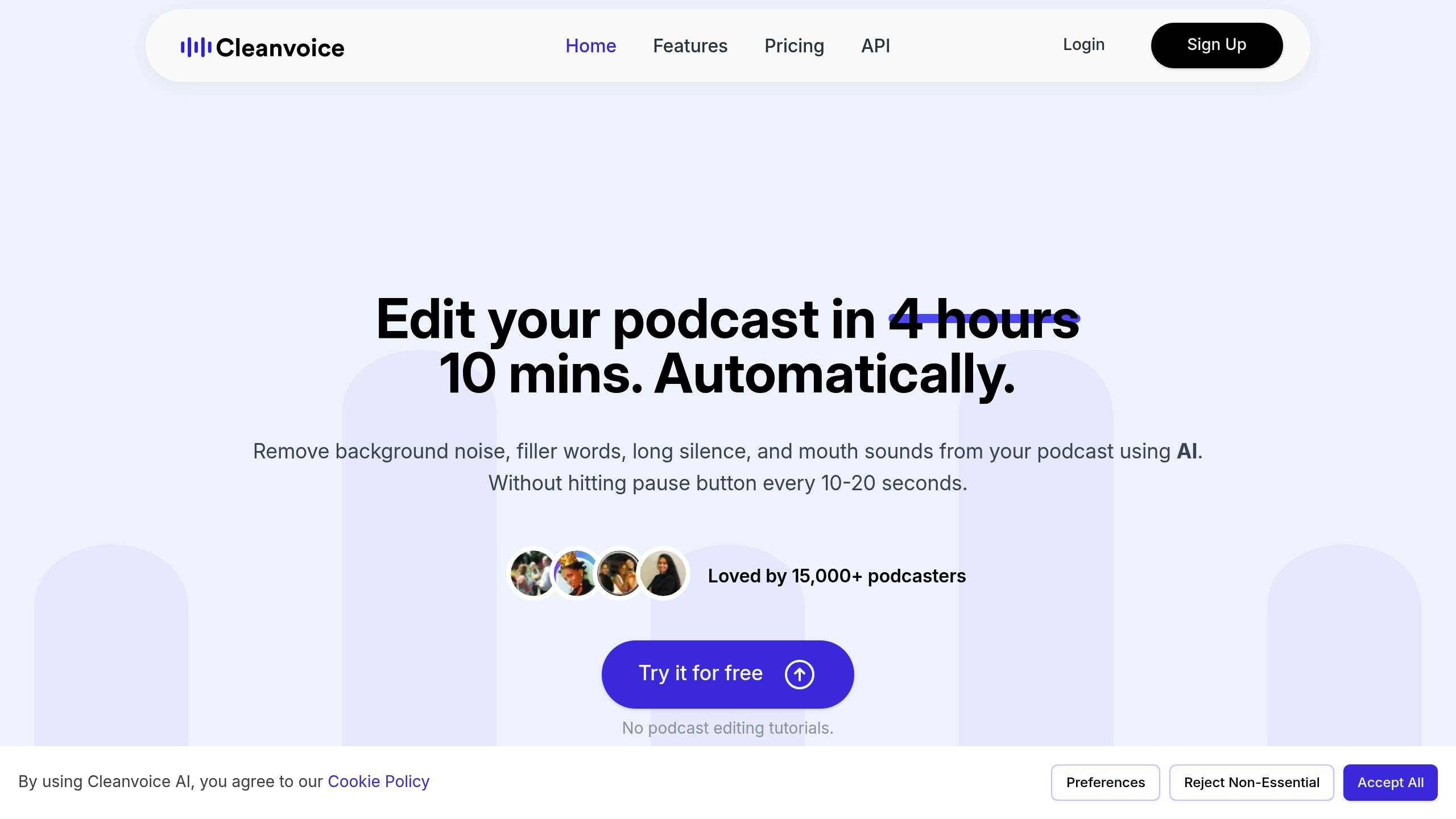
Cleanvoice AI is a cloud-based tool designed to improve the audio quality of podcasts and long recordings by using advanced noise reduction technology. It works through a desktop browser, requiring only a stable internet connection. The tool’s AI-powered algorithms effectively eliminate unwanted background noise while maintaining the natural clarity of voices, making the editing process much smoother.
Platform Compatibility
Cleanvoice AI doesn’t stop at noise reduction, it’s built to work seamlessly with professional editing software. Once the audio is processed, it can be exported with markers and editable timelines, ready for integration into tools like Adobe Audition, Adobe Premiere, DaVinci Resolve, and Reaper. This compatibility simplifies post-production and makes your workflow more efficient.
5. Pixop Denoiser

Pixop Denoiser is a web-based AI tool crafted for video creators who need polished audio without the hassle of complex software. Unlike traditional programs that require installation, Pixop Denoiser runs entirely in your browser, making it accessible from virtually anywhere. Its goal? To deliver broadcast-level audio quality with an interface so simple that even non-technical users can navigate it with ease.
Noise Reduction Features
At the heart of Pixop Denoiser is an AI engine powered by machine learning, trained on thousands of hours of audio. This enables it to identify and remove consistent background noise, such as the hum of air conditioners, computer fans, or electrical interference, all without distorting the natural sound of human voices. It works with stereo and multi-channel audio, preserving spatial details and dynamic range for professional-quality results.
One standout feature is its real-time preview mode, which lets you adjust the noise reduction intensity before finalizing the process. Whether you need light cleanup or a more aggressive approach, the tool adapts to your needs. It even handles frequency-specific noise reduction, isolating and addressing problematic frequencies while leaving the rest of the audio untouched. Plus, it integrates smoothly with leading video editing tools, making it a seamless addition to your workflow.
Platform Compatibility
Pixop Denoiser supports integration via API and works with popular audio formats like WAV, MP3, AIFF, and FLAC, handling files up to 192 kHz/32-bit. It also offers direct export options to cloud storage platforms like Google Drive, Dropbox, and Amazon S3. For video editors, the tool simplifies the process by allowing you to upload entire video files and return them with enhanced audio tracks – no need to extract and re-sync audio separately. This compatibility with software like Final Cut Pro, Adobe Premiere Pro, and Avid Media Composer makes it a go-to solution for professionals.
Who Benefits the Most?
Pixop Denoiser shines for documentary filmmakers and creators dealing with location audio that includes unavoidable background noise. Independent filmmakers often rely on it to rescue dialogue recorded in less-than-ideal conditions. It’s also a favorite among corporate video producers who need to clean up interviews recorded in noisy office settings.
For YouTube creators and podcasters, Pixop Denoiser is a game-changer. Whether it’s cleaning up guest interviews done over video calls or improving audio recorded in subpar environments, this tool ensures consistent quality. Its batch processing feature is especially handy for creators who produce content regularly, saving time while maintaining a professional sound across episodes or videos.
6. AudioCleaner.ai
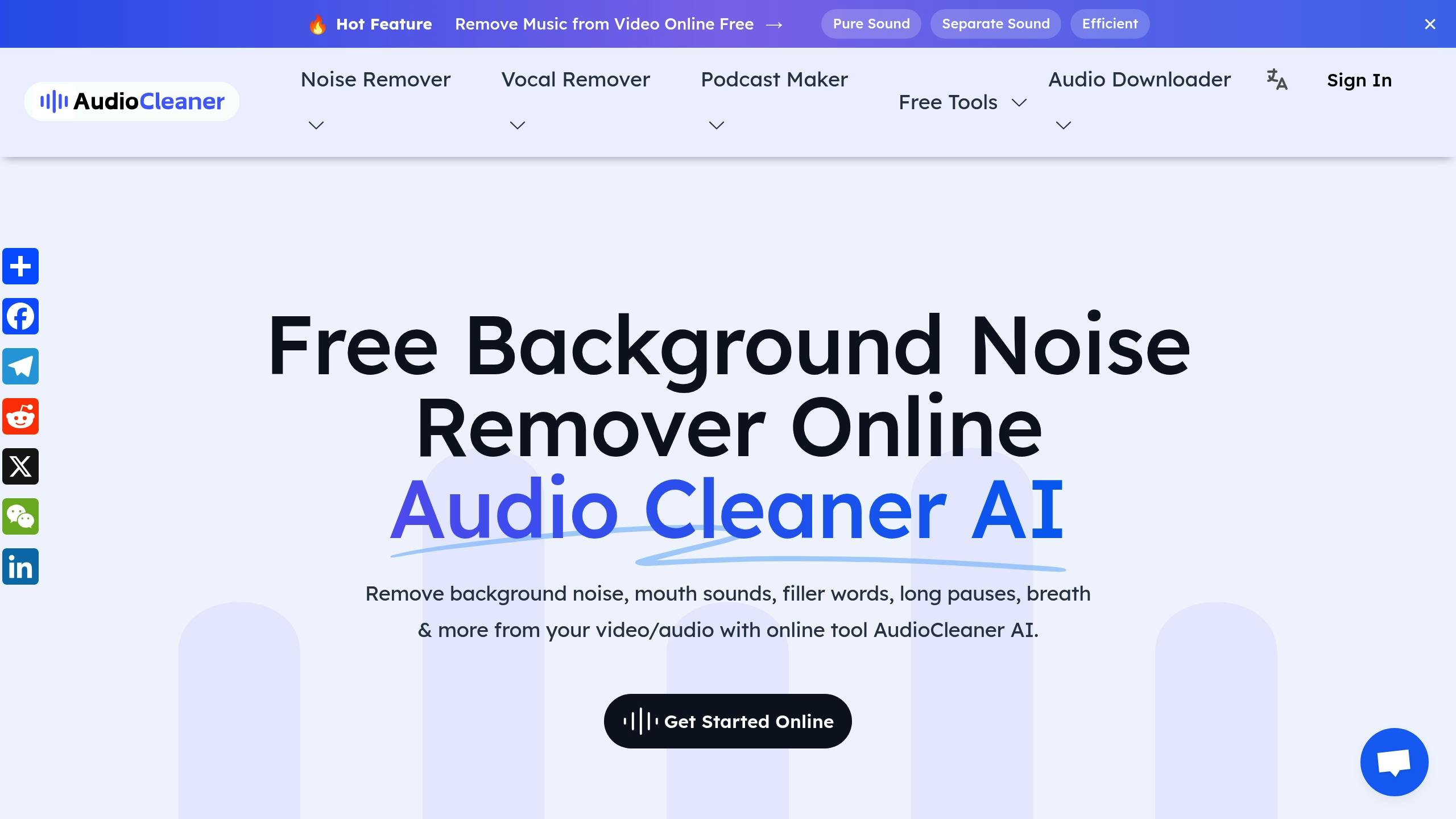
AudioCleaner.ai is a web-based tool that requires no downloads or installations, making it incredibly easy to use. With just an internet connection, you can clean up audio files on nearly any device, whether it’s a desktop computer, tablet, or smartphone. It works seamlessly on both Android and iPhone, and its responsive design adjusts to different screen sizes for a smooth experience. Whether you’re editing on a large monitor or your phone, you’ll enjoy a consistent and hassle-free workflow. This flexibility makes it a great option for both speech and music editing.
Noise Reduction Capabilities
The platform’s AI engine is designed to separate audio layers with precision, allowing for clear vocal isolation from background noise. It effectively tackles common disturbances like air conditioning hums, traffic sounds, or office chatter, all while preserving the natural tone of human speech. For music, it goes a step further by separating vocals from instrumentals, making it useful for more than just basic noise cleanup. Whether you’re working on a speech-heavy recording or a music track, the tool adapts to the content, focusing on clarity and precision. For speeches, it enhances vocal quality by reducing ambient noise, while for music, it isolates specific instruments or vocal lines to suit creative needs.
Platform Compatibility
AudioCleaner.ai works seamlessly across devices, ensuring you can edit audio anytime, anywhere. Its cross-platform functionality eliminates disruptions when switching between devices, making it a reliable tool for efficient audio editing.
Best Use Cases
The platform’s features cater to a wide range of users, including:
- Podcast producers: Clean up interviews and remote recordings by removing background noise, ensuring consistent audio quality for home studios or video call setups.
- Content creators: Refine audio tracks for YouTube and TikTok videos or use the music separation feature to create karaoke tracks, remixes, and samples.
- Educational instructors: Produce professional learning materials by removing filler words and stutters from recorded lectures.
- Business professionals: Polish recordings of meetings, conference calls, or presentations, turning low-quality audio into clear and professional material suitable for sharing or archiving.
In August 2025, documentary filmmaker Jason Lee called the platform “Perfect for documentary work”, praising its ability to “isolate speech… flawlessly”. Voice actors like Amélie Laurent have also highlighted its effectiveness for creating clean vocal tracks.
7. Podcastle
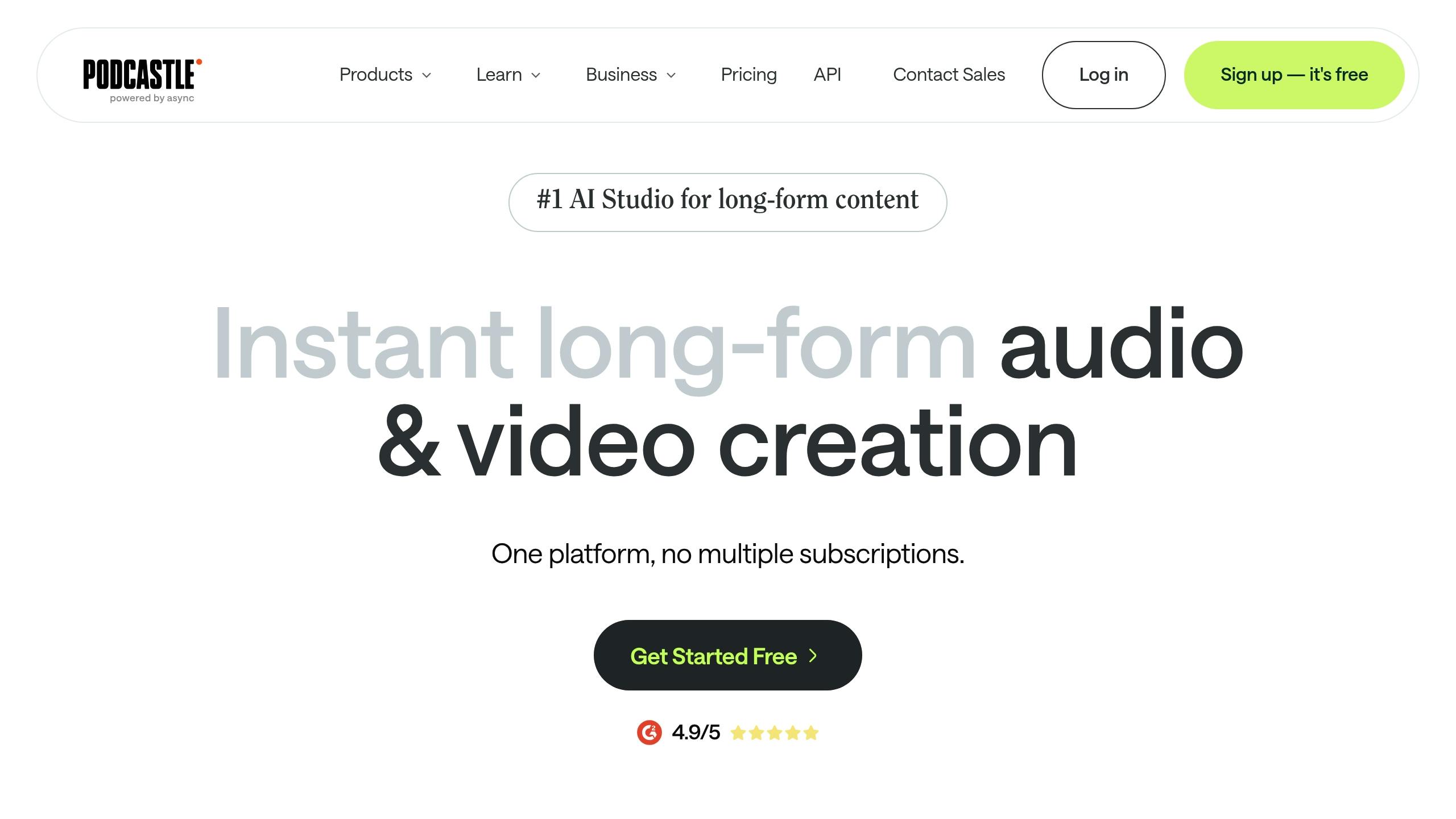
Podcastle, boasting an impressive 4.9/5 rating, is an AI-powered studio designed for creators working on audio and video projects. It goes beyond simple noise reduction with its Magic Dust AI, which removes background noise, balances volume, and improves vocal clarity across podcasts, music, and interviews – all without the need for technical expertise.
Noise Reduction Capabilities
At the heart of Podcastle’s noise reduction capabilities is its Magic Dust AI tool. This feature not only eliminates distracting background noise but also smooths out volume inconsistencies and sharpens voice clarity. Whether you’re recording a podcast, producing music, or conducting interviews, this tool handles the technical challenges, allowing creators to focus on their content. It integrates seamlessly into the platform’s content creation workflow, making audio cleanup feel effortless.
Platform Compatibility
Podcastle operates as a web-based platform, offering a unified space for creating and editing audio and video. You can record, refine, and enhance your projects without switching between tools, which is especially useful for remote collaborations and team projects.
Additional Features
Podcastle isn’t just about noise reduction. It provides a full suite of content creation tools, including AI voiceover features for audiobooks and narrated content. For video creators, the platform offers a powerful video editor suited for YouTube videos, video podcasts, and social media clips. Additionally, its transcription services and collaborative options simplify team-based workflows, making it easier to produce polished content.
Best Use Cases
Podcastle shines in scenarios where creators need both advanced noise reduction and comprehensive production tools. It’s ideal for:
- Podcasters: Both professionals and beginners can take advantage of its all-in-one production environment.
- Video creators: Perfect for creating YouTube content, explainer videos, and training materials.
- Business teams: A great solution for producing high-quality audio and video for marketing, internal communications, or training.
Educational content creators also benefit from Podcastle’s ability to transform simple recordings into polished learning materials. Marketing teams, on the other hand, value its collaborative features, which make group production tasks more efficient.
Tool Comparison Chart
Select the right AI noise reduction tool by evaluating key features, compatibility, use cases, and pricing.
| Tool | Key Features | Platform Compatibility | Best Use Cases | Pricing Range |
|---|---|---|---|---|
| Zight | AI-driven transcription, screen recording, visual communication tools, team collaboration | Mac, Windows, Chrome, iOS | Screen recordings, team communications, educational content | Free to $9/month |
| Krisp | Real-time noise cancellation, voice isolation, meeting transcription | Windows, Mac, mobile apps | Video calls, remote work, live streaming | Freemium model |
| Adobe Podcast Enhance | One-click enhancement, studio-quality processing, Creative Cloud integration | Web-based, Creative Cloud integration | Professional podcasts, content creation | Subscription-based |
| Cleanvoice AI | Filler word removal, silence detection, multi-language support | Web-based platform | Podcast post-production, interview cleanup | Pay-per-use |
| Pixop Denoiser | Advanced AI algorithms, batch processing, high-quality output | Web-based | Professional audio restoration, archival content | Credit-based system |
| AudioCleaner.ai | Drag-and-drop interface, quick processing, multiple export formats | Web-based | Quick audio fixes, social media content | Freemium |
| Podcastle | Magic Dust AI, production suite, collaborative features | Web-based | Podcast production, video content, team projects | Subscription tiers |
This table showcases the unique strengths of each tool, helping creators achieve clear, professional audio for various projects like podcasts, videos, and live calls. Let’s break it down further:
- Zight stands out with its robust screen recording features, AI transcription, and visual communication tools, making it a great choice for educational content and team collaboration. Its multi-platform compatibility and affordable pricing are appealing to both individuals and teams.
- Krisp shines in live scenarios like video calls and live streaming, thanks to its real-time noise cancellation and voice isolation features.
- For post-production, Cleanvoice AI and Pixop Denoiser deliver advanced editing capabilities, with Cleanvoice excelling in removing filler words and Pixop offering high-quality restoration for degraded audio.
Integration options vary, with some tools focusing on specific ecosystems. For example, Podcastle provides a fully integrated production environment, eliminating the need for additional apps, while Adobe Podcast Enhance seamlessly connects with Creative Cloud for professional content creators.
Budget is another key factor. Free options like Zight’s basic plan and AudioCleaner.ai’s freemium model are ideal for individuals or small teams. Meanwhile, professionals might prefer the more comprehensive offerings of Podcastle or Adobe Podcast Enhance, which come with subscription-based pricing.
Ease of use also differs. Web-based tools like Adobe Podcast Enhance and AudioCleaner.ai are straightforward and accessible, requiring minimal setup. On the other hand, feature-rich platforms like Zight and Podcastle may demand a bit more time to master but offer greater functionality.
In short, each tool caters to specific needs. Whether you’re looking for real-time clarity with Krisp, top-tier restoration with Pixop Denoiser, or an all-in-one solution with Podcastle, these tools ensure high-quality audio tailored to your workflow.
Conclusion
AI-powered noise reduction tools have transformed audio editing, replacing costly setups and tedious manual processes with automated, user-friendly solutions. These seven tools demonstrate that high-quality audio is now accessible to everyone, from podcasters and remote workers to educators and content creators.
This transformation not only simplifies production but also elevates the overall quality of content. By cutting down on background noise and distractions, these tools streamline workflows and consistently deliver polished audio. Whether you’re tackling background chatter on a video call, wind noise in outdoor recordings, or the persistent hum in podcast interviews, advanced AI algorithms can quickly identify and eliminate these disruptions, saving you hours of editing.
For example, Zight combines noise reduction with screen recording and visual communication, making it a powerful option for educators and collaborative teams. Krisp shines in real-time situations, while Adobe Podcast Enhance is tailored to provide studio-quality sound for professional creators.
What’s more, many of these tools now offer free tiers or affordable subscription options, making professional audio editing a reality for small businesses, solo creators, and educators alike.
As these technologies continue to advance, we can look forward to even more precise noise detection, faster processing, and user-friendly interfaces. Adopting these tools today not only improves your current projects but also positions you to benefit from future advancements.
Clear audio is a must for virtual meetings, online classes, and podcasts. These AI-powered tools ensure your sound is sharp, professional, and engaging, keeping your audience focused on what truly matters.
FAQs
How do AI tools remove background noise from audio recordings?
AI-driven noise reduction tools use sophisticated algorithms to remove unwanted sounds from audio recordings. These tools often leverage machine learning models, such as neural networks, to differentiate between background noise and the main audio content. For example, convolutional neural networks (CNNs) analyze audio spectrograms to identify noise patterns, while recurrent neural networks (RNNs) focus on capturing the flow and timing of sounds.
Beyond AI, many tools also integrate traditional signal processing methods like spectral subtraction or adaptive filtering. These techniques work by estimating the noise profile and subtracting it from the audio, producing a clearer result. What sets AI-powered systems apart is their ability to handle complex and dynamic environments, making them especially useful for real-time audio enhancement or post-production clean-up.
What should I look for in an AI noise reduction tool for podcasting or video conferencing?
When choosing an AI noise reduction tool for podcasting or video conferencing, it’s important to look for features like real-time processing, user-friendly interfaces, and compatibility with both live and recorded audio. For podcasting, opt for tools that maintain the natural tone of voices while providing adjustable noise reduction options. In video conferencing, prioritize tools that can adapt to changing environments and manage multiple speakers seamlessly to ensure smooth conversations.
Paying attention to these factors will help you select a tool that improves audio clarity and fits your specific needs.
What are some challenges of using AI tools for noise reduction in audio editing?
AI noise reduction tools can face challenges when dealing with complex audio settings. Differentiating between background noise and the main sound can be tricky, sometimes leading to uneven results. In some cases, this might even introduce issues like distortion or an unnatural audio tone.
These tools depend heavily on extensive and varied datasets for training. Their effectiveness can vary based on the quality and type of audio they process. While they are undoubtedly powerful, they might struggle with intricate or rapidly changing soundscapes, underscoring the importance of continuous improvements in AI technology.












