Key Takeaways:
- Real-Time Communication: Best for quick decisions, sensitive discussions, and creative collaboration. Tools include Zoom, Slack, and Google Meet.
- Asynchronous Communication: Perfect for routine updates, cross-timezone teams, and tasks requiring detailed input. Tools include email, Trello, and screen recording platforms.
Quick Comparison:
7 Ways to Improve Remote Communication
What Is Real-Time Communication?
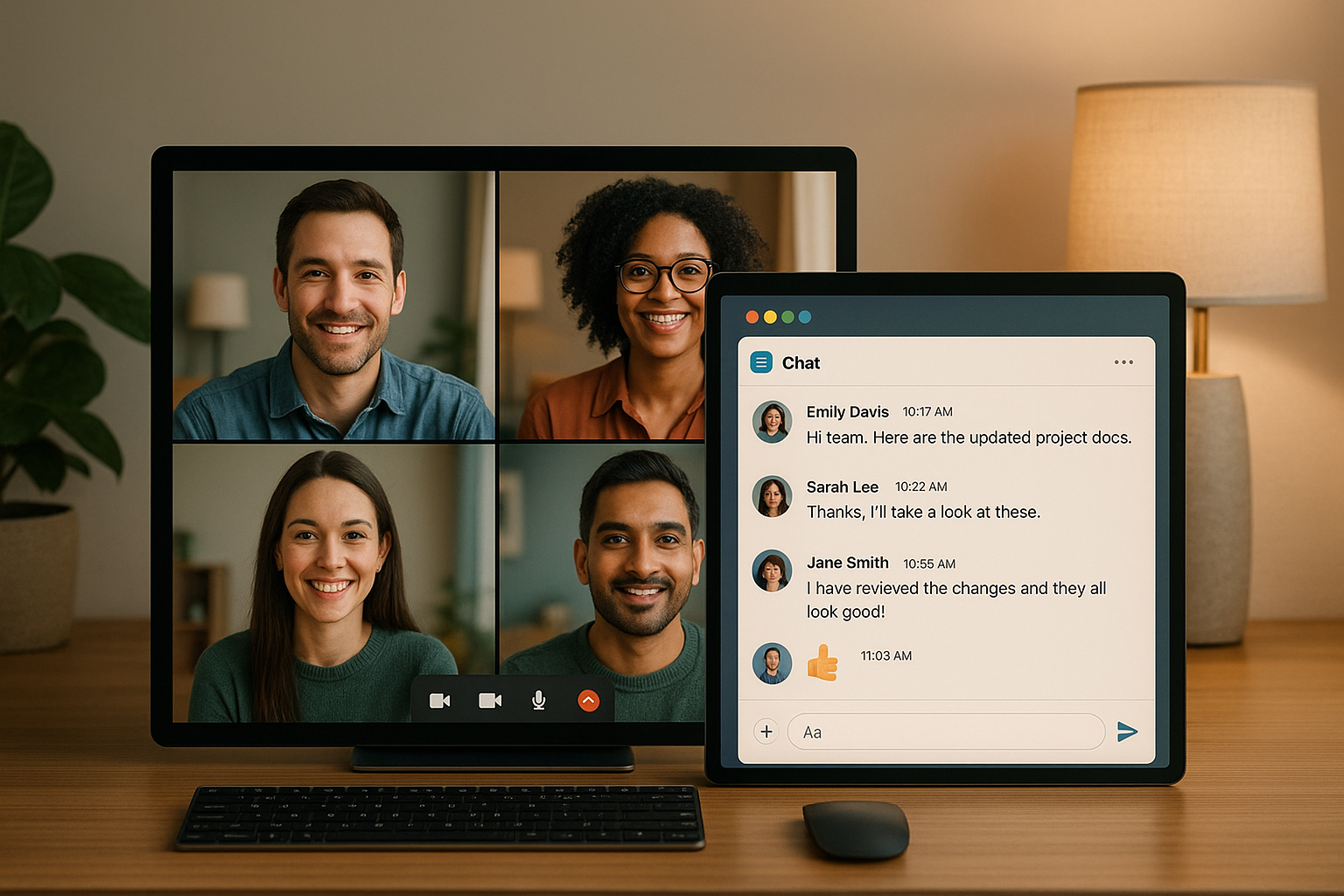
Real-time communication allows people to interact simultaneously, requiring everyone involved to be online and engaged at the same time. While it shares similarities with face-to-face office interactions, remote real-time communication happens through digital platforms, bridging the gap to create a sense of immediacy and connection. This type of communication mimics spontaneous office exchanges, such as quick brainstorming sessions or on-the-spot problem-solving. The main difference? It all unfolds through screens and digital tools. Let’s dive into the key features that make real-time communication distinct.Core Features of Real-Time Communication
- Instant feedback: Questions get answered on the spot, creating a dynamic back-and-forth that adapts as the conversation unfolds. This immediacy keeps discussions productive and engaging.
- Live interaction: Conversations flow naturally, with room for interruptions, clarifications, and spur-of-the-moment ideas. Non-verbal cues like facial expressions and tone of voice add depth to the interaction, making it feel more personal.
- Shared presence: Even when team members are spread across different time zones, real-time communication fosters a sense of being “in the same room.” This can strengthen relationships and build team cohesion, especially in remote settings.
- Quick problem-solving: With everyone contributing their expertise at the same time, complex issues can be resolved in one session rather than through prolonged email chains.
- Real-time collaboration: Tools that let multiple people work on the same document, whiteboard, or project simultaneously ensure that updates and changes are instantly visible to all participants. This makes teamwork seamless and efficient.
Common Tools for Real-Time Communication
- Video conferencing platforms: Tools like Zoom, Microsoft Teams, and Google Meet enable face-to-face interaction from anywhere. Features like screen sharing, breakout rooms, and recording options make them perfect for collaborative discussions.
- Instant messaging apps: Slack, Microsoft Teams chat, and Discord allow for quick, text-based exchanges. With options like file sharing, emoji reactions, and threaded conversations, these platforms keep fast-paced discussions organized.
- Voice calls and VoIP services: When video isn’t necessary, voice calls provide a quick way to check in. They’re especially useful when multitasking or when a simple conversation will do.
- Collaborative whiteboards and document editors: Tools like Miro, Figma, and Google Docs enable real-time visual collaboration. Whether brainstorming or editing shared documents, these platforms make teamwork feel interactive and engaging.
- Screen sharing and recording tools: Apps like Zight make it easy to capture and share screens during live sessions. This is particularly helpful for demonstrating workflows, troubleshooting, or offering immediate visual feedback during collaborative tasks.
What Is Asynchronous Communication?
Asynchronous communication allows people to exchange information without requiring an immediate response. Unlike real-time communication, where everyone needs to be present at the same moment, this approach lets individuals reply on their own schedule. This method has become essential in remote and hybrid work settings, especially as teams span multiple time zones. According to a 2023 Currents research report, 39% of companies now operate fully remotely, while another 48% use hybrid models. One of the key benefits of asynchronous communication is its flexibility, which supports deep, focused work. Team members can take the time to think, research, and respond thoughtfully, leading to clearer communication and better decisions. This approach also helps minimize interruptions. Research shows that it takes about 23 minutes to regain full focus after being distracted. By reducing the need for constant back-and-forth exchanges, asynchronous communication helps protect those valuable stretches of uninterrupted work that are crucial for productivity. Below, we’ll explore its key features and common methods.Key Features of Asynchronous Communication
Delayed Responses: There’s no pressure to reply immediately, allowing team members the space to respond thoughtfully when they’re ready. Flexible Timing: This method accommodates varying schedules and time zones. For example, a designer in San Francisco can leave feedback on a project that their teammate in London reviews the next morning. Written and Recorded Documentation: Asynchronous communication often leaves a paper or digital trail, such as emails or recorded videos. This documentation is incredibly useful for onboarding new employees or revisiting past decisions. Reduced Interruptions: Studies show that uninterrupted work boosts productivity, software developers, for instance, report being 28% more productive during focused work blocks, while writers produce nearly 50% more content when they’re not constantly checking messages. Thoughtful Collaboration: By giving people time to process information, this approach encourages more well-researched and balanced contributions to discussions. These features make asynchronous communication especially effective for distributed teams, and they’re supported by a variety of tools and methods.Common Asynchronous Communication Methods
- Email: Ideal for formal updates and external communications.
- Project Management Platforms: Tools like Asana, Trello, and Jira help teams track tasks and progress without needing real-time input.
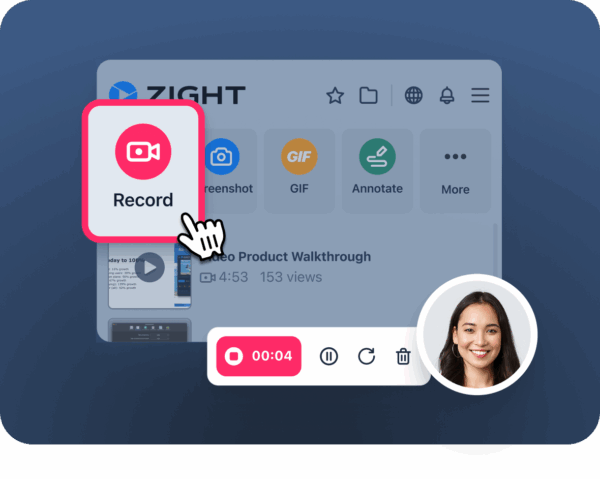
- Recorded Videos and Screen Captures: Platforms like Zight make it easy to explain complex ideas visually. A short video walkthrough can often communicate more effectively than a lengthy written explanation.
- Shared Documents: Services like Google Docs and Microsoft Office 365 allow teams to collaborate on documents in real time or at their own pace, tracking changes and suggestions along the way.
- Messaging Platforms: Tools like Slack and Microsoft Teams can be used asynchronously by organizing conversations into threads, making it easier to review discussions later.
- Voice Messages and Audio Recordings: These provide a middle ground between text and video, capturing tone and emotion while letting recipients respond when it’s convenient.
Real-Time Communication: Pros and Cons
Real-time communication offers several benefits that can enhance remote team collaboration. By understanding its strengths and limitations, teams can decide when synchronous interaction is most effective.Benefits of Real-Time Communication
Immediate Feedback and Faster Decision-Making Real-time discussions allow teams to make quick decisions and solve problems efficiently. This minimizes delays often caused by lengthy email exchanges. Improved Non-Verbal Communication With 55% of communication being non-verbal, real-time interactions capture critical non-verbal cues like facial expressions, tone of voice, and body language. These cues help reduce misunderstandings and clarify intent. Stronger Team Connections Video calls and face-to-face interactions promote trust and team cohesion among remote workers. Regular check-ins also strengthen relationships, employees who frequently communicate with their managers are three times more engaged. Interactive Collaboration Tools Features like screen sharing, virtual whiteboards, and breakout rooms make meetings more dynamic and engaging. These tools help participants stay focused while fostering creativity and collaboration. Boosted Focus and Attention Visual interaction during meetings helps maintain participants’ attention and keeps discussions productive.Downsides of Real-Time Communication
Time Zone Coordination Scheduling meetings across different time zones can be challenging, often requiring some team members to join at inconvenient hours. Meeting Overload Too many real-time meetings can lead to fatigue, with 92% of employees stating they find meetings costly and unproductive. Disruption of Focused Work Frequent interruptions for real-time communication can disrupt deep work sessions, negatively impacting productivity. Pressure to Respond Quickly The expectation of immediate responses can create stress and limit the time needed for thoughtful consideration of complex issues. Reliance on Technology Real-time communication depends heavily on stable internet connections and functioning devices. Technical problems can create significant barriers.Real-Time Communication Pros and Cons Table
Asynchronous Communication: Pros and Cons
Asynchronous communication offers a unique set of advantages and challenges for remote teams. By understanding both, teams can better decide when this communication style fits their needs.Benefits of Asynchronous Communication
Greater Flexibility and Work-Life Balance Asynchronous communication allows team members to respond at their convenience. This flexibility helps maintain a healthier work-life balance and can prevent burnout. More Thoughtful Responses Without the pressure to reply immediately, team members have time to craft clearer, more deliberate responses. This leads to better communication and fewer misunderstandings. Built-In Documentation Unlike live conversations that require someone to take notes, asynchronous communication automatically creates a record of discussions. Teams can easily refer back to past conversations, track decisions, and ensure continuity in projects. Works Across Time Zones Global teams benefit from asynchronous communication because it removes the need for anyone to join meetings at inconvenient hours. This makes it easier to collaborate across different time zones. Cuts Down on Meetings By handling routine updates and non-urgent matters asynchronously, teams can reduce the number of meetings, helping to avoid the fatigue that comes with back-to-back calls. Encourages Deep Focus Asynchronous communication allows team members to group their communication tasks, leaving more uninterrupted time for complex or creative work. These advantages make asynchronous communication a valuable tool, but it’s not without its challenges.
Downsides of Asynchronous Communication
While the benefits are clear, there are some significant drawbacks to consider. Slower Responses and Decisions The time lag inherent in asynchronous communication can slow down decision-making and delay progress, particularly when immediate feedback is necessary. Potential for Miscommunication Without non-verbal cues, messages can be misunderstood. This is especially problematic in nuanced or emotionally sensitive conversations. Harder to Build Trust and Connections The lack of real-time interaction can make it more difficult to form personal bonds and build trust. Remote workers may feel isolated or disconnected from their teams. Information Overload Using multiple tools for asynchronous communication can lead to fragmented conversations and overwhelm. Important messages may get lost in the shuffle, making it harder to focus on priorities. Loss of Spontaneity Asynchronous workflows lack the spontaneous exchanges that often spark creativity and informal knowledge sharing. Time-Intensive Message Writing While thoughtful responses are valuable, crafting detailed messages can be time-consuming and mentally taxing. Alignment Issues Keeping everyone on the same page can be challenging, especially for complex or fast-moving projects.Asynchronous Communication Pros and Cons Table
When to Use Real-Time vs. Asynchronous Communication
The choice between real-time and asynchronous communication depends on your team’s specific needs. Real-time communication is ideal for urgent matters, while asynchronous methods are better suited for situations requiring thoughtful, detailed responses.Best Times for Real-Time Communication
Real-time communication shines when quick decisions or immediate action is required. Here are some examples: Brainstorming sessions and creative collaboration thrive in real-time. The energy of spontaneous idea-sharing and the ability to build on each other’s thoughts in the moment can’t be easily replicated in an asynchronous setting. Complex problem-solving also benefits from this dynamic interaction, as team members can quickly ask questions, clarify points, and explore solutions together. Sensitive conversations are best handled in real-time. Whether it’s a performance review, conflict resolution, or delivering difficult news, real-time communication allows for tone, body language, and immediate feedback to guide the conversation. Text-based methods can often lead to misunderstandings in these emotionally charged situations. Onboarding new team members is another scenario where real-time interaction is invaluable. New hires often have a lot of questions, and immediate answers help them feel supported and get up to speed faster. Client presentations and negotiations almost always call for real-time communication. Building rapport, addressing concerns on the spot, and reading nonverbal cues are critical in these high-stakes interactions. On the other hand, asynchronous communication is the go-to method when speed is less critical, and thoughtful, deliberate input takes precedence.