Remote teams need secure, flexible, and cost-effective tools for sharing files. Open-source file-sharing platforms offer control over data, compliance with regulations like HIPAA, and reduced subscription costs. Here’s a quick breakdown of six popular options:
- Nextcloud: A full collaboration suite with document editing, chat, and video conferencing. Great for teams that need advanced collaboration tools and self-hosting options.
- Seafile: Focuses on fast, secure file syncing and sharing. Ideal for handling large datasets with detailed access controls.
- OwnCloud: Enterprise-ready with strong compliance features and integration options. Suitable for businesses needing professional support.
- Syncthing: Peer-to-peer file sharing without central servers. Perfect for small teams prioritizing privacy and simplicity.
- Mattermost: Combines real-time messaging with secure file sharing. Best for teams seeking integrated communication and file management.
- Git-Based Tools: Designed for version control, tracking changes, and collaboration. Tailored for development teams managing code and documentation.
Each platform has its strengths, from collaboration features to security and compliance, making it crucial to align the choice with your team’s needs and technical expertise. Pairing these tools with visual documentation platforms like Zight can further enhance remote collaboration.
Pydio vs Nextcloud | Which Open-Source File-Sharing Platform is Best in 2025?

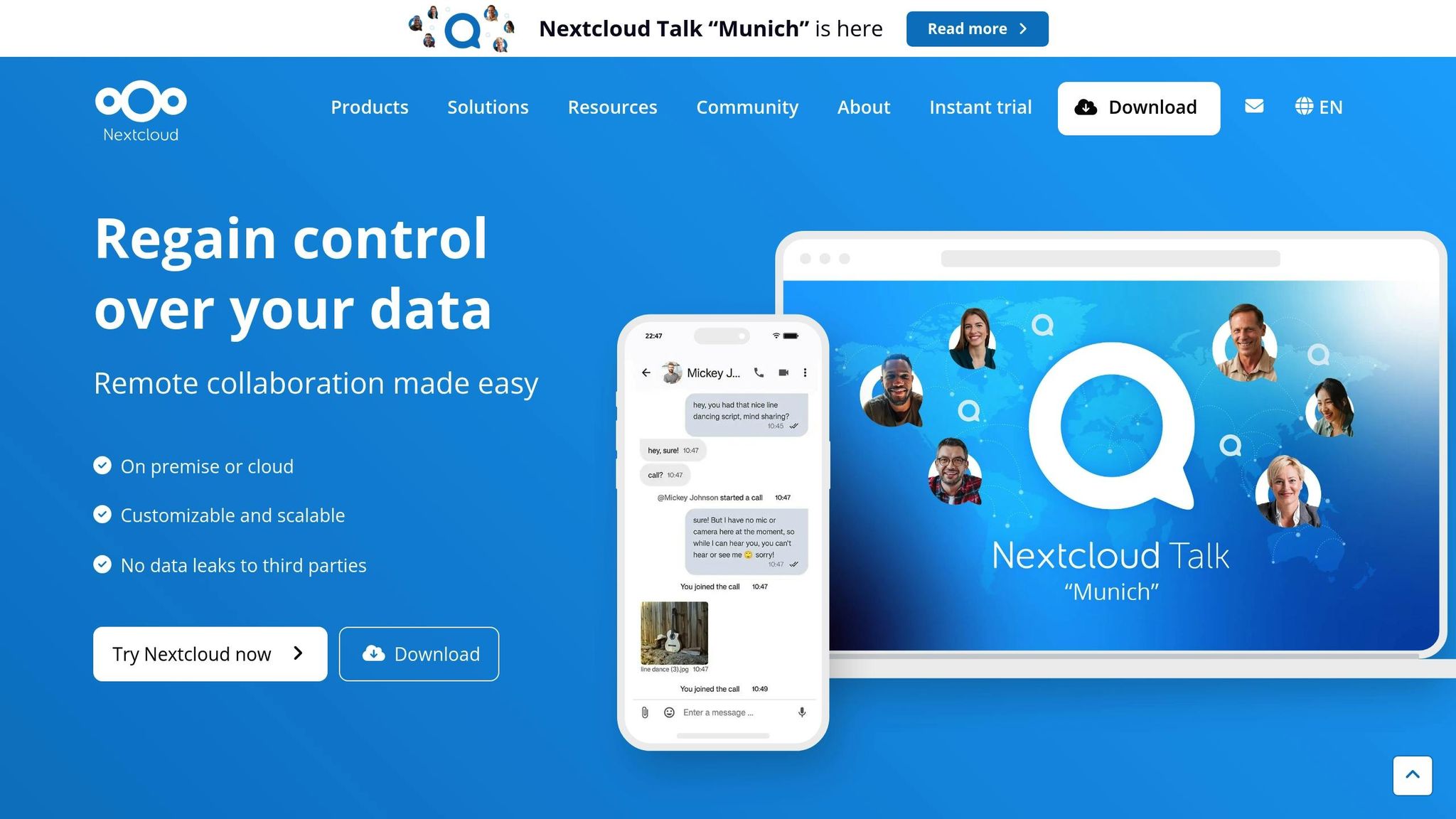
1. Nextcloud
Nextcloud is an open-source platform designed for more than just file sharing – it’s a complete solution for teams needing secure storage and collaboration tools. Its feature set makes it a strong choice for remote teams managing sensitive data or requiring advanced collaboration.
Security and Compliance
Security is a top priority for Nextcloud. It provides end-to-end encryption for files during transit and when stored, ensuring data stays protected. Additional safeguards include two-factor authentication, customizable user permissions, and detailed activity logs. These features make it a reliable option for organizations handling sensitive information.
Integration Options
Nextcloud integrates effortlessly with a variety of business tools, offering centralized file management without disrupting existing workflows. Its app ecosystem supports connections to popular software, making it adaptable to diverse team needs.
Collaboration Tools
Beyond file storage, Nextcloud facilitates teamwork with built-in features like document editing, chat, video conferencing, and even Kanban boards. These tools allow teams to collaborate in real-time while maintaining version control.
Deployment Flexibility
Teams can tailor Nextcloud to their hosting preferences. For those prioritizing data sovereignty, self-hosted installations provide full control. Alternatively, managed hosting solutions are available, reducing maintenance efforts while still offering oversight of data.
Pricing Options
Costs vary based on deployment. Self-hosted setups involve upfront expenses for setup and ongoing maintenance, while managed hosting follows a subscription model, which includes support. This flexibility allows teams to choose an approach that fits their budget and operational needs.
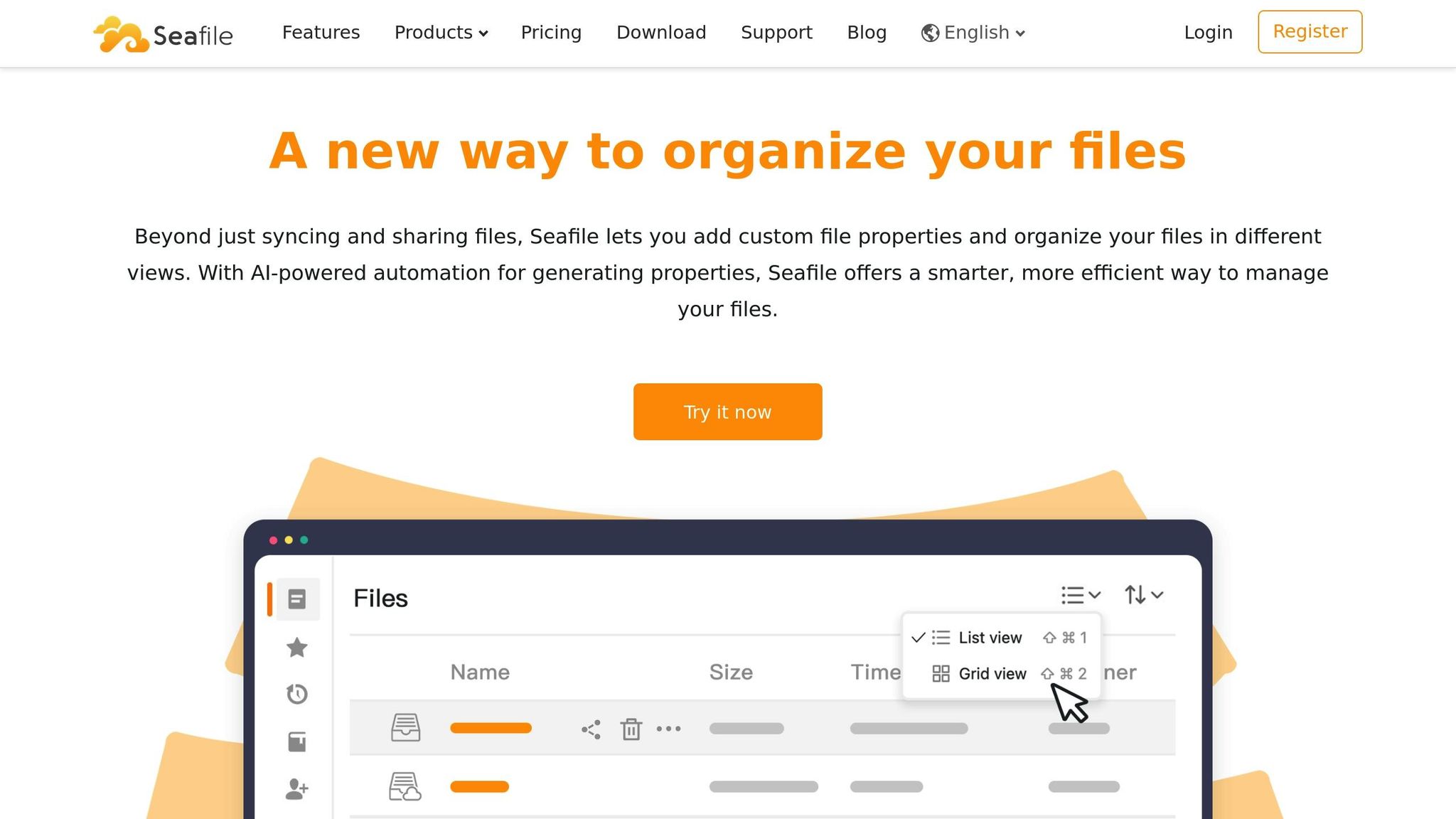
2. Seafile

Seafile is an open-source file sharing platform designed with performance in mind, making it a great choice for remote teams. Its focus is on fast, secure file synchronization and sharing, packed with features that cater to enterprise needs.
Security and Compliance
Seafile takes security seriously by using client-side encryption, which protects files before they’re even transmitted. This means that even server administrators can’t access file contents without proper authorization. Administrators also have the ability to set detailed access permissions for team members, striking a balance between performance and security.
The platform keeps detailed audit logs of file activity, which is a big help for organizations needing to meet compliance standards. These logs also allow teams to monitor data access patterns, making the system both secure and transparent. This strong security framework supports a range of deployment options.
Deployment and Hosting Models
Seafile gives teams the flexibility to choose between self-hosted and cloud-hosted setups. Self-hosting is ideal for organizations that need full control over data location and server configurations, especially those with strict data sovereignty requirements.
For easier deployment and management, Seafile supports Docker containers, allowing administrators to set up and maintain the system more efficiently. As teams grow, the platform can scale horizontally by adding more servers to handle increased storage or user demands, making it a solid choice for expanding remote teams.
Collaboration Features
Although Seafile’s main focus is file management, it includes key tools to support remote teamwork. Real-time file synchronization ensures everyone has access to the most up-to-date versions, cutting down on confusion and version conflicts.
The platform also offers file versioning, so users can restore previous versions when needed. Team members can leave comments on files and organize shared libraries for specific projects. Its web interface even allows for basic document previews and edits of common file types, all without requiring additional software.
Integration Ecosystem
Seafile integrates seamlessly with Active Directory and LDAP, simplifying user management for organizations that already have authentication systems in place. It also supports WebDAV, which makes it easy to connect with desktop applications and mobile devices.
For teams that need custom solutions, Seafile’s API provides the flexibility to build integrations with existing tools. Mobile apps for iOS and Android ensure that team members can access and share files from anywhere, on any device.
Cost of Ownership
For self-hosted setups, the costs include server infrastructure and ongoing maintenance, which requires dedicated IT resources for updates and backups.
On the other hand, cloud hosting operates on a subscription model. This option includes maintenance and support, reducing the technical workload for in-house teams. It also offers predictable monthly costs that scale based on the number of users and storage needs, making budgeting straightforward for growing teams.
3. OwnCloud

OwnCloud is an established open-source platform that combines user-friendly design with features tailored for enterprise needs. Its flexibility and customization options make it a solid choice for organizations seeking dependable file-sharing solutions with room for expansion.
Security and Compliance
OwnCloud prioritizes data protection with end-to-end encryption for files, both during transfer and while stored. It also supports two-factor authentication and integrates seamlessly with enterprise-level protocols like SAML and OAuth2.
The platform keeps detailed logs of all file activities – such as downloads, uploads, shares, and deletions – helping organizations meet regulatory requirements and giving administrators clear visibility into data usage.
Deployment and Hosting Models
Organizations can opt for on-premises deployment, offering full control over their data, or choose a cloud-hosted model for easier management. The self-hosted option is particularly useful for teams needing to comply with geographic or infrastructure-specific requirements.
OwnCloud is designed to scale, making it suitable for both small teams and large enterprises. It supports load balancing and clustering to ensure high availability and reliability.
Collaboration Features
OwnCloud enhances collaboration with built-in tools for real-time document editing, thanks to integrations with popular office suites. Team members can work together directly in their browsers on documents, spreadsheets, and presentations.
The platform includes file versioning, allowing users to track changes and restore earlier versions as needed. A built-in commenting system facilitates discussions around specific files, while shared folders with customizable permissions simplify project organization. Additional tools like calendar and contact synchronization further improve team coordination.
Integration Ecosystem
One of OwnCloud’s standout features is its ability to integrate with a wide range of tools. It connects effortlessly with productivity platforms like Microsoft Office 365, Google Workspace, and various project management applications. For organizations with unique workflows, the RESTful API supports custom integrations.
Mobile apps for iOS and Android ensure full functionality on the go, while desktop clients allow offline file synchronization, keeping files accessible even without internet access. The platform also supports WebDAV and CalDAV protocols, broadening compatibility with existing tools.
Cost of Ownership
For self-hosted deployments, costs include server infrastructure, IT maintenance, and hardware investments.
The enterprise subscription model provides access to professional support, enhanced security features, and streamlined updates. Pricing is user-based, with higher-tier plans offering advanced workflow tools and premium integrations. This subscription approach helps organizations manage costs predictably while reducing the workload on internal IT teams.
Next, we’ll explore other open-source alternatives like Syncthing to compare their features and benefits.
4. Syncthing

Syncthing stands out by skipping central servers entirely and opting for a decentralized setup. This approach creates direct connections between devices, offering remote teams more privacy and control over their data. Let’s dive into how its design supports these priorities.
Security and Compliance
Security is at the core of Syncthing’s peer-to-peer model. Data transfers are protected with TLS encryption, and devices authenticate each other directly. Since files never touch third-party servers, the risk of external breaches is minimized. Additionally, Syncthing uses block-level synchronization, meaning only the changed parts of files are transferred. This not only saves bandwidth but also ensures data integrity with cryptographic hash checks.
By keeping data within an organization’s own devices, Syncthing simplifies compliance with regulations like GDPR or HIPAA. There’s no need to worry about cloud provider certifications because files remain under the organization’s control, reducing potential compliance headaches.
Deployment and Hosting Models
Syncthing’s setup is refreshingly simple. Install the lightweight client on each device, and you’re good to go – no central server required. This ensures uninterrupted file access, even if some devices go offline. The software works across various operating systems, making it a great fit for teams using different devices.
The decentralized design eliminates a single point of failure, which is especially useful for remote teams spread across multiple time zones. Using the web interface, administrators can manage shared folders and set permissions, deciding who can read, write, or add files to specific directories.
Integration Ecosystem
While Syncthing doesn’t aim for deep third-party integrations, it excels at syncing files without disrupting existing workflows. Teams can keep project folders in sync – whether they contain documents, code repositories, or design files – without needing to switch tools.
Folder-level sharing allows for granular permission settings. Remote teams can set up separate folders for different projects, departments, or security levels, ensuring the right people have access to the right files. For developers, Syncthing pairs well with version control systems like Git, syncing working directories while leaving formal version management to those tools.
Cost of Ownership
Syncthing is entirely free, which is a big plus for organizations aiming to cut costs. Files are stored locally on devices, eliminating the need for paid cloud storage. For teams that manage large amounts of data, this can translate to substantial savings compared to cloud pricing models based on storage usage.
The main cost lies in time and expertise. Setting up Syncthing is straightforward, but optimizing synchronization settings, managing permissions, and resolving connectivity issues requires some technical know-how. Since there’s no dedicated customer support, teams rely on community resources and their internal IT staff to address challenges.
Next, we’ll explore how integrated messaging can enhance team collaboration.
sbb-itb-5d91f01
5. Mattermost with File Sharing

Mattermost blends team messaging with file sharing, creating a streamlined workspace for remote teams. Unlike file-only tools, this open-source platform integrates communication and document sharing, making collaboration easier and more efficient.
Collaboration Features
Mattermost combines real-time messaging with file sharing, allowing users to simply drag and drop files into channels for instant sharing. This eliminates the typical delays caused by back-and-forth emails, which can bog down remote work.
Files shared in channels are saved as part of the conversation history. This means you can search past chats to quickly locate documents, avoiding the hassle of hunting through folders. The platform also supports file previews for common formats like PDFs, images, and Office documents, so you can review content without needing to download it.
Another standout feature is thread-based discussions. When a file is shared, team members can reply in threads to discuss specific sections or provide targeted feedback, keeping conversations focused and organized.
Security and Compliance
Mattermost prioritizes security, ensuring files are encrypted both during transfer and while stored. This protects sensitive documents throughout the sharing process.
The platform includes granular permission settings at both the team and channel levels. Admins can limit file sharing to certain groups or channels, reducing the risk of accidental exposure of confidential information. File retention policies can also be set, automatically deleting files after a specified time to help meet compliance needs.
For organizations under strict regulations like GDPR or HIPAA, audit logging is invaluable. It keeps a detailed record of file-sharing activities, tracking who shared what and when, providing a clear compliance trail.
Deployment and Hosting Models
Mattermost offers flexibility with self-hosted and cloud deployment options, giving teams control over where their data is stored. The self-hosted option is particularly appealing for those handling sensitive information, as it provides full control over server configurations and data location.
The platform is designed to scale with growing teams. Its mobile and desktop apps ensure that team members can access files from anywhere, which is critical for remote work. Plus, the consistent interface across devices means there’s no learning curve when switching between them.
Integration Ecosystem
Mattermost integrates seamlessly with tools like GitHub, GitLab, and Jira via webhooks and custom APIs, keeping workflows uninterrupted. Notifications from these tools can appear directly in Mattermost, reducing the need to switch between platforms.
It also supports single sign-on (SSO) with providers like Active Directory and LDAP, making user management easier for IT teams while maintaining high security standards.
Cost of Ownership
Mattermost’s Team Edition is free, making it an excellent choice for small teams or organizations testing the platform. This version supports unlimited users and file sharing without any licensing costs.
For larger teams, the Professional and Enterprise editions offer advanced features like compliance reporting, detailed permissions, and dedicated support. Pricing starts at around $3.25 per user per month for Professional features, making it a cost-effective alternative to proprietary solutions.
Self-hosting can further reduce costs by eliminating cloud storage and SaaS fees. However, organizations should consider the added responsibilities of server maintenance, backups, and the technical expertise required to manage the system effectively.
Next, we’ll dive into how version control systems can elevate collaborative file management for development teams.
6. Git-Based Collaboration Tools
Git-based tools simplify teamwork by introducing version control to documents, allowing teams to track changes and collaborate simultaneously. While these tools were originally designed for software development, their use has expanded to include documentation, design files, and other shared assets.
Collaboration Features
One standout feature of Git-based tools is their ability to log every change made to a file. The branching system enables team members to create parallel versions of a document, work on them independently, and later merge changes back into the main version. This process ensures transparency and avoids overwriting others’ contributions.
Pull requests make collaboration more structured by allowing team members to review and comment on proposed changes before they are finalized. Inline comments can be added directly to specific lines or sections, offering precise feedback and helping to maintain high-quality standards.
The blame feature attributes each change to a specific contributor, making it easier to track accountability. Teams can also use tags to mark milestones or key versions, ensuring quick access to specific points in a project’s history.
Security and Compliance
Security is a core strength of Git-based platforms. Through cryptographic hashing, these tools ensure file integrity by detecting any unauthorized modifications. Each commit generates a unique identifier, acting as a digital fingerprint for changes.
Access controls allow teams to set permissions at both the repository and file levels. For sensitive projects, protected branches can be configured to require administrator approval for changes, adding an extra layer of oversight.
Additional security measures include two-factor authentication and SSH key management for secure access. Audit trails automatically log user activities, providing detailed records that help organizations meet compliance requirements in regulated industries.
For confidentiality, private repositories keep files hidden from unauthorized users, while organization-level controls allow administrators to manage permissions across multiple projects from a centralized interface.
Integration Ecosystem
Git-based tools integrate effortlessly with other systems, enhancing workflows. Using webhooks and APIs, teams can set up automatic notifications in tools like Slack or Microsoft Teams whenever files are updated, keeping everyone informed without extra effort.
These platforms also support continuous integration, which can trigger automated processes like website rebuilds or testing scripts whenever files are modified. This streamlines workflows and reduces manual tasks.
Integration with project management tools connects file changes to specific tasks, giving a clearer picture of project progress. Additionally, third-party applications can expand functionality, offering features like advanced markdown editors, diagram generators, or automated backups that directly sync with Git repositories.
These integrations position Git-based tools as a central hub for efficient and collaborative file management.
Deployment and Hosting Models
Git-based collaboration tools offer flexible hosting options. Self-hosted solutions, like GitLab Community Edition, give organizations complete control over their data and server configurations – an appealing choice for those with strict security requirements.
On the other hand, cloud-hosted platforms remove the burden of managing infrastructure. These platforms often come with added benefits like automatic backups, global content delivery networks, and dedicated support teams.
For teams seeking a balance, hybrid models allow sensitive repositories to remain on-premises while using cloud services for less critical projects. This approach combines the security of local hosting with the convenience of cloud-based collaboration.
Git’s distributed nature also supports disaster recovery and offline work, which is especially beneficial for remote teams spread across various time zones.
Cost of Ownership
Many Git-based platforms provide free tiers that include both public and private repositories, though the features and support can vary. Paid plans typically charge a per-user fee and unlock extras like advanced security scanning, increased storage, and priority support. Enterprise-level plans, which include additional administrative and compliance features, come at a higher cost.
Self-hosted options can eliminate per-user fees but require upfront investments in servers, maintenance, and technical expertise. Costs for hardware, security updates, and backups should also be factored into the overall expense.
Finally, there’s a learning curve to consider. Non-technical team members may need training to use Git-based tools effectively. However, the long-term benefits – such as better version control and smoother collaboration – often outweigh these initial challenges.
Next, we’ll dive into the overall pros and cons of using open-source file-sharing solutions for remote teams.
Advantages and Disadvantages
Open-source file-sharing platforms come with their own set of perks and challenges. Understanding these trade-offs can help you pick the right solution for your team’s specific technical and operational needs.
One major advantage is security and control. With open-source tools, you have full ownership over your data and infrastructure. This means you can tweak security protocols, meet specific compliance requirements, and keep sensitive information within your own environment – no third parties involved.
Another big plus is cost efficiency. Most open-source platforms don’t charge per-user licensing fees, which can be a huge relief for growing teams. But keep in mind, the upfront savings might be offset by hidden costs, like server maintenance, technical expertise, and ongoing support.
The learning curve is where things start to vary. Some tools, like Syncthing, make file sharing easy with a peer-to-peer setup. Others, like Git-based platforms, demand a solid technical background, which can be intimidating for non-technical users. To help you weigh the options, here’s a quick comparison of popular platforms:
| Platform | Key Benefits | Limitations | Best Fit For |
|---|---|---|---|
| Nextcloud | Full collaboration suite, app-rich ecosystem | Complex setup, ongoing maintenance | Teams needing robust collaboration tools with document editing |
| Seafile | Great for large files, reliable syncing | Limited collaboration features, smaller community | Organizations handling large datasets with a focus on speed |
| OwnCloud | Enterprise-grade features, professional support | Licensing complexity, higher resource requirements | Businesses needing enterprise-level support and compliance |
| Syncthing | Simple peer-to-peer sharing, no server needed | No central management, basic interface | Small teams looking for easy file sync without server management |
| Mattermost | Integrated chat with file sharing, security focus | Primarily chat-oriented, limited file management | Remote teams prioritizing secure communication alongside file sharing |
| Git-Based Tools | Advanced version control, detailed change tracking | Steep learning curve, unsuitable for binary files | Development teams managing code and documentation |
Integration and scalability also vary widely. Platforms like Nextcloud and Git-based tools offer rich integration options, while Syncthing operates as a standalone solution. On the scalability front, Seafile handles large file volumes with ease, but Nextcloud may need careful server optimization to perform well with many users.
Another factor to consider is maintenance overhead. Self-hosted solutions require regular updates, backups, and troubleshooting. Without a dedicated IT team, these tasks can quickly become overwhelming.
Community support and mobile accessibility are other areas where platforms differ. Nextcloud has a large and active user base, plus polished mobile apps. On the other hand, newer platforms may have fewer resources, and Git-based tools often require technical workarounds for mobile use.
Finally, think about backup and disaster recovery. Some platforms come with built-in backup features, while others rely on external tools. If your organization has strict data protection needs, make sure the platform you choose supports a robust backup strategy.
Ultimately, the best platform for you will depend on your team’s technical skills, available resources, and collaboration needs. Teams with strong technical expertise might lean toward Git-based solutions, while those looking for ease of use may prefer Nextcloud or Seafile, even if they require more resources to maintain. Finding the right balance is key to boosting collaboration without sacrificing performance or security.
Conclusion
Selecting the right open-source file-sharing platform comes down to understanding your team’s specific needs, technical expertise, and available resources. For teams focused on collaboration, Nextcloud’s robust document editing and communication tools make it a strong choice, especially for organizations looking for more than just file storage.
If you’re part of a security-focused organization operating in regulated industries, OwnCloud stands out with its enterprise-grade features and professional support. While its licensing can be complex, it’s worth it for teams that require strict compliance measures.
For teams with tight budgets and straightforward sharing requirements, Syncthing offers a zero-cost, peer-to-peer solution, while Seafile excels at managing large datasets without the need for extensive collaboration tools. Meanwhile, development teams often prefer Git-based options for their advanced version control, though these platforms can be challenging for non-technical users.
It’s essential to align the platform’s complexity with your team’s technical skills. While tech-savvy teams can take advantage of more intricate platforms for greater flexibility, simpler solutions often ensure higher adoption and smoother workflows. Combining efficient file-sharing tools with dynamic visual communication can further enhance remote collaboration.
This is where Zight’s visual documentation tools come into play. They fill the gaps traditional file-sharing platforms may leave by enabling screen recording, screenshot annotations, GIF creation, and step-by-step guides. These tools make it easier to explain complex processes or provide visual feedback. Plus, integrations with platforms like Slack and Microsoft Teams ensure seamless communication alongside your chosen file-sharing solution.
Ultimately, the success of any platform depends on how well your team adopts it. A simpler, more intuitive tool that gets used consistently often delivers better results than a feature-packed option that goes underutilized. Pairing the right file-sharing solution with effective visual communication tools creates a well-rounded approach to remote collaboration.
FAQs
How do open-source file-sharing tools keep data secure and compliant for remote teams?
Open-source file-sharing tools place a strong emphasis on data security and compliance, ensuring sensitive information stays protected. They achieve this through features like end-to-end encryption, customizable access controls, and secure data storage. These safeguards not only protect critical data but also help organizations adhere to legal and regulatory requirements.
Another key advantage is the option to self-host data, giving organizations complete control over their security measures, data residency, and compliance strategies. Features such as audit logs and user activity tracking add an extra layer of security, enabling teams to monitor activity and maintain accountability – especially important in remote work settings.
With these tools, remote teams can collaborate effectively while keeping their data secure and meeting industry regulations.
What should remote teams consider when deciding between self-hosted and cloud-hosted open-source file-sharing tools?
When deciding between self-hosted and cloud-hosted open-source file-sharing tools, remote teams should consider a few important factors:
- Control and customization: Self-hosted tools give you more control over your data and allow for extensive customization. This makes them a great choice for teams with unique requirements or strict compliance standards.
- Security and privacy: With self-hosted solutions, your data stays on private servers, reducing the risk of third-party breaches. However, the responsibility for securing the system falls entirely on your team.
- Maintenance and management: Self-hosted systems require you to handle everything from hardware to updates and backups, which can be time-intensive. Cloud-hosted tools, in contrast, typically take care of these tasks for you.
- Cost: Self-hosted options often involve a larger upfront investment for setup and infrastructure. Over time, though, they may prove more economical. Cloud-hosted tools usually come with recurring subscription fees but eliminate the need for initial hardware expenses.
Weighing these factors carefully will help remote teams choose the solution that aligns with their technical expertise, budget, and collaboration goals.
How does using visual tools like Zight improve collaboration with open-source file-sharing platforms?
Using visual tools such as Zight alongside open-source file-sharing platforms can make teamwork smoother and communication more effective. With features like screen recording, GIF creation, and step-by-step guides, teams can easily share visual content to break down complicated ideas or processes. This helps reduce confusion and keeps everyone aligned.
On top of that, Zight’s AI-driven transcription and editing tools simplify creating and sharing actionable documentation. When paired with file-sharing platforms, these features enable remote teams to streamline their workflows, boost efficiency, and work together more effectively.