

Key Takeaways:
- Loom: Simple, affordable, and great for quick team updates, tutorials, and reducing meetings. Starts at $15/user/month.
- Vidyard: Advanced analytics, personalization, and CRM integrations for sales and marketing. Starts at $59/user/month.
- Free Plans: Loom caps videos at 5 minutes; Vidyard allows 30 minutes but limits to 5 videos/month.
- Ease of Use: Loom is beginner-friendly; Vidyard has a steeper learning curve but more powerful tools.
Quick Comparison:
| Feature | Loom Starter (Free) | Loom Business ($15) | Vidyard Free | Vidyard Plus ($59) |
|---|---|---|---|---|
| Video Length | 5 min max | Unlimited | 30 min max | Unlimited |
| Monthly Video Limit | Limited storage | Unlimited | 5 videos | Unlimited |
| Analytics | Basic | Standard | Basic | Advanced |
| CRM Integrations | None | Basic | Basic | Salesforce, HubSpot |
| AI Features | None | Add-on (+$5) | AI Script Generator | Advanced AI tools |
Loom: Features, Strengths, and Limitations
Loom Features
Loom is packed with tools designed to make asynchronous video communication straightforward and efficient. It lets users record their screen and webcam at the same time, creating videos that seamlessly combine visual content with personal touches. This makes it an excellent choice for tutorials, feedback, or team updates. A standout feature is its AI-driven automation. Loom can automatically generate titles, subtitles, chapters, and even video summaries. This not only saves time during editing but also helps viewers quickly find the information they need. The platform also encourages interaction. Users can embed tasks, calls-to-action (CTAs), comments, and even emojis directly into their videos. This transforms passive viewing into an engaging, collaborative experience. Sharing videos is effortless with Loom. Instead of dealing with bulky file transfers, users can simply share a link. Plus, it integrates smoothly with popular workplace tools, making it easy to incorporate into existing workflows.Loom Strengths
One of Loom’s biggest strengths is its simplicity. It’s designed so anyone, regardless of technical expertise, can quickly create videos. This ease of use helps teams cut down on meetings and communicate more effectively. Collaboration is another area where Loom shines. Its editing tools allow teams to work together on video content, providing feedback and making changes without the usual back-and-forth that traditional video production requires. The platform also delivers impressive value for the cost. Jesse Vohwinkel, Sales Director at Seamless.AI, shared his experience:“The $60-$120 I spent paying for Loom out of pocket when I first became an Account Executive at Seamless.AI has helped me close well over 6 figures in software here – not a bad ROI, right?”Loom simplifies what could otherwise be a complicated process, making it versatile for a variety of uses across different industries and team sizes. As Amrita Gurney, Head of Marketing at Floatcard, noted:
“A 2-minute Loom video can often save you a 30 minute meeting. Just saying.”User reviews back up these strengths, with ratings of 4.7/5 on G2, 4.8/5 on the Apple App Store, and 4.1/5 on Google Play.
Loom Limitations
While Loom offers plenty of advantages, it does have some limitations. For starters, the free plan caps videos at 5 minutes. This can be a hurdle for longer tutorials, in-depth training, or detailed project reviews. Many advanced features are locked behind higher pricing tiers. For example, the Business plan costs $12.50 per user per month when billed annually, and Enterprise-level tools require custom pricing. Its analytics features are also fairly basic, which might not meet the needs of teams looking for detailed insights into viewer engagement. Additionally, Loom’s design may lack some niche or advanced features found in specialized platforms. And while the platform is efficient, switching between video creation and other tasks could lead to productivity losses – studies suggest task-switching can cost an average of 20 minutes each time. For teams focused heavily on sales and outreach, Loom might not offer the same marketing-specific tools as other platforms tailored for that purpose.Vidyard: Features, Strengths, and Limitations
Vidyard Features
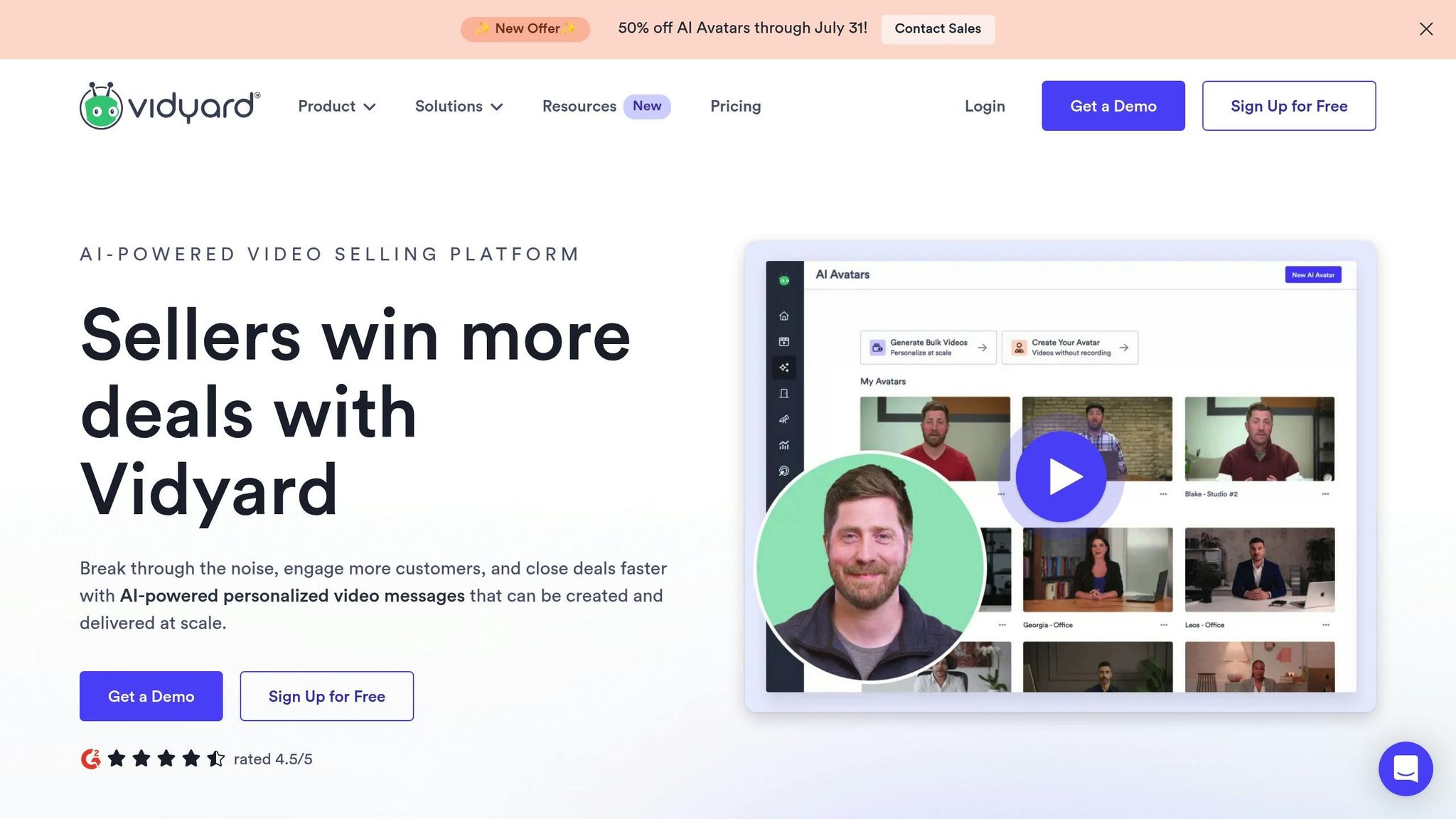
Vidyard is a versatile video platform tailored for businesses aiming to create, share, and track video content effectively. While its primary focus is on marketing and sales, it offers tools that go well beyond basic screen recording. One standout feature is video personalization. Users can customize videos by embedding names, logos, and tailored messages, helping to create more engaging and professional-grade content. The platform also supports recording in up to 4K resolution, ensuring high-quality visuals. Vidyard Hub acts as a centralized library, organizing and indexing video content so teams can easily search and access materials. On the analytics side, Vidyard provides more than just view counts. Users can dive into detailed viewer engagement data, lead scoring, and heatmaps that highlight which parts of a video grab the most attention. Another key feature is its seamless integration with popular CRM platforms like HubSpot and Salesforce, along with various marketing tools. This allows teams to incorporate video directly into their workflows, making communication and tracking more efficient. These features collectively make Vidyard a powerful tool for businesses aiming to elevate their video strategies.Vidyard Strengths
Vidyard’s advanced analytics are a major asset. Beyond tracking views, the platform offers deep insights into viewer engagement, providing actionable data for sales and marketing teams. Customization is another strength. From personalized videos to brand-consistent visuals, Vidyard ensures professional-quality content that aligns with a company’s image. The platform has proven its value in real-world scenarios. During the COVID-19 pandemic, Traction on Demand used Vidyard to deliver daily video updates. CEO Greg Malpass sent 10-minute videos to keep employees informed, while Vidyard Hub ensured content was well-organized and easy to find.“We’ve started using asynchronous, recorded video to allow our team members to access company information anytime and anywhere.”The company also adopted asynchronous video for meeting preparation, reducing one-hour meetings to just 30 minutes. Vidyard’s CRM integrations are another highlight. By embedding video communication into existing sales processes, teams can streamline workflows and improve efficiency.
- Greg Malpass, CEO and Founder, Traction on Demand
“Video is the new voicemail. It’s quick. It’s easy. And it’s uniquely personal.”
- Greg Malpass, CEO and Founder, Traction on Demand
Vidyard Limitations
Despite its strengths, Vidyard isn’t without challenges. Its extensive feature set can feel overwhelming for new users, creating a steeper learning curve compared to simpler tools. Cost is another consideration. Paid plans start at $59 per user per month for the Plus plan, which may be prohibitive for smaller teams or individuals on tight budgets. Additionally, the free plan is quite restrictive, limiting users to just five videos per month with a maximum recording time of 30 minutes. These constraints can make it difficult for teams to fully explore the platform’s potential. To get the most out of Vidyard, businesses often need to invest time and resources in developing a clear video strategy, along with training and process optimization. Finally, while the platform’s advanced features are a selling point, they can sometimes complicate simple tasks. Users looking for a quick and straightforward way to record and share videos may find the interface cumbersome for everyday needs.Pricing and Plan Comparison
Pricing Overview
Loom and Vidyard cater to different audiences, with Loom appealing to smaller teams and Vidyard focusing on enterprise clients. Loom offers plans starting at $15 per user per month (billed annually) for its Business tier. Vidyard, on the other hand, begins its paid plans with the Plus tier at $59 per user per month (billed annually). Both platforms include free plans, but their limitations vary. Loom’s free Starter plan caps recordings at 5 minutes and limits video storage. Vidyard’s free plan allows up to 30-minute recordings but restricts users to five videos per month. This makes Loom’s free option better suited for ongoing internal use, while Vidyard’s free tier is ideal for occasional professional needs. Loom’s pricing lineup includes the free Starter plan, Business at $15 per user per month, Business + AI at $20 per user per month, and an Enterprise plan with custom pricing. Vidyard offers a Free plan, Plus at $59 per user per month, and a Business plan requiring custom pricing and a sales consultation. The cost difference becomes noticeable for larger teams. For example, a team of ten would spend $150 monthly on Loom’s Business plan, whereas Vidyard’s Plus plan would cost $590 monthly. This stark difference reflects their distinct target audiences. The table below highlights the features available in each pricing tier.Features by Pricing Tier
Loom and Vidyard structure their features differently. Loom emphasizes accessibility for core video recording at lower tiers, while Vidyard reserves advanced tools for premium plans.| Feature | Loom Starter (Free) | Loom Business ($15) | Vidyard Free | Vidyard Plus ($59) |
|---|---|---|---|---|
| Video Length | 5 minutes max | Unlimited | 30 minutes max | Unlimited |
| Monthly Video Limit | Limited storage | Unlimited | 5 videos | Unlimited |
| Video Quality | Standard | HD | Standard | Up to 4K |
| Analytics | Basic views | Standard metrics | Basic | Advanced analytics |
| Custom Branding | None | Limited | None | Full branding |
| CRM Integrations | None | Basic | Basic workflow tools | Salesforce, HubSpot |
| AI Features | None | Add-on (+$5) | AI Script Generator | Advanced AI tools |
| Editing Tools | None | Basic | Basic editing | Professional editing |
sbb-itb-5d91f01
Usability and User Experience
Ease of Use
Loom stands out for its simplicity and user-friendly design, boasting ratings of 4.7/5 on G2 and 9.2/10 on TrustRadius. Users appreciate how easy it is to record and share videos, making the platform approachable even for newcomers. Loom also streamlines its onboarding process by using Dock to create personalized onboarding workspaces. This approach leads to measurable results – customers engaging with these workspaces see 20% higher seat allocation and 10% higher active usage, saving about 2 hours per customer during onboarding. On the other hand, Vidyard offers a broader range of advanced features but is often described as less intuitive. It scores 4.5/5 on G2 and 8.6/10 on TrustRadius. However, some users mention a steeper learning curve, which can make it more challenging for new users to get started. Both platforms extend their usability across multiple devices, but the user experience varies significantly depending on the tool.Device and Tool Compatibility
Loom offers extensive cross-platform support, making it a versatile choice for various workplace setups. Its features are accessible through a desktop app, a Chrome extension, and mobile apps. For desktop users, Loom supports Windows 10 or later and macOS 12.3 (Monterey) or later, with specific requirements for Mac users, such as Apple M1 chips (or newer) or Intel models from 2018 onward. The Chrome extension works seamlessly with the latest version of Chrome and other Chromium-based browsers, including Microsoft Edge, Brave, and Opera, though compatibility may vary. For mobile users, Loom is available on iOS 15 or later (covering iPhone, iPad, and iPod touch) and Android 10 or later, excluding Android Go edition. Videos created on Loom can be viewed across major browsers like Chrome, Firefox, Safari, and Edge. Additionally, Loom integrates with widely used workplace tools like Slack, Gmail, Jira, Confluence, Calendly, Salesforce, and Notion. These integrations allow users to incorporate Loom into their workflows effortlessly, enhancing overall productivity.User Feedback and Workflow Impact
User feedback highlights key differences in how these platforms affect productivity and workflows. Many Loom users report noticeable time savings and smoother workflows, often citing reduced meeting frequency and improved organization thanks to its AI-powered tools. The platform’s simplicity encourages consistent use, making it a favorite for teams seeking efficiency. Vidyard, while feature-rich, has received mixed reviews in this area. Some users mention difficulties with organization, file management, and occasional performance issues that disrupt daily operations. While 63% of sales professionals note that video outreach boosts response rates, Vidyard’s more complex interface and setup can act as a hurdle for some teams. In contrast, Loom’s straightforward design and faster onboarding process make it easier for organizations to adopt and use regularly.Choosing the Right Tool for Your Needs
Which Platform is Best for You?
When deciding between Loom and Vidyard, the best choice depends on your team’s specific priorities. Each platform brings unique strengths to the table. Loom simplifies internal communication, while Vidyard offers robust tools for sales and marketing. Loom is perfect for teams focused on internal collaboration. If your main goal is to create quick screen-sharing videos, share feedback, or develop training resources, Loom’s intuitive design and ease of use make it a standout option. It’s particularly well-suited for small teams or startups looking for an affordable, efficient way to boost productivity. Many users report that Loom helps them cut down on unnecessary meetings, making workflows smoother. Vidyard, on the other hand, is built for sales and marketing teams. If you need advanced analytics, CRM integrations, and tools tailored to video-driven sales strategies, Vidyard’s $59 per user/month Plus plan is a solid investment. Its integrations with go-to-market tools make it an excellent choice for organizations aiming to use video as a key part of their revenue strategy. As Eric Pratt from Revenue River explains:“Vidyard is the best solution on the market for managing, marketing, and producing video. If you have videos, want to make more, and want to turn views into leads, this is the software for you.”Integration capabilities are another critical factor. Vidyard excels in supporting sales workflows, while Loom integrates seamlessly with tools like Slack and Notion, making it ideal for collaborative teams. However, Loom’s recent acquisition by Atlassian raises questions about how its integrations might evolve, especially outside the Atlassian suite.
Final Thought: So Why Zight?
While Loom and Vidyard each offer unique strengths, there’s a third option worth considering—Zight. Think of it as the sweet spot between simplicity and power. Zight combines the ease-of-use and affordability of Loom with the professional polish and integration capabilities you’d expect from Vidyard. But it doesn’t stop there.
With Zight, you get:
-
AI-powered screen recording, screenshots, and video tools all in one place
-
Step-by-step guides, meeting recordings, and request video features baked in
-
Seamless integrations with tools like Intercom, Slack, and Gmail
-
A lightning-fast interface that helps teams move, share, and decide—faster
If you’re looking for a tool that can grow with you—whether you’re building a product, scaling a team, or closing a deal—you should actually choose Zight.
Because it’s not just about sending a video.
It’s about making it count.












