

- Faster Understanding: Visual content is processed 60,000x faster than text, reducing confusion and speeding up resolutions.
- Better Retention: People remember 65% of visual information versus 10% of text-only content.
- Fewer Support Requests: Clear visuals empower customers to find solutions independently, cutting down on tickets.
- Higher Engagement: Visual FAQs cater to different learning preferences, making self-service more effective.
- Cost Savings: Businesses save on support costs by directing repetitive inquiries to visual resources.
Visual Customer Service: Revolutionizing Customer Support with Visual Engagement
How Visual FAQs Improve Customer Experience
Visual FAQs are changing the way customers interact with support content by incorporating clear, engaging visuals. Instead of wading through long, dense instructions, customers can see exactly what steps to take, making their support experience smoother and more intuitive. Let’s dive into how visual formats improve understanding and keep users engaged. Research shows that the human brain processes visual content 60,000 times faster than text. This means customers can grasp solutions much quicker, cutting down on frustration and speeding up resolution times.How Visual Learning Improves Understanding
Using visuals doesn’t just make content easier to follow – it also makes it stick. Visual cues can boost retention rates to 65%, compared to just 10% for text-only content. This is thanks to a process called dual encoding, where the brain stores visuals both as images and as words, making them far more memorable. For example, people following instructions with both text and illustrations perform 323% better than those using text alone. For customer support, this means fewer misunderstandings and higher success rates for self-service tools. Visual FAQs are particularly effective for breaking down complex tasks into simple, digestible steps. Instead of deciphering dense technical manuals, customers can rely on annotated screenshots, short demo videos, or step-by-step visual guides to navigate software, set up products, or troubleshoot issues. This approach also saves time. Studies have found that visual support can reduce resolution times by 46%. By making it easier for customers to quickly understand what they need to do, visual content streamlines the entire support process.Better Access and Higher Engagement
Beyond improving comprehension, visual formats engage a broader range of users. Visual FAQs cater to different learning preferences, offering something for everyone – whether it’s a detailed written explanation for those who prefer reading or images and videos for visual learners. These aids not only grab attention but also break up the monotony of text-heavy FAQs, making the experience more engaging. The engagement stats speak for themselves. Content with images generates 650% more engagement than text-only posts. Similarly, articles with relevant visuals see 94% more views than those without. For businesses, this means visual FAQs not only help customers solve problems faster but also encourage more users to explore self-service options, reducing the strain on direct support channels. Another key advantage is clarity. When customers see visuals that match their interface – whether it’s a screenshot or a video demonstration – it eliminates much of the guesswork. This is especially helpful for non-native English speakers or those unfamiliar with technical concepts. The flexibility of visual content is another strength. A simple labeled screenshot can address basic questions, while more complex workflows might call for step-by-step video tutorials that users can pause and replay. From quick GIFs to detailed walkthroughs, visual FAQs allow businesses to tailor support to fit each query, improving efficiency and reducing the need for one-on-one assistance.Main Benefits of Visual FAQs for Businesses
Visual FAQs can significantly improve support efficiency, reduce costs, and strengthen customer relationships. These advantages lead to faster self-service, greater customer loyalty, and noticeable cost savings.Faster Self-Help and Fewer Support Requests
One of the most immediate perks of visual FAQs is a reduction in support tickets. Clear visual guides – such as screenshots, videos, or step-by-step instructions – help customers solve problems on their own. In fact, 47% of businesses report using video content specifically to cut down on support queries. This approach not only empowers customers but also shortens resolution times. Take this scenario: instead of dealing with a lengthy email chain or waiting on hold, a customer can watch a quick video demo and grasp the solution in minutes. It’s a game-changer for both parties. Visual FAQs are also available 24/7, which means customers can find solutions at any time – whether it’s during business hours or the middle of the night. This accessibility prevents minor issues from escalating into urgent problems that require live support.Higher Customer Satisfaction and Loyalty
Visual FAQs don’t just save time; they also enhance the customer experience. When customers find clear, visual answers quickly, it reduces frustration and boosts their confidence in the brand. It’s worth noting that 54% of consumers want to see more video content from the brands they engage with. Meeting this demand with visual resources makes the support process smoother and more enjoyable. The rise of smartphones and fast internet has fueled a shift toward more interactive and visual support methods. By resolving issues effectively through visual FAQs, businesses build trust and encourage repeat business. Many companies that monitor customer satisfaction scores (CSAT) report improvements after adopting visual support tools.Lower Operating Costs for Businesses
In addition to improving efficiency and satisfaction, visual FAQs help businesses cut operating costs. By redirecting repetitive inquiries to self-service options, companies can maintain smaller support teams, allowing staff to focus on complex issues. This not only boosts employee morale but also reduces training costs, as new hires can rely on the same visual resources provided to customers. Visual FAQs are incredibly scalable. A single video or annotated screenshot can address the same question for thousands of customers without requiring additional staff. And thanks to modern tools, creating and updating these resources has never been easier. Platforms like Zight make it simple to produce screen recordings, annotated images, and step-by-step guides. Features like AI-powered transcription, summary generation, and integrations with tools like Slack, Microsoft Teams, and Jira streamline the process of keeping content up-to-date. Although there’s an upfront investment in creating visual content, the long-term savings are undeniable. These resources continue to deliver value as more customers rely on them, reducing the need for ongoing live support and making them a smart, cost-effective choice for businesses.sbb-itb-5d91f01
Best Practices for Creating Effective Visual FAQs
Creating visual FAQs that customers actually want to use requires clear organization, sharp visuals, and a polished presentation. These tools can become a go-to resource for self-service support when done right.Organizing Content for Easy Navigation
The backbone of any effective visual FAQ is smart organization. Customers shouldn’t have to dig through endless topics to find answers. Instead, group FAQs by common themes like “Getting Started” or “Billing Questions”. This kind of structure reduces frustration and helps users quickly locate the information they need. To make navigation even smoother, use intuitive menus and a solid search function. Each category should have clear, descriptive labels that immediately tell users what kind of help they’ll find inside. Within each section, arrange questions in a logical order – beginning with broad, frequently asked questions and moving toward more specific issues. This mirrors how users typically approach problem-solving, starting with general concerns before diving into details. Consistency is key. Whether it’s a video tutorial or a screenshot with annotations, keeping a uniform structure for each FAQ entry helps users know exactly what to expect. And don’t forget about mobile users! Make sure your menus are thumb-friendly and your visual hierarchy is easy to follow on all devices. A well-organized FAQ not only improves usability but also sets the stage for visuals that reinforce trust in your brand.Using Branded and Clear Visuals
Branded visuals do more than just make your FAQs look polished – they help build trust and strengthen your company’s credibility. By sticking to consistent color schemes, logos, and branded templates, you create a seamless experience that customers recognize and rely on [23,27]. Familiar branding signals that the information is official and up-to-date. High-quality visuals are a must. Blurry screenshots or pixelated graphics can ruin the professional impression you’re trying to make. For screen recordings, focus on the essentials and cut out background noise that could distract from your message [23,26]. Annotated images and step-by-step video guides can simplify even the most complex topics. Use callouts, arrows, or colored boxes to highlight critical areas, ensuring users know exactly where to focus their attention. Pair each visual with concise, clear text explanations to cater to different learning preferences. This combination helps ensure that nothing gets lost in translation. Consistency in your visual style is just as important. Use the same fonts, colors, and annotation techniques across all your FAQ content. This makes it easier for users to understand your visual cues and navigate your support materials smoothly. Professional tools can help you maintain this consistency, making it easier to produce high-quality FAQs quickly and efficiently.Using Tools Like Zight for Visual FAQs
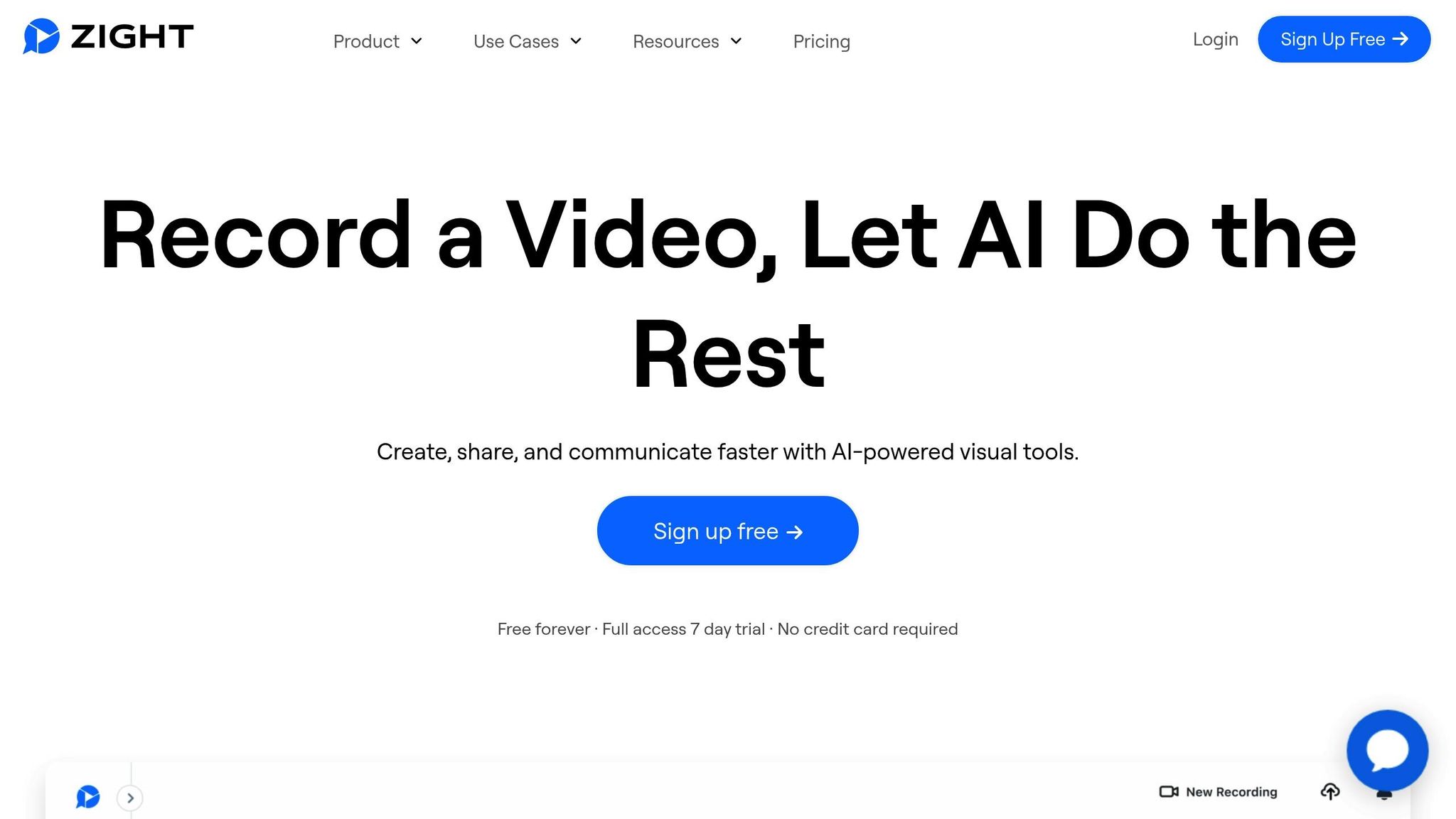 Modern tools like Zight can revolutionize how businesses create and manage visual FAQs. Zight allows teams to quickly capture screen recordings, annotate screenshots, and produce step-by-step guides. It even includes AI-powered transcription and summaries, which make your content more accessible to users who prefer text or have hearing impairments. Plus, those summaries can boost SEO, making your FAQ content easier to find online. Zight also integrates with platforms like Slack, Microsoft Teams, and Jira, streamlining collaboration across teams. This makes it easy for your support team to update FAQs when new product features roll out or common issues arise. By embedding visual explanations directly into your existing workflows, you can ensure your FAQs stay current and relevant. The platform’s multi-device support means you can create and update content anytime, anywhere – whether you’re recording a desktop tutorial or capturing a mobile app workflow. And with custom branding options like branded video players and watermarks, Zight helps you maintain a cohesive visual identity across all your customer-facing materials.
 Measuring the Success of Visual FAQs
Creating visual FAQs is just the beginning. To understand if they truly improve customer support, it’s essential to track their performance. For example, if certain support issues still generate high ticket volumes, it may indicate areas where your visual FAQs need refinement.Tracking Reduction in Support Tickets
One key way to measure success is by observing a drop in support tickets. When customers can solve problems independently using visual guides, they’re less likely to contact support. By comparing ticket volumes by category before and after launching your visual FAQs, you can pinpoint which topics are most effectively addressed through visual explanations. Fewer tickets in these areas often point to higher engagement and improved self-service outcomes.Analyzing Engagement Metrics
Engagement metrics like pageviews, time on page, scroll depth, and click-through rates provide valuable insights into how well your visual FAQs are working. For instance, high pageviews combined with longer time spent on the page suggest that users find the content helpful. Deep scroll depth indicates that users are actively consuming the information, while click-through rates can highlight which visual elements encourage further exploration. On the flip side, tracking bounce rates helps determine whether visitors are finding the answers they’re looking for.“The most important thing in tracking user engagement is understanding what the conversion goal is. If you have a fast-fashion ecommerce business, you need to know how often your customers actively use your page (monthly usage), how often they add items to the favorites or cart, and how many pages they go through in a specific session (pageviews). It all depends on your engagement strategy and your company’s objective.”Stronger engagement metrics often align with higher customer satisfaction, which brings us to the next focus area.
- Pola Bialoskorska, Product Owner at Novakid
Measuring Customer Satisfaction Improvements
Customer satisfaction metrics provide direct feedback on how well your visual FAQs enhance the support experience. High CSAT scores (above 80%), improved NPS, and lower CES indicate that visual FAQs contribute to better customer satisfaction and loyalty. Net Promoter Score (NPS) surveys are particularly useful for assessing whether visual FAQs are driving customer loyalty. This is critical when you consider that 92% of people trust recommendations from friends and family more than traditional advertising. Enhancing NPS through better self-service options can lead to organic growth. The Customer Effort Score (CES) measures how easy it is for customers to find help. Comparing CES before and after implementing visual FAQs can confirm whether they make accessing answers more straightforward. Lower effort scores typically reflect a smoother customer experience. For example, targeted surveys have shown measurable improvements in engagement and revenue. Addressing customer pain points led to a 13.35% drop in checkout bounce rates and an 11.46% increase in average revenue per user. Customer satisfaction doesn’t just improve loyalty – it can also reduce churn rates by up to 30%. Considering that 73% of people view customer experience as a key factor in purchase decisions, effective visual FAQs can directly boost your bottom line.Conclusion: Transforming Customer Support with Visual FAQs
Visual FAQs are changing the game in customer support by replacing confusing text-based solutions with straightforward, visual answers that solve problems quickly. Studies show that companies adopting visual support see faster resolutions and fewer support tickets, making it a win for both businesses and their customers. This shift isn’t just about speed – visual content also boosts customer engagement. People overwhelmingly prefer video over text, and this preference drives real results. For example, Devialet saw a 90% customer satisfaction score and 46% faster issue resolution after adding video support to their toolkit. The benefits don’t stop there. Companies also save money and improve operations.“Having an FAQ page is a way to be more proactive and predictive about what your customers or clients are going to need help with. It’s also an opportunity to point people in the direction you want them to go. If there’s something you want to make sure they see, an FAQ is a great place to put it.” – Maddie Hoffman, Director of Self-service and Automation at ZendeskThe numbers back it up: Free PRO reduced resolution times by 42% while handling over 650 customer videos monthly, and Bob’s Discount Furniture cut resolution times by 32% while reducing costly in-home visits. These examples highlight how visual FAQs not only enhance customer experiences but also deliver major cost savings. Modern tools like Zight make it even easier to adopt visual FAQs. With features like screen capture, video recording, and AI-powered tools that create step-by-step guides from recordings, businesses can streamline their support processes. Edward Wikstrom, Director of Technology at St. Dominic High School, shared, “Zight allows me to put together training and troubleshooting materials, reduce in-person meetings and trainings, and AI helps me quickly organize videos and turn them into print user guides”. The demand for self-service is undeniable. 79% of consumers expect companies to offer self-service options, and 91% of businesses see it as a priority investment. With 40% of C-level support executives planning to empower customers to find answers on their own, visual FAQs are no longer optional – they’re essential.












