
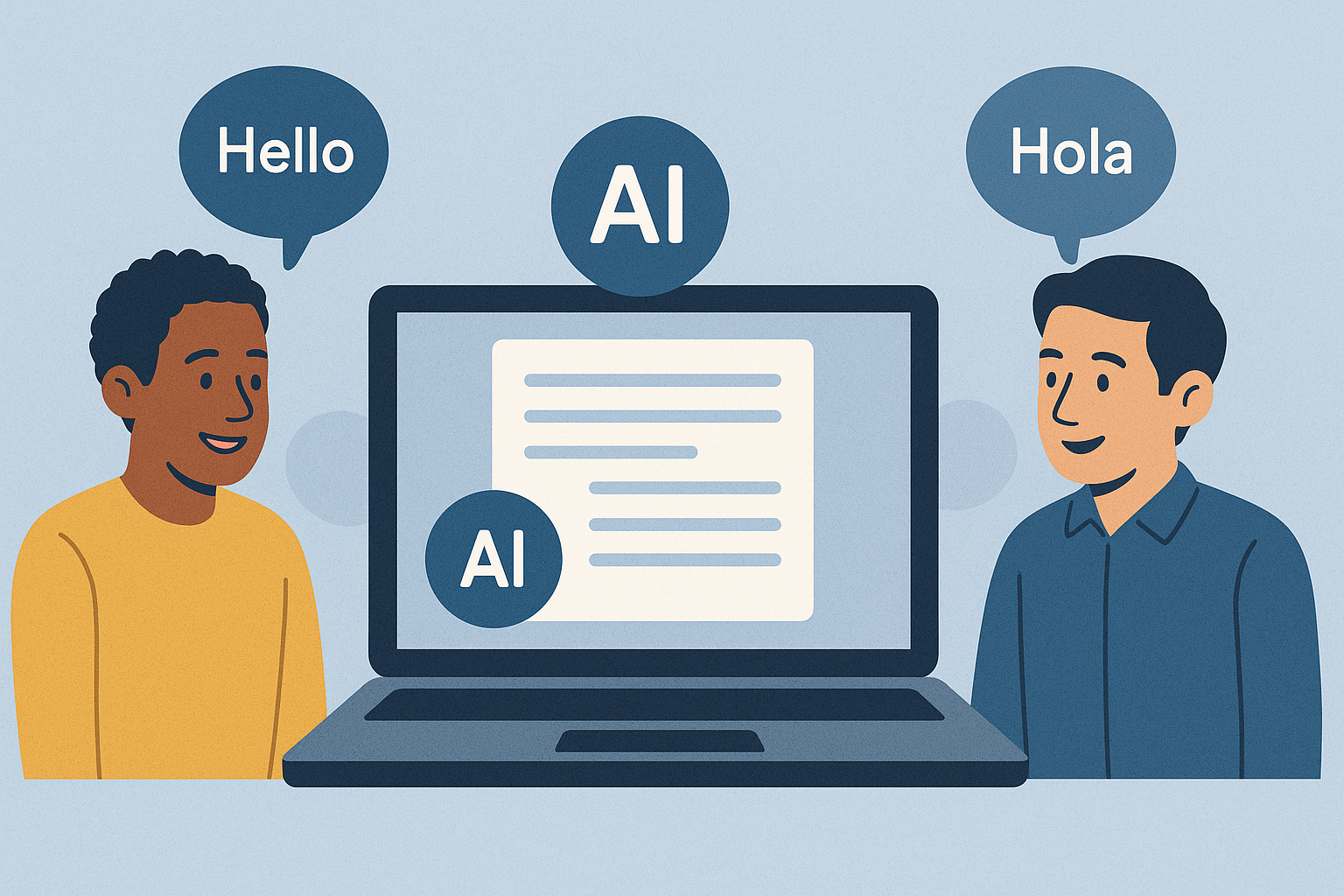
- Real-time translation: Team members can speak in their native language while receiving instant translations.
- Improved productivity: Automated transcription eliminates the need for manual note-taking or follow-up clarifications.
- Accessibility: Transcripts support team members with varying language proficiencies or hearing differences.
- Asynchronous clarity: Recorded meetings become easier to review with accurate, searchable transcripts.
Real-Time Translation & Transcription For Seamless Multilingual Communication | Powered By AI
How AI Transcription and Translation Tools Work
AI transcription technology has revolutionized how we overcome language barriers, turning spoken words into precise, translated text. To understand its effectiveness, let’s break down the core technologies and processes that make it all possible.Core Technologies Behind AI Transcriptions
AI transcription tools rely on three key technologies: speech recognition, natural language processing (NLP), and machine learning. Together, these create a seamless experience that adapts to various audio challenges.- Speech recognition is the backbone. It analyzes audio to match sounds with words, distinguishing between speakers, filtering out background noise, and adapting to different accents or speaking speeds. Today’s systems are highly reliable, even in noisy or complex environments.
- Natural language processing (NLP) steps in to make sense of the recognized speech. By understanding grammar, sentence structure, and word relationships, NLP ensures the transcription is readable. It handles details like punctuation, capitalization, and paragraph breaks, turning raw speech into coherent text.
- Machine learning enhances the system over time. By training on massive datasets of spoken language, these algorithms adapt to new vocabulary, slang, and unique speech patterns. They also learn from user feedback, improving accuracy for specific industries, teams, or even individual speakers.
From Speech to Text: The Transcription Process
Creating accurate transcriptions involves several stages, each carefully designed to handle complex audio scenarios.- Audio processing: The system analyzes the audio file or live stream, identifying where speech starts and ends. It separates speakers, filters out non-speech sounds (like coughs or background noise), and even labels speakers for clarity.
- Speech-to-text conversion: The audio is broken into small segments, and the system identifies the most likely words for each segment using acoustic patterns and probability models. It selects the interpretation that fits best.
- Post-processing and refinement: This stage polishes the transcription. Errors are corrected, proper formatting is applied (e.g., punctuation, capitalization, paragraphing), and for multilingual content, accurate translation is added. The goal is to preserve the original meaning and tone while making the text clear and professional.
The Importance of Context Understanding
What sets advanced AI transcription apart is its ability to grasp context. Without this, even the most accurate speech-to-text systems can miss critical nuances, especially when dealing with industry-specific terms, idioms, or cultural references.- Industry-specific terminology: Context matters when interpreting specialized language. For example, in a medical setting, “stat” means “immediately”, but in another context, it might refer to statistics. AI systems with contextual understanding can differentiate meanings based on the topic, speaker roles, and prior discussions.
- Cultural nuances: Phrases like “touch base”, “circle back”, or “low-hanging fruit” are common in American business settings but might confuse international listeners. Advanced tools recognize these idioms and can provide literal translations or explanatory notes to bridge gaps in understanding.
- Emotional tone and intent: The same words can carry different meanings depending on how they’re spoken. Sophisticated AI systems can detect vocal cues, annotating tone to clarify intent. This is particularly useful in asynchronous communication, where visual cues are absent.
Benefits of AI Transcriptions for Multilingual Teams
When multilingual teams use AI transcription technology, they break down language barriers and create smoother collaboration. The advantages go far beyond mere translation, fostering a more inclusive and efficient workplace.Real-Time Multilingual Support
AI transcription tools provide immediate multilingual support, ensuring seamless communication without the delays typical of traditional translation services. Team members can speak in their native languages while receiving real-time translations, keeping conversations natural and uninterrupted. What sets this technology apart is its ability to recognize accents and dialects accurately. This ensures that everyone, regardless of their regional background, is understood clearly. With bidirectional transcription, team members can confidently express their ideas without worrying about miscommunication or hesitation, making interactions more fluid and productive.Boosted Productivity and Time Efficiency
AI transcriptions don’t just translate – they save time and streamline workflows. By eliminating the need for manual note-taking or on-the-spot translations, teams can focus on discussions rather than administrative tasks. Accurate, instant transcripts reduce the time spent preparing for meetings and make follow-ups more efficient. Misunderstandings are minimized, and there’s less need for clarification emails or repeated explanations. This clarity speeds up decision-making, as everyone is on the same page from the start. For international teams, this technology simplifies project handoffs. Instead of relying on brief summaries that may miss key details, teams can share comprehensive transcripts that preserve the full context of discussions and decisions.Improved Accessibility and Team Engagement
AI transcriptions also enhance accessibility, ensuring everyone can participate fully, regardless of hearing differences or language proficiency. By providing clear, readable transcripts, the technology levels the playing field for team members who may struggle to process spoken content in a non-native language. Some people absorb information better through reading than listening, especially in a second language. Transcriptions support these preferences, allowing everyone to engage with the material in the way that works best for them. Additionally, transcriptions help bridge communication styles. For example, individuals from cultures that use indirect communication can review transcripts to confirm their subtle points were understood. Meanwhile, those from more direct communication cultures can see how their messages were received. The ability to review transcripts asynchronously is another game-changer. Team members in different time zones can engage with meeting content when they’re most alert, rather than trying to keep up during live meetings scheduled at inconvenient hours. This flexibility ensures that everyone can contribute meaningfully, regardless of location or time constraints.sbb-itb-5d91f01
Practical Applications: Using Zight for AI Transcriptions
 Zight reshapes how multilingual teams manage video communication by blending screen recording with AI-powered transcription and translation. It tackles the challenges of sharing knowledge across language barriers, especially in asynchronous work settings. Here’s a closer look at how Zight’s features provide real-world solutions.
 Zight’s Multilingual Transcription and Translation Features
Zight’s AI transcription tool automatically generates captions and transcripts for recorded videos, making content accessible even when playing audio isn’t practical. With its AI translation capabilities covering over 50 languages, Zight enables smooth communication within global teams. For instance, if a team member in Tokyo records a screen capture in Japanese to explain a software bug, colleagues in New York can instantly access both the original Japanese transcript and an English translation – eliminating the delays often associated with manual translation. Zight also offers concise video summaries (TLDW – Too Long, Didn’t Watch) and automatically generates smart titles, giving users instant context without needing to watch the entire video. The Smart Chapters feature further enhances accessibility by dividing video content into clear, navigable sections, making it easier for non-native speakers to follow detailed explanations at their own pace. These tools naturally enhance collaborative workflows.Enhancing Collaboration Through Integrations
Zight integrates with popular platforms like Confluence, Jira, Microsoft Teams, and Slack, streamlining team workflows. Users can directly export AI-generated content – such as summaries, step-by-step guides, or transcripts – into tools like Notion, Google Docs, or Confluence. For processed videos, the Smart Actions feature allows users to create Step-by-Step Guides, FAQs, Bug Reports, or SOPs, which can be exported into platforms like Confluence, Jira, Notion, or Zendesk. Additionally, the Zight SDK offers organizations the flexibility to customize how transcribed and translated content integrates with their existing systems.Automated Summaries and Key Point Extraction
Zight goes beyond basic transcription by automating the extraction of essential meeting insights. Whether it’s a training session, a product demo, or a team update, Zight’s AI generates actionable summaries that provide quick clarity, even for team members in different time zones. The platform’s ability to pinpoint and structure key information – like decisions, action items, and deadlines – works seamlessly with its translation tools. This ensures that critical details are clearly communicated, reducing the administrative workload for team leads and enabling them to focus on their primary responsibilities. Meanwhile, Zight takes care of organizing and distributing vital information across multilingual teams.Best Practices for Implementing AI Transcription Tools
Implementing AI transcription tools effectively requires a well-thought-out strategy that considers your team’s specific language needs and communication habits. With the right approach, these tools can significantly improve multilingual communication and streamline workflows.Choosing the Right Tool for Your Team
Start by identifying the languages your team uses most frequently and whether you need transcription for real-time conversations or recorded sessions. Real-time transcription is great for meetings, but asynchronous transcription tends to be more accurate since it can analyze the full context of a conversation – making it ideal for recorded meetings or training materials. Next, evaluate your current workflow and how a transcription tool could integrate with the platforms you already use. For example, tools like Zight are particularly useful if your team depends on visual communication and screen recordings. Its integrations with Slack, Microsoft Teams, and Jira ensure that transcriptions fit seamlessly into your existing processes. It’s also worth considering features like automatic language detection or support for multiple languages within a single conversation. These capabilities can make a big difference for teams that regularly collaborate across different regions or linguistic backgrounds. Finally, once you’ve chosen a tool, configure it to recognize your team’s specialized terminology for better accuracy.Customizing and Updating Transcription Models
To improve transcription quality, train custom speech models to recognize industry-specific terms and frequently misunderstood words. This process often involves multiple rounds of refinement to get the best results. For technical teams, it’s especially important to customize models to recognize programming languages, frameworks, and other specialized jargon. Identify terms that are commonly misrecognized and work with your transcription platform to fine-tune its accuracy. Regular updates to the model will help it stay aligned with your team’s evolving needs.Conclusion: The Impact of AI Transcriptions
AI transcription technology is transforming how we communicate across languages in today’s digital workplace. By converting speech to text and offering real-time translations, these tools eliminate language barriers, making meetings and discussions more inclusive and efficient. Teams no longer have to wrestle with manual translations or misunderstandings due to language differences. Everyone – regardless of their native language or hearing abilities – can actively participate and contribute. Practical solutions are also making it easier than ever for organizations to adopt these tools. Platforms like Zight offer AI-driven transcription and translation features that seamlessly integrate with popular tools like Slack, Microsoft Teams, and Jira. This means teams can enhance their multilingual communication capabilities without disrupting their existing workflows. To get the most out of these tools, teams should focus on thoughtful implementation. Customizing transcription models to include industry-specific terminology and keeping systems updated ensures accuracy and relevance. Data privacy and security are also critical, but modern platforms address these concerns while maintaining reliable performance. With these advancements, global collaboration becomes more accessible than ever. As remote and hybrid work models grow, the ability to communicate effortlessly across languages – whether in real-time or asynchronously – is no longer just a convenience; it’s a necessity. AI transcription tools don’t just tackle technical challenges – they create environments where every team member can thrive. By breaking down geographic and linguistic boundaries, this technology opens the door to a new era of teamwork and innovation.FAQs
How do AI transcription tools manage different accents and dialects during real-time translations?
AI transcription tools are built to work with a variety of accents and dialects by using advanced speech recognition models trained on diverse datasets. These datasets cover different regional pronunciations, speech patterns, and vocabulary, helping the tools handle linguistic variations with precision. By employing complex algorithms, modern AI systems can detect and interpret phonetic differences, enabling accurate transcription and even translation in real-time. This capability makes them a powerful resource for improving global communication, even when speakers have noticeably different accents or dialects.What should businesses consider about privacy and security when using AI transcription tools?
When integrating AI transcription tools into a corporate environment, businesses need to prioritize privacy and security. These tools often handle sensitive or confidential information, making it crucial to comply with regulations like GDPR or HIPAA, depending on the industry. Here’s how companies can minimize risks:- Examine privacy policies: Understand how the AI provider manages, stores, and protects your data.
- Adopt secure practices: Use measures like encryption and strict access controls to keep sensitive information safe.
- Be transparent: Clearly communicate with employees and clients about the use of transcription tools and how their data is handled.












