
Want your videos to leave a lasting impression? Branding is key. It’s not just about adding your logo – it’s about creating a professional, consistent experience that builds trust and boosts recognition. Studies show well-branded videos improve conversions, click-throughs, and even revenue. Here’s how you can elevate your video branding with five practical strategies:
- Smart Logo Placement: Position logos strategically to avoid overlap with subtitles or UI elements.
- Use Brand Colors: Incorporate your brand’s color palette consistently across visuals, text, and graphics.
- Consistent Messaging and Tone: Align your video’s voice with your brand’s identity for a cohesive experience.
- Branded Intros and Outros: Add polished sequences to make your videos memorable and drive action.
- Tools Like Zight: Simplify branding with features like logo uploads, custom colors, and white-label options.
These steps not only improve your brand’s visibility but also make your videos stand out, increasing client trust and engagement.
1. Smart Logo Placement
Your logo is more than just a design – it’s a visual anchor for your brand. To ensure it remains visible and impactful throughout your video, think strategically about its placement. For example, avoid the lower right corner, as subtitles on social media often overlap this area. Instead, consider positioning your logo in the upper left or right corner, where it can stay in clear view and reinforce your brand identity seamlessly.
Adjust the size and opacity of your logo to strike the right balance – visible enough to be noticed but subtle enough not to distract. Also, steer clear of areas with common UI elements like play buttons or progress bars to avoid interference.
Thoughtful logo placement doesn’t just make your video look polished; it naturally strengthens brand recognition while keeping the focus on your message. By ensuring your logo is consistently and smartly positioned, you align every visual element with your brand’s identity.
2. Use Brand Colors Throughout
Just like your logo serves as the cornerstone of your brand, consistent use of your brand colors strengthens its identity. Colors have a powerful effect on perception – studies reveal they influence up to 90% of first impressions and can boost brand recognition by 80%. By weaving your brand colors into your client videos, you create a cohesive visual experience that builds familiarity while projecting professionalism. The key is to infuse these colors into every design element of your video.
Your brand colors should appear in backgrounds, accents, and graphics to maintain a consistent aesthetic. But don’t stop there – think beyond the obvious. Add your colors to text overlays, progress bars, call-to-action buttons, and even subtle background gradients that complement your palette.
“Color is so difficult to use because it’s all about context. To use it to your advantage, you need to have a purpose for each color in your palette.” – Greg Gunn, Designer and Host of the Briefly Creative podcast
A helpful guideline to follow is the 60-30-10 rule. Use your primary color for about 60% of your visuals, secondary colors for around 30%, and accent colors for the final 10%. This creates a balanced look where no single color dominates the scene.
Also, ensure on-screen text – like captions, titles, and annotations – uses approved font colors that align with your brand. Consistency here ties everything together and enhances the viewer’s experience.
Colors can evoke emotions, so choose wisely. Warm tones like red and orange can create urgency or excitement, while cooler hues like blue and green tend to inspire calmness and trust.
Finally, test your videos on different devices to ensure the colors look right across screens. And if your audience spans different regions, consider cultural preferences to maintain global consistency.
3. Keep Messaging and Tone Consistent
Once you’ve nailed down a cohesive visual style, the next step is to align your brand’s voice. A consistent tone helps build trust and reinforces your identity.
Your brand’s voice is essentially its personality. In every client-facing video – whether it’s a product demo, a testimonial, or an educational piece – your tone should reflect your core values and highlight what sets you apart. This isn’t just about sounding good; it’s about weaving your message seamlessly into your storytelling so viewers instantly recognize who you are and what you stand for.
To ensure consistency, create a clear video style guide. Include details like tone, key messaging, and any specific language standards. This guide will act as a reference point for everyone involved in content creation.
For example, if your brand is professional yet approachable, strike a balance between authoritative language and a friendly, conversational tone. Reinforce these standards through regular training sessions and reviews to keep everyone on the same page.
sbb-itb-5d91f01
4. Add Branded Intro and Outro Sequences
Branded intros and outros are the finishing touches that give your videos a polished, professional feel while reinforcing your brand identity. These elements not only make your content instantly recognizable but also help engage viewers and drive action.
Intros are especially effective for informative videos or series, giving viewers a quick glimpse of what to expect and who’s behind the content. By keeping them short and captivating, you can establish credibility and maintain interest in tutorials, product demos, or educational material.
Outros, on the other hand, are your chance to leave a lasting impression and encourage action. A well-constructed outro wraps up your content, highlights your branding, and includes a clear call-to-action (CTA). Whether it’s driving traffic to your website, boosting social media engagement, or converting viewers into leads, a strong outro can make all the difference. To maintain consistency, ensure your intros and outros follow a cohesive style that aligns with your brand’s overall look and feel.
Consistency is key – use the same logos, colors, fonts, music, sound effects, and animations across all your videos.
“With branded intros and outros, your audience can instantly recognize your content, even during fleeting scrolls. These elements add a professional touch that reinforces your brand identity without interrupting the flow of your content.” – Slate
The numbers back this up: video content can improve brand recall by 95%, and 90% of marketers say video is a powerful tool for increasing brand awareness. Even more compelling? A single video CTA can drive 380% more clicks compared to a webpage CTA.
Take Slack, for example. Their 5-second outro features their signature colors, simple animations, and a direct “try for free” CTA with a brief voice-over. Similarly, Dollar Shave Club keeps it light and memorable with their outro, starting with “isn’t it about time?” followed by their logo, website, and the slogan “Shave time. Shave money”, all set to upbeat music.
When crafting your outro, keep it straightforward and action-oriented. Whether you want viewers to visit your site, book a consultation, or download a resource, make the next step crystal clear. Test different styles and monitor metrics like click-through and conversion rates to see what resonates most with your audience. By integrating these branded sequences with your broader marketing efforts, you’ll create a seamless and impactful experience for your viewers.
5. Use Branding Features with Tools like Zight
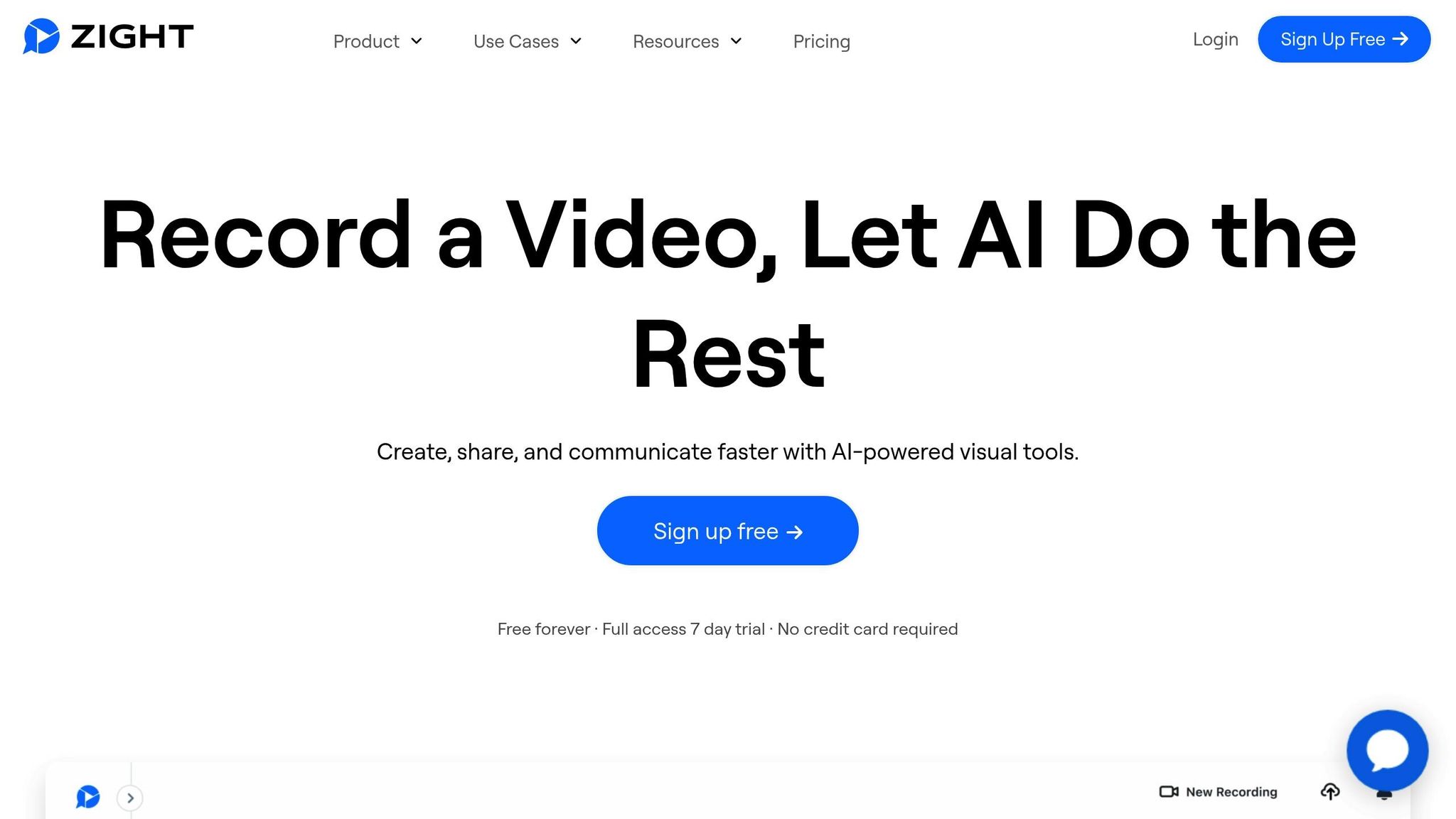
Creating branded intros and outros manually can be a tedious task, especially when you’re trying to maintain a consistent visual identity. Tools like Zight make this process much easier. With over 5 million users relying on it to boost productivity, Zight brings together screen recording, video editing, and branding tools in one convenient platform. Here’s a closer look at what Zight offers.
Custom Branding Made Easy
Zight simplifies the branding process with features designed to save time and effort. Pro, Team, and Enterprise users can upload logos (up to 1152 x 720 px in PNG or JPEG formats) and adjust colors with hex or RGB codes. You can tweak elements like the play button and timeline to match your brand, and even remove all Zight branding for a fully white-labeled experience. Customizing share links, redirect URLs, and domains is also straightforward, ensuring a polished and professional presentation.
“One of the easiest to use and share screen sharing services ever! I love the fact that I can take a branded walk-through video, and then share the video screen record grab, and then brand the landing page with my company logo. LOVE love love the branding.”
– Bruce Kraft J.
All-in-One Video Creation
What makes Zight stand out is its comprehensive approach to video creation. You can record your screen, face, and camera at the same time, then use built-in editing tools to trim and refine your recordings. AI-powered features like smart titles, video summarization, and auto-transcription ensure your messaging stays consistent across all client communications.
Effortless Integration and Sharing
Zight works seamlessly with popular platforms like Slack, Microsoft Teams, and Jira. It’s compatible with Mac, Windows, Chrome, and iOS, offering plans that cater to various needs: a free tier, $7.95 per month for individuals, and team plans starting at $8.00 per user. Enterprise users can request custom quotes for advanced options like SSO support and heightened security.
These features make it easier than ever to create professional, branded videos that leave a lasting impression on your clients.
Conclusion
Creating branded client videos that leave a lasting impression doesn’t have to be complicated. By focusing on five key strategies, you can ensure your videos stand out while strengthening your brand. Thoughtful logo placement keeps your brand front and center, consistent use of brand colors fosters recognition, and clear, aligned messaging builds trust. Incorporating branded intro and outro sequences adds a polished, professional touch, while tools like Zight simplify the process with customizable templates and advanced features.
These efforts do more than just make your videos look good – they deliver real business benefits. Consistent video branding can enhance client trust and retention, with research showing branded videos can improve brand recall by up to 80%. When clients see well-crafted, on-brand videos, they’re more likely to view your business as credible and established.
Start by auditing your current video library. Check for consistency in logo placement, color schemes, and the inclusion of branded elements like intros and outros. Tools like Zight can help automate these steps, making it easy to maintain a professional look across all your videos. Even small adjustments, like placing your logo in the same spot on every video, can make a big difference in how your brand is perceived.
FAQs
How can I make sure my brand’s colors look consistent in videos across all devices and platforms?
To keep your brand’s colors looking the same no matter where they’re seen – on different devices or platforms – it’s crucial to use exact color codes like HEX or RGB. These codes help ensure your colors stay consistent and appear as intended. Incorporate these colors into various elements in your videos, such as backgrounds, text, and graphics.
It’s also a good idea to develop a comprehensive brand guide that specifies how your colors should be applied across all media. This doesn’t just help with videos – it ensures your entire visual content aligns, making your brand identity stronger and more recognizable.
What mistakes should I avoid when adding branded intros and outros to client videos?
When incorporating branded intros and outros into client videos, keep them concise. Long intros can quickly lose your audience’s attention, while cluttered outros packed with too much information can overwhelm and detract from your main message.
It’s also essential to align branding elements – like logos and taglines – with the video’s tone and purpose. Intros and outros should feel professional and understated, enhancing the content rather than overshadowing it. The goal is to strike a balance between showcasing the brand and maintaining an engaging viewer experience.
How can Zight help make creating custom-branded client videos easier?
Creating custom-branded videos for clients is a breeze with Zight. The platform provides tools to effortlessly add logos, apply consistent color schemes, and include personalized watermarks. These features help ensure your videos maintain a polished and professional appearance across all client-facing materials.
Zight’s AI-powered editing tools take efficiency to the next level. You can quickly tailor videos to match branding requirements while saving time and effort. Its user-friendly platform simplifies the entire process, allowing you to deliver sleek, consistent videos that perfectly capture your or your clients’ brand identity.












