

Share the finished work with Zight
Zight helps teams record, edit, share, and discuss visual work with one secure link instead of bulky attachments.
Get Zight freeHow to use this free tool
Complete the workflow in three browser-local steps.
Choose a PNG
Select a transparent PNG, screenshot, logo, or interface image.
Choose compression
Use lossless recompression or a smaller 256- or 128-color palette.
Download or share
Preview the result, download it, or upload it to Zight.
Preserve transparent backgrounds
The output stays PNG, so transparent pixels remain available for product images, UI assets, and reusable graphics.
Resize oversized images first
An optional maximum width can remove pixels that the final page or message will never display.
Compare before and after
The result shows the original size, compressed size, and measured savings before you download.
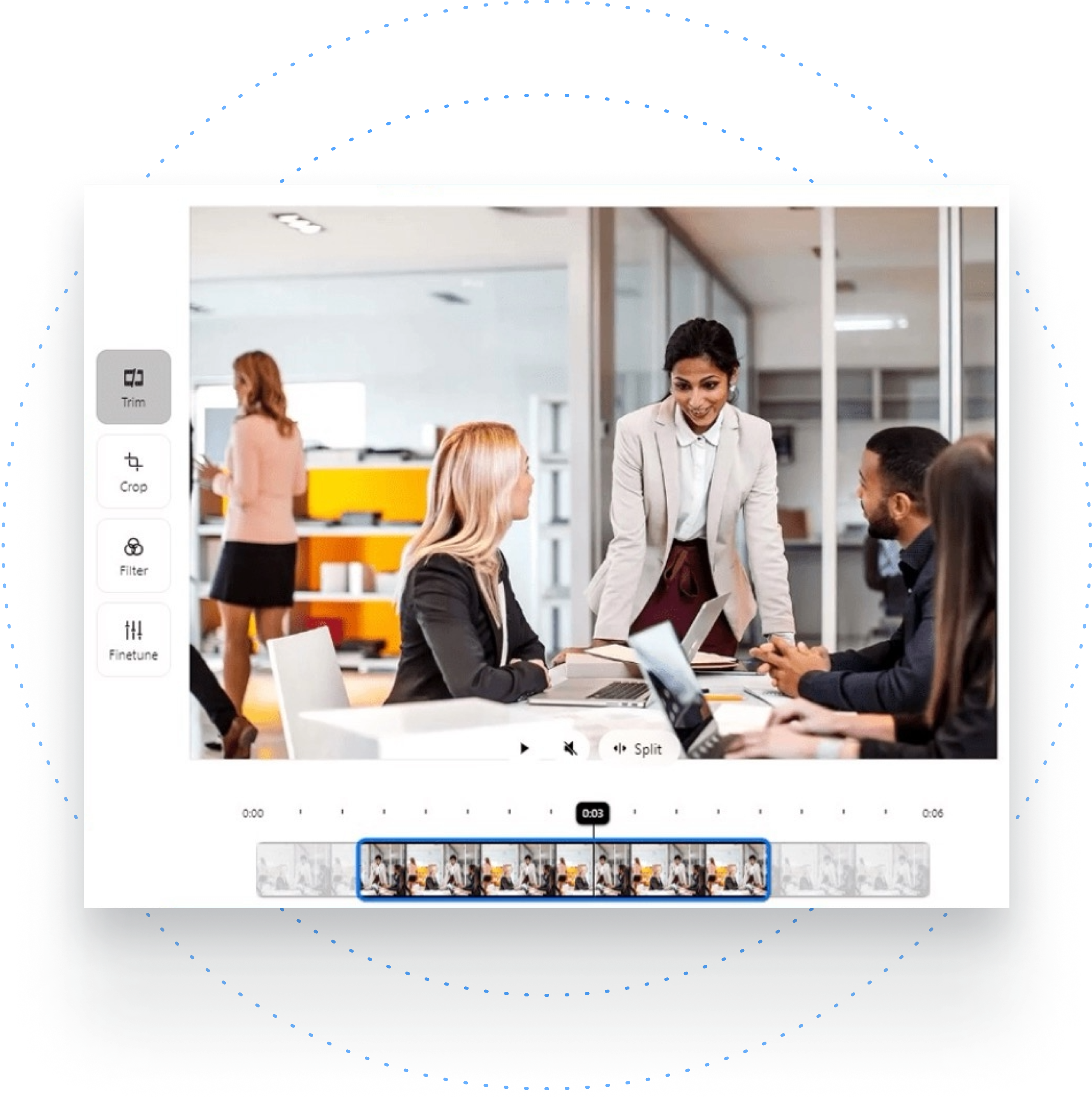
Process images locally
The image stays in your browser unless you explicitly select Upload to Zight.
Related Zight tools and workflows
Compress PNG images locally while preserving transparency and keeping a direct download available.
Ready to explain work visually?
Record your screen, webcam, and voice with Zight, then share one link for faster feedback.
Try Zight for freeFrequently Asked Questions
Yes. This tool keeps PNG output and supports transparent pixels.
Balanced mode reduces the palette to 256 colors, which often creates a smaller file with good visual quality.
Use lossless recompression for text, logos, UI details, and images where every pixel matters.
Yes. Enter an optional maximum width to downsize oversized images before encoding.
No. Processing is local and upload is optional.
A practical guide to png compressor
Compress PNG images locally while preserving transparency and keeping a direct download available.
Use the right next step
After completing this task, you can resize an image, convert PNG to WebP, read the PNG compression guide. These internal paths connect the tool to nearby video, audio, and sharing workflows.
Privacy and browser support
The core task runs locally in your browser. Media codec, recording, and export support varies by browser and operating system, so use a current Chrome, Edge, Firefox, or Safari release and preview the result before sharing.












