

Share more than a processed file
Zight helps teams record, share, and discuss visual work with a link instead of a bulky attachment.
Get Zight freeHow to use this free tool
Complete the task in three browser-local steps.
1. Add your VTT
Paste WebVTT text or choose a .vtt file.
2. Validate and convert
The tool checks cues, removes VTT-only settings, and renumbers subtitles.
3. Download SRT
Copy the result, download .srt, or upload it to Zight.

VTT and SRT: what changes
VTT uses periods in timestamps and supports cue settings. SRT uses commas and a simpler numbered cue structure.

Browser-local subtitle conversion
Your caption text is processed in the browser. Nothing is uploaded unless you choose the Zight upload action.

Prepare accessible video workflows
Use clean subtitle files for recorded walkthroughs, webinars, product demos, and support videos.
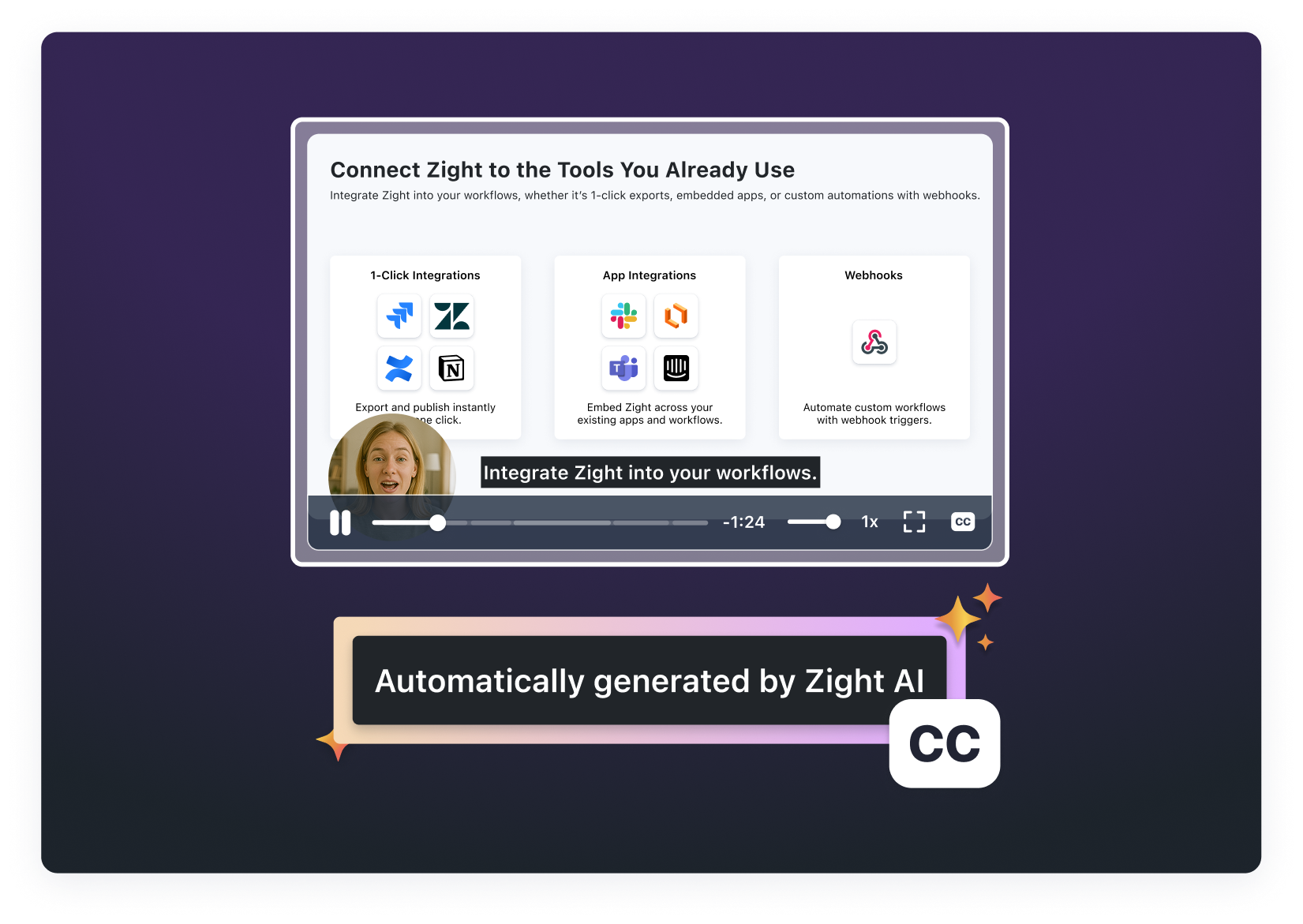
Share the finished context
A subtitle file is useful, but a Zight recording gives teammates the full visual explanation and a shareable link.
Related Zight tools and workflows
Convert WebVTT captions to SRT locally in your browser, then download, copy, or share the result.
Ready to explain work visually?
Record your screen, webcam, and voice with Zight, then share one link for faster feedback.
Try Zight for freeFrequently Asked Questions
VTT supports web-specific cue settings and uses periods for milliseconds. SRT uses numbered cues and commas for milliseconds.
Paste or upload a valid WebVTT file, select Convert to SRT, then download the generated file.
No. SRT does not support every WebVTT cue setting, so VTT-only positioning and styling are removed.
No. Conversion runs locally. Upload happens only if you select Upload to Zight.
A practical guide to vtt to srt converter
Convert WebVTT captions to SRT locally in your browser, then download, copy, or share the result.
Use the right next step
After completing this task, you can SRT to VTT converter, transcribe video and audio, record and share with Zight. Each option keeps the workflow focused without forcing an unrelated tool.
Privacy and browser support
The core task runs locally in your browser. Media codec, recording, and export support varies by browser and operating system, so use a current Chrome, Edge, Firefox, or Safari release and preview the result before sharing.












