
- Zight: Tracks video engagement metrics like view counts and drop-off points, with AI features like transcription and summaries. Integrates with Slack, Microsoft Teams, and Jira. Pricing starts at $9/month.
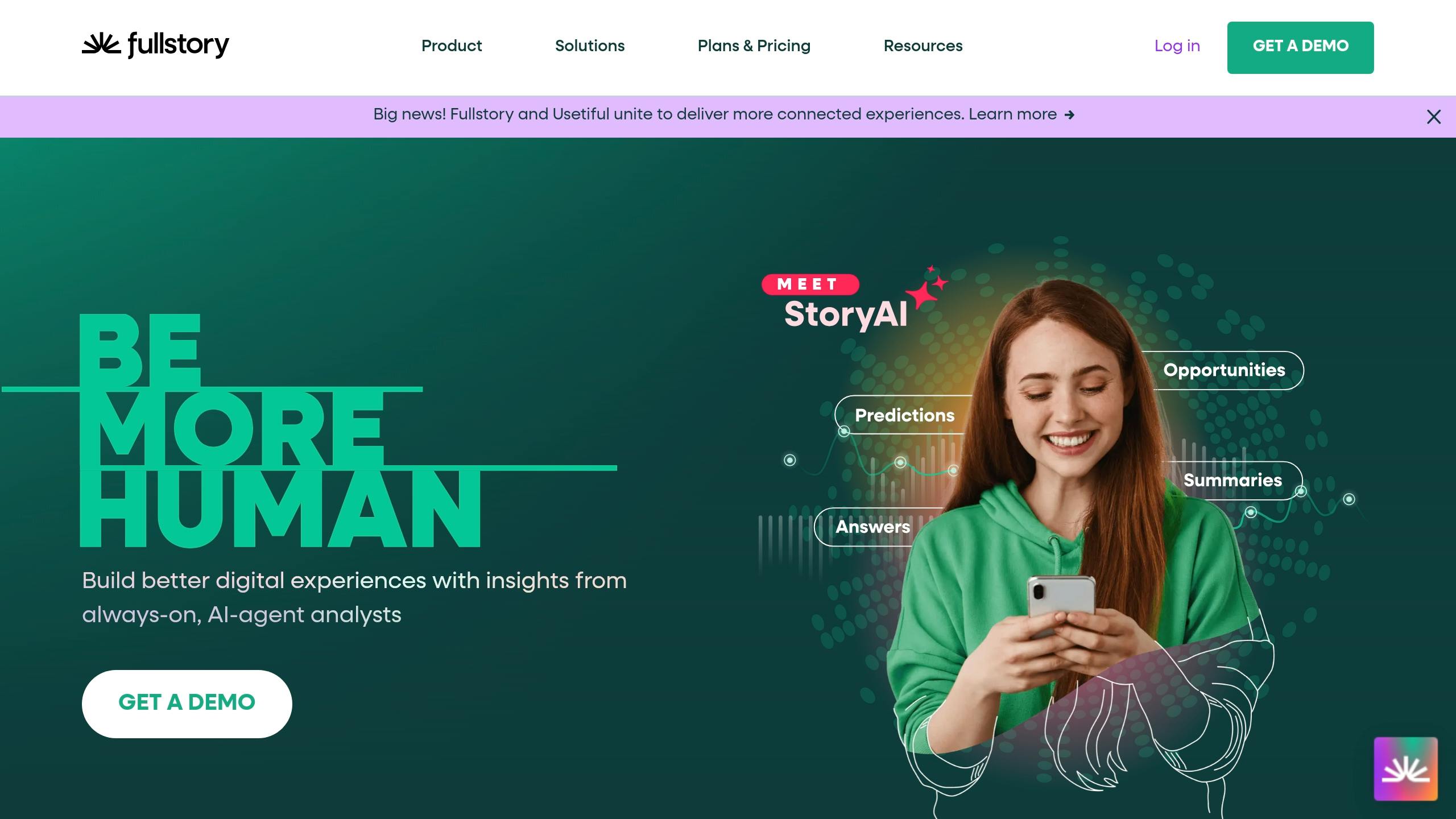
- FullStory: Offers session replays, heatmaps, and frustration signal detection (e.g., rage clicks). Custom pricing.
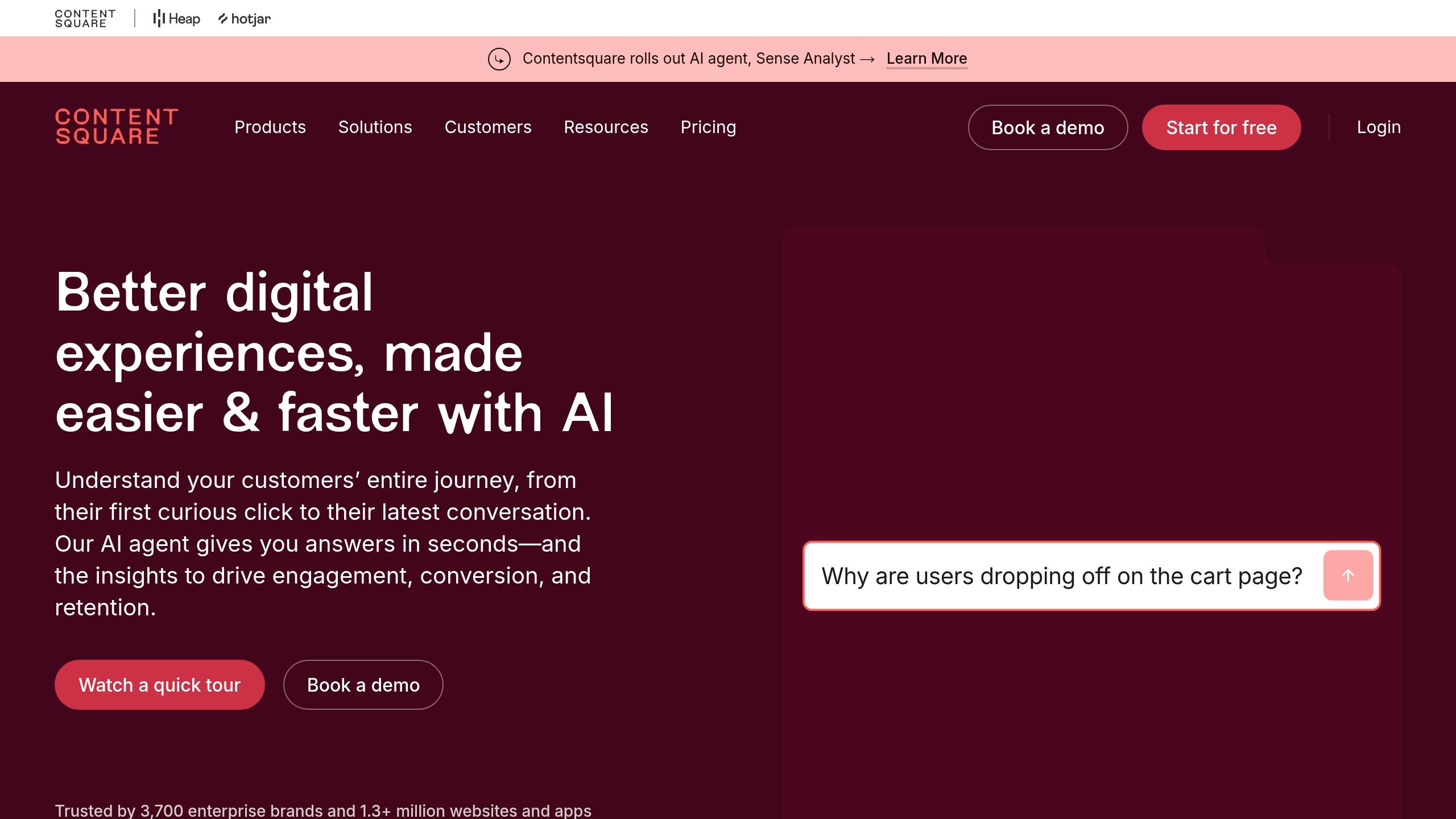
- Contentsquare: Focuses on user journeys and friction points with AI-driven heatmaps and real-time alerts. Designed for enterprise users; custom pricing.
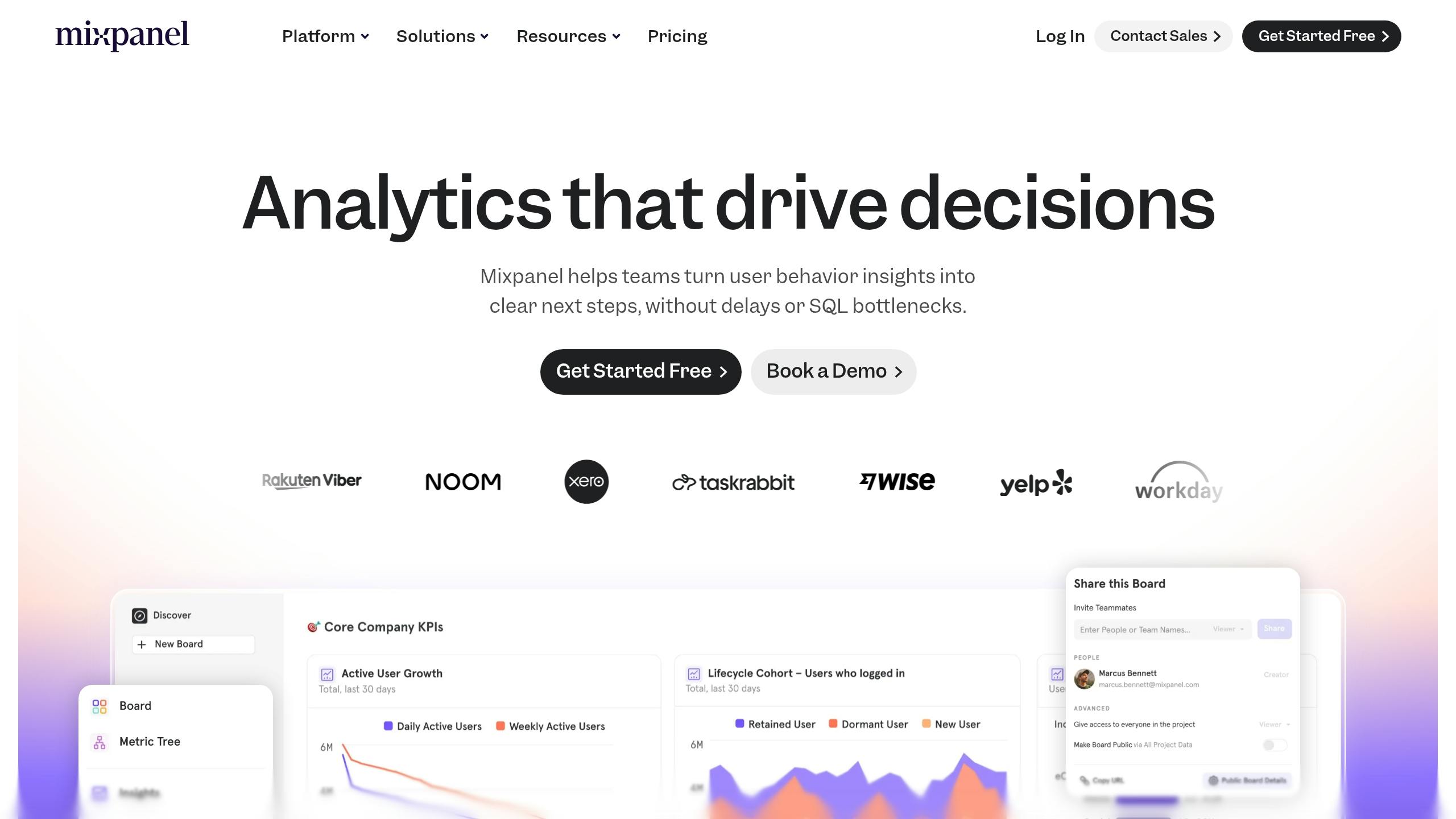
- Mixpanel: Specializes in event-based tracking and funnel analysis for product teams. Free for up to 20M events; paid plans start at $25/month.
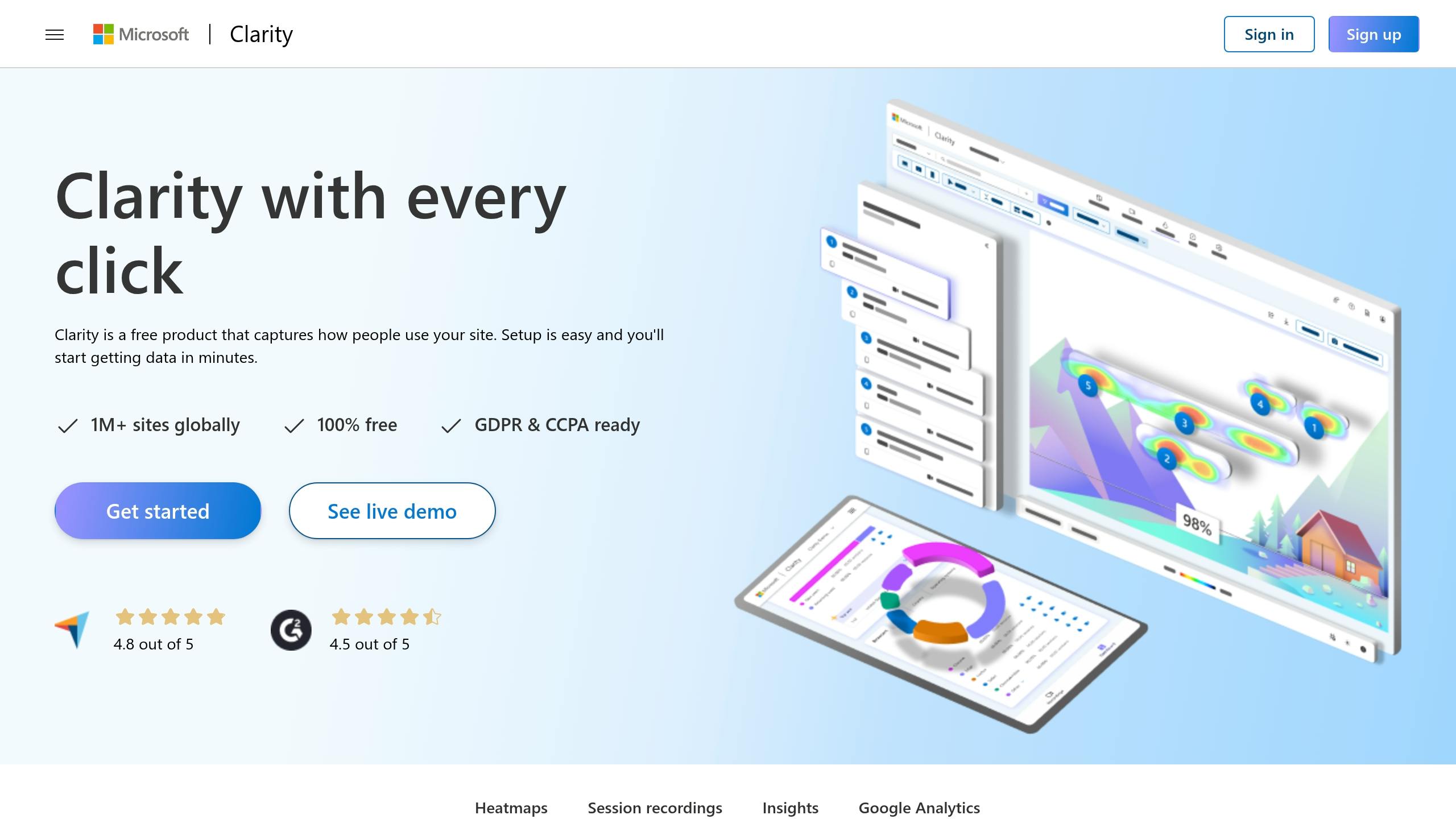
- Microsoft Clarity: A free tool providing unlimited session replays and heatmaps, with frustration signal detection.
Quick Comparison
Key Features to Look for in Real-Time Analytics Tools
Choosing the right real-time analytics tool can be daunting with so many options out there. To narrow it down, focus on the features that align with your team’s goals. Whether you’re looking to optimize content, enhance user experience, or track engagement metrics, some capabilities consistently prove to be game-changers. The most effective tools blend qualitative and quantitative data, offering both a big-picture view and detailed insights. Among these, session replay and heatmaps stand out as essential for understanding user behavior.Live Session Replay and Heatmaps
Session replay tools give you a front-row seat to how users interact with your site or app. By recording clicks, scrolls, pauses, and drop-offs, they reveal usability issues that raw numbers can’t always explain. Take FullStory, for example. Its session replay feature indexes every user interaction, clicks, swipes, and more, so teams can quickly identify moments where users encounter roadblocks or skip over key features. Meanwhile, heatmaps provide a visual breakdown of engagement, showing where users tap, scroll, or linger. These tools help you spot overlooked content or design elements that aren’t working as intended.Event and Funnel Analysis
Event tracking zeros in on specific user actions, like clicking a button, submitting a form, or downloading a file. Funnel analysis takes this a step further by mapping the entire user journey, highlighting where users drop off during critical processes. By combining real-time event tracking with funnel analysis, you can act quickly to address issues and gain a more complete understanding of user behavior. This approach ensures that any changes you make are driven by well-rounded insights, rather than isolated data points. And it doesn’t stop there, automation can take these insights to the next level.AI-Powered Insights and Alerts
Sifting through endless user behavior data can be a time sink. That’s where AI steps in, identifying trends, anomalies, and opportunities for improvement without requiring constant manual effort. For instance, Contentsquare’s AI assistant, “Sense”, flags key moments in session replays, like rage clicks or struggles with forms, making it easier to resolve issues quickly. Automated detection tools can also alert teams to recurring problems, like unresponsive clicks or excessive scrolling, so you can address pain points before they escalate. This AI-driven approach makes enterprise-level insights accessible even to smaller teams.Integrations with Productivity Platforms
Analytics tools become even more powerful when they integrate seamlessly with platforms like Slack, Microsoft Teams, or Jira. These integrations enable instant alerts and faster responses, ensuring that insights lead directly to action. Additionally, features like tag-free, automatic data capture simplify setup, allowing teams to start gathering insights right away. By streamlining collaboration and reducing setup time, these integrations help teams turn data into coordinated, effective action.1. Zight
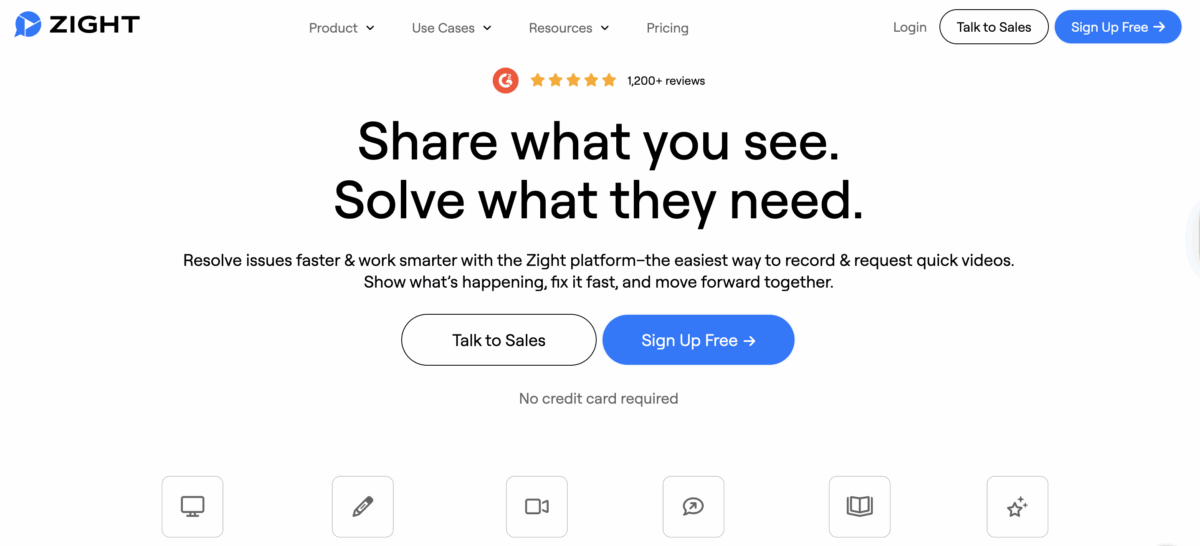 Zight combines visual communication with real-time engagement tracking, going beyond traditional analytics platforms that focus solely on website or app interactions. With Zight, you can monitor how viewers interact with screen recordings, videos, screenshots, and guides, making it an excellent tool for teams managing training, customer support, or product demos. When you share content through Zight, you’re not just sending a video, you’re gaining insights into how your audience engages with it.
 Analytics Features and Functionalities
Zight’s analytics zero in on video engagement, providing data like view counts, watch duration, and drop-off points. This detailed tracking shows exactly where viewers lose interest, helping you fine-tune your content. For instance, if certain sections are rewatched multiple times, it could indicate confusion or heightened interest, giving you a clear signal to revise or expand those parts. Take a customer support team as an example. By creating troubleshooting guides and analyzing viewer metrics, they can identify sections that need clarity if users keep rewatching them. This feedback loop allows the team to improve their guides, reducing support tickets and enhancing customer satisfaction. Zight also tracks click interactions on shared content, which is especially helpful when you include calls-to-action or interactive elements. By analyzing which elements get clicks and which are ignored, you can refine your communication strategy to better align with user behavior. Even Zight’s basic plans include essential tracking features, such as notifications when your content hits its first and fifth views.AI-Powered Tools and Integrations
Zight uses AI to make your content more accessible and seamlessly integrate with your existing workflows. Its AI-powered transcription automatically converts video content into searchable text, making it easier to locate specific details in lengthy recordings while also improving accessibility for a broader audience. The platform’s AI-generated summaries pull out the key points from your videos, helping viewers decide whether to watch the full content. These summaries also provide additional data for analytics, showing whether viewers engage with the summary or proceed to the entire recording. Automatic translations extend your content’s reach, with analytics that reveal which language versions perform best across different audience segments. This is particularly useful for global teams or companies catering to international markets. Zight also integrates with popular productivity tools like Slack, Microsoft Teams, and Jira. For example, when you share a recording in Slack, you’ll receive engagement notifications directly within the app, keeping everything streamlined. The Jira integration is especially beneficial for product teams, allowing you to attach screen recordings to bug reports or feature requests and track whether stakeholders have viewed them. This ensures that critical visual context doesn’t get lost in busy workflows.Plans and Pricing
Zight offers flexible pricing that works for everyone, from solo creators to large teams, with all prices listed in U.S. dollars.- Free plan ($0/year): This plan includes basic recording and screenshot tools. However, recordings are capped at 5 minutes, GIFs at 15 seconds, and you can only access your last 50 uploads.
- Pro plan ($9/month): Removes all limitations, offering unlimited uploads, unlimited recording time, and 4K resolution. It also includes advanced video editing tools and enhanced sharing options.
- Team plan ($11/month per user, minimum of 2 users): Adds collaborative features like basic engagement metrics, user management, and a shared team workspace.
- Enterprise plan (custom quote): Designed for larger organizations, it includes advanced analytics, enterprise-level security, single sign-on (SSO), and custom data retention policies. Enhanced security and role-based access controls are also part of this package.
Other Tools for Real-Time Viewer Behavior Analytics
In addition to Zight, several other tools provide powerful features for tracking and analyzing real-time user behavior. These platforms excel in helping businesses understand how users engage with websites and applications, offering a variety of approaches to enhance the digital experience.2. FullStory
3. Contentsquare
4. Mixpanel
5. Microsoft Clarity
Comparison of Tools
Each tool offers distinct ways to track user interactions, standing out with unique features and areas of focus. Here’s a closer look at their core functionalities, integrations, and pricing to help you decide which fits your needs. Zight emphasizes visual communication with tools for screen recordings, screenshots, and step-by-step guides. It tracks metrics like view counts, click interactions, and drop-off points but doesn’t include advanced features like live session replays or detailed heatmaps. AI-powered features streamline tasks like creating transcriptions, summaries, and titles. It integrates seamlessly with Slack, Microsoft Teams, and Jira, making it a great option for remote or hybrid teams looking to enhance communication. FullStory excels in capturing all user interactions on your website or app. Its session replay feature allows you to see exactly how users navigate your platform, while its advanced search tools help pinpoint specific behaviors. It also flags frustration signals, such as rage clicks and dead clicks, to quickly identify problem areas. Pricing is tailored to your usage and feature requirements, so you’ll need to contact their sales team for details. Contentsquare uses AI to analyze user journeys, identifying drop-off points and friction areas. Its zone-based heatmaps offer insights into how specific page elements perform. Designed for enterprise users, it also provides real-time alerts and analytics, with pricing available through custom quotes tailored to large organizations. Mixpanel specializes in event-based tracking, capturing user actions like clicks, form submissions, and page views. Its real-time dashboards and cohort analysis are particularly useful for product teams, providing actionable insights quickly. Mixpanel offers a free plan for up to 20 million events per month, with paid plans starting at $25 per month. Microsoft Clarity is a free tool that provides essential behavior analytics, including session replays, heatmaps, and automatic detection of frustration signals. While it lacks the depth of paid tools, its integration with Google Analytics and unlimited free features make it a practical choice for teams on a budget.Comparison Table
Here’s a summary of the key differences:How to Choose the Right Tool for Your Team
Selecting the ideal analytics tool starts with understanding your team’s specific goals. A product team tracking conversion rates will have different needs than a marketing team analyzing content performance or a support team monitoring user pain points. The trick is to align the tool’s features with your unique workflows and objectives. Once you’ve nailed down your goals, consider how your budget constraints might shape your options. Budget matters. If you’re working with limited funds, tools like Microsoft Clarity offer unlimited session replays and heatmaps completely free. On the other hand, platforms like Zight provide flexible pricing, ranging from free plans to enterprise options. For teams needing advanced features, enterprise-grade solutions like FullStory and Contentsquare come with custom pricing often running into thousands of dollars per month, but they also include high-level compliance features and dedicated support. Integration is key to ensuring the tool fits seamlessly with your existing workflow. If your team relies on tools like Slack, Microsoft Teams, or Jira for daily communication, look for analytics platforms that integrate directly with these systems. Smooth integration not only speeds up decision-making but also keeps everyone aligned.A 2023 Forrester report found that teams using integrated analytics tools experienced a 30% boost in workflow efficiency compared to teams relying on standalone solutions.Security should not be overlooked, especially if you’re handling sensitive user data. Platforms like Contentsquare and FullStory provide advanced privacy controls, data governance options, and compliance with standards like GDPR and CCPA. Before committing, ensure the tool offers deployment flexibility, whether cloud, hybrid, or on-premises, and includes encryption and user access controls that align with your organization’s security policies. Scalability is crucial if your team plans to grow. A solution that works for a small team today might not handle the demands of a larger group tomorrow. Tools like Mixpanel and Contentsquare are built to scale, accommodating higher data volumes, more users, and cross-platform analytics for web, mobile, and desktop. Thinking about scalability early can save you from costly migrations later. Most tools offer free trials or limited-feature plans, so you can test compatibility before making a commitment. Involving stakeholders from product, marketing, and IT ensures the tool meets cross-functional needs and gains company-wide support. Once you’ve reviewed these factors, match each tool’s features to your team’s specific objectives.
Mapping Features to Team Goals
After considering budget, integration, security, and scalability, it’s time to define your team’s primary goals. For example, product teams aiming to improve conversion rates should prioritize features like funnel analysis and event tracking. Marketing teams focused on engagement will benefit from heatmaps and session replays. Support teams seeking to reduce user frustration should choose tools that pinpoint where users struggle. Start by listing your core workflows and mapping them to the features each tool offers. For example, if you’re tracking user onboarding, FullStory’s session replay and funnel analytics can help identify drop-off points. If you’re running frequent product experiments, Mixpanel’s event-based model supports quick iterations with real-time dashboards. For teams that rely on visual communication, Zight combines screen recording with viewer engagement metrics. You can track view counts, click interactions, and drop-off points, while AI-powered tools generate transcriptions, summaries, and titles automatically. This is especially valuable for remote or hybrid teams that depend on asynchronous communication.A 2024 Gartner survey revealed that 68% of product and marketing teams prioritize real-time analytics to enable faster decision-making.The best tools are those that provide actionable insights quickly without requiring advanced technical skills. Avoid feature overload. A tool with dozens of unused features is less effective than one with a handful of essential capabilities. Focus on ease of setup, intuitive interfaces, and responsive support to encourage adoption within your team. Consider the learning curve and the level of technical support each platform offers. For non-technical team members, tools with codeless setups and clear documentation can save time and reduce frustration. Many platforms also provide dedicated customer success managers for enterprise clients, which can be a huge help during setup and ongoing use. Lastly, prioritize data accuracy and reliability. High-quality session replays and continuous heatmaps often deliver more dependable insights than tools with sampled or delayed data. Be sure to review how each platform captures data, its sampling rates, and error detection capabilities to ensure you’re making decisions based on reliable information.
Conclusion
Real-time viewer behavior analytics has redefined how teams approach digital experience optimization. By delivering instant insights, these tools eliminate the delays typically associated with traditional reporting methods, allowing teams to act quickly and effectively. The tools highlighted in this article, Zight, FullStory, Contentsquare, Mixpanel, and Microsoft Clarity, offer powerful features like session replays, heatmaps, funnel analysis, and AI-driven insights. These capabilities not only reduce manual effort but also enable teams to take immediate action based on user behavior. With real-time analytics, teams can address technical issues before they escalate, refine content placement based on how users interact with their site, and identify and resolve bottlenecks to improve conversion rates. When integrated with platforms like Slack, Microsoft Teams, or Jira, these tools ensure that insights are delivered directly to decision-makers, transforming analytics into a dynamic tool for optimization. Selecting the right tool depends on aligning its features with your team’s specific objectives and workflows. For example:- Product teams working on conversion optimization will benefit from detailed funnel analysis.
- Marketing teams tracking engagement will find heatmaps and session replays invaluable.
- Support teams aiming to reduce user frustration should prioritize error tracking and real-time alerts.












