
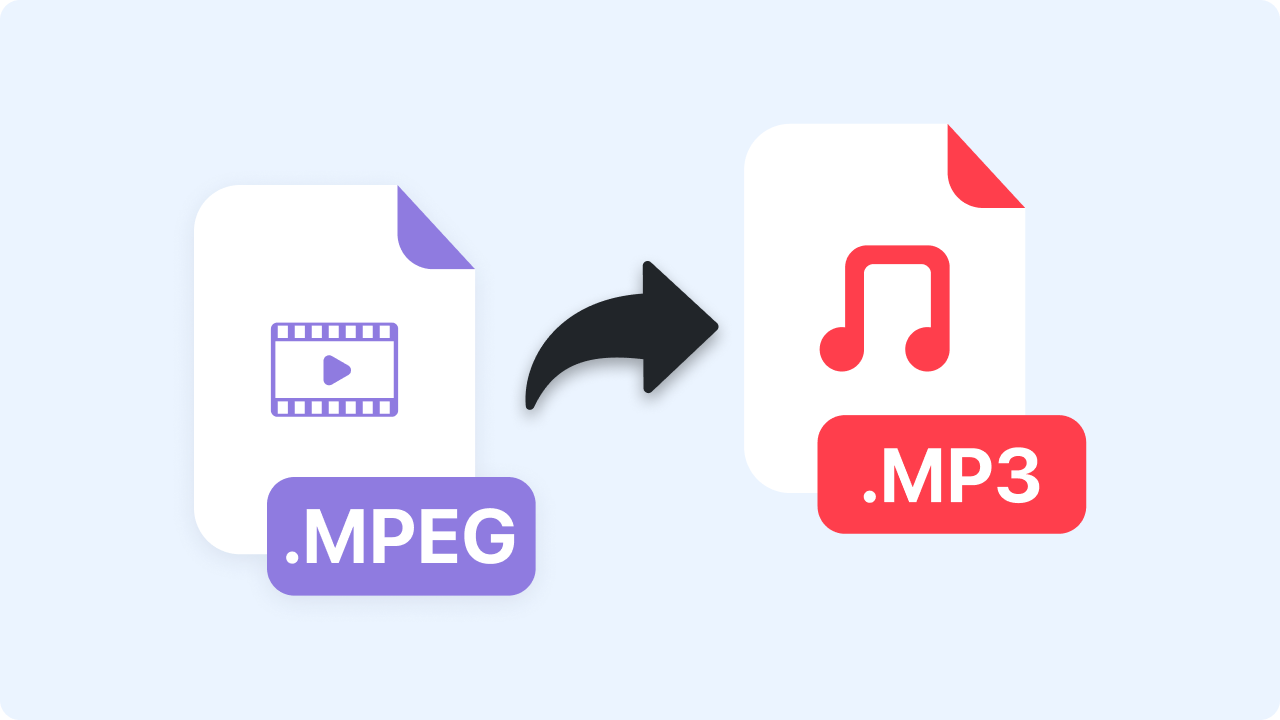
How to Convert MPEG to MP3
Follow these simple steps to get started.
Upload Your MPEG File
Select an .mpeg or .mpg file from your device or drag it directly into the converter.
Automatic Audio Extraction
Zight instantly extracts the audio track and converts it to MP3 using optimized compression for clear, balanced sound.
Download Your MP3
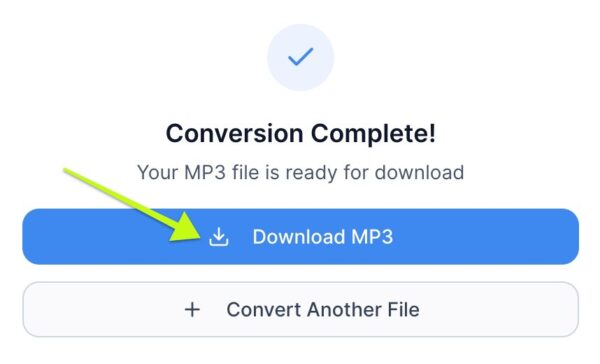
Once conversion is complete, download your MP3 file instantly — ready for listening, editing, or sharing anywhere.
Ready to Boost Your Productivity?
Save time and money while boosting your productivity with Zight — free tools for screen recording, screenshots, GIFs, and webcam capture.
Try Zight for Free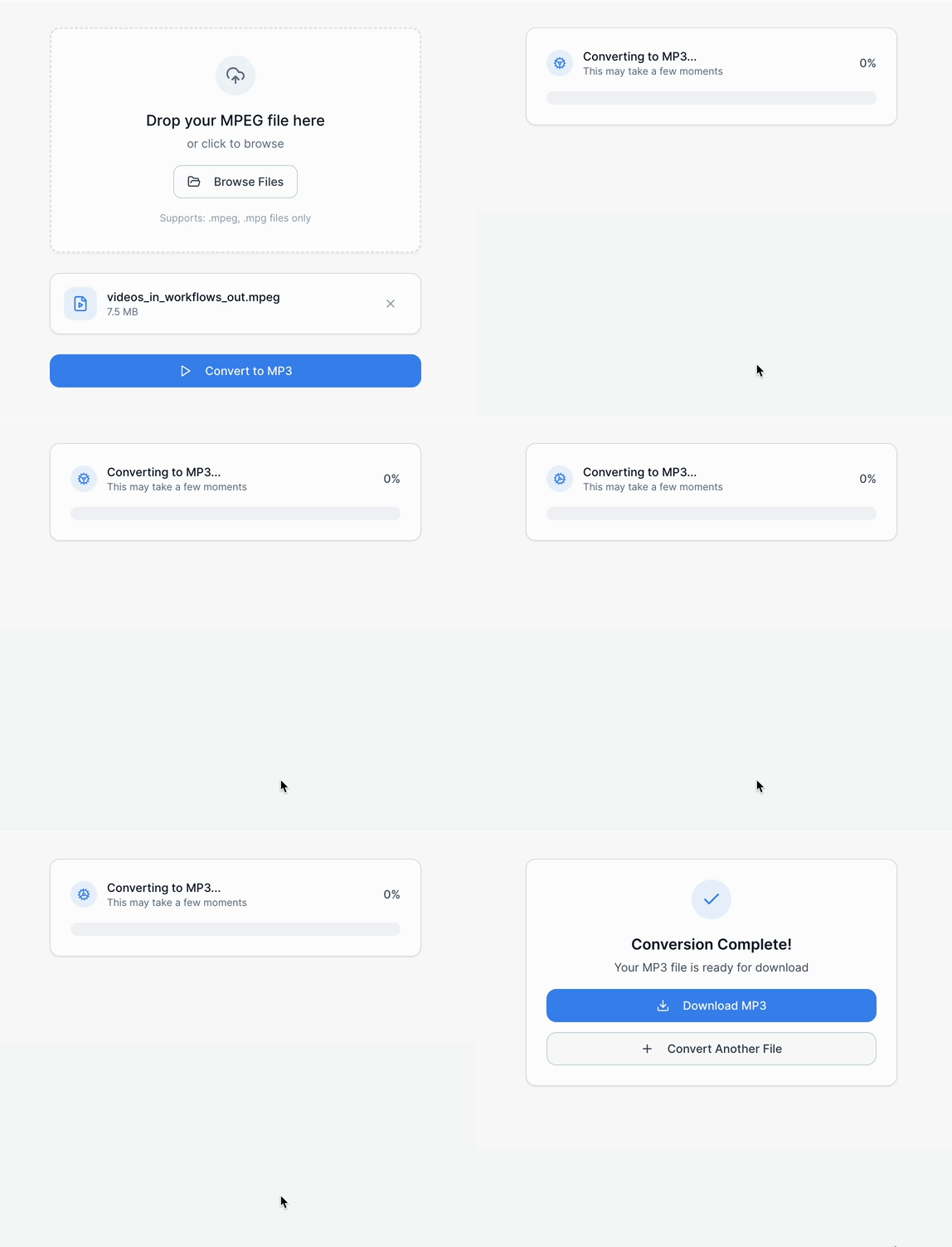
Why Convert MPEG to MP3
MPEG files often contain both video and audio, making them larger and less flexible. Converting to MP3 helps you:
-
Extract audio from video recordings or clips
-
Create lightweight files for sharing or storage
-
Use audio in podcasts, apps, or editing software
-
Play back recordings on any device or media player
MP3 remains the most widely supported audio format worldwide.

Supported Use Cases
For Creators
Extract background music, narration, or sound effects from video clips.
For Businesses
Convert meeting recordings or presentations into portable MP3 audio.
For Students & Educators
Save lecture audio for offline listening and note-taking.
For Podcasters
Pull high-quality audio segments directly from video footage.
Ultimate Guide: Converting MPEG Files to MP3
MPEG files can store both audio and video, often making them large or difficult to use across modern apps. Zight’s MPEG to MP3 Converter gives you fast, simple audio extraction with clean, lightweight output.
Understanding MPEG vs MP3
MPEG (.mpg / .mpeg) is a multimedia container. MP3 is an audio-only format derived from the same MPEG standard but optimized for compatibility and size.
Why MP3 Is Ideal for Audio
MP3 compresses sound efficiently while preserving clarity, making it perfect for:
-
Music
-
Podcasts
-
Presentations
-
Voice recordings
-
Transcription workflows
Extracting Audio from Video
MPEG video files often contain high-quality audio tracks. Zight isolates and converts these tracks into MP3 without altering pitch, speed, or sync.
Using Your MP3 Anywhere
Your converted file can be played, edited, shared, or imported into:
-
Audio editors
-
Presentation software
-
DAWs
-
Mobile players
-
LMS platforms
Conclusion
Zight’s MPEG to MP3 Converter makes audio extraction fast, private, and effortless. Upload your file, extract the audio, and download a clean MP3 in seconds — perfect for podcasts, notes, content creation, or easy listening.
Convert your MPEG files to MP3 today and streamline your workflow.
Unlock More Tools
Expand your toolkit with these additional free tools
Frequently Asked Questions
Both .mpg and .mpeg files convert seamlessly to MP3.
Yes. Zight optimizes compression to maintain clear, balanced sound.
Absolutely. Zight extracts the audio track directly from MPEG videos.
No. All extraction happens locally in your browser.
Nearly all — phones, laptops, browsers, cars, smart speakers, and more.
Yes. MP3 files work with most audio editing apps.
Standard browser performance supports most videos under 30 minutes.
Yes, completely free with no sign-up required.












