
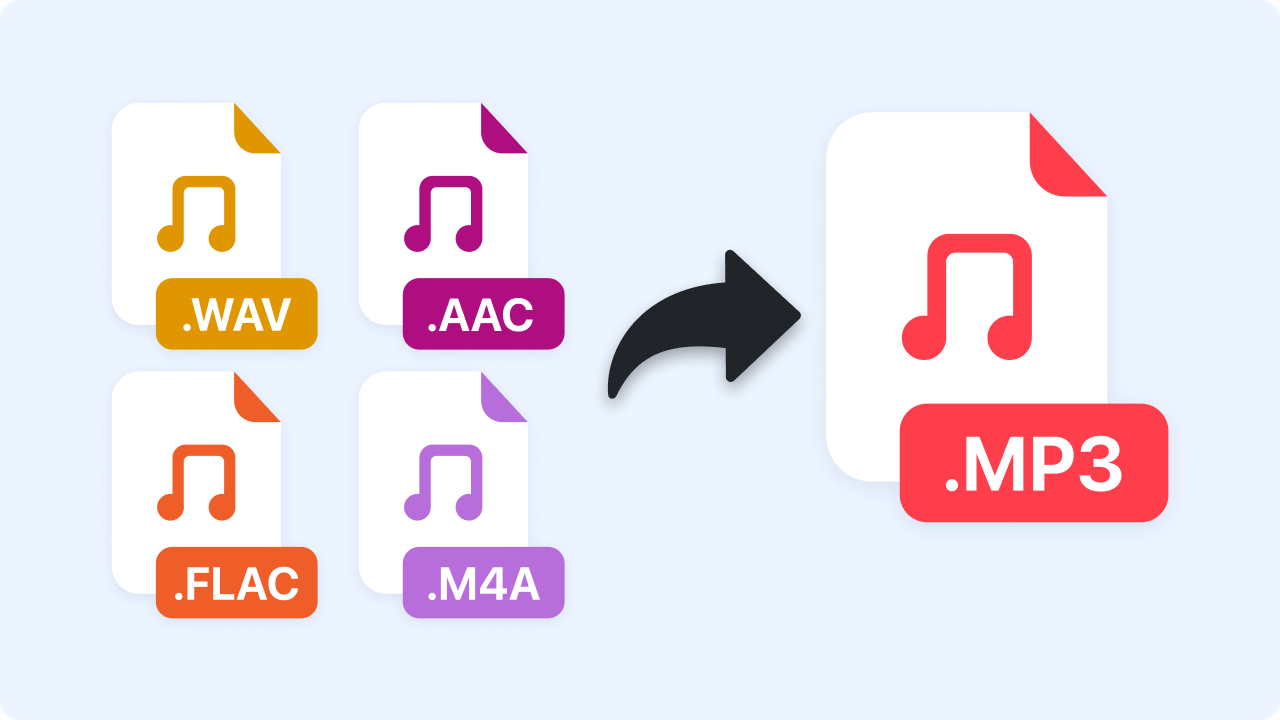
How to Convert to MP3
Follow these simple steps to get started.
Upload Your File
Choose an audio or video file from your computer — formats like MP4, MOV, WAV, or M4A are supported. Drag and drop for quick uploading.
Automatic Conversion
Zight instantly converts your file into MP3 while maintaining optimal sound clarity and balanced bitrate.
Download MP3
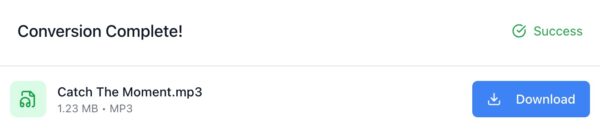
Once conversion is complete, download your MP3 instantly. Play it anywhere — on desktop, mobile, or your favorite media player.
Ready to Boost Your Productivity?
Save time and money while boosting your productivity with Zight — free tools for screen recording, screenshots, GIFs, and webcam capture.
Try Zight for Free
Why Convert to MP3?
MP3 is one of the most widely supported audio formats in the world. It combines excellent sound quality with compact file sizes, making it ideal for storing, sharing, or embedding audio online.
Benefits of MP3 Format:
-
Universal Compatibility: Works across all devices, players, and apps.
-
Small File Sizes: Easy to share via email, chat, or cloud platforms.
-
Streaming Friendly: Used by most web and podcast platforms.
-
Fast to Process: Quick encoding without heavy resource use.
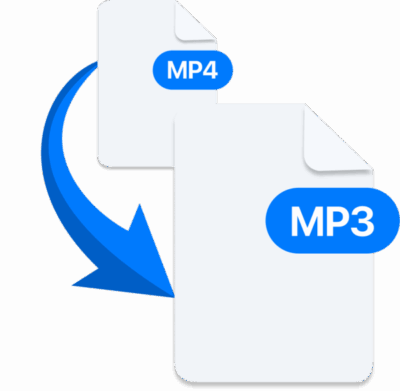
Supported File Types
Zight supports a wide range of input formats for flexible conversion.
-
Input Formats: MP4, MOV, AVI, MKV, WAV, M4A, FLV, WMV
-
Output Format: MP3 (High-quality 320kbps, 256kbps, or 128kbps options)
You can also mute video, trim audio, or select segments before conversion.
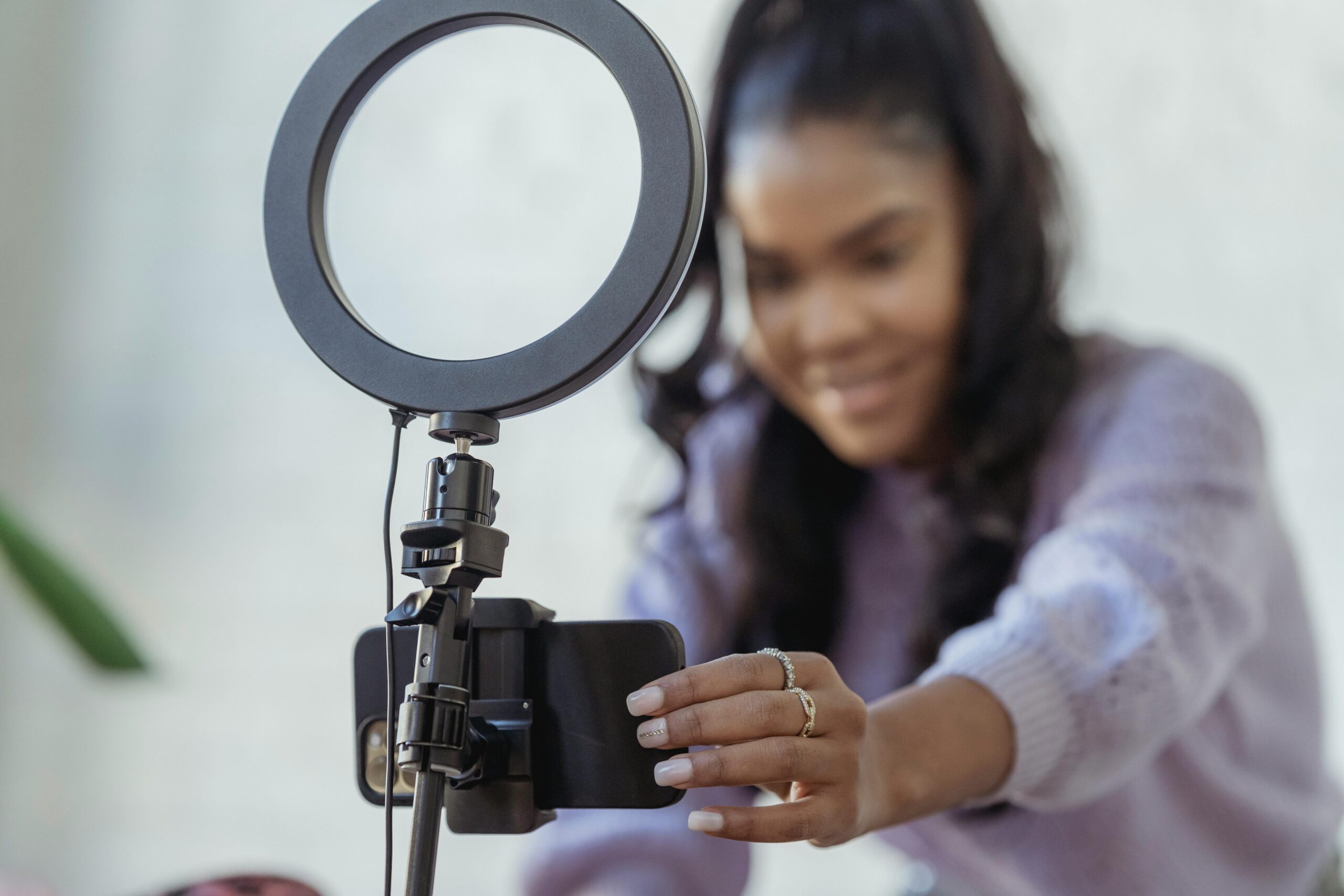
Supported Use Cases
For Creators
Extract background tracks or voice-overs from videos for editing or reuse.
For Students and Educators
Convert recorded lectures or tutorials to MP3 for easy playback on the go.
For Businesses
Turn video presentations, meetings, or webinars into portable audio files.
For Podcasters and Streamers
Convert recordings into lightweight MP3 files ready for distribution or uploads.
Unlock More Tools
Expand your toolkit with these additional free tools
Ultimate Guide: Converting Files to MP3
Learn how to extract or convert sound from any file format into clear, compact MP3s for easy playback and sharing.
What MP3 Conversion Does
MP3 conversion compresses raw audio data into a smaller format that maintains excellent perceived sound quality. This makes your files easier to store, transfer, and play on nearly any device.
From Video to Audio
Whether you’re converting a webinar, YouTube clip, or meeting recording, Zight extracts the audio track and encodes it into a lightweight MP3 file that plays anywhere.

Adjusting Quality and Size
Higher bitrates like 320kbps deliver rich sound for music, while 128kbps is ideal for voice content and smaller files. Zight balances both automatically for a smooth listening experience.
Why MP3 Still Matters
Despite the rise of newer formats, MP3 remains the universal audio standard. It’s reliable, versatile, and supported across every major system, making it perfect for everything from background music to podcasts.
Conclusion
Zight’s MP3 Converter turns any file into a lightweight, high-quality MP3 ready for playback, upload, or sharing. Convert videos, music, or recordings in seconds — all privately and for free.
Experience fast, reliable, browser-based audio conversion with Zight today.












