
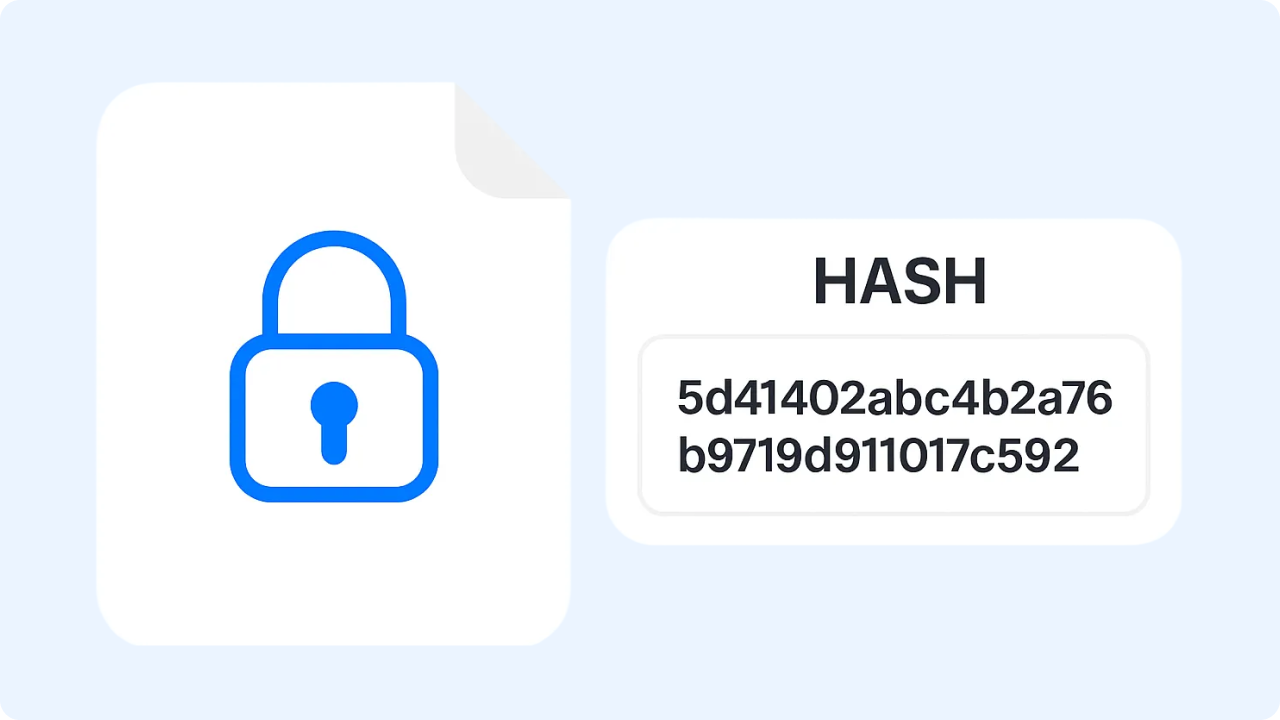
Ready to Boost Your Productivity?
Save time and money while boosting your productivity with Zight — free tools for screen recording, screenshots, GIFs, and webcam capture.
Try Zight for FreeHow to Generate a Hash
Follow these simple steps to get started.
Enter Text
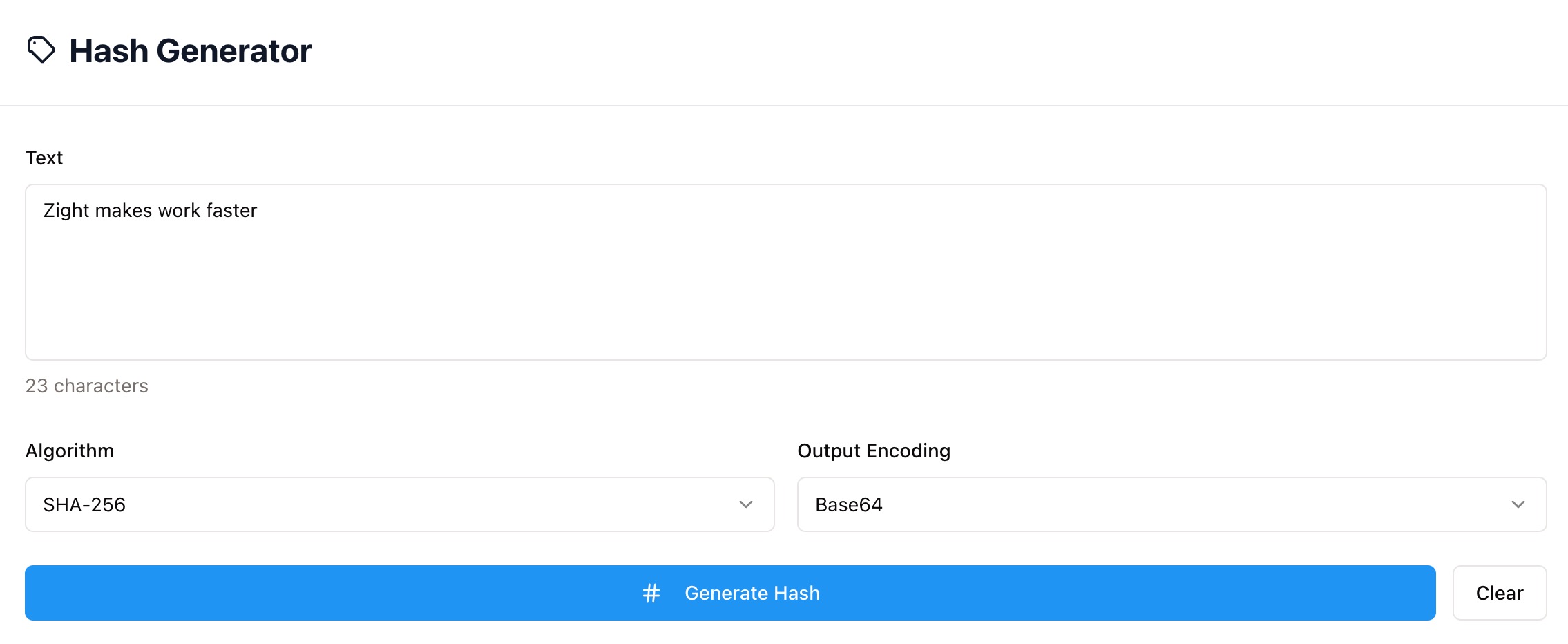
Type or paste the text you want to hash. Every space, line break, and symbol changes the result.
Choose Algorithm and Encoding
Select your preferred algorithm (SHA-256, SHA-1, MD5, etc.) and output encoding (Base64 or Hex).
Generate Hash
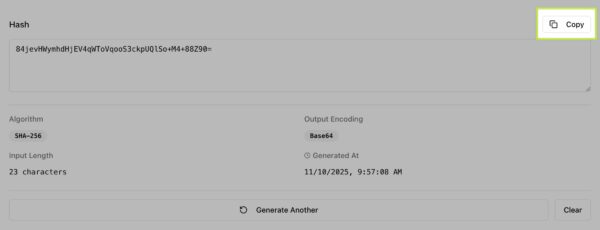
Click Generate Hash to instantly produce your result. Review the algorithm, encoding, input length, and timestamp, then copy your hash for use anywhere.

Choosing Between Algorithms and Encodings
Algorithms
SHA-256 – Modern, reliable, and recommended for most use cases.
SHA-1 / MD5 – Fast and lightweight but not secure for authentication or signing.
SHA-512 / SHA-384 – Provide stronger, longer hashes for critical systems.
Encodings
Base64 – Compact and URL-safe, perfect for APIs and web contexts.
Hex – Common for command line tools and checksum displays.
Why Use Zight’s Hash Generator
Fast and accurate
Generate hashes in seconds.
Multi-algorithm support
SHA-256, SHA-1, MD5, and more.
Private and secure
All hashing happens locally in your browser.
Copy ready output
Instant copy and reuse for dev workflows.

Supported Use Cases
For Developers
Generate consistent hashes for data validation, cache keys, and build pipelines.
For QA and Testers
Confirm data integrity and verify test artifacts.
For DevOps Teams
Produce file checksums and release signatures before deployment.
For Security Analysts
Quickly check hash patterns for known values and compare outputs safely.
Unlock More Tools
Expand your toolkit with these additional free tools
Ultimate Guide: How to Create Reliable Hashes
Learn how to generate consistent, copy-ready hashes using Zight’s Hash Generator. This guide explains inputs, algorithms, and encodings so your checksums are trustworthy.
Enter Clean, Exact Input
Paste the exact string you want to fingerprint. Even a single extra space or newline changes the hash. If you are hashing code, consider trimming trailing spaces first.
Pick the Right Algorithm
SHA-256 is a solid default for integrity checks and examples. Use the algorithm your platform requires so results match across tools and environments.
Choose the Output Format
Hex is easy to read and paste into terminals. Base64 is compact and works well inside JSON, headers, or URLs. Select the format your target system expects.
Verify and Reuse
Generate the hash and copy it. To confirm reproducibility, run the same input again or compare on another device. Matching hashes prove identical content.
Conclusion
Zight’s Hash Generator gives you fast, accurate, and private hashing. Paste your text, pick an algorithm and encoding, and copy the result for checksums, cache keys, or integrity checks. Consistent hashes make it easy to verify content across teams and systems.
Try Zight’s Hash Generator today and create trustworthy fingerprints in seconds.
Frequently Asked Questions
No. Hashing is one way and cannot be reversed. Encryption can be decrypted with a key.
Use SHA-256 unless your system specifies otherwise. Avoid MD5 and SHA-1 for security decisions.
Input changed. Hidden characters, different line endings, or extra spaces will produce a different hash.
Both encode the same bytes. Hex uses 0–9 and a–f, Base64 is shorter and URL friendly when adapted.
Yes. Very large inputs may take longer in the browser but will still produce correct results.
Yes. Uppercase and lowercase characters are different bytes and create different hashes.
Yes. Given the same input, algorithm, and encoding, the hash is identical everywhere.
No. Everything runs locally in your browser.












