
Powering the World’s Best Teams
Join 5m+ users who rely on Zight to increase their productivity








What is Request Files?
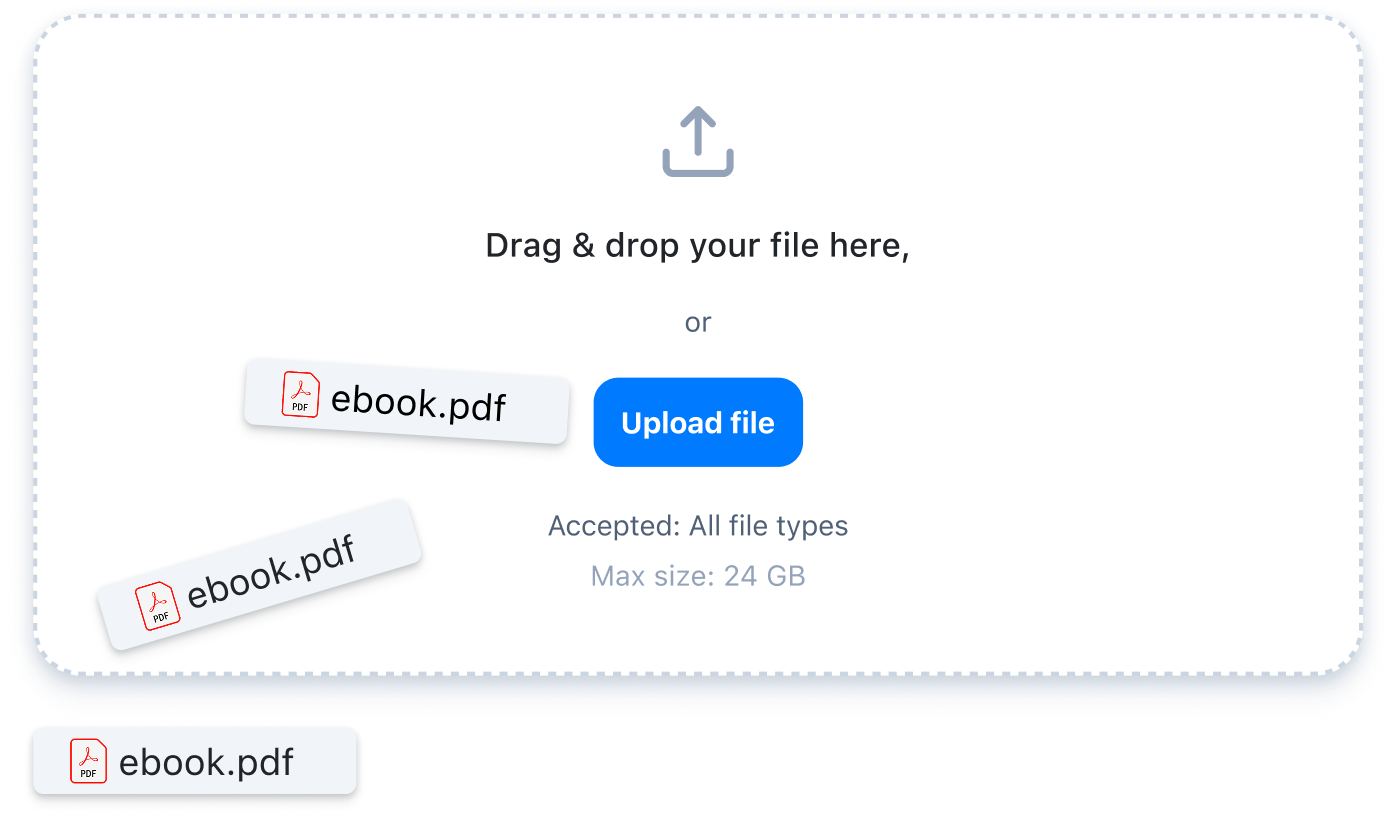
Request Files lets you send a link that allows someone to upload documents directly to your Zight workspace. Each file submission is automatically tied to the original request, so your team can track, review, and revisit it anytime.
Ways to Use Request File
Collect System Logs for Troubleshooting
Request log files from customers when investigating technical issues and get the context you need to resolve problems faster.Gather Invoices and Receipts in One Place
Collect invoices, receipts, and financial documents in a structured format that's easy to review and process.Request Design Files for Review
Request logos, brand guidelines, or creative files with clear specifications for format and resolution to ensure assets arrive ready for review.Why Request Files Beats Email and Slack
How Request File Works
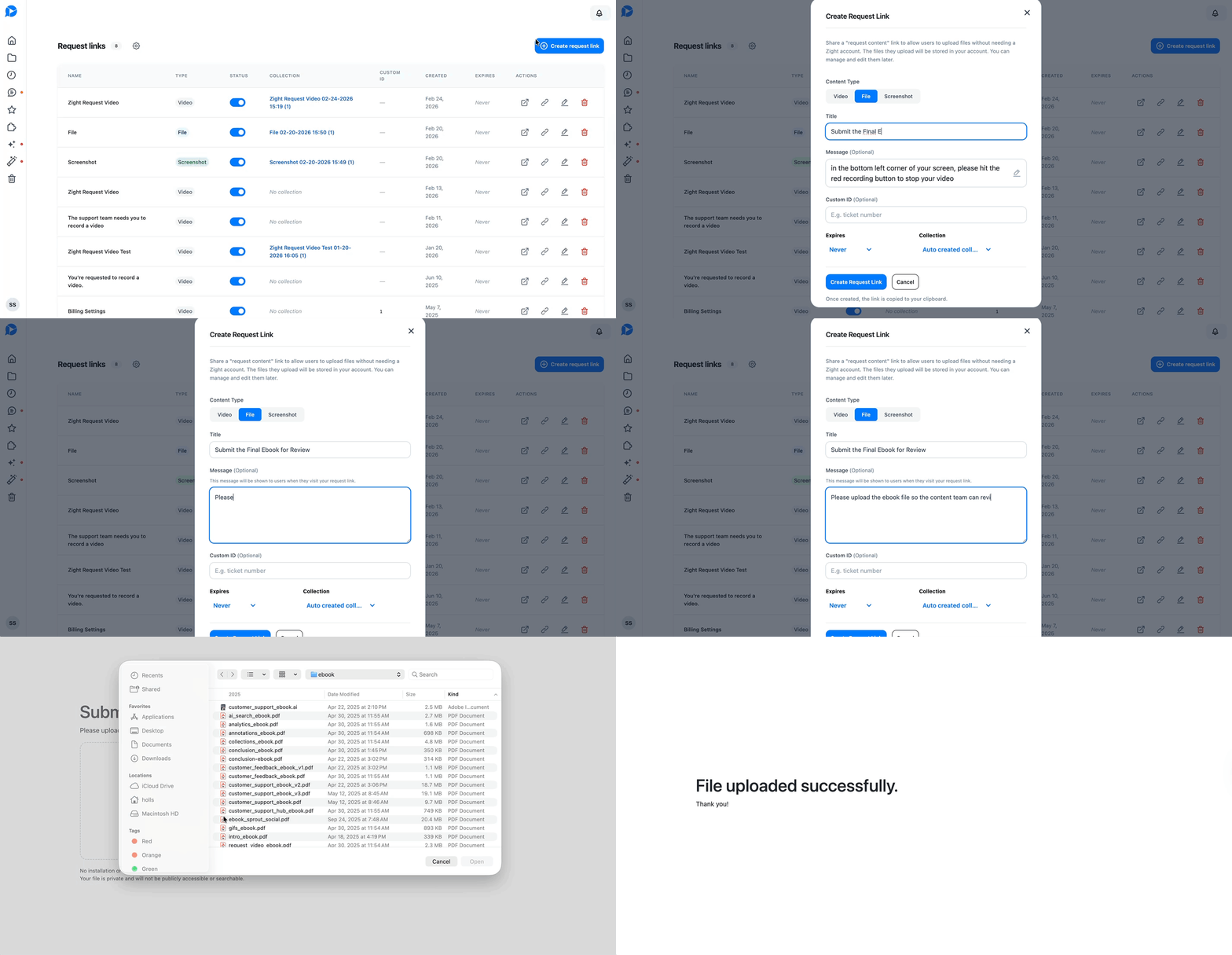
Create a Request
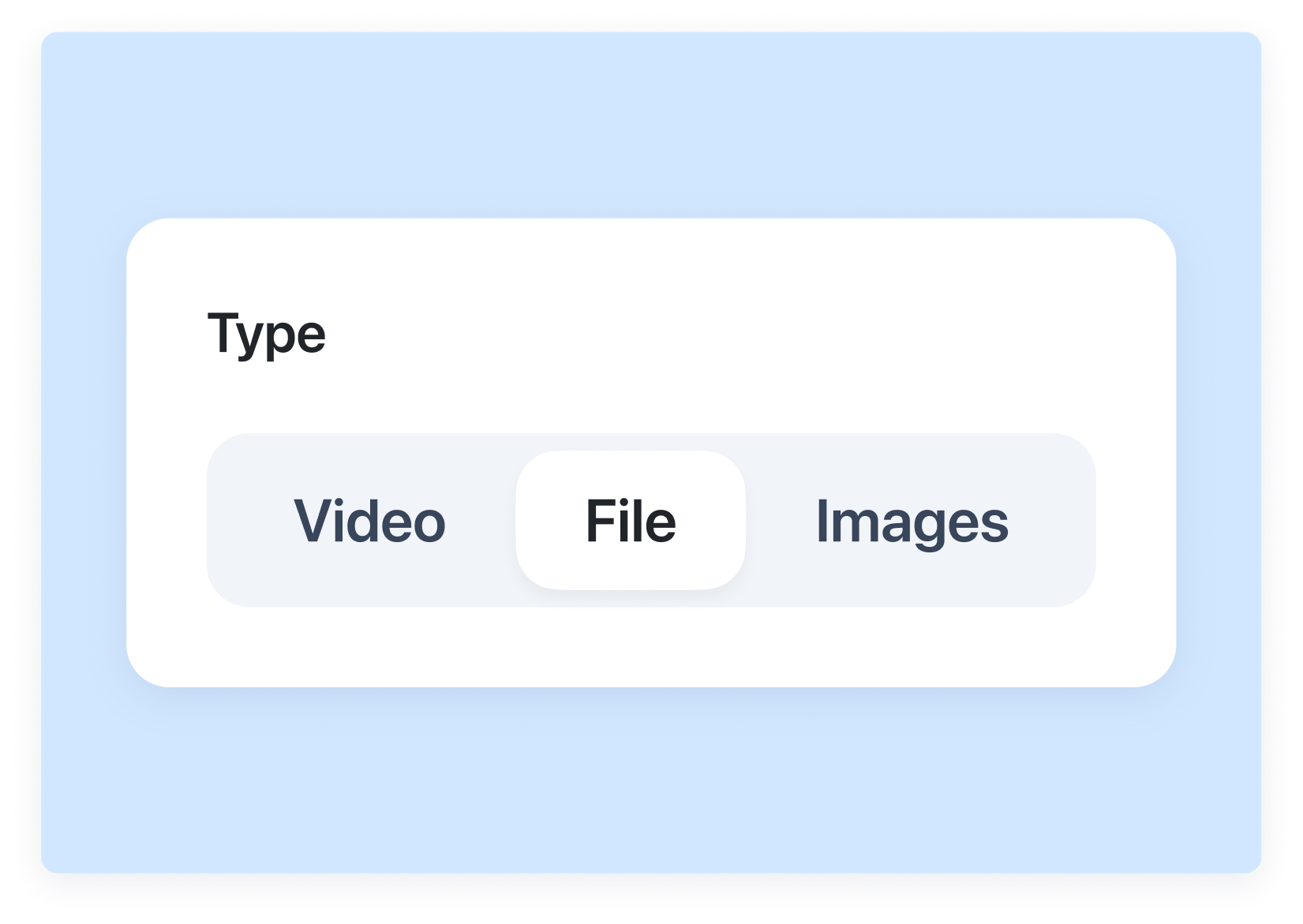
Choose “File” as the response type and customize your title and message.

Share the Link
Send it to a customer, teammate, or external user.
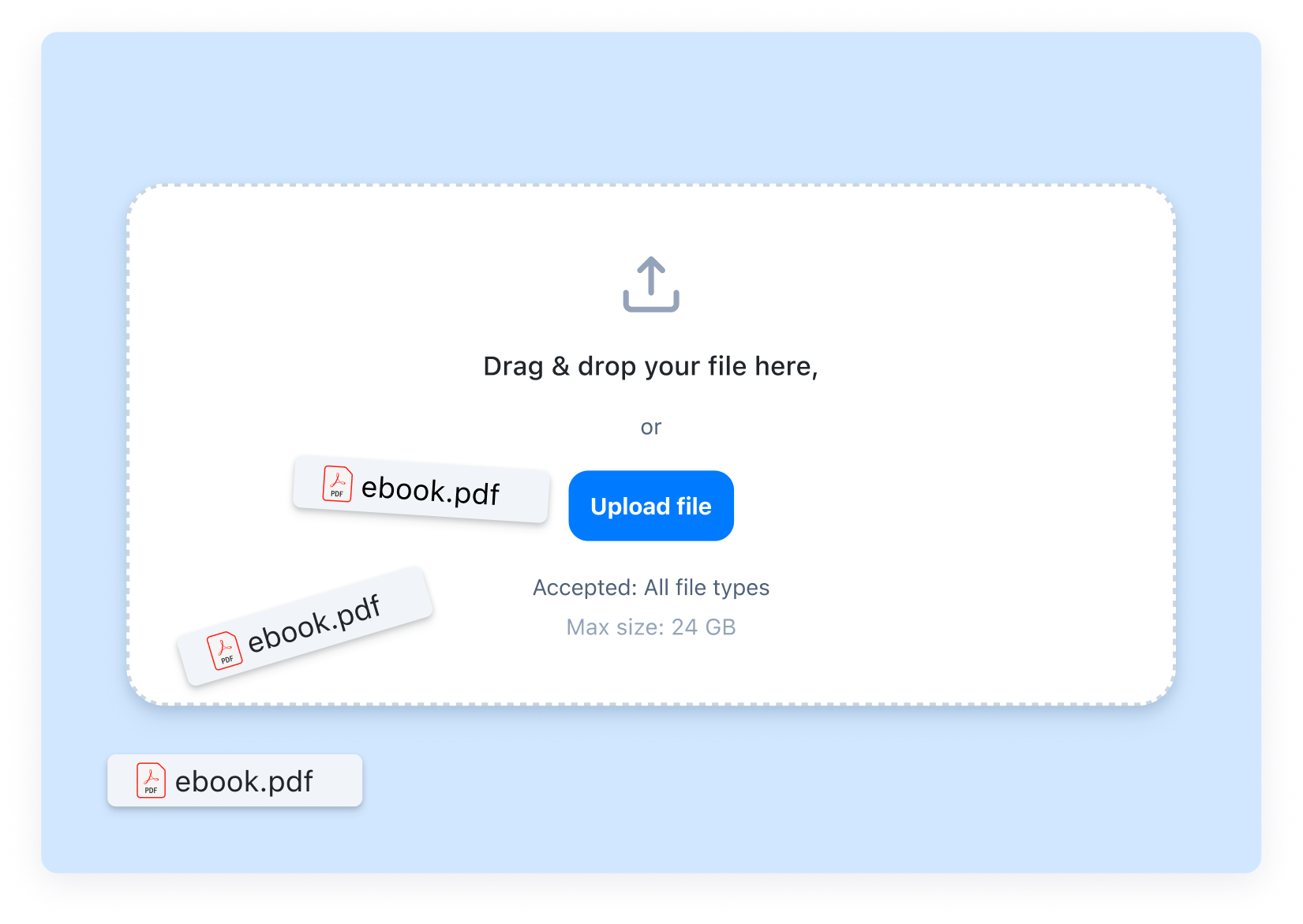
They Upload the File
They drag and drop their file directly in the browser.
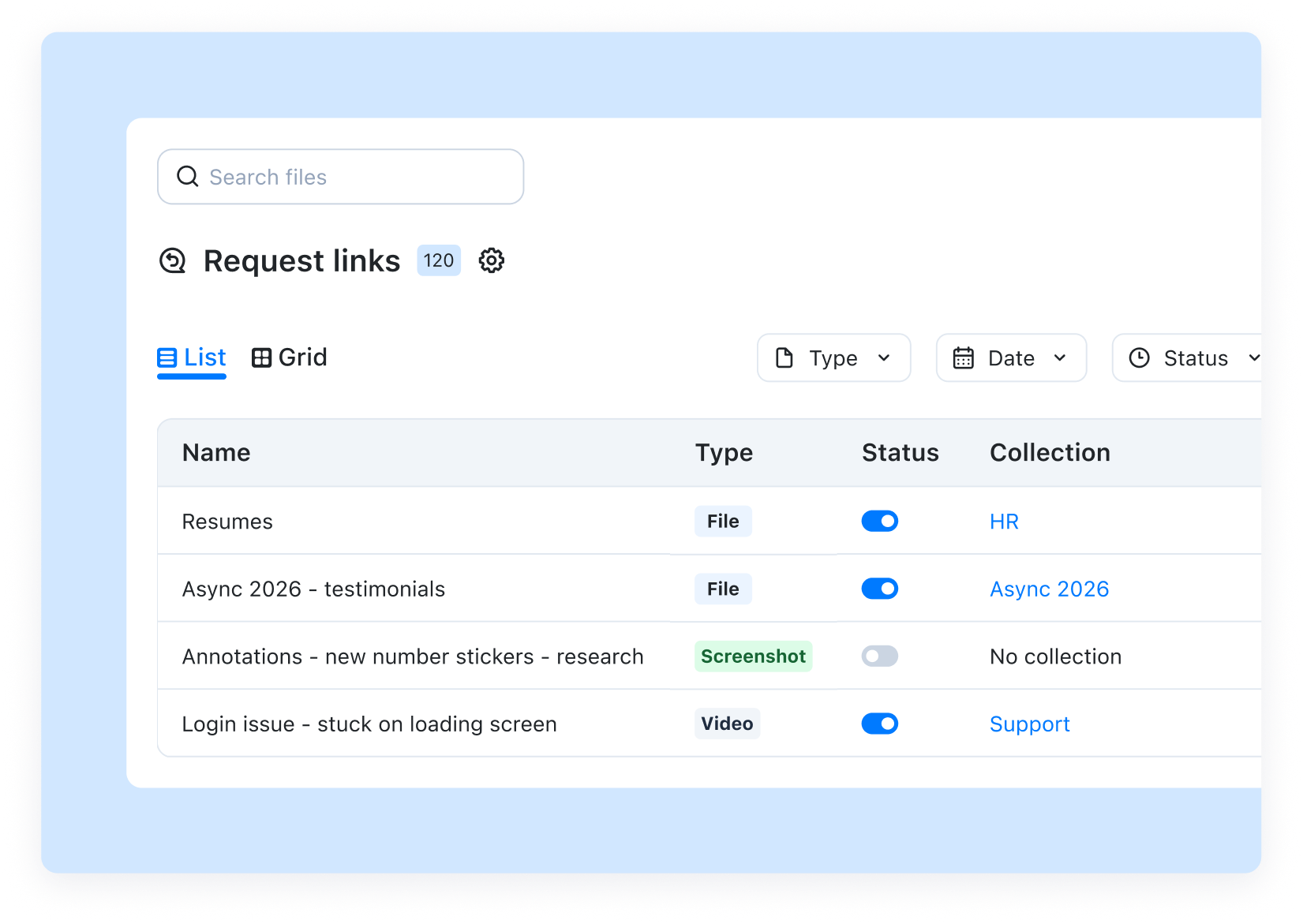
Everything Stays Organized
The submission is stored under the original Request Link in your Zight dashboard.



Built for Real Workflows
For Customer Support
Request log files, exports, or diagnostic reports to investigate issues and move tickets toward resolution faster.
For Customer Success
Gather onboarding documents, account exports, or signed agreements to keep implementations on track.
For HR and Recruiting
Request resumes and supporting materials with clear instructions to simplify candidate review.
For Marketing and Creative
Request brand assets, campaign files, or final deliverables with clear format requirements.
Start Collecting Files without the Back and Forth.
Request a FileFrequently Asked Questions
No. Anyone can upload a file directly from their browser. They don’t need to create an account or install anything.
Request Files supports all file types.
All submissions are securely stored in your Zight dashboard under the original Request Link. Each file stays tied to its request for easy tracking and review.
Yes. You can customize the title and description of your file request to clearly explain what you need and include any format requirements.
Recipients can upload files using Safari, Chrome, Firefox, Brave, or Opera on desktop or mobile.
Email attachments get buried, lost, or separated from context. Request Files keeps submissions organized, trackable, and tied to the original request.
You’ll receive a notification when a file is submitted.
Yes. You can keep a Request Link active and reuse it whenever you need to collect the same type of file.












