
We’ve been waiting for you
Someone in your tech-savvy circle thinks you’d appreciate our all-in-one, AI-powered visual communication platform that helps teams work faster—whether you’re recording your screen to share context, submitting instant video links to support, or turning walkthroughs into step-by-step documentation with zero extra effort. Great minds think alike.
Sign up for a personalized introduction
Powering the World’s Best Teams
Join 5m+ users who rely on Zight to increase their productivity





What Makes Zight Different
We help teams work faster by turning communication into visual clarity.
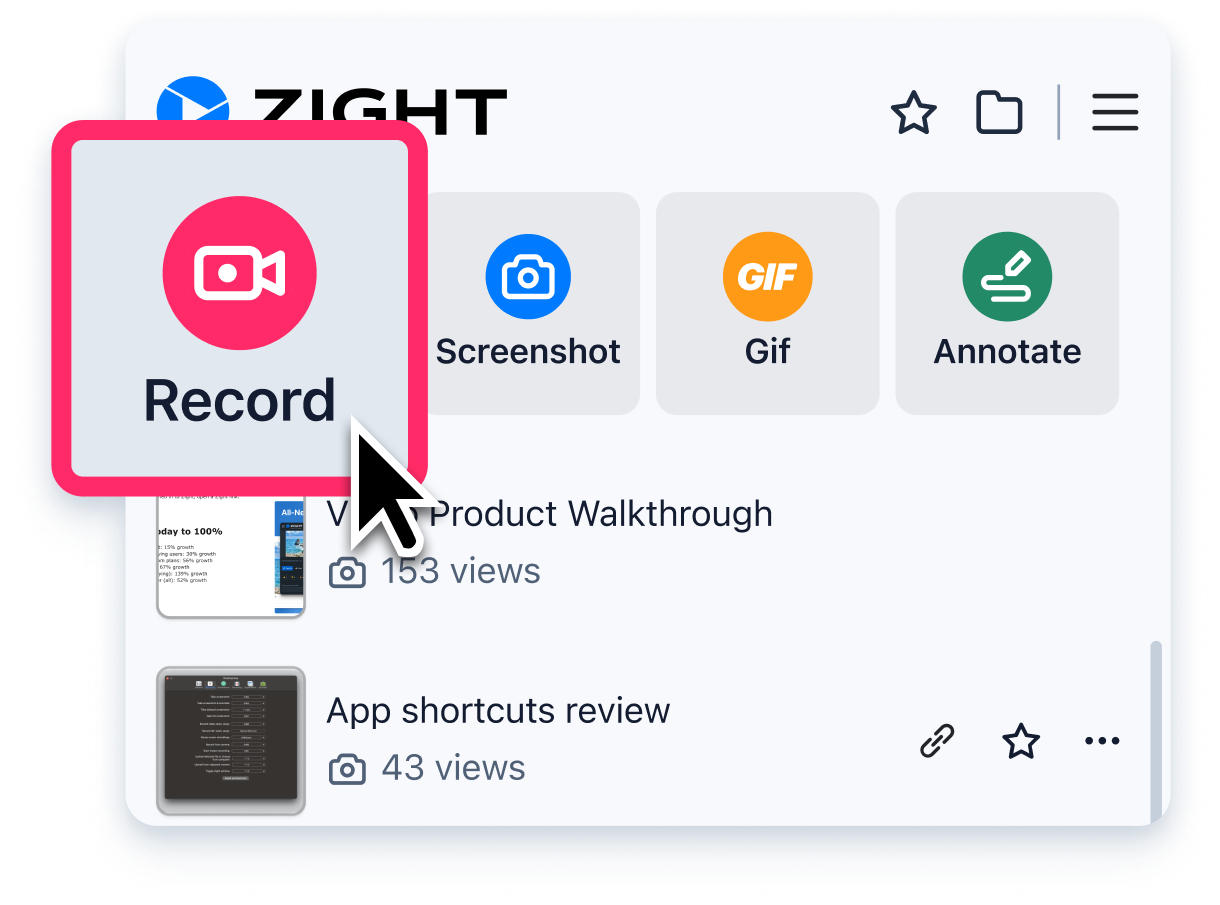
Start Recording in Seconds
Easily record your screen, webcam, or both with Zight’s intuitive interface. Whether you’re demoing a product, creating a tutorial, or sharing feedback, everything is stored instantly in the cloud.
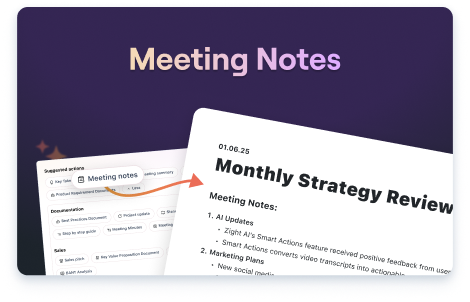
Turn Recordings into Actionable Content
Zight automatically converts your video transcripts into meeting notes, step-by-step guides, bug reports, and more — saving you hours of manual documentation.
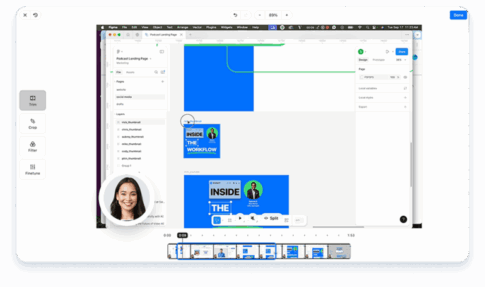
Edit and Enhance Your Videos
Trim unwanted sections, crop to focus on key details, apply filters for better clarity, and seamlessly merge multiple clips. Fine-tune your videos to create polished, cohesive recordings ready to share.
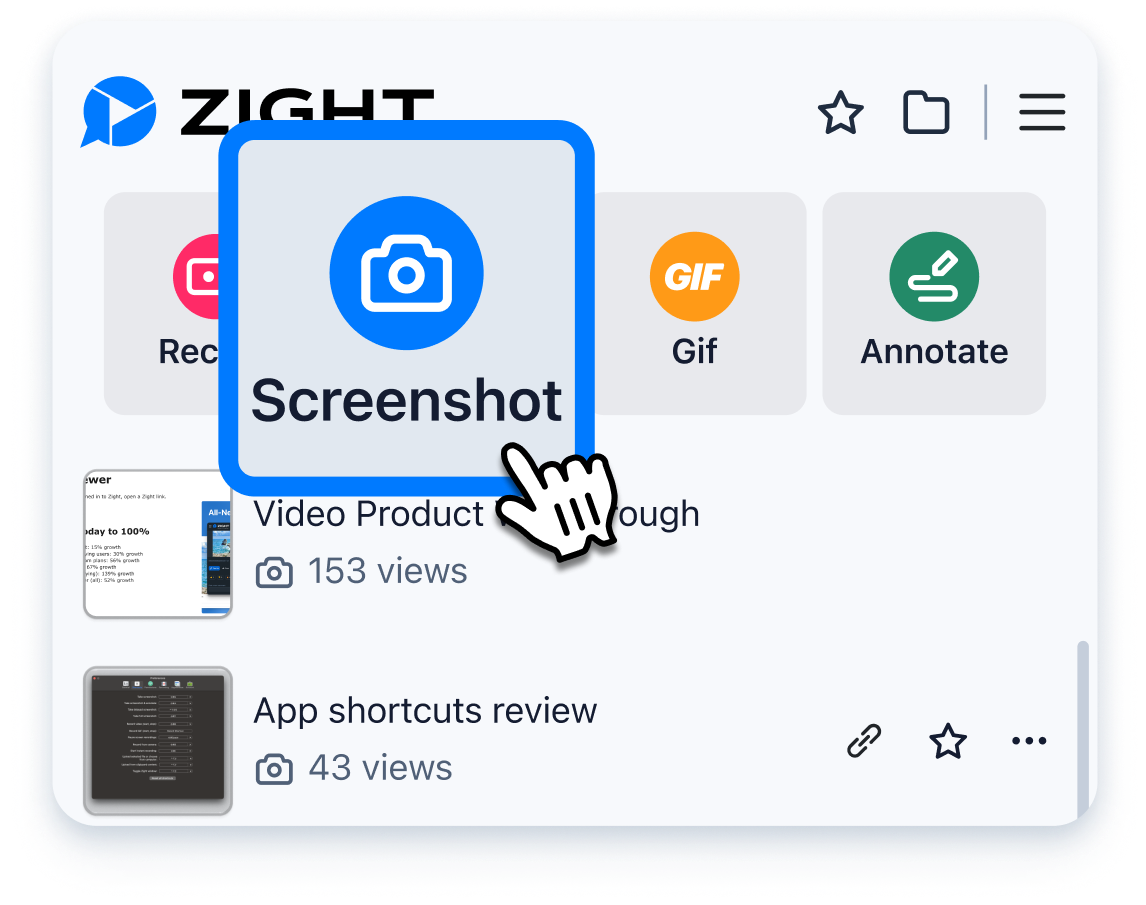
Capture Your Screen in a Click
Use a shortcut or launch the app to snap full or partial screenshots. No more desktop clutter — Zight saves everything to the cloud automatically.
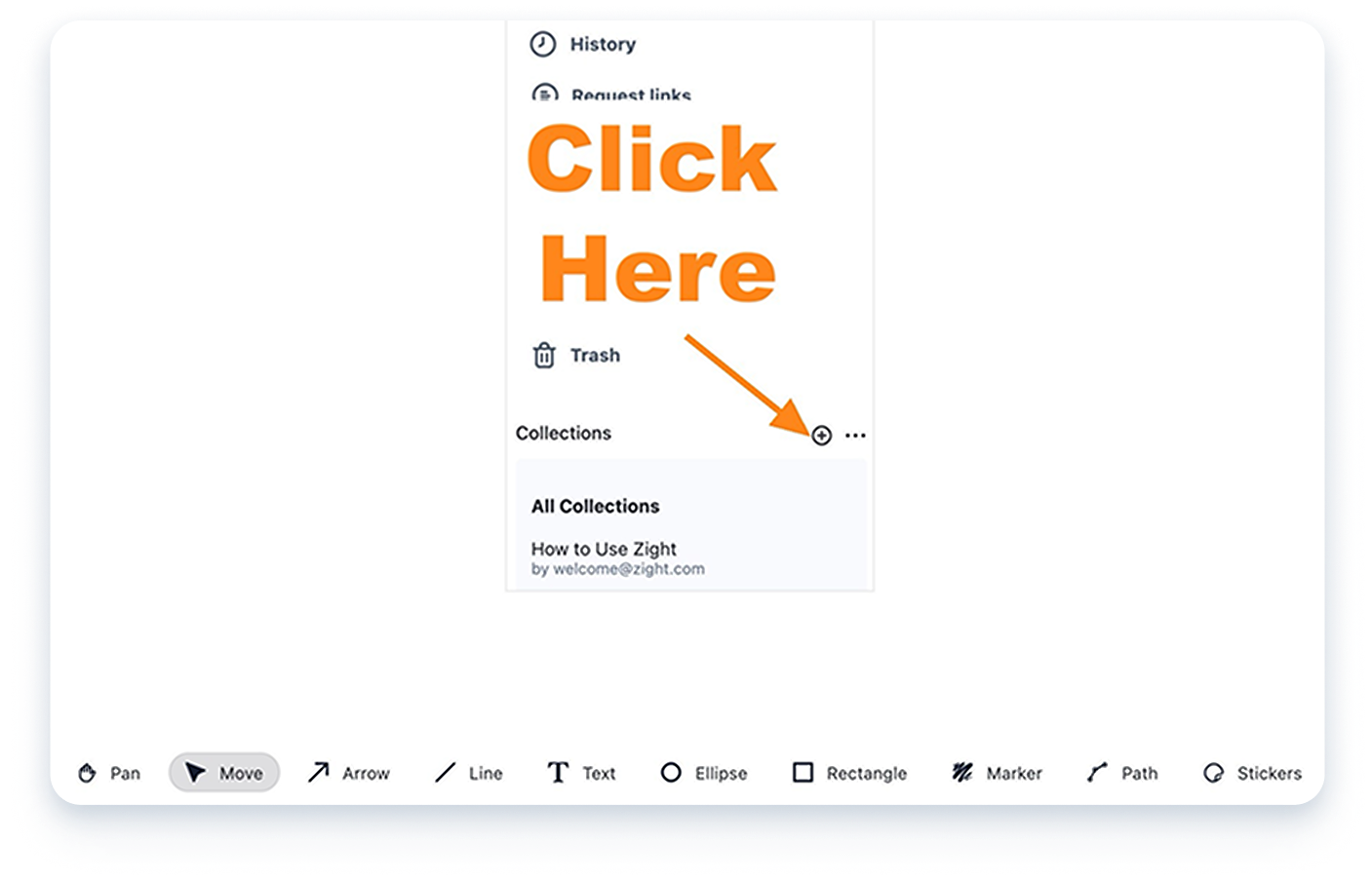
Edit & Annotate
Mark up screenshots with arrows, text, blur, and highlights to add clarity and context. Perfect for giving feedback or instructions.
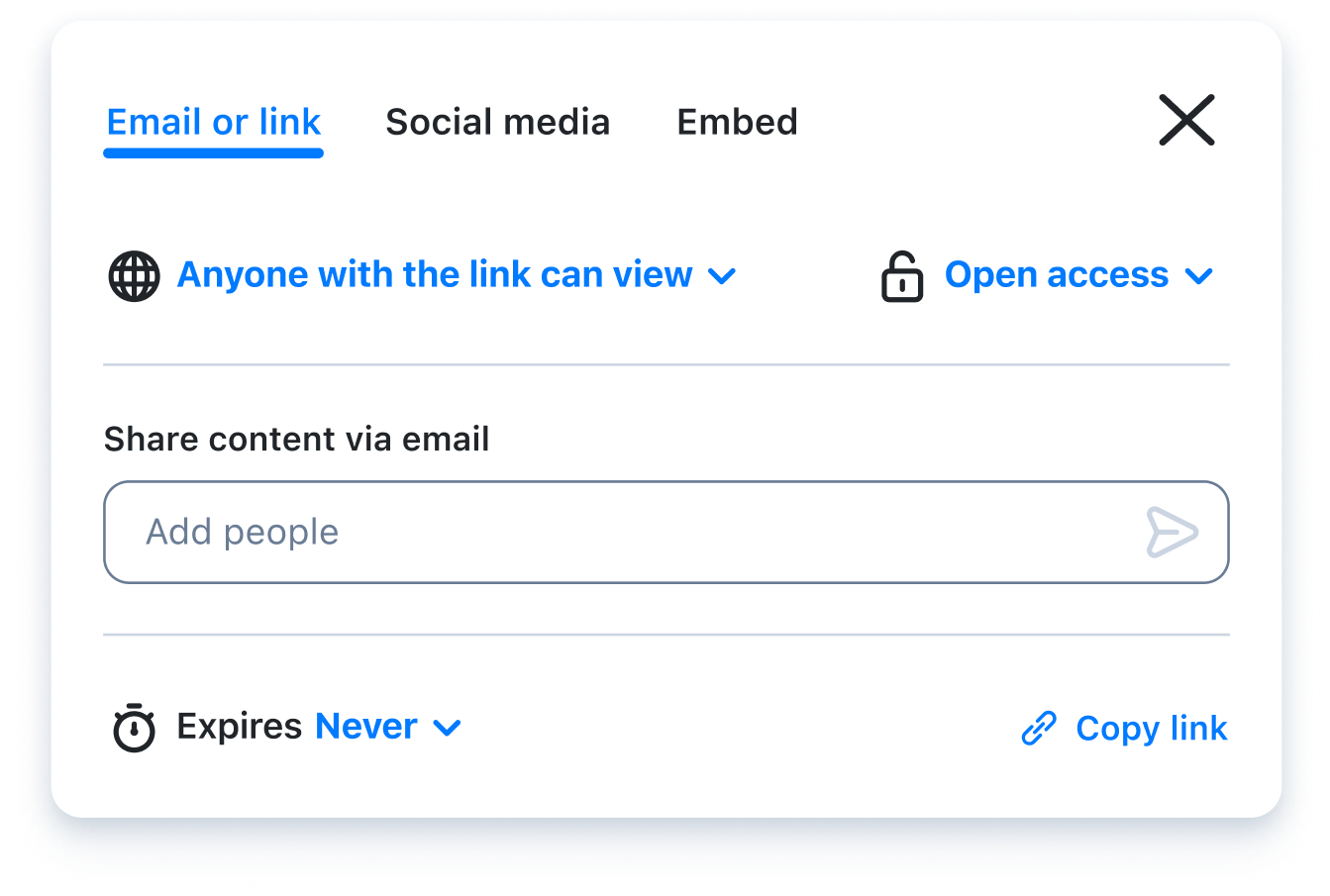
Share Instantly Anywhere
Your screenshot is now available in your Zight files. Keep it for yourself or easily share it via an auto generated link anywhere you can share a url. You can also drag and drop items into emails and chat apps.












