
Why People Look for an OBS Studio Alternative
OBS is the gold standard for live streaming. But for everyday screen recording and sharing, it creates more friction than it solves.
No Instant Cloud Sharing
OBS saves recordings locally. Sharing means uploading manually to Google Drive, Dropbox, or YouTube. Zight auto-uploads every capture and copies a shareable link in one click.
Steep Learning Curve
OBS requires configuring scenes, sources, encoders, and bitrates. Zight has a 60-second setup — download, hit a shortcut, and your recording is shared.
Built for Streaming, Not Screenshots or GIFs
OBS has no screenshot tool and no GIF maker. Zight captures screenshots, GIFs, and videos in one app with annotation on everything.
Zight vs OBS Studio: The Scorecard
Updated April 2026
A brutally honest, feature-by-feature scorecard. Pricing pulled from public pages in April 2026.
Last updated April 2026. OBS is free and open-source. The real cost is configuration time and manual upload workflow.
Start Free on ZightNEW FEATURE
AI Agent: Smarter Than a Summary
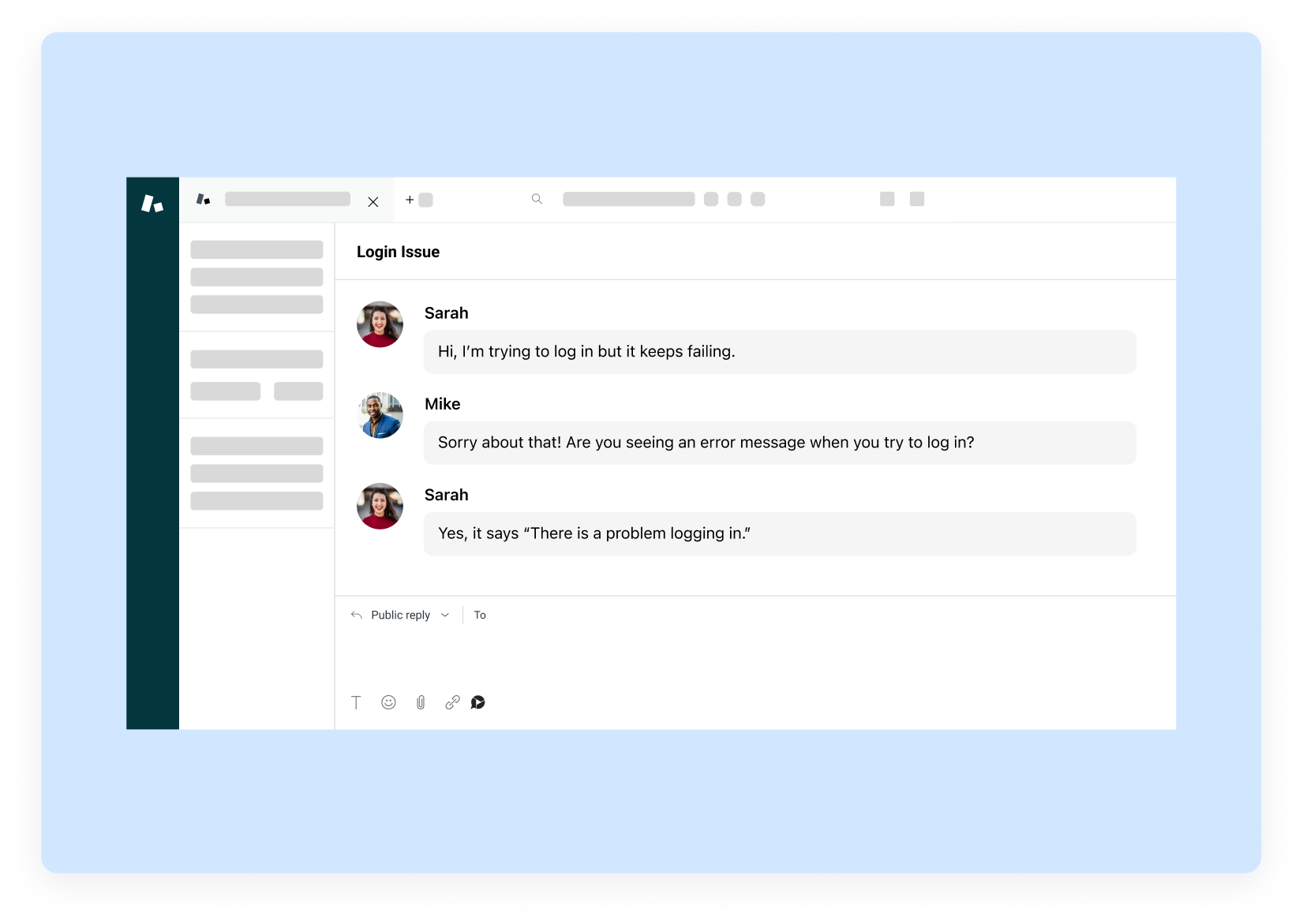
OBS Studio’s AI has no AI features of any kind — it’s a raw recording engine with no content intelligence. Zight’s AI agent works across everything: screen recordings, screenshots, GIFs, and webcam video.
- Auto-generated titles, descriptions, and transcripts
- Smart search — find any content with a plain-English query
- Works on screenshots, GIFs, and video alike
All included at $9.95/month.
Try AI Agent FreeZIGHT ONLY
Request Video: The Feature OBS Studio Doesn't Have
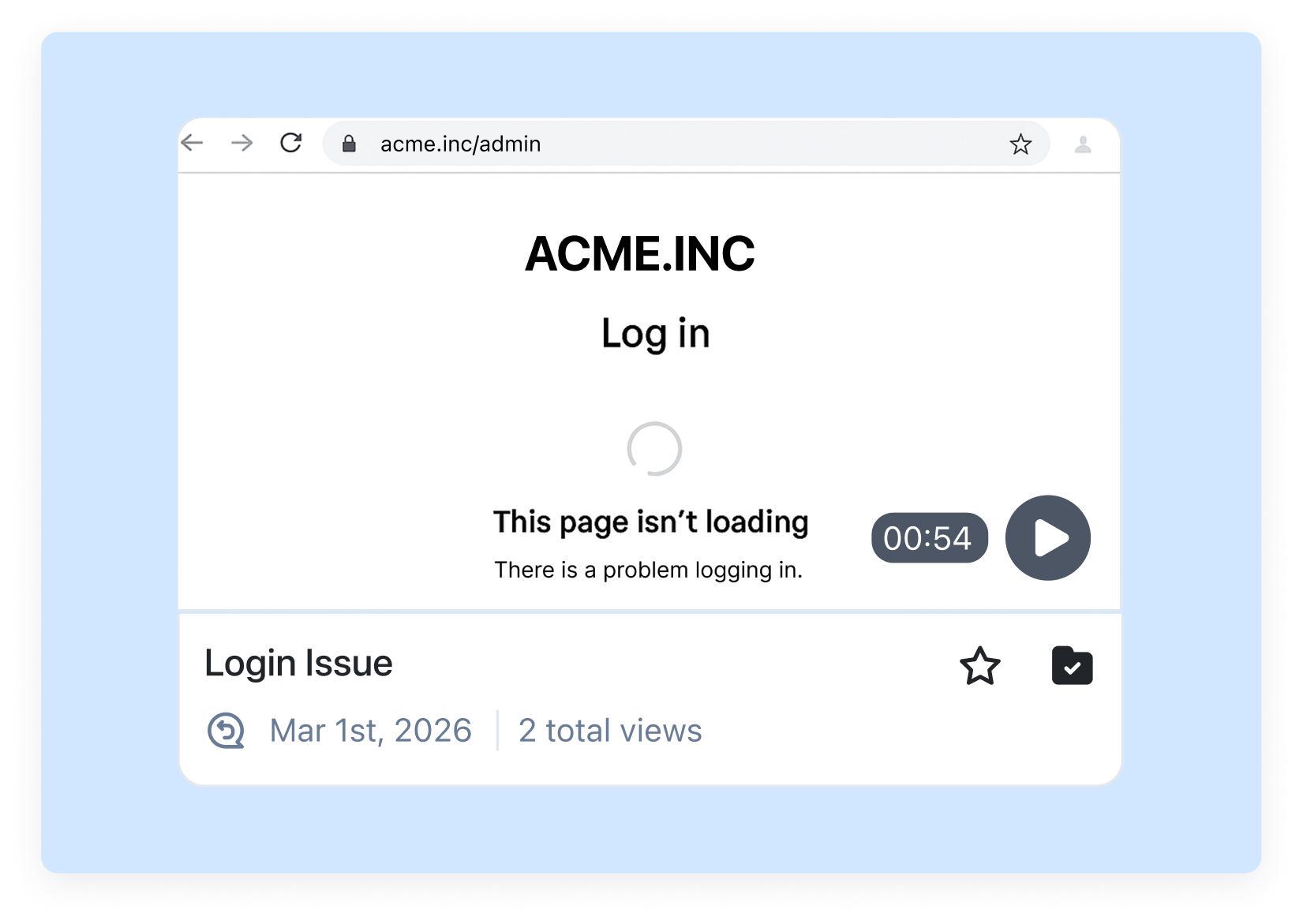
Send a link. Anyone records a video response in their browser — no app download, no account required.
Use it for customer testimonials, bug reports from non-technical users, async interview responses, and stakeholder feedback — all without the recipient needing a Zight account.
See Request VideoThe Real Cost of OBS Studio vs Zight
Here's the math for teams evaluating OBS Studio and Zight.
Zight — $9.95/month
Recordings, screenshots, GIFs, annotation, AI agent, Request Video, and instant cloud links. Team of 10: ~$100/month Or start free.
OBS Studio — Free
Powerful streaming recorder — but no cloud sharing, no screenshots, no GIFs, no AI, and hours of setup for non-technical users.
Switch From OBS Studio in Under 5 Minutes
Your OBS Studio content stays on OBS Studio. Start recording in Zight right away.
1. Download Zight
Get the app for Mac or Windows, or install the Chrome extension. Sign up free — no credit card needed.
2. Take Your First Recording
Hit your capture shortcut and record. Share the auto-generated link instantly via Slack, Jira, or email.
3. Invite Your Team
Share a team invite link or import your user list. Teams of 5+ get a free onboarding call.
4. Cancel What You No Longer Need
Most teams cancel their old screenshot tool, video tool, or GIF maker within the first 30 days.
Frequently Asked Questions
Zight is the best OBS alternative for teams who want to record and share quickly. It takes under 60 seconds to go from ‘I need to record something’ to a shareable link — with zero configuration.
Zight has a free plan with screen recording (no time limit), screenshots, and GIF creation with instant cloud links. OBS is free too, but requires manual upload to share recordings.
Instant cloud sharing, screenshots with annotation, GIF creation, an AI agent (transcripts, search, summaries), Request Video, and zero setup. OBS records to local files only.
OBS is excellent for live streaming and high-quality local recording, but it lacks the sharing workflow most teams need. There’s no cloud storage, no shareable link, no team workspace, and no screenshots or GIFs.
Yes — for most tutorial and walkthrough use cases, Zight is a better fit. It records high quality video, adds annotations, and generates a shareable link in one step. For complex multi-scene live streams, OBS remains the standard.
Download Zight for Mac or Windows (or install the Chrome extension) and sign up free. Hit your capture shortcut to record. Zight auto-uploads and copies the link — ready to paste in Slack or email.

Try Zight Free — The Simple OBS Alternative
Screen recording, screenshots, GIFs, and instant cloud sharing — zero configuration required.
Try Zight Free











