

- Automated Policy Enforcement: Simplifies permission management and reduces errors.
- Detailed Access Controls: Allows granular permissions for specific data levels like columns or files.
- Audit Logging & Compliance Support: Tracks all access and policy changes for easy regulatory reporting.
- Enterprise Integration: Works with systems like Active Directory, cloud platforms, and databases.
- Scalability: Handles growing users, data, and complexity without slowing down.
Top RBAC Tools in 2026:
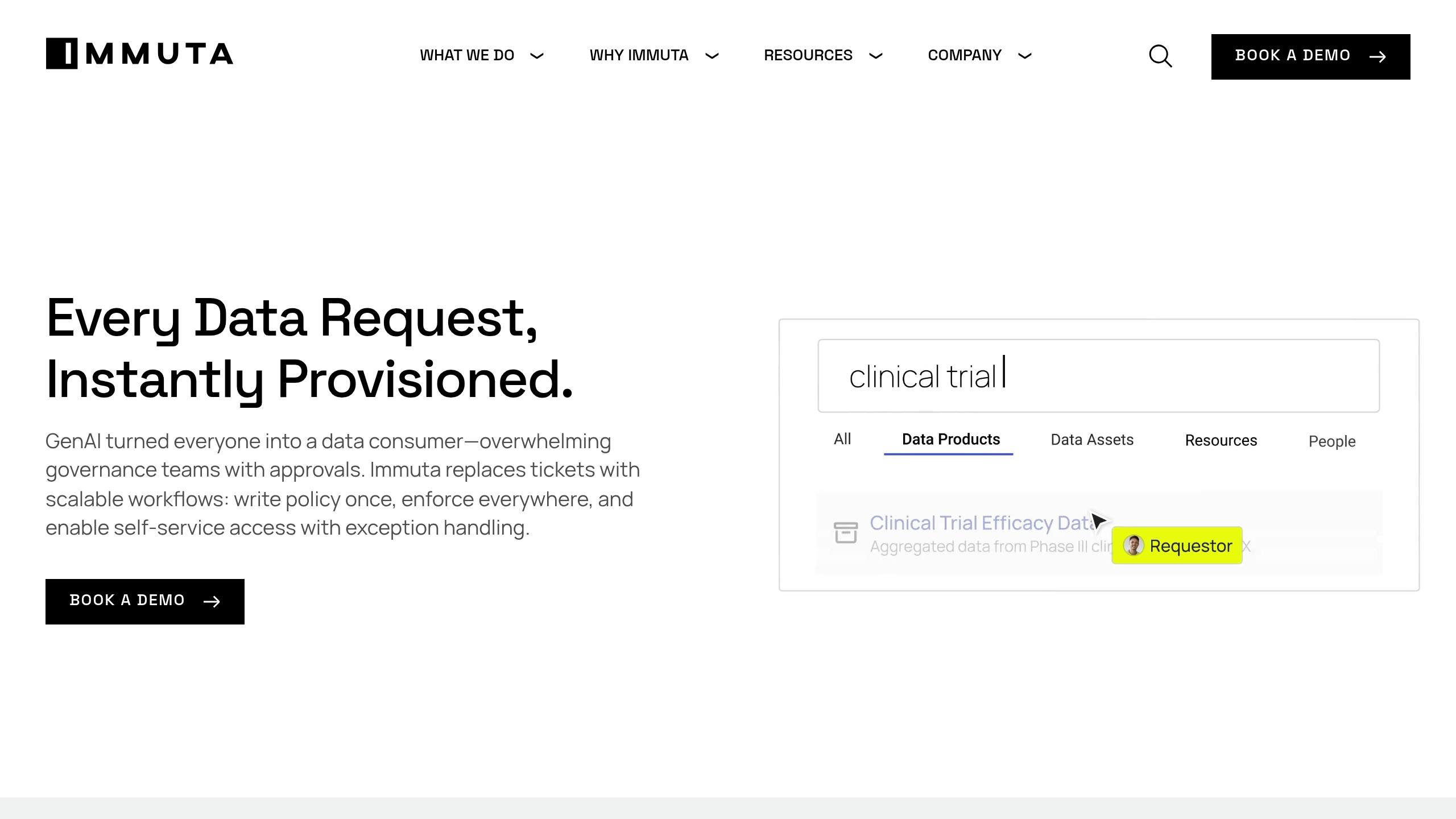
- Immuta: Excels at cross-platform governance with dynamic policies and standardized audit logs.
- Collibra: Offers deep insights into data usage and compliance with lineage tracking.
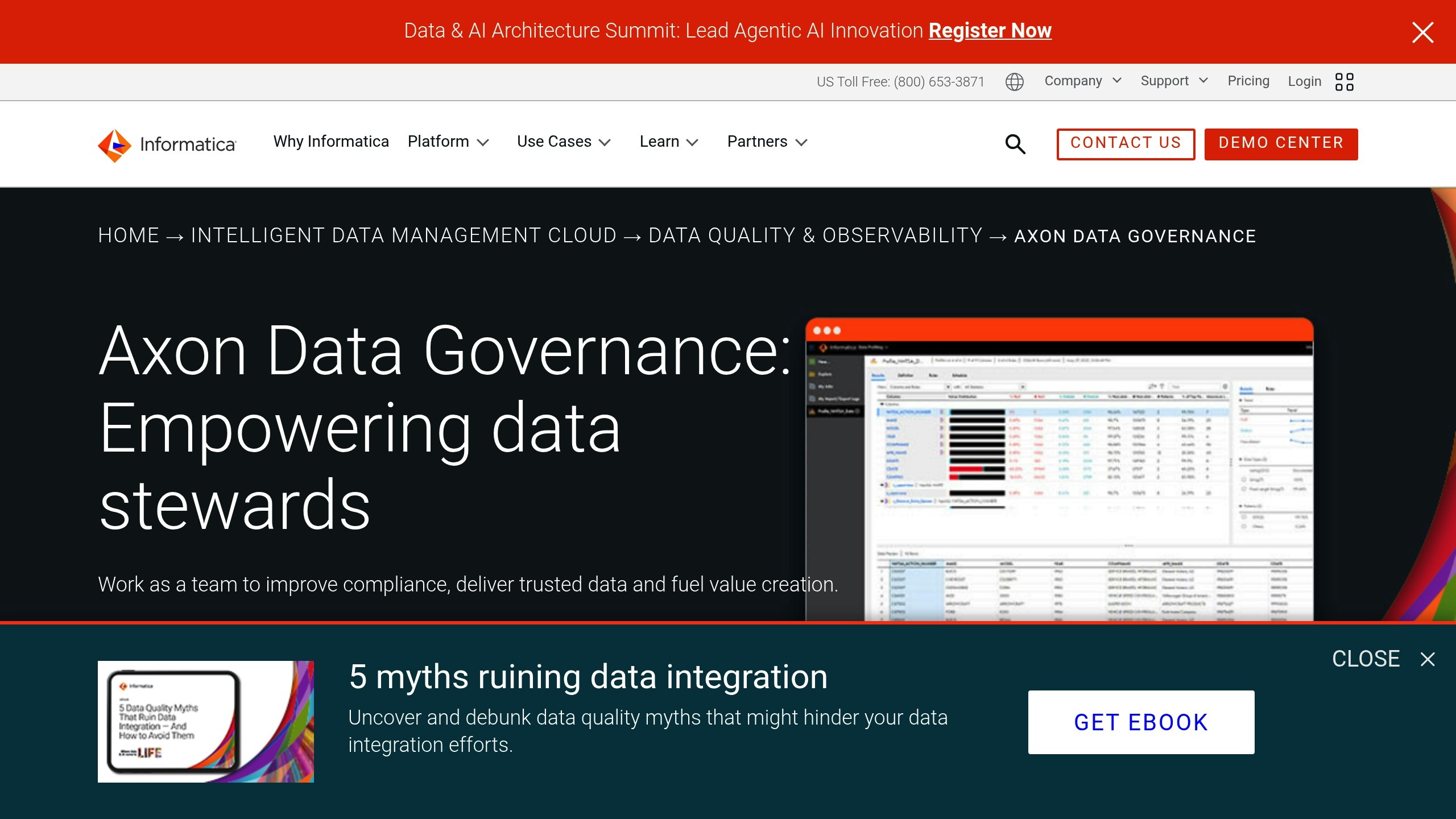
- Informatica Axon: Focuses on integrated policy workflows and consistent governance.
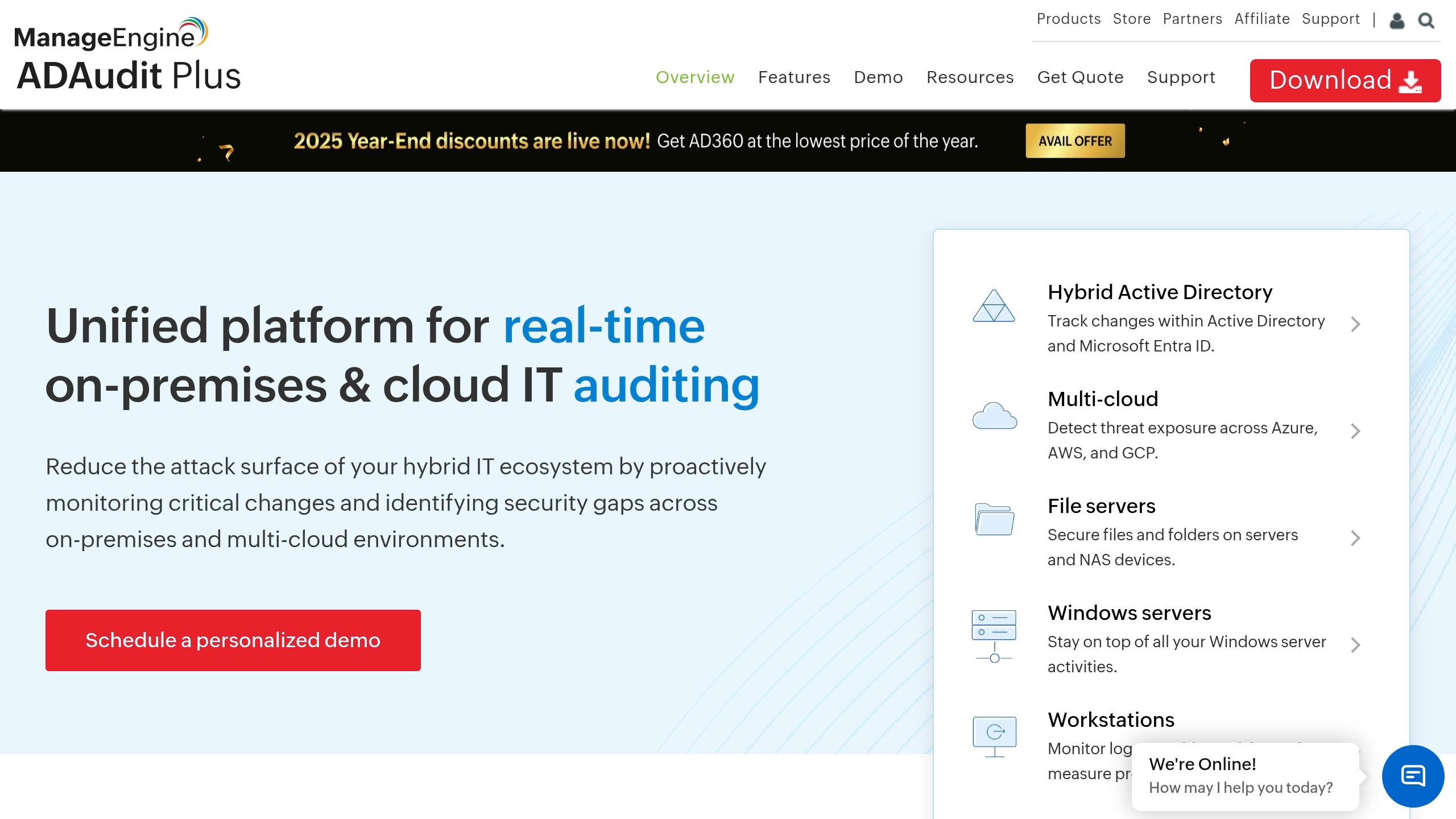
- ManageEngine ADAudit Plus: Best for Windows environments with real-time monitoring.
- Alation: Combines compliance tools with intuitive data catalog integration.
- Dataiku: Tailored for AI and analytics, with project-based permissions.
- DreamFactory: Simplifies database access with an API-first approach and unified logging.
Quick Comparison
| Tool | Key Strengths | Best For |
|---|---|---|
| Immuta | Dynamic policies, real-time monitoring | Multi-cloud governance |
| Collibra | Data lineage, compliance insights | Regulatory-heavy industries |
| Informatica Axon | Unified policy workflows | Enterprise-wide governance |
| ManageEngine | Windows-focused monitoring | Microsoft-based environments |
| Alation | Smart permissions, data catalog | Bridging IT and business users |
| Dataiku | AI governance, audit trails | Data science and ML workflows |
| DreamFactory | API-first security, database logging | Diverse database infrastructures |
Role Play: How to Create an Enterprise RBAC Program
What to Look for in RBAC Tools
Choosing the right RBAC (Role-Based Access Control) tool for data governance means focusing on features that prioritize security, efficiency, and scalability. The best tools combine automation, precise access controls, and compliance support to create a reliable framework that grows with your organization.Automated Policy Enforcement
Managing permissions manually can quickly become error-prone as your organization scales. Automated policy enforcement simplifies this by assigning, revoking, and managing permissions based on predefined roles. This reduces the workload on IT teams while ensuring consistency. Look for tools that can automatically detect unauthorized access attempts and either block them or escalate for approval. Automation should also streamline onboarding and offboarding processes, granting new employees the correct access immediately and revoking permissions for departing staff without delay.Detailed Access Controls
While automation is essential, having detailed control over permissions is equally important. A good RBAC tool should allow you to set permissions at multiple levels, such as database tables, specific columns, individual files, or even specific data attributes. This level of detail is particularly important when dealing with sensitive information requiring varied access levels within the same dataset. Advanced tools often include attribute-based access control (ABAC), which lets you create dynamic rules based on factors like user roles, data sensitivity, time of access, or geographic location. For instance, you could allow financial analysts to access quarterly reports during business hours but restrict them from viewing customer data outside their region. Conditional access policies add another layer of precision. For example, marketing team members might only access customer demographics during active campaigns, or external consultants might be restricted to project data when connected through the corporate VPN.Audit Logging and Compliance Support
Audit logs are a cornerstone of compliance and security. A robust RBAC tool should record every access attempt, successful or failed, along with details like the user, timestamp, data accessed, and actions performed. These logs are invaluable for compliance audits, security investigations, and forensic analysis. Additionally, the system should track administrative changes, such as modifications to roles, permissions, or policies. This makes it easy to answer questions like, “Who accessed customer data during a specific timeframe?” Real-time alerts for unusual access attempts or failed authentications further enhance security. Tools that offer pre-built compliance reports for regulations like GDPR, HIPAA, and SOX can simplify audits by generating necessary documentation and maintaining historical records for required retention periods.Enterprise System Integration
An effective RBAC tool should integrate seamlessly with your existing systems. It should work natively with identity providers like Active Directory, LDAP, and Azure AD, as well as databases, cloud platforms, and business applications, without requiring extensive custom development. An API-first design can help ensure smooth data flow between your RBAC system and other governance tools. For example, role changes in your HR system should automatically update access permissions. Integration with single sign-on (SSO) systems can further enhance the user experience while strengthening security. Modern enterprises often operate in hybrid and multi-cloud environments. Your RBAC tool must be capable of managing unified access control across on-premises systems, multiple cloud platforms, and various SaaS applications.Scalability and Management Features
As your organization grows, your RBAC tool should scale effortlessly. Whether you’re expanding globally or merging with another company, the system must handle increased users, data, and complexity without slowing down. User-friendly administrative interfaces are key to reducing errors and easing the workload for IT teams. Features like role templates for common job functions, bulk user management, and workflow automation for access requests can simplify daily operations. A clear interface should also provide visibility into current permissions, pending requests, and overall system health. Self-service options are another valuable feature, allowing users to request additional access through automated workflows that follow proper approval processes. This reduces delays and boosts productivity while lightening the load on IT teams. Finally, robust analytics and reporting dashboards can help administrators monitor access patterns, identify unused permissions, and detect potential security risks. These insights support continuous improvement in your data governance strategy.Best RBAC Tools for Data Governance in 2026
As organizations face growing compliance demands, reliable Role-Based Access Control (RBAC) tools are becoming essential for effective data governance. Here’s a look at some of the top solutions for 2026, each bringing unique capabilities to the table.Immuta: Dynamic Data Access and Compliance
Collibra: Centralized Governance and Metadata Management
Informatica Axon: Integrated Policy and Stewardship Workflows
ManageEngine ADAudit Plus: Real-Time Auditing and Reporting
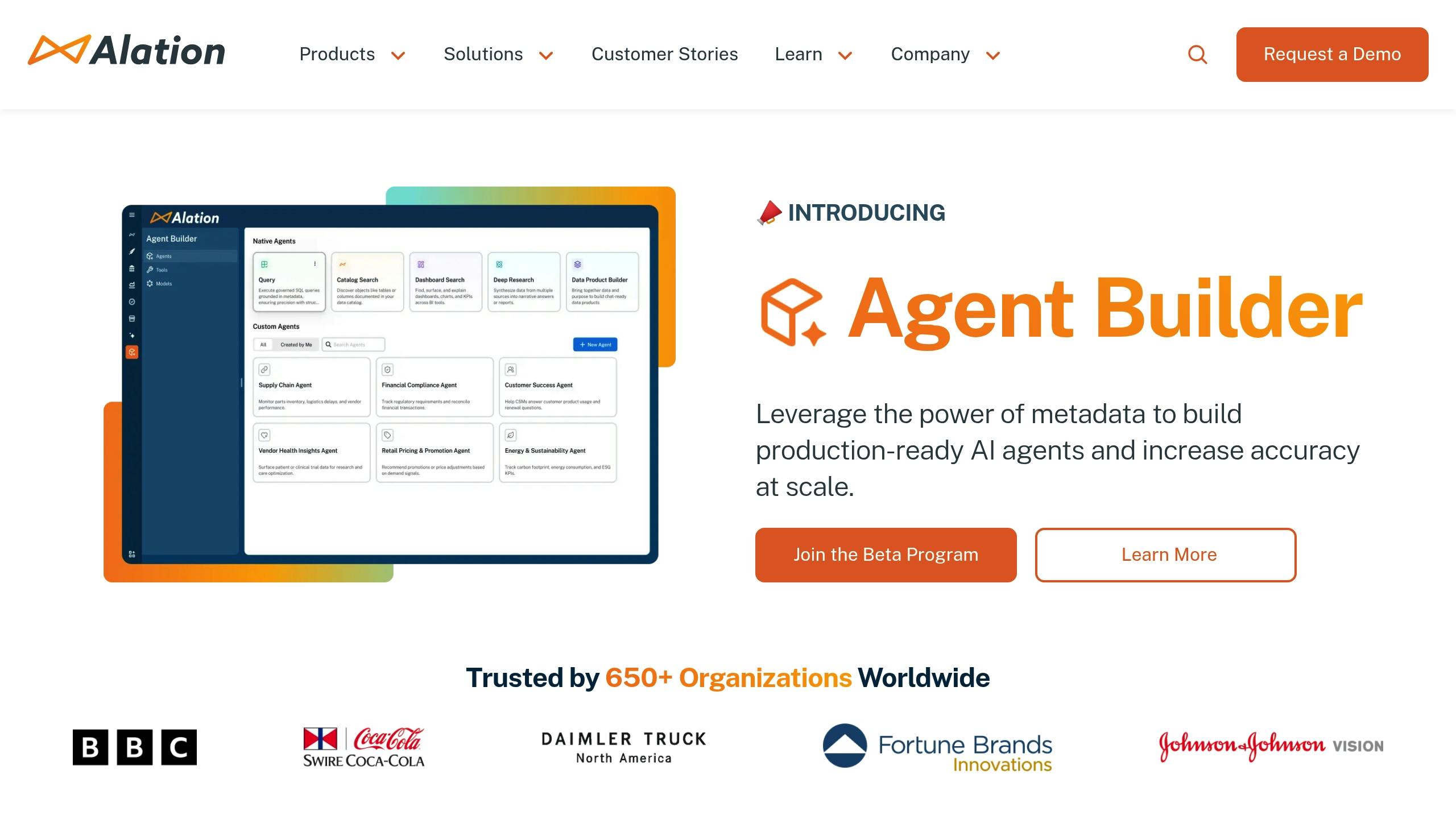
Alation: Smart Access Management
Dataiku: Workflow-Based Governance for AI and Analytics
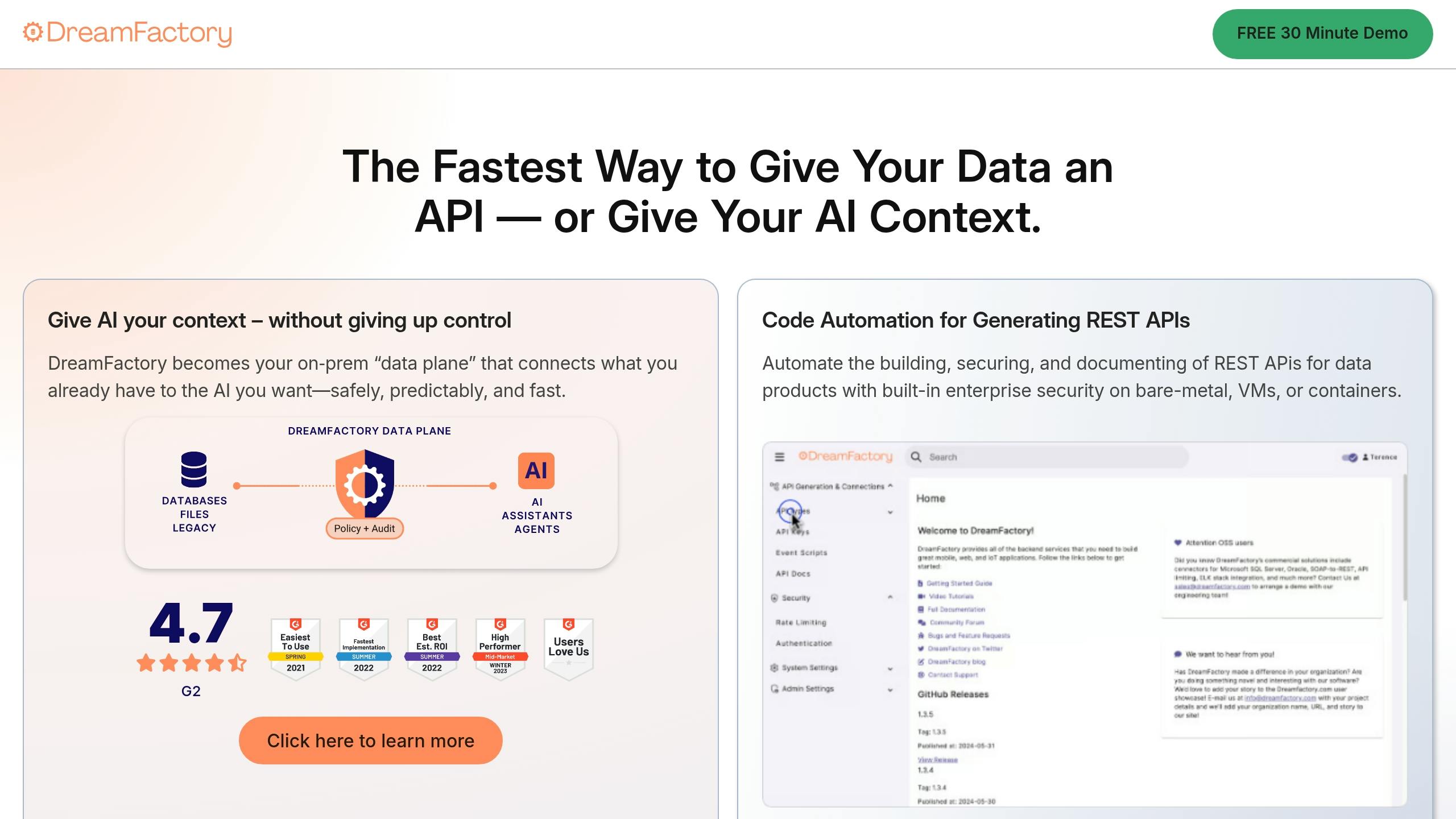
DreamFactory: RBAC for AI and Database Management
RBAC Tools Comparison Chart
Assess RBAC tools by reviewing their key features in the table below.Feature Comparison
| Tool | Automated Policy Enforcement | Detailed Access Controls | Audit Logging | Integration Options | Compliance Support | Special Features |
|---|---|---|---|---|---|---|
| Immuta | Dynamic policy application across platforms | Attribute-based access control with real-time adjustments | Universal Audit Model (UAM) with standardized logging | Snowflake, Databricks, Unity Catalog, Starburst (Trino) | HIPAA, GDPR, CCPA compliance frameworks | Real-time monitoring and query-level visibility |
| Collibra | Workflow-driven policy automation | Role-based permissions with data classification | Comprehensive audit trails with lineage tracking | Enterprise data platforms and business applications | Multi-regulatory compliance support | Data lineage and impact analysis tools |
| Informatica Axon | Integrated stewardship workflows | Unified policy management across environments | Centralized audit reporting | Informatica ecosystem and third-party platforms | Industry-specific compliance templates | Policy modeling and stewardship automation |
| ManageEngine ADAudit Plus | Real-time policy enforcement alerts | Windows-based user and system controls | Live monitoring with instant notifications | Windows Active Directory and Microsoft environments | SOX, PCI DSS, and regulatory reporting | Windows-focused security monitoring |
| Alation | Smart permission automation | Data catalog-integrated access controls | Detailed usage and access logging | Data catalog and analytics platforms | Automated compliance documentation | AI-powered data discovery and cataloging |
| Dataiku | Project-based governance automation | Tiered permissions for data science workflows | Detailed audit trails for ML projects | AI/ML platforms and data science tools | Data science compliance frameworks | Collaboration tools for data science teams |
| DreamFactory | API-first security automation | Database-agnostic role management | Unified logging across database systems | Multiple database types and cloud platforms | API security and database compliance | Database abstraction and API generation |












