
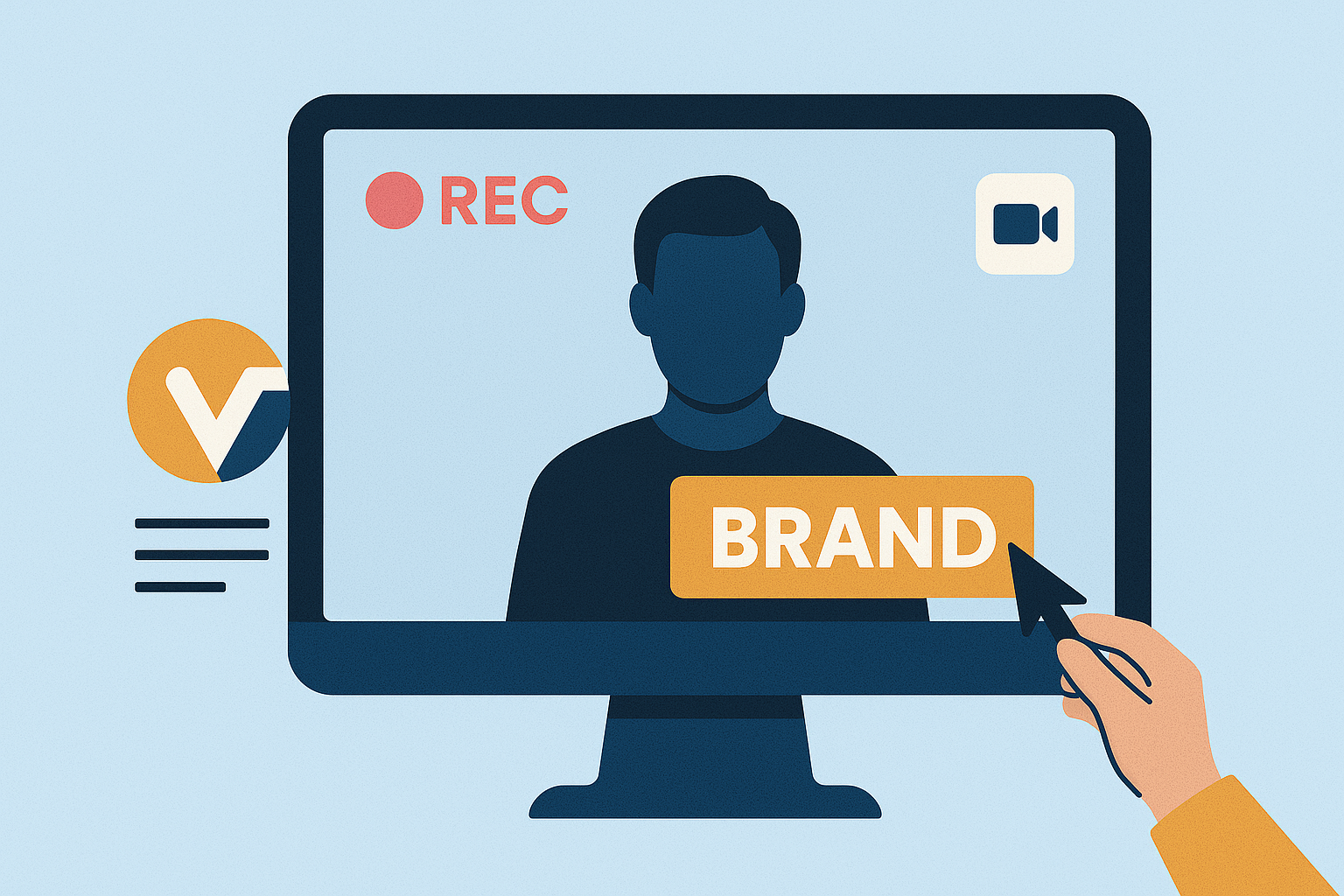
- Logos and Watermarks: Keep them visible but unobtrusive to maintain focus on the content.
- Color Schemes: Stick to your brand’s primary and secondary colors for consistency.
- Typography: Use the same fonts across all videos for a unified look.
Custom Branding Basics
What is Custom Branding?
Custom branding in screen recordings is all about weaving your brand’s identity into your videos. This means incorporating elements like logos, watermarks, overlays, and consistent color schemes to reflect your brand’s personality. By doing this, you turn simple recordings into polished marketing tools that not only look professional but also strengthen your brand’s credibility in the eyes of your audience. When viewers see your branding seamlessly integrated into your content, it creates a connection between the quality of your videos and the reliability of your organization.Key Branding Elements to Include
To create a cohesive and recognizable look for your screen recordings, focus on these essential branding components:- Logos and Watermarks Keep your logo or watermark visible but subtle. It should be prominent enough to reinforce your brand without distracting from the main content.
- Color Schemes Stick to your brand’s primary and secondary colors throughout the video. This consistency helps reinforce your visual identity and makes your content instantly recognizable.
- Typography and Fonts Use the same fonts across all your recordings. This not only ties your videos together but also makes your content more identifiable to your audience.
Benefits of Custom Branding in Screen Recordings
Custom branding does more than make your videos look good – it signals professionalism and builds trust with your viewers. It also helps your content stand out by showcasing your brand’s unique style and personality. Up next, we’ll dive into how to prepare high-quality assets that will bring your branding vision to life.Preparing Your Branding Assets
When it comes to custom branding, having well-prepared assets is essential to ensure every detail aligns with your brand’s identity. High-quality branding assets can make a significant difference in your screen recordings. For example, videos with text overlays or closed captions tend to have a 28% longer view time.Creating or Sourcing High-Quality Branding Assets
To achieve a polished look, focus on using sharp images and graphics. Blurry or pixelated overlays can undermine your video’s professionalism. If you’re incorporating animations, save them in MP4 format, and always match the overlay aspect ratios to your video dimensions to avoid any distortion.Organizing Branding Materials
Keep your branding materials well-organized and test them across multiple devices. This step ensures your content remains consistent, no matter where it’s viewed.Choosing Brand Colors and Fonts
For maximum readability, use high-contrast combinations between text and backgrounds. Stick to clean and legible sans-serif fonts, such as Arial or Roboto, for a professional and cohesive look. When adding overlays, adjust their opacity to subtly reveal the video beneath. You can also incorporate smooth motion effects, like fade-ins, to reinforce your brand’s style. Lastly, position branding elements thoughtfully so they don’t block important visuals. With your branding assets ready, you’re all set to integrate them seamlessly into your screen recordings using Zight.How to Add Custom Branding Using Zight
 With Zight, organizing and integrating your branding elements into screen recordings becomes a smooth and efficient process. Whether you’re creating quick tutorials or professional presentations, Zight provides flexible quality options and powerful customization tools to help you deliver polished, branded videos. Here’s how you can make the most of these features.











