
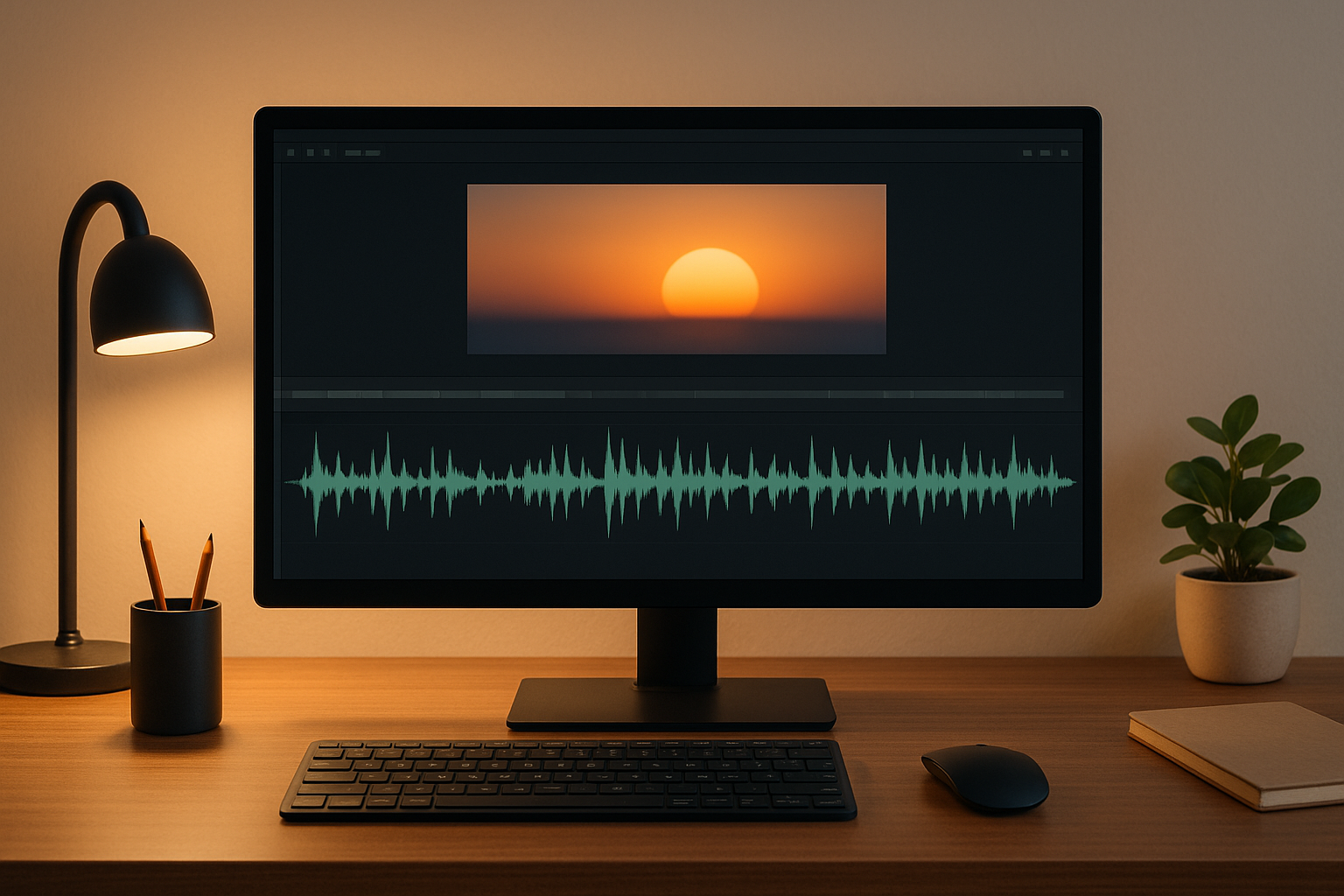
AI has made syncing audio and video faster and more accurate than ever. What used to take hours of manual effort can now be done in minutes. By analyzing audio waveforms, lip movements, and visual cues, AI tools ensure precise alignment, even in noisy environments or complex setups. Here’s why this matters and how it works:
- Automatic Sync: AI matches audio and video using waveforms and visual signals, adjusting timing for seamless results.
- Improved Accessibility: Perfect sync is crucial for clarity and for viewers relying on lip reading or subtitles.
- Simple Process: Upload files, let AI handle the sync, and make minor manual tweaks if needed.
- Fixing Issues: AI tools also address common problems like audio delays, progressive drift, and technical mismatches.
While AI tools save time and effort, they work best with clean audio and standard formats. For more complex projects, combining AI automation with manual adjustments ensures the best results.
How AI Audio-Video Sync Works
What is AI-Based Sync?
AI-based synchronization uses machine learning to automatically align audio and video tracks. It works by analyzing audio waveforms and visual cues, such as lip movements, to identify patterns. By matching audio segments with corresponding video frames, the system adjusts timing, speeding up, slowing down, or shifting segments, to create a seamless synchronization. Waveform matching plays a key role in ensuring smooth results. Advanced systems take this further by incorporating tools like Automatic Speech Recognition (ASR) and Natural Language Processing (NLP) to fine-tune alignment, especially in dialogue-heavy content.
Why Perfect Sync Matters
Achieving precise synchronization is essential for maintaining content quality. Even minor delays between audio and visuals can make a production appear unprofessional. In educational and corporate settings, mismatched sync can disrupt clarity and reduce the effectiveness of presentations or webinars. For accessibility, flawless sync is especially important, viewers who rely on lip reading or those with hearing impairments depend on perfectly aligned audio and visuals. AI-powered tools are designed to catch and correct even the smallest discrepancies, ensuring the final product meets high-quality standards.
Step-by-Step Guide: Sync Audio and Video with AI Tools
Aligning your audio and video perfectly doesn’t have to be a headache. Thanks to modern AI tools, much of the work is automated, but following a structured approach ensures your final product looks and sounds polished. Here’s a straightforward guide to get it done right.
1. Upload Your Files
Start by organizing your audio and video files. Most AI sync tools work with common formats like MP4, MOV, WAV, and MP3, so there’s no need to worry about converting them. To avoid confusion, label your files clearly. For smoother processing, try to keep individual files under 2 GB and upload related files together.
Once everything is ready, upload your files to the AI tool and kick off the sync process.
2. Run Automatic Sync
After uploading, enable the automatic sync feature. The AI will analyze your audio waveforms and visual cues to find matching patterns. This process usually takes anywhere from 30 seconds to 2 minutes, depending on the file size and your system’s processing power.
Once the sync is complete, most tools provide a confidence score or quality indicator. Scores above 85% generally mean the alignment is solid. If the score is lower, you might need to fine-tune things manually.
3. Make Manual Adjustments
Even with AI, small tweaks may be necessary to achieve perfect synchronization. Look for clear sync points, like a clap or snap at the start of a take. Match this visual cue in the video with the corresponding audio spike in the waveform, this will serve as your reference point for adjustments.
If the automatic sync feels slightly off, use your editing software’s timeline tools to make precise adjustments. Zoom in closely on the audio track to align peaks with visual markers. Frame-by-frame nudging can help you get everything perfectly in sync.
4. Export Your Final Video
Once you’re satisfied with the sync, it’s time to export your video. Choose export settings that match your intended platform or use, and always do a playback check to verify everything looks and sounds as it should. Make sure you have enough storage space for the export process.
After exporting, test the final video on the device or platform where it will be used to ensure it meets your expectations.
Key Features of AI Sync Tools
AI sync tools bring a host of features that simplify and perfect the process of aligning audio and video. These tools eliminate the painstaking manual effort traditionally required for frame-perfect synchronization, making it accessible to anyone. Let’s dive into the standout capabilities that make these tools so effective.
Automatic Waveform Analysis
At the heart of AI sync tools lies waveform analysis. This technology examines audio from both embedded and external sources, pinpointing unique peaks and dips in the sound. For instance, a sharp noise like a clap creates a distinct spike that serves as a reliable anchor for alignment. This feature not only eliminates the need for manual adjustments but also seamlessly synchronizes multiple audio tracks with a single video source, an invaluable asset for setups involving multiple microphones.
Lip Sync and Speech Detection
Using advanced speech recognition, AI sync tools align spoken words with lip movements, ensuring that dialogue looks natural and flows seamlessly. This is especially important for creators producing talking-head videos, interviews, or educational content, where precise lip synchronization plays a key role in keeping viewers engaged.
Audio Quality Enhancements: Noise Reduction and Echo Removal
AI sync tools go beyond just aligning audio and video, they also improve audio quality. Features like noise reduction help minimize background disturbances, while echo removal eliminates reflective sound waves. Together, these enhancements produce cleaner audio, ensuring precise synchronization and a polished final product.
Fixing Common Sync Problems
Even with the help of automated sync tools, troubleshooting remains a key step when sync issues arise. No matter how advanced an AI tool is, sync problems can still occur. Understanding these challenges and knowing how to resolve them can save you a lot of time and ensure your content looks professional.
Common Sync Issues
One of the most noticeable sync problems involves audio delays or advances, where the sound doesn’t align with lip movements or actions on screen. As Resi explains:
When a person speaks in a movie, their lips should match the dialogue you’re hearing. Similarly, musical cues should be seamless in transitions.
Another common issue is progressive drift. This happens when audio and video start in sync but gradually fall out of alignment over time. It’s particularly noticeable in longer recordings, often becoming apparent after 5 or 10 minutes. Progressive drift typically stems from challenges with a device’s internal clock or software maintaining consistent timing.
Technical mismatches can also wreak havoc on synchronization. For instance, combining audio recorded at 44,100Hz with video at 48,000Hz, or mixing footage with varying frame rates, often leads to persistent sync problems.
Fortunately, AI tools are designed to tackle these issues with automated adjustments, making the process much smoother.
AI Solutions for Sync Problems
AI-powered editing tools have made solving sync issues much simpler. Features like “Auto Synchronization” analyze your video and audio tracks to automatically correct timing, eliminating the need for tedious manual adjustments.
If your project involves aligning video with background music, some tools offer an “Auto Beat Sync” feature. This function analyzes the rhythm and beats of your music, then edits the video to match, resulting in a visually dynamic and rhythmic flow.
For even more precise synchronization, advanced tools provide frame-by-frame syncing. This is especially helpful for tasks like aligning dubbed dialogue with on-screen speech, ensuring lip movements and audio are perfectly matched.
To use these features, select your audio and video tracks on the timeline, apply the desired synchronization function, and let the AI handle the rest.
How to Check Your Sync Quality
Don’t just check the sync at the start of your video, review it at different points. Progressive drift can cause sync quality to degrade as the video plays, so pause and check at intervals like the 5-minute and 10-minute marks.
It’s also a good idea to test your video across multiple devices and players. If sync issues appear consistently, whether on VLC, streaming platforms, or a TV, it’s likely the problem lies with the source file rather than the playback device.
For a more technical check, review your file properties to ensure consistent sample and frame rates. Mismatches in these settings are a common cause of sync problems, especially in longer videos. Adjusting these specifications can help maintain proper synchronization throughout your project.
Pros and Cons of AI-Based Sync
When it comes to syncing audio and video, AI-powered tools can be a game-changer. But like any technology, they come with their own strengths and limitations. Knowing these can help you decide when to embrace automation and when to stick to manual methods for your video projects.
Benefits of AI Tools
One of the biggest perks of AI sync tools is speed. They can finish syncing tasks in minutes, something that might take hours if done manually. Plus, they’re consistent and precise, even when handling intricate audio-visual cues. This means more time for you to focus on the creative side of your work.
Another advantage is their ability to process multiple layers of information. AI tools don’t just match audio to video; they analyze speech patterns, lip movements, and even visual cues like hand claps. This multi-faceted approach often delivers more accurate results compared to relying on a single reference point.
For creators on tight deadlines, these tools are a lifesaver. Instead of wrestling with tedious technical adjustments, you can concentrate on storytelling, color grading, or adding visual effects, the things that truly make your project shine.
Drawbacks of AI Tools
However, AI sync tools aren’t without their challenges. They depend heavily on high-quality input. If your audio or video is subpar, the results can be inaccurate. Complex audio environments, like overlapping dialogue, multiple speakers, or heavy background noise, can also trip up the algorithms, leading to errors in syncing. This can be especially frustrating when working with live events or documentary footage.
Another limitation is their lack of creative intuition. AI excels at technical synchronization but struggles with artistic nuances. For example, it might not recognize intentional delays meant for comedic timing or dramatic effect, which could compromise the creative vision of your project.
Cost is another factor to consider. Many professional AI sync tools require subscriptions or per-project fees, which can add up quickly if you’re a frequent user. On top of that, some tools need powerful hardware to run smoothly, potentially requiring you to upgrade your equipment.
When to Use AI vs Manual Methods
AI is ideal for:
- Simple projects with clear audio
- Standard formats and frame rates (e.g., 24fps, 30fps, 60fps)
- Single-speaker dialogue or minimal background noise
Manual methods work best for:
- Projects with creative timing needs (like comedic beats or dramatic pauses)
- Complex multi-track setups involving multiple cameras
- Occasional projects where budget constraints are a concern
The best approach often combines both methods. Start with AI to handle the heavy lifting, then fine-tune manually to ensure the final product aligns with your creative vision. This hybrid strategy strikes a balance between efficiency and artistic control, giving you the best of both worlds.
Final Thoughts: Better Audio-Video Sync with AI
AI has transformed how audio and video are synchronized, streamlining what used to be a tedious, manual process. It takes care of the technical heavy lifting with accuracy, freeing up time and effort for creators.
To get the best results, it’s important to understand both the capabilities and limitations of AI sync tools. They work well for straightforward projects with clean audio and standard formats. However, they might struggle with more intricate tasks, such as handling multiple speakers or meeting creative timing needs. Often, the best results come from combining AI automation with manual adjustments. This mix of efficiency and human touch is a hallmark of advanced platforms.
Take Zight, for example. It offers a suite of tools like screen recording, AI-driven transcription, and advanced editing features, all designed to ensure smooth audio-video alignment from start to finish. By integrating these tools, creators can minimize sync issues during the editing process.
As video production leans more toward automated workflows, AI sync technology is evolving to handle even complex scenarios with greater precision. Still, the human element remains crucial for making creative decisions and maintaining quality. By pairing AI’s precision with human creativity, you can stay in control while working more efficiently, without relying entirely on automation.
Learning to use AI-powered sync tools effectively can help you save time and focus on crafting stories that truly resonate.
FAQs
How does AI make audio and video content more accessible for people with hearing impairments?
AI plays a crucial role in improving accessibility for people with hearing impairments through real-time captions, speech-to-text transcriptions, and audio descriptions. These tools transform spoken content into text or visual formats, making it easier for deaf or hard of hearing individuals to follow and engage with videos.
By automating these tasks, AI helps make audio-visual content more inclusive, ensuring that everyone can access and enjoy media without barriers.
What challenges do AI tools face when syncing audio and video, and how can these be fixed?
AI tools often face challenges when it comes to syncing audio and video. Common issues include timing mismatches, delays from hardware or software limitations, and technical glitches. These problems can throw off the alignment between sound and visuals, which can hurt the quality of the final output.
To tackle these challenges, start by keeping your hardware and software updated to ensure they can handle demanding tasks. Many AI tools incorporate real-time correction algorithms that automatically adjust timing to reduce lag. For even better results, you can manually fine-tune synchronization settings and work with high-quality recordings to ensure smoother alignment.
When should I use manual adjustments along with AI to sync audio and video?
Sometimes, AI tools might not perfectly sync your audio and video. This can happen due to processing delays, codec mismatches, or small hiccups in the algorithm.
When you spot noticeable misalignment or need precise timing, manual adjustments can help. Techniques like aligning waveforms, using visual or audio cues (like a clap), or adjusting delay settings can make all the difference. These tweaks ensure your final output looks and sounds just right.












