
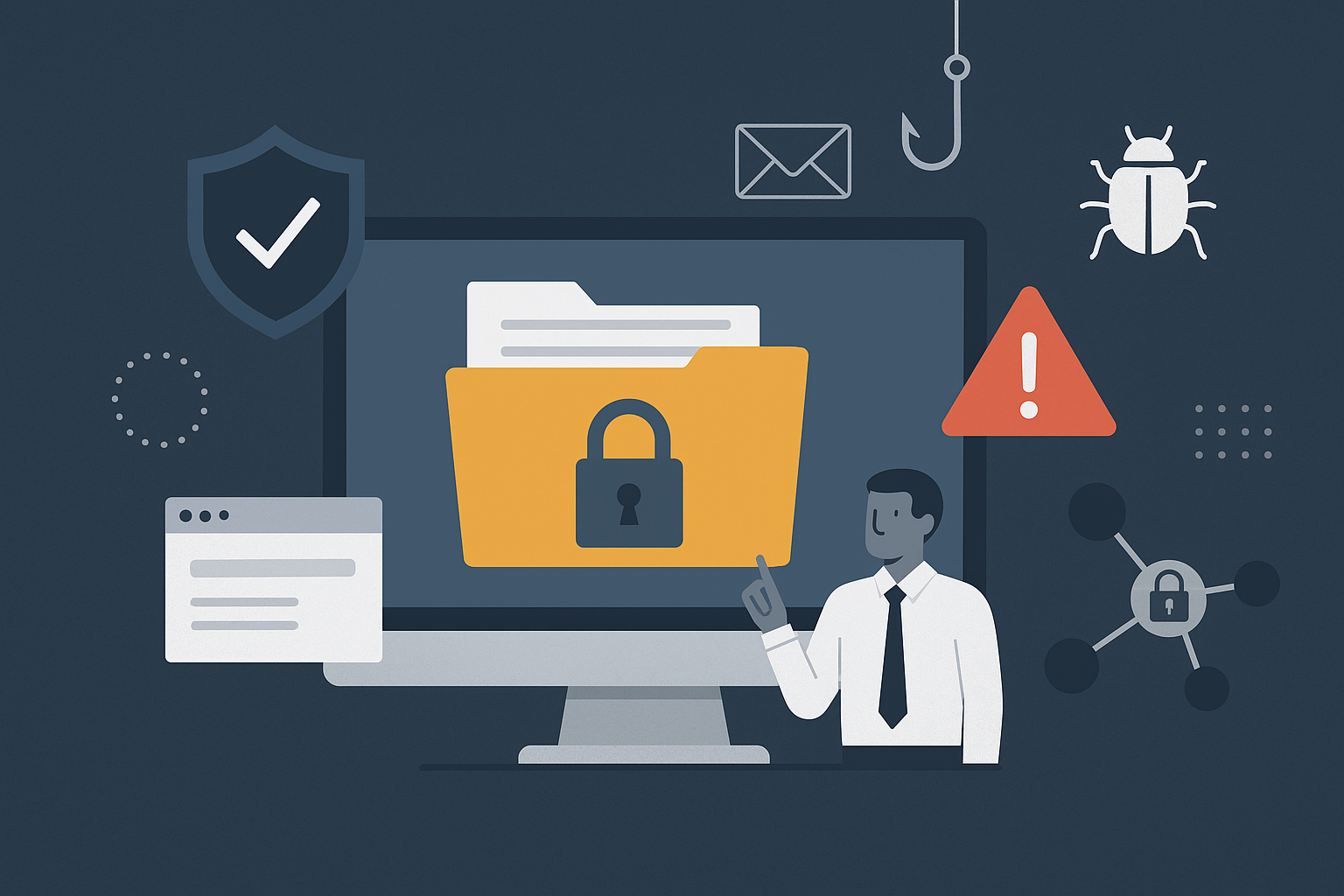
- Top Risks: Weak passwords, phishing, malware, and accidental data leaks.
- Key Stats: 80% of data losses come from internal errors, and phishing attacks cost businesses $4.88M on average.
- Solutions: Use encryption, multi-factor authentication, and secure platforms. Train employees regularly and monitor file-sharing activity.
How to Share Files Securely and Protect Your Data from Costly Mistakes | SKILLOGIC

Common File Sharing Security Risks
When it comes to file sharing in asynchronous workflows, the risks can multiply quickly. Without real-time oversight, files often pass through multiple devices, leaving them more vulnerable to security threats. Below, we break down some of the most pressing concerns.Unauthorized Access
Weak security controls can open the door to unauthorized users, allowing them to access systems or sensitive data. Too often, excessive permissions let more users than necessary view, edit, or download critical information. Attackers take advantage of these vulnerabilities through password attacks, phishing schemes, or automated breaches. Outdated systems, insider threats, and inactive accounts only add to the problem.“Unauthorized access is the unauthorized entry or use of an organization’s systems, networks, or data by individuals without permission. It’s a common way for bad actors to exfiltrate data, inject malicious code, and take advantage of all types of breaches, and can have severe consequences for an enterprise and its customers.” – John Martinez, Technical Evangelist, StrongDMThe statistics are alarming. Nearly half of American adults have had their personal information exposed by cybercriminals, and as of August 2022, 80% of U.S. board directors believed their organizations were at risk of a major cyber attack. Shadow IT is another growing issue, with 69% of companies unaware that employees are using unapproved file-sharing tools. The fallout from unauthorized access can include stolen or destroyed data, financial fraud, operational sabotage, and costly legal repercussions. These access gaps often lead to broader problems, including data breaches and leaks.
Data Breaches and Information Leaks
While they may sound similar, data breaches and information leaks are distinct threats. Data leaks often happen accidentally – like when employees mishandle sensitive information – while breaches are typically the result of deliberate, malicious attacks. The financial toll is massive. In the U.S., the average cost of a data breach is $9.44 million, and under GDPR, European companies can face fines of up to €20 million or 4% of global revenue. Shockingly, 95% of breaches can be traced back to errors such as misconfigured permissions or unencrypted file transfers. Weak passwords, insider threats, and shadow IT only make matters worse. For example, in 2021, Volkswagen faced a data leak due to an unsecured third-party vendor, impacting 3.3 million North American customers. Similarly, Infinity Insurance suffered a breach that exposed sensitive files on its servers. Beyond the immediate financial damage, these incidents often lead to long-term reputational harm, operational setbacks, and drawn-out legal battles. On the bright side, companies that prioritize security awareness training can lower their chances of phishing-related breaches by as much as 70%.Malware and Phishing Attacks
Malware and phishing attacks have become increasingly sophisticated, often targeting file-sharing systems by exploiting human behavior. These attacks are now so advanced that they can bypass even the most robust technical defenses. Phishing alone accounts for 15% of breaches, with each incident costing organizations an average of $4.88 million. In 2023, 71% of businesses reported at least one successful phishing attack, while 32% suffered data or intellectual property loss as a result. The human factor remains a critical weak spot. Research shows that 71% of users engage in risky actions, and a staggering 96% are unaware of the potential threats. As Ryan Kalember from Proofpoint explains:“Cyber criminals know that humans can be easily exploited, either through negligence, compromised identity – or in some instances – malicious intent. Individuals play a central role in an organization’s security posture, with 74% of breaches still centering on the human element.” – Ryan Kalember, ProofpointPhishing attacks are becoming even more dangerous with the help of artificial intelligence, which allows hackers to create highly convincing, personalized messages. Business Email Compromise (BEC) attacks – a targeted form of phishing aimed at file-sharing workflows – have impacted 73% of organizations, yet only 29% provide training on how to handle these threats. Adding to the complexity are vishing (voice phishing) attacks and multi-vector strategies, which combine various attack methods to exploit vulnerabilities. These evolving tactics underscore the need for a well-rounded security approach that goes beyond traditional defenses.
Security Features for Safe File Sharing
As security threats continue to escalate, file-sharing platforms must prioritize protective measures like encryption, access controls, and monitoring. These features work together to safeguard against unauthorized access, data breaches, and malware attacks.Encryption and Secure Data Transmission
Encryption is a key defense against data theft. The AES-256 standard is widely recognized for securing data at rest, while TLS/SSL protocols protect data during transmission. In fact, over 90% of online traffic is encrypted in many countries today. The U.S. government endorses AES encryption, stating:“The design and strength of all key lengths of the AES algorithm (i.e., 128, 192 and 256) are sufficient to protect classified information up to the SECRET level. TOP SECRET information will require use of either the 192 or 256 key lengths.”For optimal security, choose platforms that implement authenticated encryption methods like GCM or CCM and have strong key management systems. However, encryption alone isn’t enough – access controls must work alongside it to ensure that only authorized users can access sensitive files.
Access Controls and Authentication
Access controls are essential for limiting file access to the right people. This is especially important considering that human error contributes to 84% of security incidents, and the average cost of a data breach is $4.35 million. Multi-Factor Authentication (MFA) provides an extra layer of protection. According to CISA:“MFA prevents unauthorized access to your data and applications by requiring a second method of verifying your identity, making you much more secure.”To strengthen security, enable MFA across all access points, enforce strong password policies (e.g., at least eight characters with a mix of letters, numbers, and symbols), and limit login attempts to prevent brute-force attacks. Regularly review and update user permissions to ensure they align with current roles. As Emre Koksal of FenixPyre highlights:
“Security that depends on perfect behavior or perfect detection will always fail. File-centric security flips the advantage – putting protection directly on the data, not the defenses around it.”In asynchronous workflows, strict access controls are particularly important to prevent unauthorized access when files are shared across different time zones. Continuous monitoring further bolsters these measures by ensuring file integrity and tracking access.
Monitoring and Link Management
Continuous monitoring and proactive link management are critical for maintaining long-term file security. Without these measures, organizations risk creating unmanaged databases that are easy targets for attackers. Alarmingly, 20% of sensitive files in companies are accessible to all employees, and data theft now accounts for 40% of all security incidents, up from 29%. The UK Ministry of Defence breach, which exposed the data of 270,000 individuals, underscores the dangers of weak external file-sharing practices. Key monitoring features include temporary access links with expiration dates, one-time downloads, and detailed audit trails. These tools limit opportunities for unauthorized access while providing insights into user activity. As noted by the Great American Insurance Group:“By logging access and activity within a File Sharing environment, you can identify anomalous behavior and conduct audits to determine risky users who may need additional security controls around their access.”Best practices for link management also involve deactivating outdated sharing methods, deleting server-side data after use, and regularly auditing accounts and permissions to ensure only authorized users have access to sensitive files. As BetterCloud emphasizes:
“File security is an ongoing process and a crucial element of data loss prevention, rather than a singular event.”Platforms like Zight integrate these principles, offering enterprise-grade security features that protect both sensitive documents and visual communications throughout the sharing process.
sbb-itb-5d91f01
Best Practices for Secure File Sharing
When it comes to protecting your organization, security measures are non-negotiable. A staggering 95% of security breaches stem from human factors like mistakes, stolen credentials, and improper use of access privileges.Use Secure and Compliant Platforms
The foundation of secure file sharing begins with choosing the right platform. Weak passwords alone were behind 21% of data breaches in 2024. Paul Dewey, Senior Sales Engineer at Progress ShareFile, puts it simply:“Finding an application that is secure and easy to use is always a struggle. My recommendation is to look for a solution that provides a flexible user experience, but never compromise on security. Ease of use looks different to different users, but security has to be the priority.”When evaluating platforms, focus on those offering enterprise-grade protections like end-to-end encryption, granular access controls, and industry-specific compliance certifications. It’s also crucial to choose solutions that integrate smoothly with your existing workflows. For example, platforms like Zight combine advanced security with visual communication tools, ensuring that everything – from documents to screen recordings – stays protected. Investing in secure technology is a proactive step that can save significant costs in the long run. As Dewey emphasizes:
“Prioritizing security is really prioritizing the what-ifs. What if you have a security incident? The upfront cost of security is almost always lower than the cost of a security incident.”However, even the best tools are ineffective without proper training and policies in place.
Implement Training and Policies
Since human error is a leading cause of breaches, ongoing training is essential. Training programs should cover the basics of secure file sharing, password hygiene, and recognizing phishing attempts. They should also stress the importance of multi-factor authentication and proper use of sharing links. Clear policies are just as critical. These should outline acceptable file-sharing methods, assign roles and responsibilities, and provide step-by-step procedures for handling potential data breaches. Regular updates to these policies, paired with periodic training sessions, ensure that both administrators and end users stay informed and vigilant. But security doesn’t stop at policies and training – constant monitoring is key to staying ahead of potential threats.Monitor and Audit File Sharing Activities
Monitoring tools are invaluable for tracking file-sharing activities and identifying unusual behavior. Real-time monitoring and audit logs can flag suspicious activity, such as unauthorized access attempts, while detailed logs allow administrators to trace who accessed, edited, or downloaded files. Automated alerts provide an additional layer of security, enabling rapid responses to potential breaches. To make monitoring efforts effective, review audit logs regularly for unusual patterns, such as unexpected access times or downloads from unfamiliar locations. As one expert explains:“File auditing should be more than just about information gathering. Look for tools that pull together data in a way that gives you actionable insights.”Streamline your monitoring by using filters to focus on meaningful events. For instance, exclude routine program access logs or files with specific extensions to avoid clutter, and set up alerts for unusual activities. Additionally, routinely update role-based access controls (RBAC) to ensure permissions align with current roles and responsibilities, minimizing the risk of “access creep” and adhering to the principle of least privilege. Successful implementation of these practices requires buy-in across your organization. Dewey suggests a strategic rollout:
“Implementation is the most important part of improving security. It’s helpful to have superusers that are familiar with your processes be early adopters. Superusers share their insights with the rest of the team and can help ensure that your processes can adjust to the new security tools.”
Conclusion: Improving File Sharing Security
Securing file sharing goes beyond just deploying advanced technology – it requires a holistic approach that combines secure tools, informed users, and consistent practices. With 54% of organizations experiencing cybersecurity incidents in 2023 and the average cost of a data breach reaching $4.45 million, taking proactive steps is no longer optional.Key Takeaways
Effective file sharing security stands on four main pillars: encryption, access controls, user education, and secure platforms. Tools like end-to-end encryption, multi-factor authentication, and role-based access controls help block unauthorized access. But relying solely on technology won’t cut it. Comprehensive training programs are just as critical. It’s important for your team to not only know how to use secure tools but also understand why these measures are crucial. Stefan Chekanov, CEO of Brosix, highlights this perfectly:“I believe that every organization should start by educating its employees on best security practices so that they can prevent accidental file sharing. Moreover, you should establish strict access controls for sensitive documents, like installing passwords on some documents, so only the right people have access to them. For everyday use, I also suggest using a secure file-sharing platform. And remember, always keep your software up to date and conduct regular security audits.”Platforms like Zight combine advanced encryption with visual communication capabilities, ensuring strong security without sacrificing workflow efficiency. The numbers paint a stark picture: 47% of cloud-hosted data is classified as sensitive, and 39% of business cloud data is shared. Regular monitoring through audit logs and analytics can help detect unusual activity before it leads to a costly breach. The key to success lies in staying ahead of emerging cybersecurity challenges.
Adapting to New Threats
As cybersecurity threats evolve, organizations must adapt their strategies to keep up. The rise of remote work adds a new layer of complexity. Fully remote job postings in the U.S. increased from 10% in Q1 2023 to 15% by Q4 2024, introducing fresh challenges for secure collaboration. To address these, businesses should consider adopting zero trust security models, leveraging AI-driven security tools, and maintaining detailed audit trails of all file-sharing activities. Building a security-first culture is equally important. As Emre Koksal, Co-Founder and Chief Scientist at FenixPyre, explains:“Security that depends on perfect behavior or perfect detection will always fail. File-centric security flips the advantage – putting protection directly on the data, not the defenses around it.”A strong security framework requires ongoing dedication. This includes regularly updating software, rotating encryption keys, conducting security audits, and refining policies based on the latest threat intelligence. Remember, 75% of breaches take over 200 days to detect and contain, making proactive measures far more effective – and far less costly – than reactive solutions.












