
7 Best Asynchronous Standup Tools for Remote Teams in 2026
If your remote engineering or product team still blocks 15–30 minutes every morning for a live standup, you’re burning roughly 130 hours of collective meeting time per year — per team. Asynchronous standup tools eliminate that drain by letting each person share their update on their own schedule, usually through text prompts, async video, or bot-driven workflows inside Slack or Microsoft Teams. The result: everyone stays aligned without sitting through another calendar invite.
⚡ Quick Answer
The best async standup tool in 2026 depends on how your team communicates. For video-first standups that replace face-to-face context, Zight is our top pick — it records short screen-and-camera updates, auto-generates shareable links, and drops them straight into Slack channels. For text-first structured check-ins, pair Zight with a bot tool like Geekbot or Range. Together, you get the richest async standup workflow available: written status for quick scanning plus video walkthroughs for anything that needs visual context.
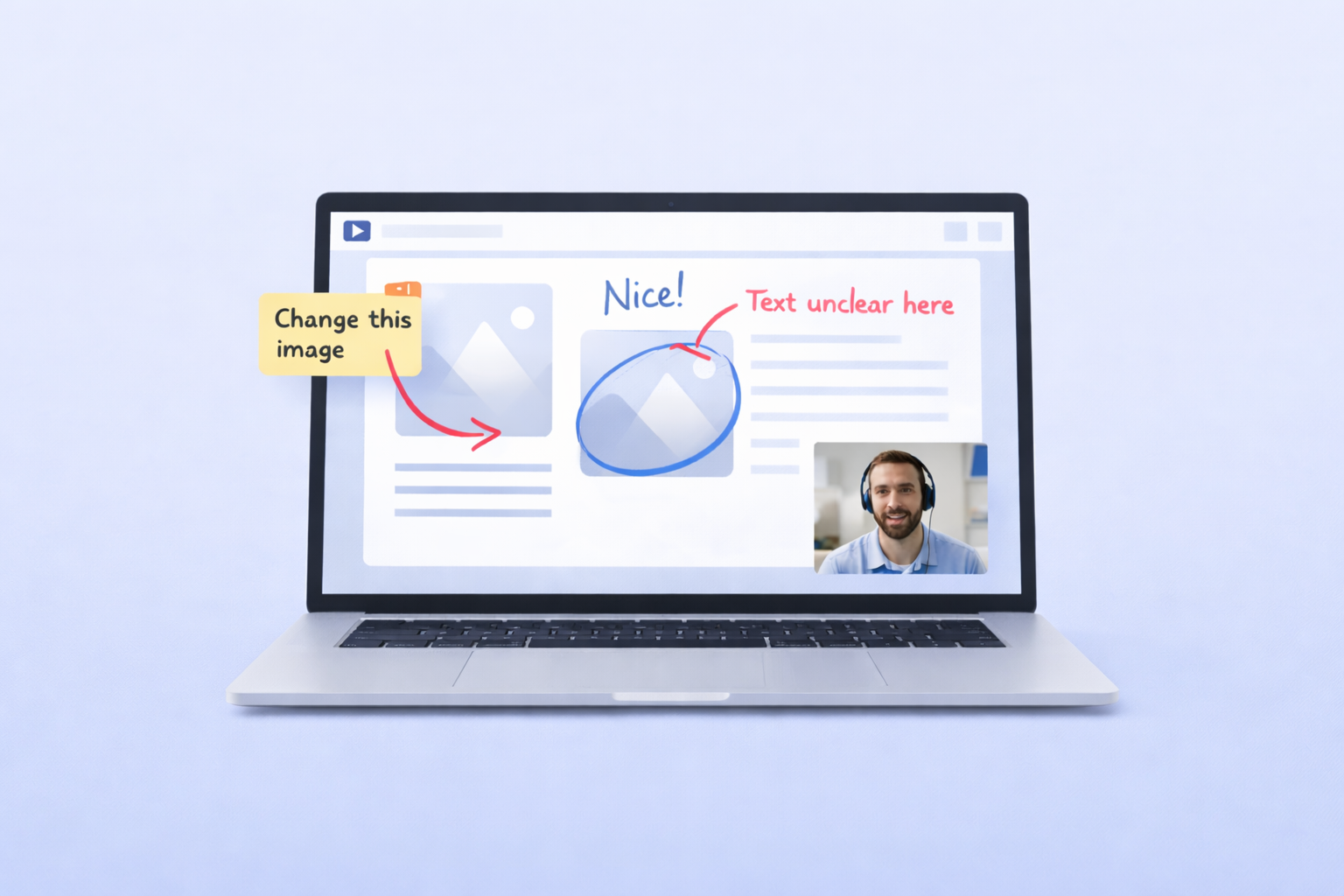
Zight is an async video messaging and screen recording tool built for teams that need to communicate visually without scheduling calls. It combines screen recording, webcam capture, GIF creation, and annotated screenshots into a single menu-bar app for Mac, Windows, and Chrome — making it a natural fit for async daily standup software workflows where showing beats telling.
I’ve spent the last two years testing tools for async standups across engineering squads and cross-functional product teams. Below, I’ll rank the seven tools that consistently deliver — with honest pros, cons, pricing, and team-fit guidance so you can pick the right one without running yet another “tool evaluation meeting.”
Why Engineering and Product Teams Are Ditching Live Standups
Before we dive into the list, it’s worth understanding the problem these tools solve. Live standups were designed for co-located teams. In a remote or hybrid setup, they create three recurring headaches:
- Time-zone friction. Someone always gets the 7 AM or 10 PM slot.
- Context-switching cost. A 15-minute meeting in the middle of a deep-work block costs far more than 15 minutes of productivity.
- Low-density updates. “Yesterday I worked on the API; today I’ll continue” tells a PM nothing actionable.
Async daily standup software fixes all three by letting contributors record or type updates when it suits their flow, while giving managers a single place to review progress. The best async standup tool in 2026 makes this feel effortless — not like another task on the to-do list.
The 7 Best Asynchronous Standup Tools in 2026 — Ranked
How We Evaluated
Each tool was tested across four criteria: async workflow fit (does it reduce meetings, not create new tasks?), integration depth (Slack, Jira, GitHub, Linear), content richness (text-only vs. video + screen capture), and pricing transparency. Teams ranged from 5-person startups to 40-person distributed engineering orgs.
1. Zight — Best Video-First Asynchronous Standup Tool
Best for: Engineering and product teams that need to show progress (UI changes, bug reproductions, architecture diagrams) rather than just describe it in text.
When I first started using Zight for async standups, the workflow that stuck was dead simple: every morning, each engineer clicks the Zight menu-bar icon, hits Record Screen + Camera, talks through their update for 60–90 seconds, and pastes the auto-generated link into a dedicated #standup Slack channel. No scheduling, no waiting, no “you’re on mute.” The whole thing takes less time than actually joining a Zoom call.
What sets Zight apart from other tools for async standups is content versatility. Not everything warrants a video. A quick annotated screenshot of a Figma frame, a 5-second GIF showing a loading-state bug, or a full screen recording walking through a PR — Zight handles all of them from one app. After recording hundreds of screen sessions across teams, the pattern I’ve seen work best is a mixed-format standup: text summary in the Slack message, Zight video or screenshot embedded for anything visual.
Pro tip: Use Zight’s async video messaging feature to create a standup “template” workflow. Record your update, use the built-in trimmer to cut dead air (the one-click trim introduced in recent versions saves 10–15 seconds per clip), and share. Viewers can watch at 1.5× speed, comment with timestamps, and respond with their own recording — all without leaving Slack.
Zight Pros
- Records screen, webcam, or both — plus GIFs and annotated screenshots
- Instant shareable links (no download required for viewers)
- Native Slack integration; links auto-unfurl with preview thumbnails
- Works on Mac, Windows, and Chrome with a consistent UI
- Team workspace with shared collections for organizing standups by sprint or project
- Viewer analytics: see who watched, how far they got — useful for managers tracking engagement
- AI-powered auto-titles and transcriptions for searchability
Zight Cons
- No built-in standup bot with scheduled prompts — you’ll want to pair it with a Slack reminder or a tool like Geekbot for automated nudges
- Video editing is functional (trim, crop) but not a replacement for Premiere or DaVinci Resolve
- Free plan has recording-length limits; teams will need a paid plan
Zight Pricing
Free plan available with basic recording. Pro starts at $9.95/month per user. Team plans with shared workspaces and admin controls are available at zight.com/teams.
2. Loom — Best for Company-Wide Async Video Updates
Best for: Larger organizations where async video is used beyond engineering — think all-hands updates, sales enablement, and cross-department communication.
Loom is the most well-known name in async video, and for good reason: it’s polished, reliable, and has deep integrations across dozens of SaaS tools. When I tested Loom head-to-head against Zight for engineering standups specifically, I found Loom’s strengths shine at the organizational level — centralized video libraries, advanced admin controls, and SCIM provisioning matter when you’re rolling out async video to 200+ people.
Where Loom falls short for standup workflows: it’s video-only. If a developer wants to share a quick annotated screenshot or a 3-second GIF of a CSS glitch, they need a separate tool. That “one more app” friction adds up. Loom also recently restructured its pricing, which pushed several smaller teams I work with to explore alternatives.
Loom Pros
- Excellent video quality and fast processing
- Robust enterprise features (SSO, SCIM, workspace analytics)
- AI-generated summaries and chapters
- Wide integration ecosystem
Loom Cons
- No screenshot or GIF capture — video only
- Pricing can escalate quickly for growing teams (Business plan starts at $12.50/user/month)
- No built-in standup scheduling or bot prompts
- 5-minute limit on free plan recordings
Loom Pricing
Free plan with 5-minute limit per video. Business plan at $12.50/user/month. Enterprise pricing on request.
3. Geekbot — Best Text-Based Async Standup Bot for Slack
Best for: Teams that want a lightweight, automated text standup inside Slack with zero friction.
Geekbot is the tool I recommend most often as a companion to Zight. It handles the structured, text-based side of async standups beautifully: it DMs each team member at a scheduled time, asks configurable questions (“What did you ship yesterday?”, “Any blockers?”), and compiles responses into a single Slack channel. Setup takes about three minutes.
In practice, Geekbot is strongest when standups are routine and text is sufficient. The moment someone needs to explain a complex bug, walk through a deploy pipeline, or demo a feature, text hits its limit. That’s where pairing Geekbot with a screen recorder like Zight creates the most complete async standup workflow I’ve found.
Geekbot Pros
- Fully automated — no one has to remember to post
- Lives entirely inside Slack (or MS Teams)
- Customizable questions, schedules, and follow-ups
- Affordable at $3.50/user/month
- Blocker detection and mood tracking
Geekbot Cons
- Text-only — no video, screenshots, or visual context
- Responses can become formulaic (“same as yesterday”)
- Limited reporting compared to dedicated project-management tools
Geekbot Pricing
Free for up to 10 participants with limited features. Paid plans start at $3.50/user/month.
4. Range — Best for Teams That Want Standups Tied to Goal Tracking
Best for: Product and engineering teams that want check-ins connected to OKRs, project milestones, and team health metrics.
Range goes beyond a standup bot — it’s a lightweight team-alignment tool that wraps daily check-ins, meeting facilitation, and objectives tracking into one interface. When I tested Range with a product team of 12, the standout feature was its ability to pull in context automatically: it connects to GitHub, Google Calendar, and project-management tools to pre-fill what you worked on, reducing the “what did I even do yesterday?” problem.
Range Pros
- Auto-populates check-ins from connected tools (GitHub, Jira, Asana, Google Calendar)
- Goal and OKR alignment built in
- Team “mood” and energy tracking for managers
- Clean Slack integration with threaded digests
Range Cons
- No video or screen recording capability
- Can feel like “another dashboard” if your team is already heavy on tooling
- Steeper learning curve than a simple Slack bot
Range Pricing
Free for teams of up to 12. Paid plans start at $8/user/month.
5. Standuply — Best for Scrum Teams Running Full Agile Ceremonies Async
Best for: Scrum masters and agile coaches who want to run not just standups but retros, planning poker, and surveys asynchronously through Slack.
Standuply is the most full-featured agile bot in this list. Beyond daily standups, it supports async retrospectives, sprint planning polls, and even video/voice responses within Slack (though the video quality and experience don’t match dedicated recording tools). When I tested it with a scrum team running two-week sprints, the async retro feature was the biggest time-saver — we eliminated a 45-minute meeting entirely.
Standuply Pros
- Broadest agile ceremony coverage (standups, retros, planning poker)
- Supports text, voice, and basic video responses
- Jira and Trello integration for automatic ticket summaries
- Conditional follow-up questions based on responses
Standuply Cons
- UI feels dated compared to newer tools
- Video/voice response quality is limited — not a replacement for a proper screen recorder
- Configuration can be overwhelming; lots of settings to dial in
- Pricing jumps significantly past the Starter tier
Standuply Pricing
Free plan for basic standups with one team. Starter at $5/month per user. Premium at $9/month per user with full ceremony support.
6. Status Hero — Best for Data-Driven Managers Who Want Standup Analytics
Best for: Engineering managers and directors who need reporting dashboards on team output, blockers, and response rates — not just a feed of updates.
Status Hero turns async check-ins into structured data. Every response is parsed, tagged, and visualized in dashboards that show blocker trends, individual contribution patterns, and team velocity over time. When I tested it with a 20-person distributed engineering team, the blocker-trend report surfaced a recurring CI/CD bottleneck that nobody had flagged in live standups — the pattern was only visible when check-in data was aggregated over three sprints.
Status Hero Pros
- Best-in-class standup analytics and reporting
- Integrates with GitHub, Jira, Asana, Shortcut, and more for automatic activity merging
- Custom workflows beyond daily standups (weekly recaps, project-specific check-ins)
- Clean, modern interface
Status Hero Cons
- Text-only — no video or visual capture
- Reporting depth can feel like overkill for small teams under 10
- Slightly higher learning curve due to configuration options
Status Hero Pricing
Free for teams of up to 3. Paid plans at $4/user/month (Team) and $7/user/month (Business).
7. Friday — Best for Teams Who Want to Consolidate Standups, Goals, and Kudos
Best for: Small-to-midsize teams that want one tool for daily check-ins, weekly planning, and peer recognition.
Friday positions itself as a “work operating system” — a single layer that wraps daily standups, weekly plans, goal tracking, and kudos/shoutouts. The standup feature works via Slack, MS Teams, or Friday’s own web app. In my testing, Friday’s strongest selling point was its weekly planning template: each person outlines their top 3 priorities for the week, and the daily standup becomes a lightweight status update against those priorities.
Friday Pros
- Combines standups, weekly plans, goals, and kudos in one tool
- Good Slack and MS Teams integration
- Templates for multiple check-in types (daily, weekly, project-based)
- Generous free tier
Friday Cons
- No video or visual media support
- Tries to do many things — can feel unfocused compared to dedicated standup tools
- Integration depth with dev tools (GitHub, Linear) lags behind Status Hero and Range
Friday Pricing
Free plan for individuals and small teams. Paid plans start at $6/user/month.
Async Standup Tools Comparison Table (2026)
| Tool | Type | Video Support | Slack Integration | Starting Price | Best For |
|---|---|---|---|---|---|
| Zight | Video + visual capture | ✅ Screen, webcam, GIF, screenshot | ✅ Native | $9.95/user/mo | Video-first standups, visual teams |
| Loom | Video messaging | ✅ Screen + webcam | ✅ Native | $12.50/user/mo | Org-wide async video |
| Geekbot | Text standup bot | ❌ | ✅ Native | $3.50/user/mo | Lightweight automated text check-ins |
| Range | Check-in + goals platform | ❌ | ✅ Native | $8/user/mo | OKR-aligned standups |
| Standuply | Agile ceremony bot | ⚠️ Basic | ✅ Native | $5/user/mo | Full scrum ceremony automation |
| Status Hero | Check-in + analytics | ❌ | ✅ Native | $4/user/mo | Data-driven engineering managers |
| Friday | Work OS (check-ins + goals) | ❌ | ✅ Native | $6/user/mo | All-in-one check-in + recognition |
How to Choose the Right Async Standup Tool for Your Team
After testing all seven tools across different team sizes and workflows, here’s the decision framework I’d use:
- Your standups need visual context (bugs, UI reviews, architecture): Start with Zight. Pair it with Geekbot if you also want automated text prompts.
- You just want a simple “what did you do / what’s blocked” bot: Geekbot is the fastest to deploy and cheapest to maintain.
- You need standups tied to OKRs and team health: Range gives the most holistic view.
- You’re a scrum team running multiple ceremonies: Standuply covers more of the agile workflow than any other bot.
- You’re a manager who wants standup analytics: Status Hero turns check-ins into actionable dashboards.
- You want async video at the enterprise scale: Loom has the deepest admin and compliance features.
- You want one tool for standups, goals, and kudos: Friday consolidates the most rituals.
Pro tip: The most effective async standup workflow we’ve seen teams at Zight use combines a text bot (Geekbot or Range for structured prompts) with Zight for any update that benefits from visual context. Engineers paste a Zight recording link in their Geekbot response when they need to show something — the result is a scannable text feed where each entry can optionally link to a rich visual walkthrough.
Frequently Asked Questions About Asynchronous Standup Tools
What is an asynchronous standup tool?
An asynchronous standup tool replaces live daily standup meetings with automated prompts (text, video, or both) that team members complete on their own schedule. Updates are collected and shared in a central location — usually a Slack channel or web dashboard — so everyone can review progress without being online at the same time.
Are video-based async standups better than text-based ones?
It depends on the type of work. For engineering and design teams where updates often involve visual artifacts (UI changes, bugs, code reviews, diagrams), video standups recorded with a tool like Zight convey dramatically more context in less time. For routine status updates with no visual component, text bots like Geekbot are faster to produce and scan. The best approach for most teams is a hybrid: text by default, video when context demands it.
How long should an async standup video be?
Keep individual async standup videos between 60 and 120 seconds. In testing, we found that updates over two minutes see a significant drop in viewer completion rates. Zight’s built-in trimmer makes it easy to cut pauses and keep recordings tight.
Can async standups fully replace live daily standup meetings?
For most remote teams, yes. Async standups handle the status-sharing function of live standups more efficiently. However, some teams keep a short weekly synchronous meeting for higher-bandwidth discussions — particularly around blockers that need real-time problem-solving. The goal of async standup software is not to eliminate all meetings, but to eliminate the ones that don’t need to be meetings.
What is the best async standup tool in 2026?
The best async standup tool in 2026 depends on your workflow. For video-first teams, Zight offers the most versatile visual communication toolkit (screen recording, webcam, GIF, screenshots) with native Slack integration. For text-first automation, Geekbot is the most streamlined and affordable. For teams wanting both, pairing Zight with Geekbot delivers the richest async standup experience.
Start Running Better Async Standups Today
Live standups made sense when everyone was in the same room. For distributed engineering and product teams in 2026, the right combination of asynchronous standup tools saves hours of meeting time each week while actually increasing the quality and context of updates.
If your team’s standups involve showing anything — a bug, a build, a design iteration, a deploy — Zight gives you the fastest path from “let me show you” to a shareable link in Slack. No meeting invites, no context-switching, no “can everyone see my screen?”
👉 Try Zight’s screen recorder free and run your first async standup in under two minutes.
Based on testing by the Zight team. Last updated June 2025. Tool pricing and features verified at time of publication — always confirm on each vendor’s website before purchasing.












