
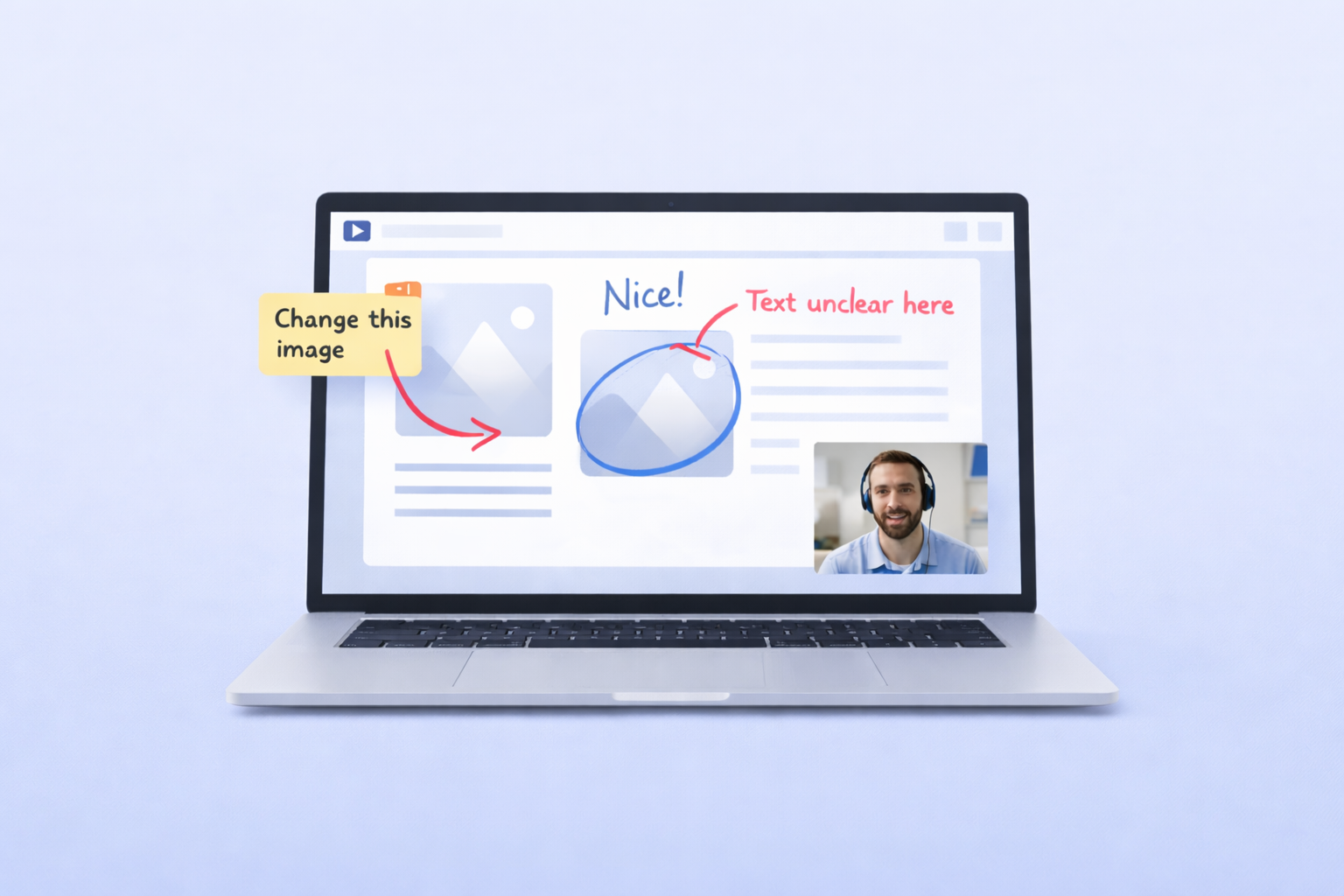
Async Video vs Meetings for Healthcare Teams: When to Meet Live and When to Hit Record
Healthcare teams are drowning in meetings. Between shift handoffs, cross-department syncs, IT updates, compliance briefings, and training sessions, the average healthcare staff member can lose 10 or more hours per week sitting in meetings that could have been a quick video message. The debate around async video vs meetings for healthcare teams isn’t theoretical — it’s an operational issue that directly impacts efficiency, staff satisfaction, and how quickly work actually gets done.
Here’s the uncomfortable truth: most internal communication in healthcare organizations doesn’t require everyone to be in the same room — or even on the same call — at the same time. IT troubleshooting walkthroughs, onboarding modules, policy change announcements, and department status updates can all be handled faster and more flexibly with a short screen recording or video message.
But that doesn’t mean live meetings are obsolete. Some conversations genuinely need real-time dialogue — collaborative problem-solving, sensitive personnel discussions, or time-critical operational decisions. The key is knowing which category each interaction falls into and choosing the right format accordingly.
This guide breaks down exactly when healthcare teams should meet live versus when they should replace meetings with video — and how a HIPAA-compliant async video tool like Zight for healthcare teams makes the shift practical, secure, and surprisingly simple.
Why Async Video vs Meetings Matters for Healthcare Teams
Meeting overload isn’t just annoying — it’s expensive. And in healthcare, where staff time is already stretched thin across shifts, locations, and departments, every unnecessary meeting has a compounding cost.
Consider what happens when a healthcare IT manager needs to walk 40 staff members through a new EHR interface update. The traditional approach: schedule a 45-minute meeting, coordinate across three shifts, inevitably re-explain the same content two or three times for people who couldn’t attend the first session, and then field a wave of follow-up questions from people who forgot the details two days later.
The async approach: record a 7-minute screen walkthrough once, share the secure link with everyone, and let staff watch it on their own schedule — pausing, rewinding, and rewatching as needed. The information is consistent. The time investment is a fraction of the live alternative. And the recording becomes a permanent reference.
Research from Harvard Business Review consistently shows that professionals consider roughly 70% of their meetings unnecessary. In healthcare settings — where staff are already managing demanding schedules — that percentage can feel even higher. When you factor in the scheduling overhead for shift-based workers, the challenge multiplies.
The reality is that async video saves time healthcare teams desperately need. It’s not about eliminating meetings entirely. It’s about being strategic — reserving synchronous time for conversations that genuinely require it and offloading everything else to a faster, more flexible format.
This shift matters for three key reasons in healthcare environments:
- Shift-based schedules make synchronous coordination inherently difficult. Finding a time when everyone is available isn’t just inconvenient — it’s often impossible without pulling people off the floor or asking them to attend on personal time.
- Multi-site operations amplify the problem. Healthcare organizations with multiple clinics, offices, or facilities can’t rely on hallway conversations or quick huddles. Information needs to travel reliably across locations.
- Staff burnout is a real operational risk. Meeting fatigue contributes to cognitive overload and dissatisfaction. Reducing unnecessary synchronous demands gives staff more control over their time and attention.
Common Challenges That Drive Meeting Overload in Healthcare
Before we get into the solution, let’s name the specific problems that push healthcare teams into too many meetings. These aren’t clinical challenges — they’re communication and workflow problems that affect IT, operations, training, HR, and administrative teams across the organization.
Back-and-Forth Communication That Never Resolves
A staff member submits an IT ticket about a software issue. The IT team responds with a text-based explanation. The staff member doesn’t fully understand. They reply with more questions. The IT team asks for a screenshot. The staff member sends the wrong one. Eventually, someone says, “Let’s just hop on a call” — and what should have been a two-minute fix has consumed 30 minutes of scheduling and back-and-forth across two days.
This pattern repeats constantly across healthcare organizations. Text-based communication — email, chat, ticketing systems — is often too ambiguous for technical or process-oriented topics. But jumping to a live meeting isn’t the right escalation path either. It’s the middle option that’s missing: a quick screen recording that shows exactly what’s happening, step by step, with no room for misinterpretation.
Misalignment Across Sites and Departments
Healthcare organizations often operate across multiple locations — clinics, administrative offices, satellite facilities, and remote support teams. Keeping everyone aligned on process changes, system updates, and operational priorities requires communication that reaches everyone consistently, regardless of location or shift.
The default solution is more meetings: weekly syncs, cross-department standups, all-hands briefings. But these meetings often involve one person presenting information while everyone else passively listens. That’s a broadcast, not a discussion — and broadcasts are exactly what async video handles best.
Repetitive Explanations and Re-Training
Every time a new tool rolls out, a policy changes, or a new hire joins the team, someone has to explain the same thing again. And again. And again. Training managers and IT leads in healthcare spend a disproportionate amount of time repeating themselves — not because the content is complex, but because there’s no durable, reusable way to deliver it.
Live training sessions are valuable for interactive, hands-on learning. But for procedural walkthroughs, system tutorials, and policy explainers, a well-made screen recording delivers the same information in less time — and it’s available forever. Staff can reference it weeks or months later without anyone having to re-teach.
How Async Video Solves This for Healthcare Teams
Async video — specifically, screen recording with voiceover narration — fills the gap between text-based communication (too ambiguous) and live meetings (too time-consuming). It gives healthcare teams a way to communicate visually, clearly, and on their own schedule.
Here’s what makes it fundamentally different from both email and meetings:
It’s visual. Instead of describing a process in text, you show it. Click here, then here, then here. This is what the error looks like. This is where the setting lives. Visual communication eliminates ambiguity in a way that written instructions simply can’t match.
It’s asynchronous. The sender records when it’s convenient. The viewer watches when it’s convenient. No scheduling. No calendar conflicts. No pulling someone off their shift for a 15-minute explanation that could have been a 3-minute recording.
It’s reusable. A live meeting evaporates the moment it ends. An async video recording lives on — shareable, searchable, and available for every future staff member who needs the same information. Record once, use indefinitely.
It’s faster. The average async screen recording takes 3–7 minutes to create. The average meeting takes 30–60 minutes including scheduling, context-switching, and the meeting itself. Even accounting for recording prep time, the math isn’t close.
Zight is a HIPAA-compliant async video and screen recording tool built specifically for workflows like these. Healthcare teams use it to record their screen with voiceover narration, generate a secure shareable link, and distribute that link to anyone who needs the information — all within a platform that supports signed Business Associate Agreements (BAAs), encryption in transit and at rest, role-based access controls, and expiring, password-protected links.
This is the infrastructure that lets healthcare teams replace meetings with video without compromising on security or compliance.
The Decision Framework: When to Meet Live vs. When to Record
Not every meeting should become a video. And not every video should have been a meeting. Here’s a practical framework healthcare teams can use to decide:
Use Async Video When:
- Information flows primarily in one direction. If one person is delivering information and everyone else is receiving it, that’s a broadcast — and async video handles it perfectly. Examples: system update announcements, policy change briefings, weekly status updates.
- The content is procedural or visual. Step-by-step processes, software walkthroughs, and “how to do X” explanations are more effective as screen recordings than as live demonstrations. Viewers can pause, rewind, and rewatch.
- The audience is distributed across shifts or locations. If you’d need to run the same meeting three times to reach everyone, record it once instead.
- The topic is routine or recurring. Weekly updates, onboarding content, and FAQ answers don’t need fresh delivery every time. Record the definitive version and share it.
- You need a permanent record. Async video creates documentation by default. If the information needs to be referenced later, a recording is inherently more durable than a meeting.
Meet Live When:
- The conversation requires real-time dialogue. Brainstorming, collaborative problem-solving, and nuanced discussions benefit from the back-and-forth of live interaction.
- The topic is sensitive or high-stakes. Personnel issues, organizational changes, and other sensitive matters are better handled face-to-face (or screen-to-screen) where tone and reactions can be read in real time.
- Immediate decision-making is required. If a decision needs to be made in the next 30 minutes and requires input from multiple people, a live meeting is the right tool.
- Relationship building is the primary goal. Team bonding, new hire introductions, and cross-department relationship development benefit from synchronous interaction.
When you apply this framework honestly, most healthcare teams find that 50–70% of their current meetings fall into the “async video” category. That’s a massive amount of recoverable time.
Practical Use Cases: Async Video for Healthcare Teams
Let’s get specific. Here are the highest-impact scenarios where healthcare teams can reduce meeting fatigue by switching to async screen recordings with a tool like Zight.
IT Troubleshooting and System Support
Healthcare IT teams handle a constant stream of support requests — from password resets and VPN issues to EHR navigation questions and printer configuration problems. The traditional workflow involves either a back-and-forth email chain (slow, ambiguous) or a scheduled screen-sharing session (faster but hard to coordinate with shift-based staff).
With async video, both sides of the interaction get faster:
- Staff reporting issues can record their screen showing exactly what’s happening — the error message, the steps that led to it, and the specific application involved. No more “can you describe what you see?” No more ambiguous ticket descriptions.
- IT teams resolving issues can record a step-by-step walkthrough of the fix, send the link, and move on to the next ticket. If the same issue comes up again, they share the same recording instead of re-explaining from scratch.
A healthcare IT manager at a multi-site organization recently described this shift: replacing a 30-minute live troubleshooting call with a 4-minute screen recording — and then reusing that same recording for six other staff members who had the same issue the following week. That’s the kind of multiplier effect that async video saves time healthcare IT teams can measure directly.
Zight’s screen recorder makes this workflow seamless — record your screen, narrate the solution, and share a secure link that works across any device.
Staff Training and Onboarding
Healthcare onboarding is notoriously time-intensive. New hires need to learn internal systems, understand organizational policies, navigate facility-specific workflows, and get up to speed on departmental processes. Traditionally, this means weeks of shadowing, live training sessions, and repeated explanations from managers who are already short on time.
Async video transforms this process in two critical ways:
First, it makes training self-paced. Instead of scheduling live walkthroughs for every new hire, training managers can build a library of screen recordings covering common topics: “How to submit a PTO request,” “How to navigate the scheduling system,” “How to file an internal maintenance request.” New hires work through these at their own speed, rewatching sections they need more time with.
Second, it makes training consistent. Every new hire gets the exact same information, delivered the exact same way. No variation based on who’s conducting the training or what time of day it happens. This is especially important for compliance-related content where consistency matters.
Healthcare teams using Zight have built onboarding video libraries that cut new hire ramp-up time significantly — not by rushing the process, but by eliminating the scheduling bottleneck that slows it down. When a new staff member can access 90% of their onboarding content on day one instead of waiting for training sessions to be scheduled across their first three weeks, they reach productivity faster.
Internal Documentation and Process Updates
Healthcare organizations deal with constant change — new compliance requirements, updated software versions, revised internal procedures, and evolving best practices for operational workflows. Communicating these changes effectively is a persistent challenge.
The default approach: send a long email that nobody reads, or schedule a meeting that half the team can’t attend. Neither approach works well.
Async video offers a better path. A department head can record a 5-minute screen recording walking through the key changes, showing exactly what’s different and what staff need to do. The recording can be shared via email, pinned in a team chat channel, or added to an internal knowledge base. Staff watch it when they have a few free minutes — on break, between appointments, at the start of their shift.
This approach is particularly powerful for multi-location healthcare organizations. A process change that needs to reach staff across eight clinics doesn’t require eight separate meetings or eight separate email threads. One recording, distributed once, covers everyone.
Cross-Department Coordination
Operations, IT, HR, finance, and administrative teams in healthcare all need to coordinate regularly. But scheduling cross-department meetings is a logistical headache — different teams have different meeting cadences, different schedule constraints, and different priorities.
Async video lets department leads share updates without requiring everyone to be available simultaneously. An IT director can record a 3-minute update on upcoming system changes. An HR manager can share a video walkthrough of a new benefits enrollment process. An operations lead can provide a visual status update on a facility improvement project.
Recipients watch on their own time, respond asynchronously if needed, and everyone stays informed without a single calendar invite being sent.
Recurring Status Updates
The weekly team meeting — often the single biggest time drain in any organization. In healthcare, where pulling staff into a conference room means pulling them away from critical work, the cost is even higher.
Challenge yourself to audit your recurring meetings. How many of them consist primarily of people reading updates aloud? How many could be replaced with a 5-minute video summary that everyone watches before a shorter, more focused live discussion?
Many healthcare teams find that converting their weekly 60-minute team meeting into a 5-minute async video update plus a 15-minute live discussion (only when needed) saves 75% of the time while actually improving information retention. People absorb visual content better than spoken updates in a crowded conference room — and they can rewatch the video if they need a refresher.
Best Practices for Replacing Healthcare Meetings With Async Video
Making the shift from meetings to async video isn’t just about adopting a new tool — it’s about building new communication habits. Here are the operational best practices that help healthcare teams reduce meeting fatigue effectively.
1. Start With Your Most Repetitive Meetings
Don’t try to convert everything at once. Identify the meetings that are most repetitive, most one-directional, or most difficult to schedule — and convert those first. Common starting points: weekly status updates, IT system change announcements, and onboarding training sessions.
2. Keep Videos Short and Focused
The ideal async video is 3–7 minutes. If your content runs longer, break it into multiple focused recordings. A five-part series of 4-minute videos is far more useful (and watchable) than one 20-minute monologue. Each video should cover one topic or one process — nothing more.
3. Use Screen Recording, Not Just a Talking Head
The power of async video in healthcare workflows comes from showing, not telling. Use screen recording to walk through interfaces, demonstrate processes, and highlight specific elements. A talking-head video is just a meeting with fewer people — a screen recording is a visual guide that viewers can follow step by step.
4. Organize and Label Videos for Easy Retrieval
The reusability of async video depends on being able to find recordings later. Use consistent naming conventions (“IT — EHR Update v2.4 — Navigation Changes”), organize recordings into folders by department or topic, and maintain a shared index or knowledge base where staff can browse available content.
5. Establish Clear Norms Around Response Time
One concern teams have about async communication is latency — “What if nobody watches it?” Set clear expectations: async video updates should be watched within 24 hours of being shared. If a response is needed, define the expected response window. These norms prevent async communication from feeling like it disappears into a void.
6. Use a HIPAA-Compliant Platform
This is non-negotiable for healthcare teams. Any video content that touches internal workflows, systems, or staff information must be shared through a platform that meets HIPAA requirements. Zight provides the infrastructure healthcare organizations need: a signed BAA, end-to-end encryption, access controls, and secure link sharing with expiration options. Consumer-grade screen recording tools — Loom, generic screen capture apps — don’t offer these safeguards and aren’t appropriate for healthcare use.
7. Track Adoption and Measure Time Savings
Make the case with data. Track how many meetings are replaced, how many videos are created and viewed, and how much time is recovered. Even rough estimates are powerful. If your IT team replaced four 30-minute meetings this month with async videos that took 20 minutes total to create, that’s nearly two hours of recovered time — per person who would have attended those meetings.
The Time Savings Math: Async Video vs Meetings for Healthcare Teams
Let’s quantify the impact. Consider a mid-size healthcare organization with 200 staff across three locations.
Current state:
- 5 recurring internal meetings per week (average 45 minutes each, 12 attendees per meeting)
- Total weekly meeting time: 5 × 45 min × 12 people = 2,700 person-minutes (45 person-hours) per week
- Add 15 minutes of scheduling and context-switching overhead per meeting per person: an additional 15 person-hours per week
- Total: ~60 person-hours per week consumed by these five meetings alone
After converting 3 of 5 meetings to async video:
- 3 meetings replaced by async videos averaging 6 minutes to create and 6 minutes to watch
- Creation time: 3 × 6 min = 18 minutes per week
- Viewing time: 3 × 6 min × 12 people = 216 minutes (3.6 hours) per week
- No scheduling or context-switching overhead (staff watch when convenient)
- Total async time: ~3.9 person-hours per week
- Remaining 2 live meetings: 2 × 45 min × 12 people = 1,080 minutes + overhead = ~21 person-hours
- New total: ~25 person-hours per week
Weekly time savings: ~35 person-hours. That’s nearly a full-time employee’s worth of recovered productivity — every single week — from converting just three meetings.
Over a year, that’s 1,820 person-hours returned to the organization. And this only accounts for five meetings. Most healthcare organizations have dozens of recurring meetings across departments.
Why Zight Is the Right Tool for This Shift
There are plenty of screen recording tools on the market. But for healthcare teams, the choice comes down to one critical factor: HIPAA compliance. Consumer tools weren’t designed for healthcare workflows and don’t provide the security infrastructure that regulated organizations require.
Zight is a HIPAA-compliant async video and screen recording tool built for healthcare teams to communicate, train, and troubleshoot securely. Here’s what that means in practice:
- Signed Business Associate Agreement (BAA) — the foundational compliance requirement for any tool handling healthcare-related communications
- Encryption in transit and at rest — every recording is protected from creation to viewing
- Role-based access controls — manage who can create, view, and share content across your organization
- Secure link sharing — password protection and link expiration ensure recordings don’t live indefinitely in unsecured channels
- Team management features — centralized administration for healthcare teams with shared workspaces, organized collections, and usage visibility
Beyond compliance, Zight is simply fast. Click record, capture your screen with voiceover, stop recording, and get a shareable link instantly. No rendering delays, no complicated export process, no file management headaches. The faster it is to create a video, the more likely your team is to actually use it — and that adoption is what drives the time savings.
Conclusion: Most Healthcare Meetings Should Be Async Videos
The comparison between async video vs meetings for healthcare teams isn’t really a fair fight. For the majority of internal communication — IT updates, training content, process documentation, status reports, and cross-department coordination — async video is faster to create, easier to consume, more accessible across shifts and locations, and infinitely more reusable than a live meeting.
Live meetings still have their place. Keep them for the interactions that genuinely require real-time dialogue: collaborative problem-solving, sensitive discussions, and urgent operational decisions. But be honest about how many of your current meetings actually fall into that category. For most healthcare organizations, the answer is “far fewer than we think.”
The shift doesn’t happen overnight, but it doesn’t need to be complicated either. Start with one or two recurring meetings, convert them to async video, measure the time savings, and expand from there. With a HIPAA-compliant tool like Zight, you get the security infrastructure healthcare demands and the simplicity that drives adoption.
Ready to reduce meeting fatigue and reclaim your team’s time? Explore HIPAA-compliant video tools for healthcare and see how Zight helps healthcare teams communicate faster, train more efficiently, and spend less time in meetings that should have been a recording.












