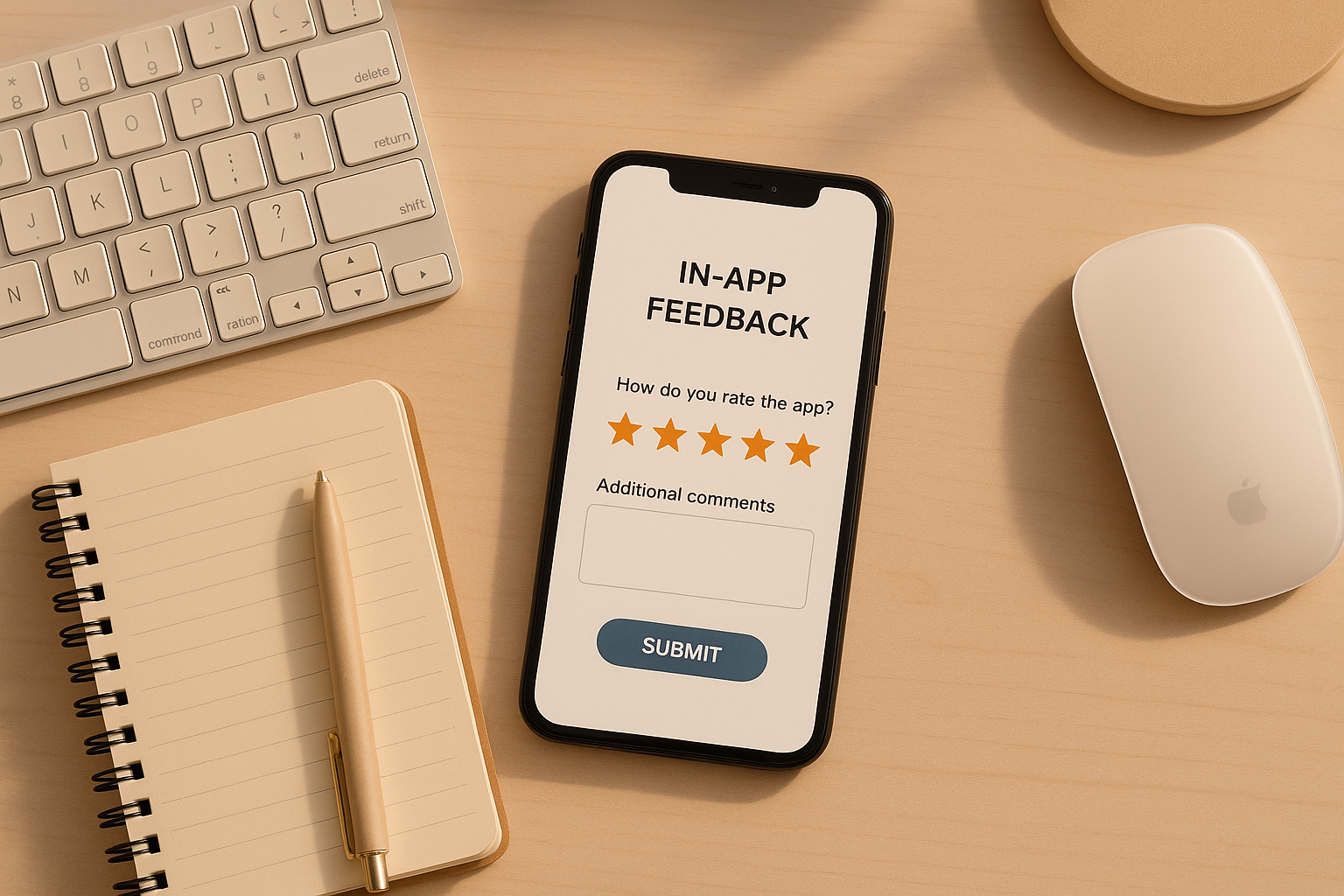
- Mopinion: Great for cross-platform teams with features like annotated screenshots, customizable surveys, and real-time analytics. Works with iOS, Android, React Native, Flutter, and more.
- SurveyMonkey: Focuses on mobile surveys with customizable templates and branding options. Offers real-time analytics and integration with iOS and Android apps.
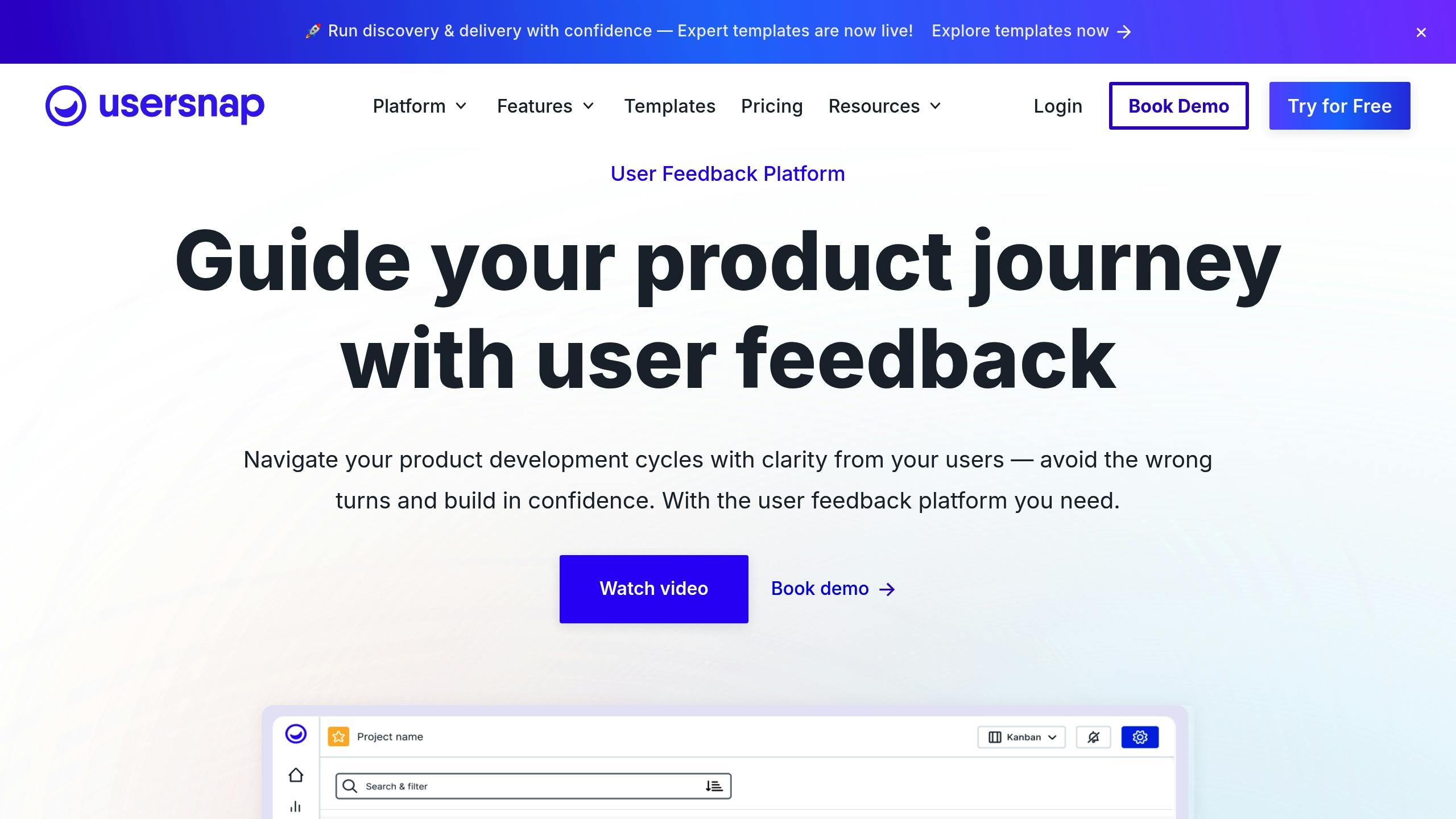
- Usersnap: Specializes in visual feedback with tools like screenshots, annotations, and screen recordings. Ideal for bug reporting and testing in iOS and Android apps.
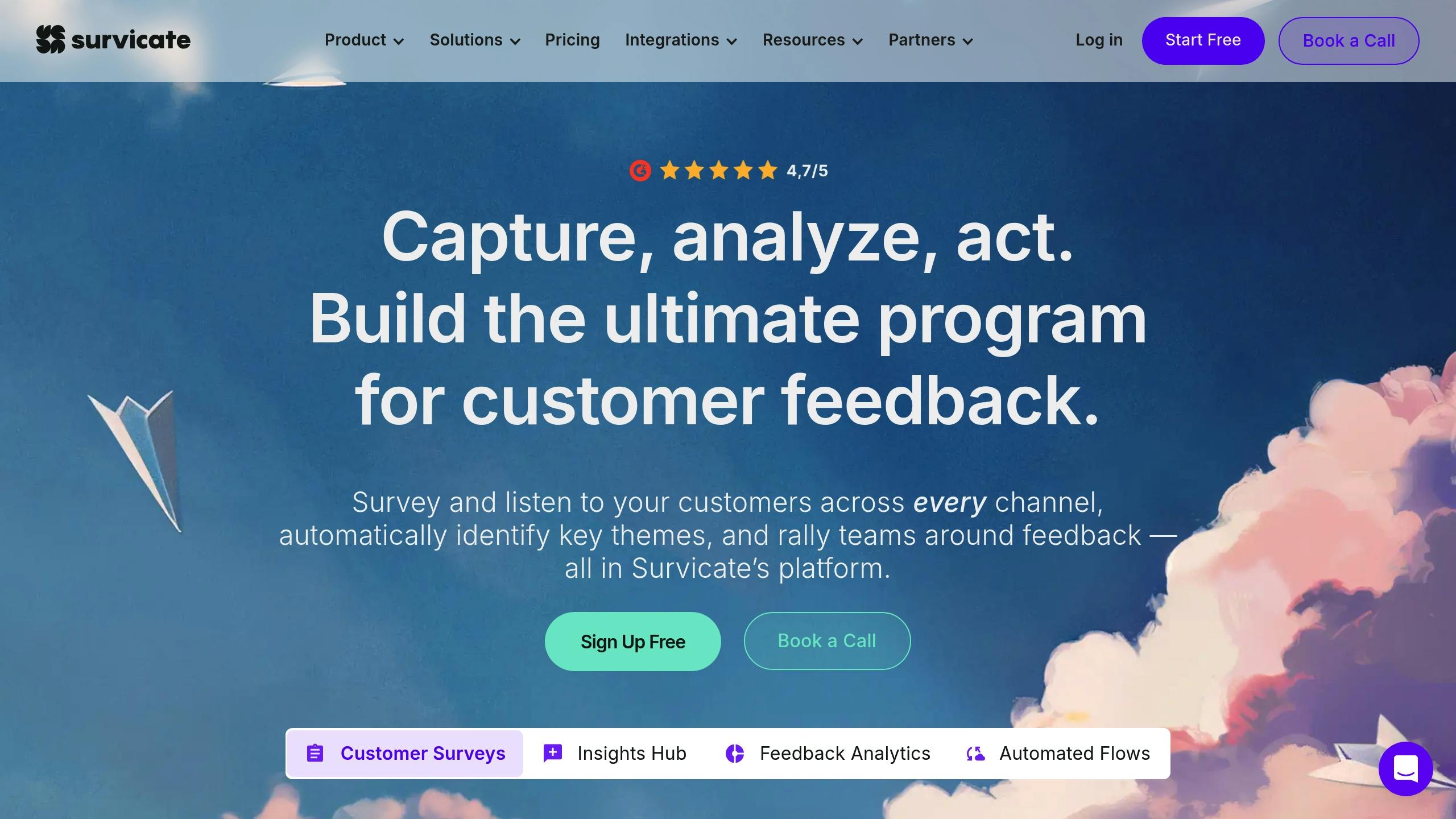
- Survicate: Covers feedback collection across multiple channels, including mobile apps (iOS, Android, React Native, Flutter) and web. Offers AI-driven analytics and survey customization.
- Instabug: Designed for mobile-first teams, it excels in bug reporting with features like annotated screenshots, session replays, and automated UI issue detection.
Quick Comparison
Fastest Mobile Feedback SDK | Commented App for iOS & Android
1. Mopinion
Supported Platforms
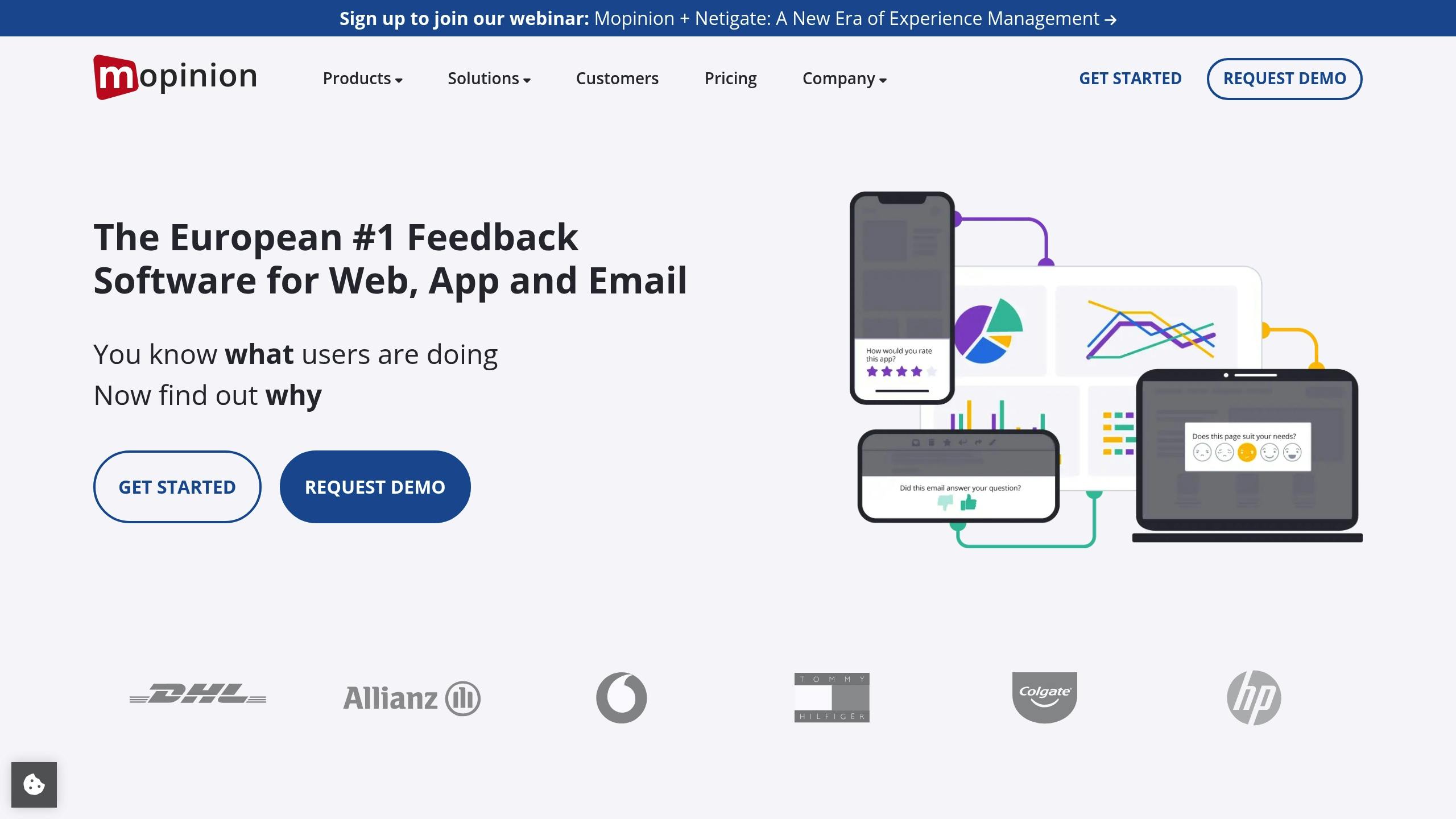
Mopinion supports native SDKs for iOS and Android, working seamlessly with Swift and Kotlin. It also integrates with frameworks like React Native, Flutter, Cordova, Ionic, and Capacitor. Developers can collect feedback through native integrations, APIs, or webviews, offering flexibility to suit different app setups.Visual Feedback Features
With Mopinion, users can submit annotated screenshots directly within the app. This feature allows users to highlight specific issues, making it easier for development teams to identify and address problems. Each feedback submission includes helpful metadata, like user details and app version information, so developers can quickly reproduce and resolve reported issues.Survey Customization and Analytics
Mopinion provides developers with extensive options to tailor feedback forms. You can use pre-built themes, add custom CSS, and integrate branding elements like logos for a polished look. The SDK also supports dynamic survey logic, allowing follow-up questions to adjust based on user responses. On the analytics side, Mopinion offers real-time dashboards, text analysis, sentiment tracking, and smart labeling to help teams make sense of the feedback they receive.2. SurveyMonkey
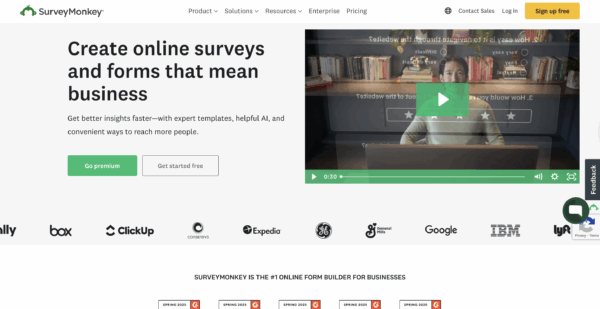 SurveyMonkey brings its survey platform into mobile apps using dedicated SDKs. It’s the third most commonly integrated survey SDK in Android apps on Google Play, featured in 14.98% of apps in the category and driving 24.92% of app downloads.
 Supported Platforms
The SurveyMonkey SDK is compatible with native iOS and Android apps, requiring iOS 7.x or later and Android API 21 (Android 5.x) or higher for version 3.0.4 and beyond. It also offers bridges for popular cross-platform frameworks like React Native, Cordova, and Xamarin. This flexibility ensures a smooth in-app experience while accommodating a wide variety of development environments.Survey Customization and Analytics
Developers can tailor surveys to their needs. Whether starting from scratch, customizing expert-certified templates, or matching the survey’s design to a brand, the SDK allows for real-time updates within the app. Branding options include adding custom background images and repositioning questions for a personalized user experience. Premier plan users gain even more control, such as removing SurveyMonkey branding, customizing survey URLs, and redirecting respondents to their own websites. The analytics dashboard provides real-time insights, helping teams act quickly on user feedback. Features like Data Pull enable developers to take specific actions based on responses, for instance, encouraging satisfied users to leave app store reviews. The SDK also supports collecting custom variables, though this feature requires a paid plan.Pricing and Scalability
SurveyMonkey’s mobile SDK is included in its broader paid plans, not offered as a separate product. Plans range from the Free Plan (unlimited surveys, up to 10 questions, and 40 responses per survey) to the Standard Monthly plan at $99/month, the Advantage Annual plan at $39/month (billed annually), and an Enterprise plan with unlimited API access. Advanced features like Data Pull and custom variable collection are available in higher-tier plans, while the Enterprise plan is ideal for large-scale mobile app integration and data management needs.3. Usersnap
Supported Platforms
Usersnap’s mobile SDK is designed for iOS and Android applications, supporting Android devices running version 5 (Lollipop) or later. While it doesn’t offer direct support for React Native, developers can integrate the native iOS and Android SDKs into React Native apps with some extra configuration. Unlike its web counterpart, the mobile SDK doesn’t rely on feedback buttons or automatic pop-ups. Instead, developers must define specific triggers for feedback collection, such as native buttons or user actions within the app. This approach provides greater flexibility and control over how and when feedback is gathered.Visual Feedback Features
Usersnap equips teams with a comprehensive set of tools, including screenshot capture, annotations, screen recordings, and voice feedback. Submissions automatically include metadata like the date, time, app view, version, device details, and operating system information. The visual annotation tools are particularly useful for tasks like bug reporting and user acceptance testing. For example, teams at Jimdo have successfully used Usersnap’s combination of screenshots and metadata to quickly reproduce and resolve issues.Survey Customization and Analytics
Beyond its visual tools, Usersnap simplifies survey creation and data analysis. Teams can build custom microsurveys, like CSAT, NPS, polls, or thumbs up/down surveys, with conditional logic for more targeted feedback. These surveys can include single or multiple questions and can be tailored to specific user behaviors, events, or segments. Branding options allow teams to fully customize the feedback experience, from colors and fonts to logos and language, ensuring the process aligns with the app’s design and user experience. The analytics dashboard provides a centralized view of all feedback, complete with sentiment analysis and user context. Teams can track trends, identify priorities, and analyze feedback patterns across different app versions or user groups. Additionally, Usersnap offers prebuilt templates for popular survey types, such as Customer Effort Score (CES) and pricing surveys, enabling teams to get started quickly with proven methods.4. Survicate
Supported Platforms
Survicate’s mobile SDK works across iOS, Android, React Native, Flutter, and Unity applications. This wide compatibility ensures that development teams can gather feedback consistently, no matter the technology stack they use. For web applications, Survicate makes survey deployment simple with minimal coding requirements. Additionally, it integrates directly with Intercom, enabling teams to embed surveys within Intercom Messenger for an uninterrupted user experience.Survey Customization and Analytics
Survicate stands out for its highly customizable surveys and AI-driven analytics. Teams can create surveys from scratch using an intuitive drag-and-drop interface or pick from a library of professionally designed templates. Surveys are fully responsive, adapting to any device, and can include advanced logic to create tailored feedback flows. The platform also leverages AI to simplify survey creation by suggesting relevant questions, templates, and follow-ups. On the analytics side, Survicate’s “Insights Hub” consolidates feedback from multiple channels, including surveys, reviews, support chats, calls, and emails. AI tools automatically categorize feedback into topics, perform sentiment analysis, and generate summaries, providing teams with a clear understanding of user sentiment and trends across all touchpoints.Pricing and Scalability
Survicate offers flexible pricing options designed to grow with your team and survey needs, making it suitable for both startups and large enterprises. With its strong mix of customization, ease of use, and intelligent analytics, Survicate equips teams with the tools they need to turn feedback into actionable insights.5. Instabug