
Fix every caption timestamp at once
Add an SRT or VTT file, enter the timing offset, preview the first cues, and download the corrected subtitle file.
Paste or upload subtitles
Add SRT or VTT caption text and let the tool detect timestamps.
Choose the shift
Move captions forward or backward by seconds or milliseconds.
Download the corrected file
Preview the changed cues, download the shifted file, or upload it to Zight.
Sync captions after edits
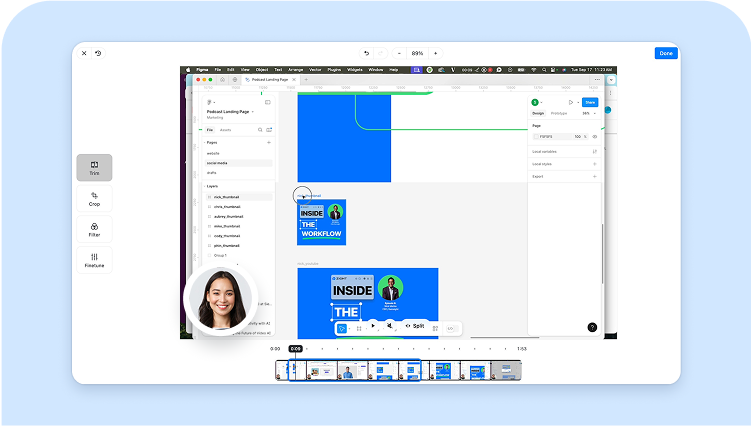
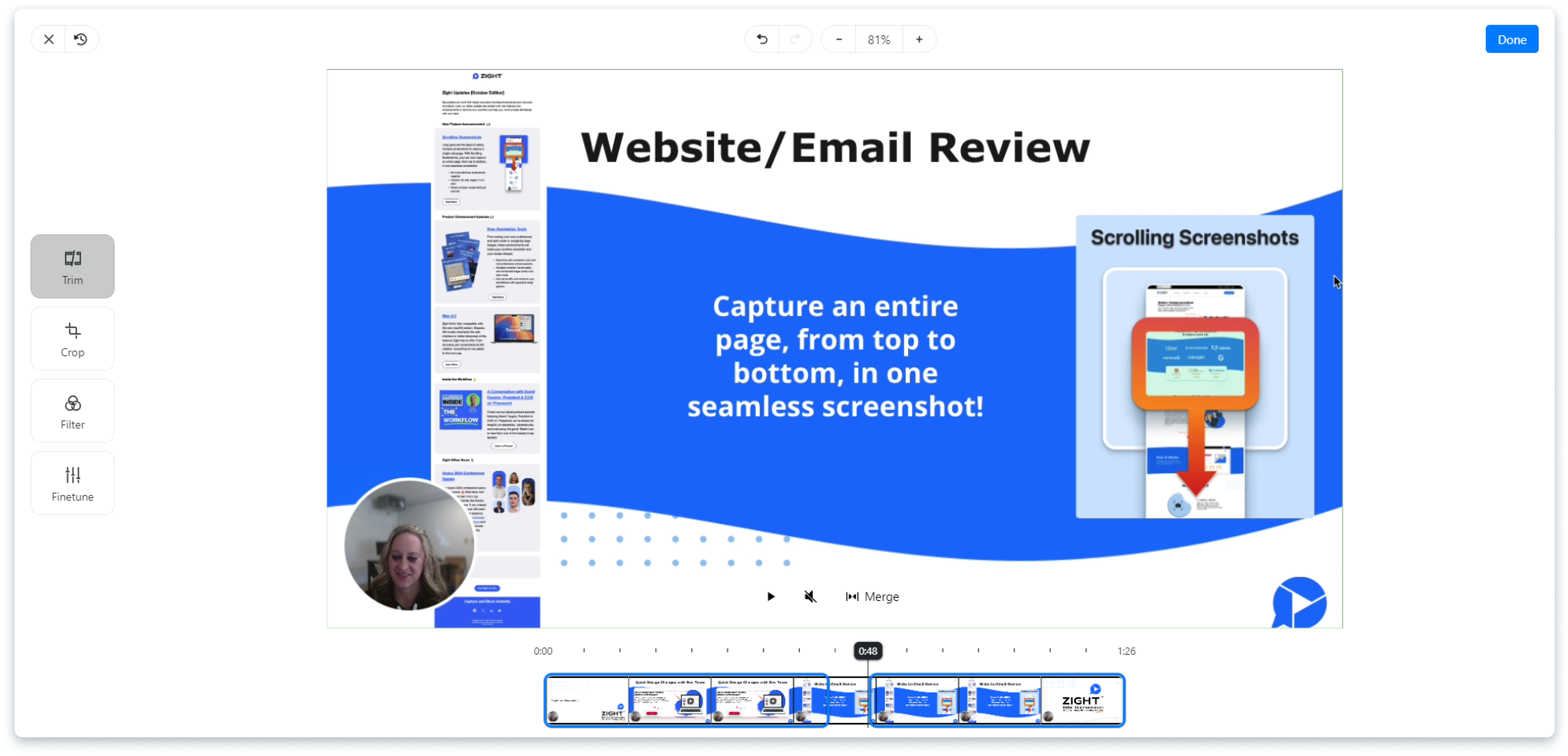
Trimming or replacing video can make captions drift. Shift all cues at once instead of editing every line manually.

SRT and VTT support
The tool preserves comma-based SRT timestamps and period-based WebVTT timestamps while adjusting cue timing.
Negative timestamp protection
If a backward shift would push captions before 00:00:00, the tool blocks the change so the file stays usable.

Keep subtitle work private
Caption text is processed locally. Nothing is uploaded unless you choose the Zight upload action.
Continue the caption workflow
Convert the corrected file if your player needs another caption format, or trim the matching video before the final timing check.
Check the first and last cue before publishing
Subtitle text stays in your browser unless you choose the optional Zight upload action. After shifting the file, preview an early cue and a late cue against the video. That catches a constant offset without hiding drift caused by a changed frame rate or a different edit.
Frequently Asked Questions
Paste an SRT or VTT file, choose the amount and direction, then apply the shift to all cue timestamps.
Yes. It detects standard SRT and WebVTT timestamp formats.
Yes. Shift the subtitles forward by 1 second so each cue appears one second later.
No. Processing happens locally in the browser unless you explicitly upload the finished file to Zight.
The tool blocks that shift and asks for a smaller amount so the output stays valid.
Share the corrected video with Zight
Keep the video, captions, and viewer feedback together with one share link.
Try Zight for free











