
Why Teams Switch From Jumpshare to Zight
Jumpshare is a capable capture-and-share tool. But its pricing and free tier limitations push many teams to look for alternatives.
90-Second Free Recording Limit
Jumpshare's free plan limits recordings to 90 seconds and 50 total uploads. Zight's free plan has no recording time limit and no upload cap.
$12–$16/User/Month for Full Access
Jumpshare's full-feature Plus plan costs $12/user/month. AI actions require the $16/user/month Business plan. Zight includes AI at $9.95/month — total.
Slow Upload Speeds
Jumpshare users report upload times of 8+ minutes for 1GB on a 100Mbps connection. Zight's instant cloud upload generates a shareable link in seconds.
Zight vs Jumpshare: The Scorecard
Updated April 2026
A brutally honest, feature-by-feature scorecard. Pricing pulled from public pages in April 2026.
Last updated April 2026. Jumpshare pricing from jumpshare.com/pricing.
Start Free on ZightNEW FEATURE
AI Agent: Smarter Than a Summary
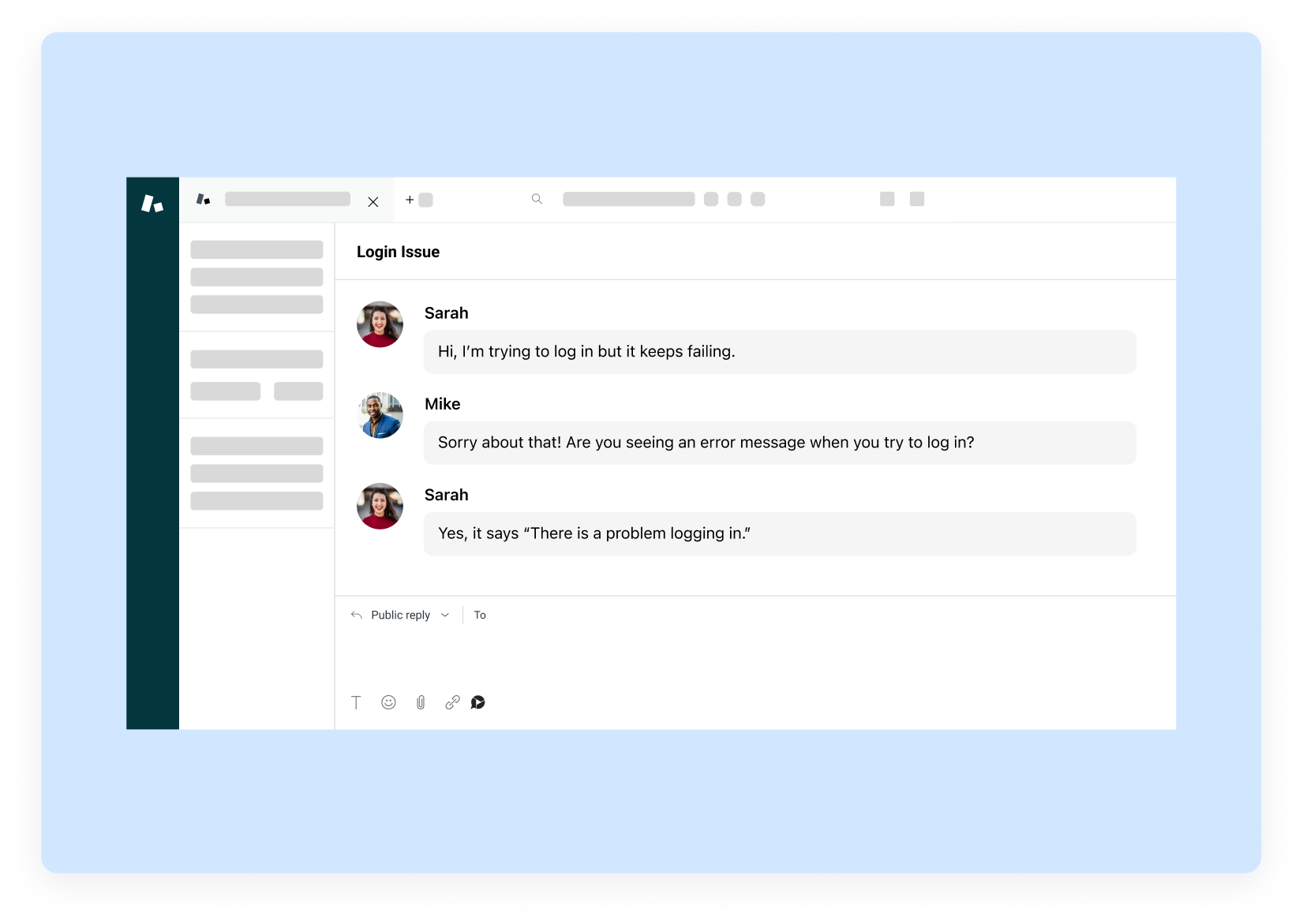
Jumpshare’s AI offers AI task generation on its Business plan ($16/user/month) — but only for creating tasks in project tools, not for searching or summarizing your own content. Zight’s AI agent works across everything: screen recordings, screenshots, GIFs, and webcam video.
- Auto-generated titles, descriptions, and transcripts
- Smart search — find any content with a plain-English query
- Works on screenshots, GIFs, and video alike
All included at $9.95/month.
Try AI Agent FreeZIGHT ONLY
Request Video: The Feature Jumpshare Doesn't Have
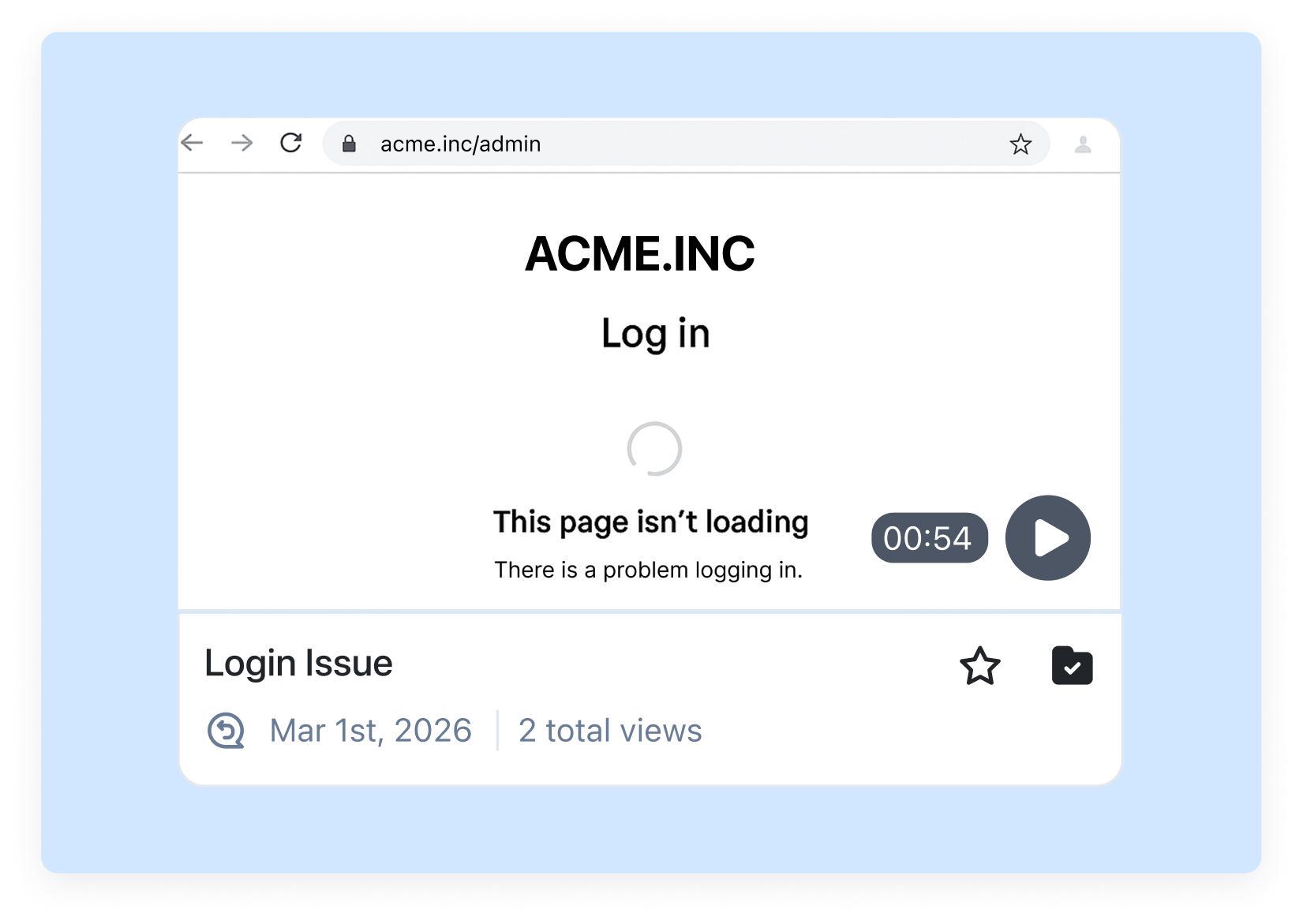
Send a link. Anyone records a video response in their browser — no app download, no account required.
Use it for customer testimonials, bug reports from non-technical users, async interview responses, and stakeholder feedback — all without the recipient needing a Zight account.
See Request VideoThe Real Cost of Jumpshare vs Zight
Here's the math for teams evaluating Jumpshare and Zight.
Zight — $9.95/month
Recordings, screenshots, GIFs, annotation, AI agent, Request Video — all included. Team of 10: ~$100/month
Jumpshare — $12–$16/user/month
Good capture suite but slow uploads, 90-second free limit, and AI only on the $16 Business tier. Team of 10: $120–$160/month
Switch From Jumpshare in Under 5 Minutes
Your Jumpshare content stays on Jumpshare. Start recording in Zight right away.
1. Download Zight
Get the app for Mac or Windows, or install the Chrome extension. Sign up free — no credit card needed.
2. Take Your First Recording
Hit your capture shortcut and record. Share the auto-generated link instantly via Slack, Jira, or email.
3. Invite Your Team
Share a team invite link or import your user list. Teams of 5+ get a free onboarding call.
4. Cancel What You No Longer Need
Most teams cancel their old screenshot tool, video tool, or GIF maker within the first 30 days.
Frequently Asked Questions
Zight is the best Jumpshare alternative — faster uploads, no recording time limits on the free plan, AI agent at $9.95/month (vs $16/user for Jumpshare Business), and Request Video that Jumpshare doesn’t offer.
Yes. Zight’s free plan has no recording time limit and no upload cap. Jumpshare’s free tier limits recordings to 90 seconds and 50 total uploads.
Yes — Zight generates a shareable link in seconds. Jumpshare users report upload times of 8+ minutes for 1GB files on fast connections.
Jumpshare’s Plus plan is $12/user/month; the AI Business plan is $16/user/month. Zight is $9.95/month total — for one user or a team of any size. A team of 10 pays ~$100/month on Zight vs $160/month on Jumpshare Business.
Request Video (anyone records a response without a Zight account), faster cloud upload, an AI agent that works across screenshots and GIFs (not just task generation), and no 90-second recording limit on the free plan.
Download Zight for Mac, Windows, or Chrome and sign up free. Your Jumpshare files remain accessible. Most teams are fully onboarded the same day.

Try Zight Free — The Faster Jumpshare Alternative
No recording limits, instant cloud links, AI agent, and Request Video — all at $9.95/month.
Try Zight Free











