

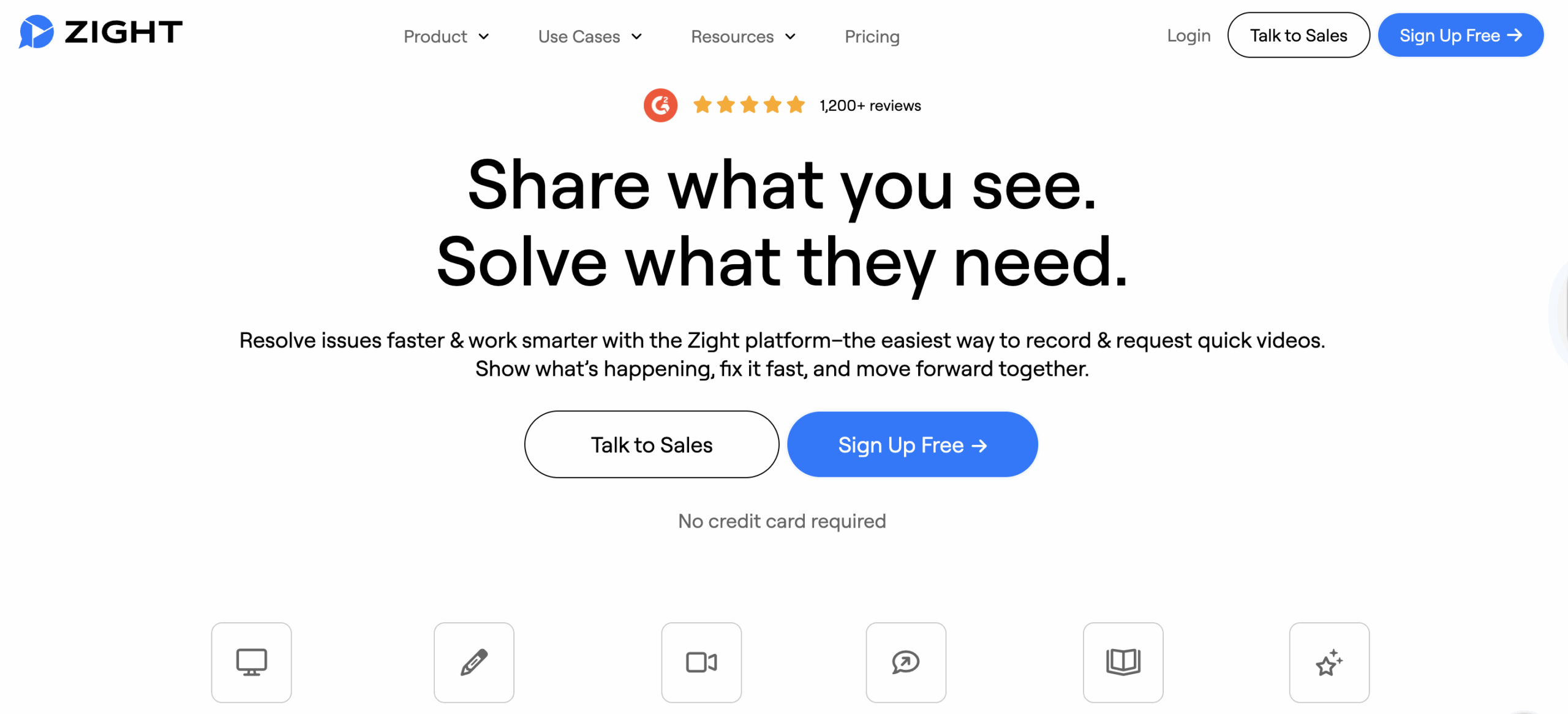
- Zight: Combines screenshots, screen recordings, and AI-powered features to simplify feedback.
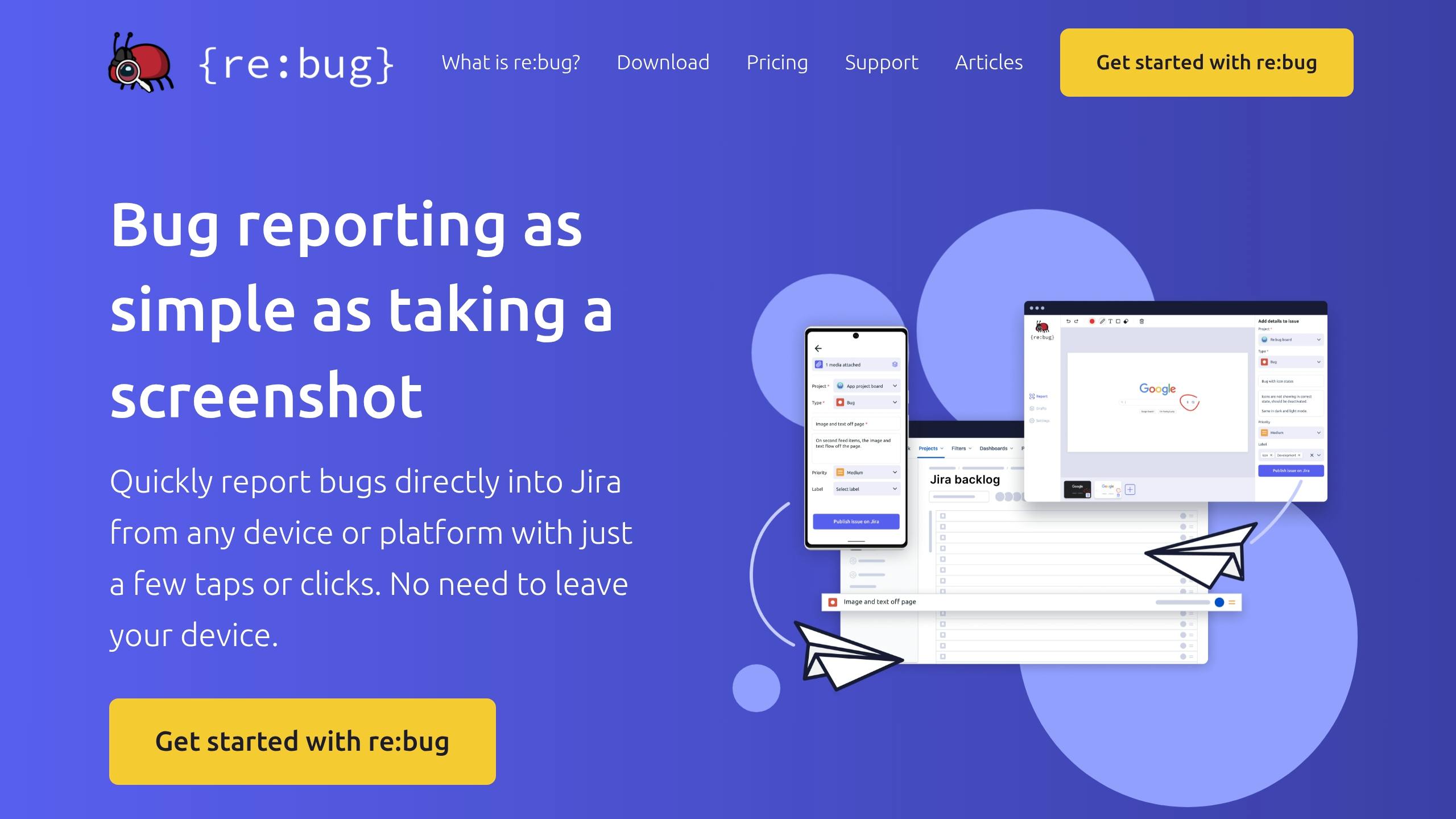
- re:bug: Focuses on live website feedback with annotations and recordings.
- Userback: Offers two-way synchronization, session replays, and customizable workflows.
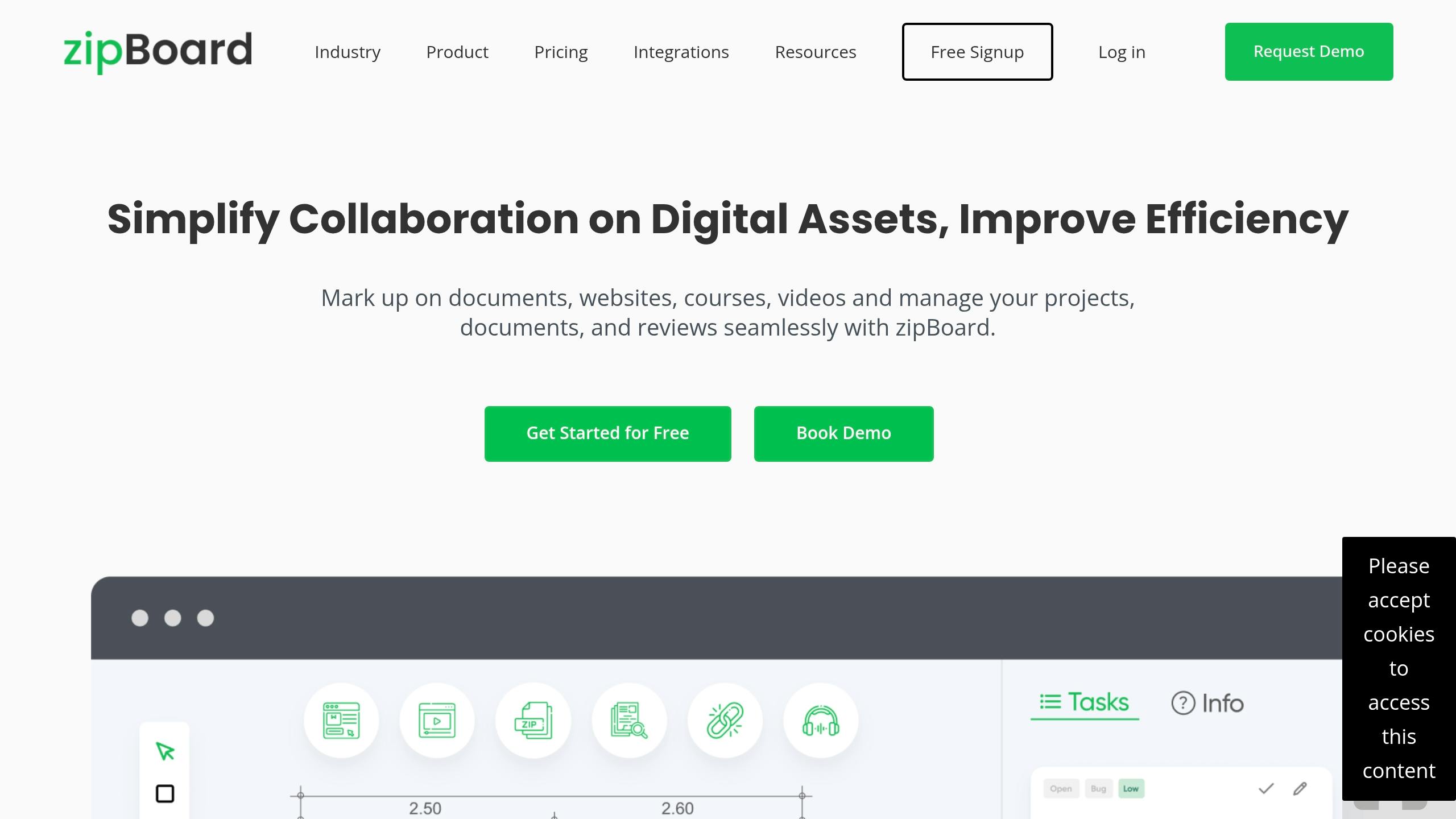
- zipBoard: Ideal for collaborative reviews in web development and eLearning.
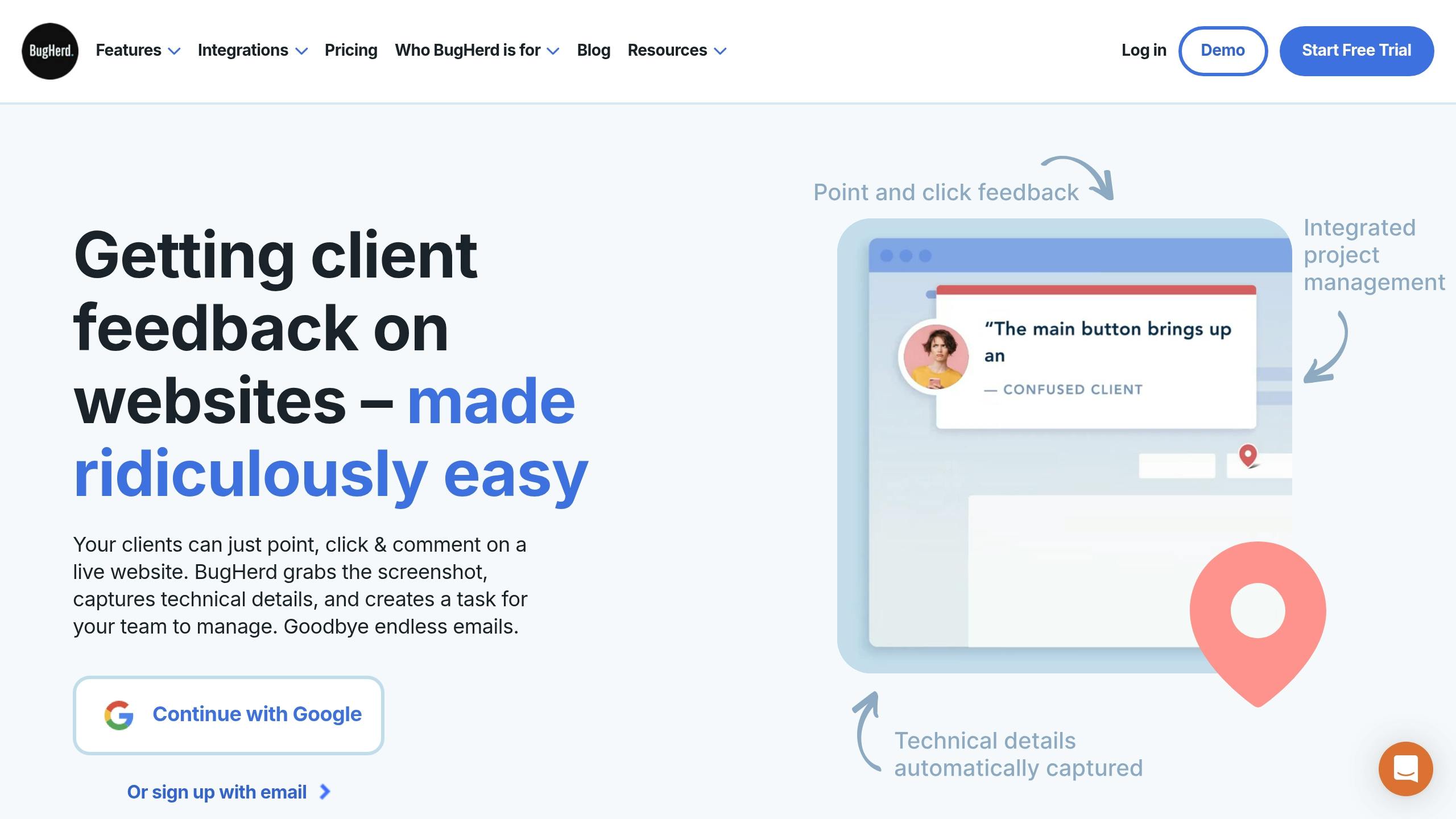
- BugHerd: Uses sticky note-style annotations for website feedback.
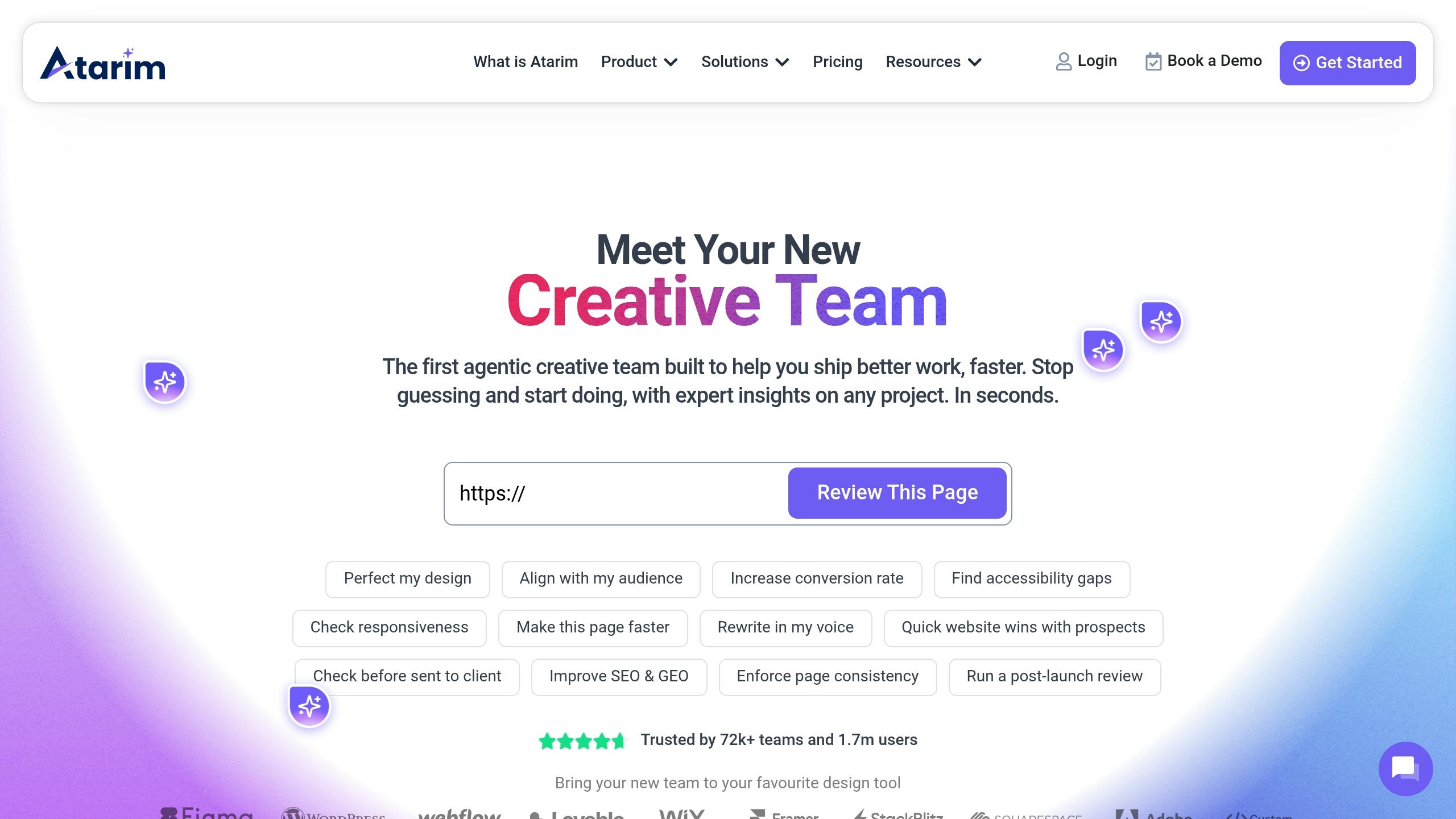
- Atarim: Designed for website feedback and task management.
- Capture for Jira: A native Jira tool for screenshots and annotations.
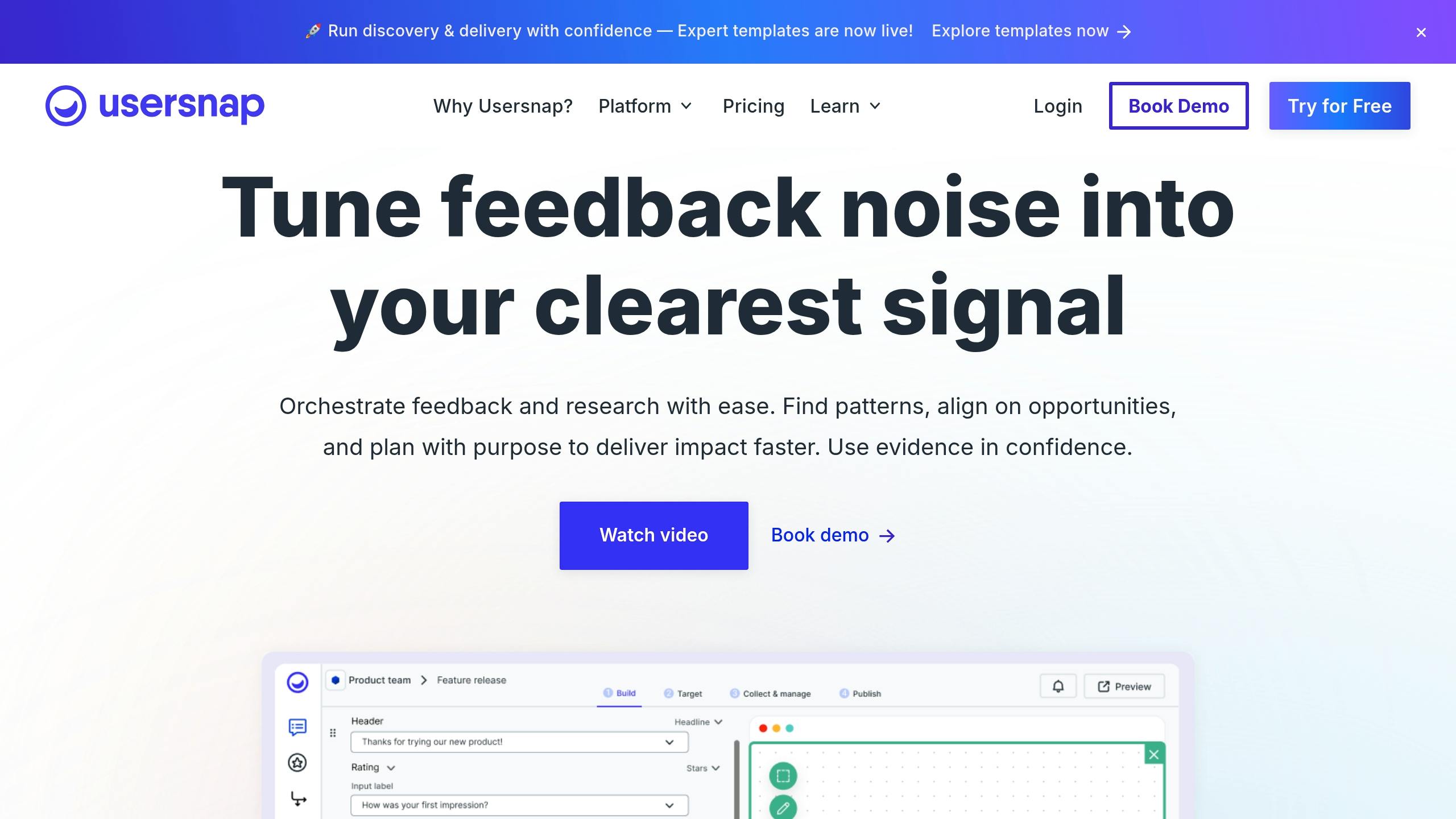
- Usersnap: Centralizes feedback with session replays and user identification.
- Adobe Creative Cloud: Links design files like PSDs and AIs to Jira issues.
- Canva: Embeds designs for real-time updates and feedback.
- Figma: Syncs interactive prototypes and design files with Jira.
- Miro: Integrates whiteboards for brainstorming and visual collaboration.
Key Benefits:
- Centralized Feedback: Keeps all comments and visuals in Jira, reducing scattered communication.
- Improved Clarity: Visual aids like annotated screenshots and videos provide better context.
- Faster Turnaround: Integrations can cut project timelines by up to 30%.
- Cross-Platform Compatibility: Most tools work across major operating systems and browsers.
Quick Comparison
How Jira Works with Visual Feedback Tools
Jira’s ability to integrate with visual feedback tools transforms it into a hub for seamless collaboration. By leveraging APIs, plugins, and app marketplace add-ons, Jira facilitates smooth data exchanges with third-party visual feedback platforms. This setup allows teams to attach annotated screenshots, videos, and design files directly to Jira issues, ensuring all feedback stays synchronized across connected tools. It creates a solid foundation for streamlined workflows. A standout feature of these integrations is the two-way synchronization. Feedback and updates flow effortlessly between Jira and the visual feedback tool. For example, if a designer uploads an annotated screenshot or a stakeholder comments on a prototype, the information automatically appears in the corresponding Jira issue. Similarly, updates like status changes or resolution notes are reflected back in the feedback tool, eliminating the need for manual updates and keeping everyone on the same page. Additionally, embedded feedback widgets simplify communication by enabling real-time submissions directly from websites, mobile apps, or design prototypes. These widgets allow users and stakeholders to provide feedback that instantly routes into Jira, turning insights into actionable tasks without extra steps. Screen recordings add another layer of clarity. With features like audio, webcam integration, and editing tools (trimming, cropping, annotations, etc.), teams can provide detailed, actionable feedback directly within Jira. AI-powered automation takes it a step further by transforming video feedback into step-by-step guides, bug reports, or even technical documentation, saving hours of manual effort. A single recording can generate multiple outputs, such as a Jira issue description or user-facing instructions. This functionality is particularly useful for teams spread across time zones. For instance, design teams can request visual explanations directly through Jira. Recipients can record and submit their responses, which automatically attach to relevant issues, cutting down on delays caused by back-and-forth communication. Here’s an example: A creative agency combined Figma and Zight with Jira during a website redesign project. This integration reduced feedback cycles by 25% and helped deliver the project two weeks ahead of schedule. Technical metadata further enhances these integrations. Visual feedback tools automatically gather vital details like browser type, operating system, screen resolution, and network logs, which are then attached to Jira issues. This additional context allows developers to reproduce and resolve bugs more quickly, minimizing time spent on follow-up questions. By centralizing communication, Jira eliminates the chaos of scattered feedback. Instead of juggling emails, Slack messages, and various review tools, all feedback flows into Jira, where it can be prioritized, assigned, and tracked to completion. Even non-technical stakeholders can contribute using visual annotation tools, making the workflow more inclusive and efficient. This approach has significantly improved project efficiency for US-based design teams. To ensure feedback reaches the right people instantly, visual tools offer automatic cloud storage and shareable links. Screenshots or recordings upload to the cloud, generating links that can be embedded in Jira issues or shared with stakeholders. Finally, customized workflow automation in Jira keeps feedback integration consistent. Teams can set rules to automatically route design feedback to specific designers, send bug reports to developers, or escalate urgent issues to project managers based on the content of the visual feedback. This ensures that no detail gets overlooked and tasks move forward smoothly.1. Zight
Integration Method
Zight connects with Jira through a dedicated Jira connector. This integration allows users to attach visual assets, such as annotated screenshots, screen recordings, and GIFs, directly to Jira issues. With this setup, team members can capture and link content to specific tickets, creating a smoother feedback process within the project management system.Supported Feedback Formats
Zight offers a range of visual feedback formats to cater to different communication needs. These include:- Screenshots: Capture full or partial screen images, with built-in tools for annotations.
- Screen Recordings: Record your screen with optional webcam integration, ideal for explaining detailed design interactions.
- GIF Creation: Create short, looping demonstrations for quick visual communication.
“Zight allows me to quickly capture and share GIFs or snapshots of instructional material for both my clients and colleagues. As a visual learner, it’s helpful to have a tool that lets you capture the whole instance and share it with just a link!” – Jennuel Venus Gonzales, Account Manager, Pandadoc
Collaboration Features
Zight goes beyond simple file sharing by enabling robust collaboration. Team members can comment directly on shared visuals, creating threaded discussions that stay linked to the relevant Jira issue. Real-time notifications ensure everyone is updated immediately when new feedback is added or comments are addressed. You can also request video feedback directly from teammates or clients through Jira, making it easier to gather specific input or clarifications, even when working across different time zones.Platform Compatibility
Zight works on Mac, Windows, Chrome, and iOS, ensuring broad accessibility for teams using a variety of devices. This cross-platform compatibility is especially useful for design agencies or organizations with mixed tech environments.Pricing (USD)
Zight offers flexible pricing plans to suit teams of different sizes and requirements:- Free Plan: Includes basic features like 5-minute recordings, screenshot tools, and 15-second GIF creation, with access limited to the last 50 uploads.
- Pro Plan: Priced at $9 per month for individual users, this plan offers unlimited uploads, unlimited recording time, 4K resolution recording, and advanced editing tools.
- Team Plan: Costs $11 per user per month, adding basic analytics and user management features for teams of two or more.
- Enterprise Plan: Custom pricing tailored for larger organizations, offering advanced security features, single sign-on (SSO), enhanced analytics, and custom data retention policies.
2. re:bug
Integration Method
re:bug connects with Jira through either a plugin or an API. Once linked, feedback is automatically transferred into Jira issues, allowing teams to manage everything within their familiar workspace. Developers and designers can review, assign, and resolve feedback without needing to leave Jira. This integration supports multiple feedback formats, which are outlined below.Supported Feedback Formats
re:bug offers flexibility in how feedback is captured. Teams can provide:- Annotated screenshots
- Screen recordings
- Text-based comments for added context
Collaboration Features
To improve teamwork within Jira workflows, re:bug includes several collaboration tools. Features like real-time commenting, tagging team members, and assigning feedback to specific Jira issues ensure that tasks are addressed quickly and efficiently.Platform Compatibility
Since re:bug operates through a browser, it works seamlessly with major web browsers across various operating systems. Whether team members are using Windows, Mac, or another platform, they can easily participate in the feedback process.Pricing (USD)
re:bug offers pricing plans based on a monthly fee per user. Higher-tier plans provide additional benefits like advanced analytics, priority support, and more integration options. For specific details, visit re:bug’s official website.3. Userback

Integration Method
Userback connects with Jira through two-way synchronization, ensuring feedback flows smoothly between the platforms. Feedback, complete with attachments and metadata, can be sent to Jira automatically or manually, creating issues without disrupting existing workflows. Any updates made in Userback or Jira are instantly reflected in the other, keeping teams aligned and informed.Supported Feedback Formats
Userback supports a variety of feedback formats, offering teams clear visual context for their projects. These include:- Annotated screenshots with precise visual markers
- Screen recordings that capture user interactions
- Detailed comments to provide additional context
Collaboration Features
Userback enhances team collaboration by offering features like customizable workflows to fit various team structures, live notifications to keep everyone updated, and session replay functionality to analyze user behavior. The platform’s user identification system automatically collects details such as name, email, location, and account ID, giving teams valuable context for managing feedback efficiently. With these tools, feedback is centralized and communication between development and customer teams becomes smoother, leading to faster resolutions.Platform Compatibility
Userback is compatible with websites and web applications, making it a versatile option for teams working on digital products. Its feedback widget can be embedded into any web-based project, and the Jira integration works across all major browsers and operating systems that support Jira. This flexibility ensures that teams, regardless of their tools or environments, can easily incorporate Userback into their workflow.Pricing (USD)
Userback offers tiered pricing plans in US dollars, starting with a free trial. Paid plans vary based on the number of users, projects, and advanced features like session replay, user identification, and integrations. Both monthly and annual payment options are available, allowing teams to scale their subscription to fit their needs. For the latest pricing details, visit Userback’s official website.4. zipBoard
Integration Method
zipBoard connects to Jira using a direct API integration, supporting both Jira Cloud and Jira Server/Data Center environments. Setting it up is straightforward, just provide Jira credentials and map the necessary fields. Once integrated, any feedback collected in zipBoard is automatically converted into Jira issues or updates existing ones. This ensures seamless traceability, from the initial review to the final resolution. Annotations, browser details, and stakeholder comments are included, giving developers all the technical context they need. This efficient integration aligns with the streamlined processes seen in other tools.Supported Feedback Formats
zipBoard supports a variety of feedback formats, making it easy for teams to provide clear input. Users can share annotated screenshots, screen recordings, and detailed comments on web assets. With markup tools, reviewers can highlight specific areas, emphasize design elements, and offer feedback directly on live websites or static assets.Collaboration Features
The platform is built for asynchronous collaboration, allowing teams to work together without needing to be online at the same time. Features like threaded comments, @mentions for task assignments, and real-time status tracking keep everyone on the same page. By centralizing Jira feedback, zipBoard ensures that important design input isn’t lost in scattered tools or email threads, fostering smoother communication between internal and external stakeholders.Platform Compatibility
zipBoard is a web-based application, accessible through modern web browsers. This flexibility allows teams using different operating systems to collaborate effortlessly without needing to install additional software. The Jira integration works reliably across all supported platforms, ensuring consistent functionality whether team members are on desktops or accessing the tools through various browsers.Pricing (USD)
zipBoard offers tiered pricing plans starting at around $39 per month for small teams. Larger organizations requiring more advanced features can choose from higher-tier options. A free trial is available, giving teams the chance to explore the platform before committing. Custom pricing is also offered for enterprise customers with specific needs. Both monthly and annual payment plans are available, with prices clearly displayed in US dollars for American customers.5. BugHerd
Integration Method
BugHerd integrates with Jira via a direct API connection, supporting both Jira Cloud and on-premise setups. Setting up the integration is straightforward – teams just need to enter Jira credentials and map the necessary fields through BugHerd’s settings panel. Once linked, feedback collected in BugHerd can be pushed to Jira as issues, either automatically or manually. This ensures all feedback becomes part of the development workflow, eliminating the need for manual data transfers. Additionally, Zapier offers extra automation options, further streamlining the process by feeding visual feedback directly into Jira issues.Supported Feedback Formats
BugHerd is designed to capture visual feedback efficiently. It allows users to create annotated screenshots, add detailed comments, and attach files to feedback items. When integrated with Jira, these visual elements are included as attachments or links within Jira issues, giving developers clear context for each reported issue. The sticky note-style pins stay visible on live websites, making it easy for teams to pinpoint exactly where problems occur and what needs fixing.Collaboration Features
BugHerd promotes collaborative issue tracking, enabling team members to assign tasks, add comments, and monitor issue progress through customizable task boards. Real-time notifications keep everyone updated on changes and developments. With Jira integration, these collaboration features extend seamlessly into Jira’s workflow, allowing teams to discuss, update, and resolve issues collaboratively across both platforms. This approach ensures feedback is addressed quickly and transparently.Platform Compatibility
BugHerd is a web-based application compatible with all major browsers and operating systems, including Windows, macOS, and Linux. Teams can access the platform via browser extensions or by embedding a JavaScript snippet into websites. This flexibility ensures that teams with diverse setups can collaborate effectively. The Jira integration maintains the same cross-platform compatibility, allowing users to manage feedback from any internet-connected device.Pricing (USD)
BugHerd offers tiered pricing plans starting at $39 per month for the Standard plan, which supports up to 5 team members and unlimited projects. Higher-tier options, Studio, Premium, and Deluxe, offer advanced features and priority support, with the Deluxe plan priced at $229 per month for larger teams. All plans include Jira integration, visual feedback tools, and task management features. BugHerd is trusted by over 10,000 teams worldwide and has reportedly helped organizations cut feedback turnaround times by up to 50% according to user reviews.6. Atarim
Integration Method
Atarim connects with Jira through a direct API integration, supporting both Jira Cloud and Jira Server setups. After linking Jira credentials and mapping project fields within Atarim’s dashboard, the platform automatically converts website feedback into Jira issues. Updates remain synchronized throughout the project lifecycle, ensuring a smooth workflow for capturing and managing feedback.Supported Feedback Formats
The platform allows users to gather visual feedback using annotated screenshots, on-page comments, and bug reports. Once linked to Jira, this feedback is transferred directly into the system, providing developers with the context they need to address tasks effectively.Collaboration Features
Atarim enhances collaboration by enabling real-time communication among designers, developers, and clients. Team members can assign tasks, track progress, and discuss issues within a unified workflow. Its integration with Jira minimizes email chains and miscommunications, helping teams deliver projects more efficiently.Platform Compatibility
As a web-based solution, Atarim works through any modern browser, requiring no installation. It is compatible with Windows, macOS, and Linux. The Jira integration functions seamlessly across all platforms, ensuring a consistent user experience.Pricing (USD)
Atarim offers tiered pricing to suit different agency needs:- Pro Plan: $29/month (billed annually) for up to 5 websites, unlimited users, and essential integrations like Jira.
- Team Plan: $69/month (billed annually) for up to 15 websites, with advanced integrations and priority support.
- Agency Plan: $139/month (billed annually) for up to 50 websites, including white-labeling and advanced reporting features.
- Enterprise Plan: Custom pricing for organizations with unique requirements.
7. Capture for Jira
Capture for Jira is Atlassian’s built-in tool for gathering visual feedback, specifically designed for teams already working within the Jira ecosystem. Previously known as “Jira Capture” and “Test Session Manager”, it allows users to take screenshots, annotate them, and attach the feedback directly to Jira issues, keeping everything within the same workflow.Integration Method
Since it’s a native Jira add-on, Capture for Jira integrates effortlessly with both Jira Cloud and Jira Server/Data Center setups. Using Atlassian’s infrastructure, it lets users submit annotated feedback straight from their browser. This is made possible through browser extensions for Chrome and Firefox, which enable users to quickly capture screenshots and create Jira issues. The tight integration ensures a smooth process from capturing feedback to turning it into actionable tasks.Supported Feedback Formats
The primary focus of Capture for Jira is on annotated screenshots and text-based comments. Users can mark up screenshots with highlights, arrows, shapes, and notes to provide clear visual context. While it doesn’t support video recording, the detailed annotations make it easy for teams to understand and act on the feedback.Collaboration Features
Capture for Jira supports collaborative workflows by enabling real-time test sessions, where multiple stakeholders can participate simultaneously. Team members can leave comments, review feedback, and resolve issues directly within Jira. Features like threaded discussions, status updates, and task assignments ensure that feedback is both visible and actionable, helping to bridge the gap between technical and non-technical team members.Platform Compatibility
This tool is accessible through browser extensions for Chrome and Firefox, making it compatible with Windows, macOS, and Linux. Its cross-platform availability ensures that teams, whether working remotely or on-site, can use it without any hassle.Pricing (USD)
Capture for Jira is offered through the Atlassian Marketplace, with pricing starting at $10 per month for up to 10 users. For larger teams or enterprise setups, the monthly costs increase, but Atlassian provides volume discounts for annual subscriptions. Its seamless integration with Jira can also help minimize setup costs and simplify subscription management.8. Usersnap
Integration Method
Usersnap connects with Jira using a full two-way sync. When feedback is submitted, it automatically generates Jira issues, complete with attachments and metadata. Any updates made in Jira are instantly reflected in Usersnap, ensuring smooth communication. Feedback routing can also be customized to align with specific Jira workflows.Supported Feedback Formats
The platform supports a variety of feedback formats, including annotated screenshots, screen recordings, comments, and session replays. These tools provide more than just static visuals, offering rich context for reported issues. Additionally, Usersnap automatically gathers user details like name, email, location, and account ID, helping teams prioritize and manage feedback more effectively.Collaboration Features
Usersnap enhances team collaboration by centralizing feedback through customizable workflows, live notifications, and a flexible feedback widget. This widget can be tailored to handle bug reports, feature requests, and general feedback. Teams benefit from real-time notifications, ensuring that new input is addressed promptly. These features make Usersnap a powerful tool for streamlining visual feedback processes within Jira.Platform Compatibility
Usersnap’s feedback widget integrates effortlessly into any web environment, making it ideal for digital products. Users and stakeholders can submit feedback directly from the application, capturing issues in their natural context. This approach results in more accurate and actionable feedback for design teams to work with.Pricing (USD)
Usersnap’s pricing starts at $69 per month for its basic plan, with higher-tier options offering additional features and increased usage limits. A free trial is available, allowing new users to explore the platform before committing. While the cost may be higher than some alternatives, the advanced features, like session replays, user identification, and the two-way Jira sync, make it a worthwhile investment for teams that need detailed feedback and efficient workflows.9. Adobe Creative Cloud

Integration Method
The connection between Adobe Creative Cloud and Jira is established through direct asset linking. Designers can attach their Adobe files to Jira issues, enabling team members to access the most up-to-date versions directly within Jira. This setup also keeps a detailed revision history and approval log, ensuring transparency and accountability.Supported Feedback Formats
This integration is tailored for native Adobe file formats. Team members can review designs, leave comments, and suggest changes directly within Adobe Creative Cloud. However, it doesn’t extend to video feedback or session recordings within Jira, keeping the focus on design files.Collaboration Features
By centralizing all design assets in Jira, this integration simplifies collaboration. Teams can conduct design reviews, track approvals, and streamline iterations without ever leaving the project’s context. This ensures that feedback is organized, reducing the back-and-forth and speeding up the overall workflow.Platform Compatibility
Adobe Creative Cloud’s integration works seamlessly on both Windows and macOS. It’s also compatible with Jira’s desktop and mobile apps, ensuring smooth collaboration across devices.Pricing (USD)
Adobe Creative Cloud subscriptions start at $59.99 per month for individuals or $89.99 per month per team member. Jira’s Standard plan begins at $8.15 per user per month. The integration itself doesn’t add any extra costs for current subscribers, though access to advanced features may depend on specific enterprise-level plans.10. Canva
Integration Method
This integration is as simple as embedding a Canva design URL into a Jira issue. Once linked, the design stays up-to-date in real-time, ensuring everyone sees the latest version. Whether it’s a revised logo or a tweaked social media graphic, updates are instantly reflected for project managers and stakeholders. This real-time syncing eliminates confusion caused by outdated assets and keeps workflows moving smoothly.Supported Feedback Formats
When Canva designs are embedded in Jira, teams can provide feedback using text-based comments and inline notes. This setup centralizes the review process, turning creative suggestions into actionable tasks within Jira. Whether it’s a presentation, infographic, or social media post, team members can leave comments, suggest edits, and tag stakeholders. They can also set deadlines and track approvals, keeping the review process organized and efficient.Collaboration Features
Canva’s integration with Jira simplifies collaboration by keeping the entire design review process in one place. Team members can comment directly on designs within Jira issues, speeding up feedback loops and approval processes. This is especially useful for teams working across different time zones, as it ensures everyone stays in sync and on task, even when collaborating asynchronously.Platform Compatibility
Canva is a web-based platform that works seamlessly on major browsers for both Windows and Mac users. The integration with Jira Cloud requires no special setup, allowing teams to access their embedded designs from desktops, tablets, or mobile devices without a hitch.Pricing (USD)
Canva offers a free plan with basic features. For more advanced options, Canva Pro is priced at $14.99 per month or $119.99 annually for individual users. Team plans start at $29.99 per month for up to five users. The integration is available to Canva Pro, Teams, and Enterprise subscribers. Keep in mind, Jira Software Cloud starts at $8.15 per user per month, so teams will need to budget separately for both platforms, although the integration itself doesn’t come with additional charges.11. Figma

Integration Method
The Figma for Jira plugin, available on the Atlassian Marketplace, connects the two platforms effortlessly. Once installed, teams can attach Figma design files and prototypes directly to Jira issues. Any updates made in Figma automatically sync with Jira, ensuring the latest designs are always accessible. This setup supports a variety of visual feedback formats, making collaboration smoother.Supported Feedback Formats
With Figma, teams can embed entire design files, interactive prototypes, or even specific design frames into Jira tasks. Comments made in Figma sync directly with Jira, creating a unified feedback loop. Stakeholders can explore clickable prototypes to experience user flows firsthand and provide detailed feedback tied to specific Jira tasks. This integration transforms abstract design ideas into actionable tasks, making the design process more tangible for everyone involved.Collaboration Features
Figma’s integration with Jira enables real-time collaboration, allowing multiple team members to view and discuss designs simultaneously within Jira issues. Feedback is captured in the right context, eliminating confusion. The integration also tracks design iterations alongside development tasks, offering a clear view of how design decisions influence project timelines. Teams have reported up to 30% faster handoffs from design to development and a reduction in feedback cycles by 20-40%. For distributed teams working across time zones, this synchronization ensures everyone stays aligned on design decisions.Platform Compatibility
Figma is designed to work seamlessly across major platforms. Its web-based integration operates smoothly on Windows, Mac, and Linux through standard browsers, while the desktop apps are fully compatible with Jira. Additionally, Figma’s mobile apps for iOS and Android let team members review designs and provide feedback on the go, ensuring flexibility no matter where they are.Pricing (USD)
Figma offers various pricing plans to suit different team sizes and needs:- Free Plan: Includes up to 3 Figma and 3 FigJam files with unlimited collaborators.
- Professional Plan: Costs $12 per editor per month (billed annually) or $15 per editor per month (billed monthly).
- Organization Plan: Priced at $45 per editor per month (billed annually), adding advanced security and admin features.
- Enterprise Plan: Costs $75 per editor per month, offering enhanced controls and analytics.
12. Miro
Integration Method
With Miro’s Jira integration, teams can embed boards directly into Jira issues, bridging visual collaboration with project tracking. Once connected, team members can seamlessly access and update Miro boards without leaving Jira. This ensures that brainstorming sessions and visual assets stay linked to specific project tasks, keeping everything organized and easy to track.Supported Feedback Formats
Miro supports a variety of visual formats, including sticky notes, flowcharts, diagrams, wireframes, mind maps, and annotated images. These can be collaboratively edited and attached to Jira issues, providing clear visual context for discussions and decision-making.Collaboration Features
Real-time collaboration is a key strength of Miro’s integration with Jira. Teams can edit boards simultaneously, leave comments, and tag colleagues within shared workspaces. Features like voting, timers, and @mentions make feedback sessions more interactive and help distributed teams coordinate effectively, even across time zones. For example, a marketing agency used Miro’s Jira integration during a website redesign project. They linked Miro boards to Jira tasks to brainstorm layouts, gather stakeholder input, and track revisions. Designers and project managers worked together in real time, updating wireframes and annotating changes directly on the board. This approach reduced email back-and-forth and sped up approval cycles, cutting project timelines by 30%.Platform Compatibility
Miro’s Jira integration works across all major browsers and platforms, including Windows, Mac, iOS, and Android. Its mobile apps also provide essential tools for reviewing and giving feedback, making it easy for team members to contribute no matter what device they’re using.Pricing (USD)
Miro offers flexible pricing options to suit teams of all sizes:- Free Plan: Basic whiteboard functionality with limited features.
- Starter Plan: $10 per user per month (billed annually).
- Business Plan: $20 per user per month (billed annually).
- Enterprise Plan: Custom pricing with advanced security and administrative controls.












