
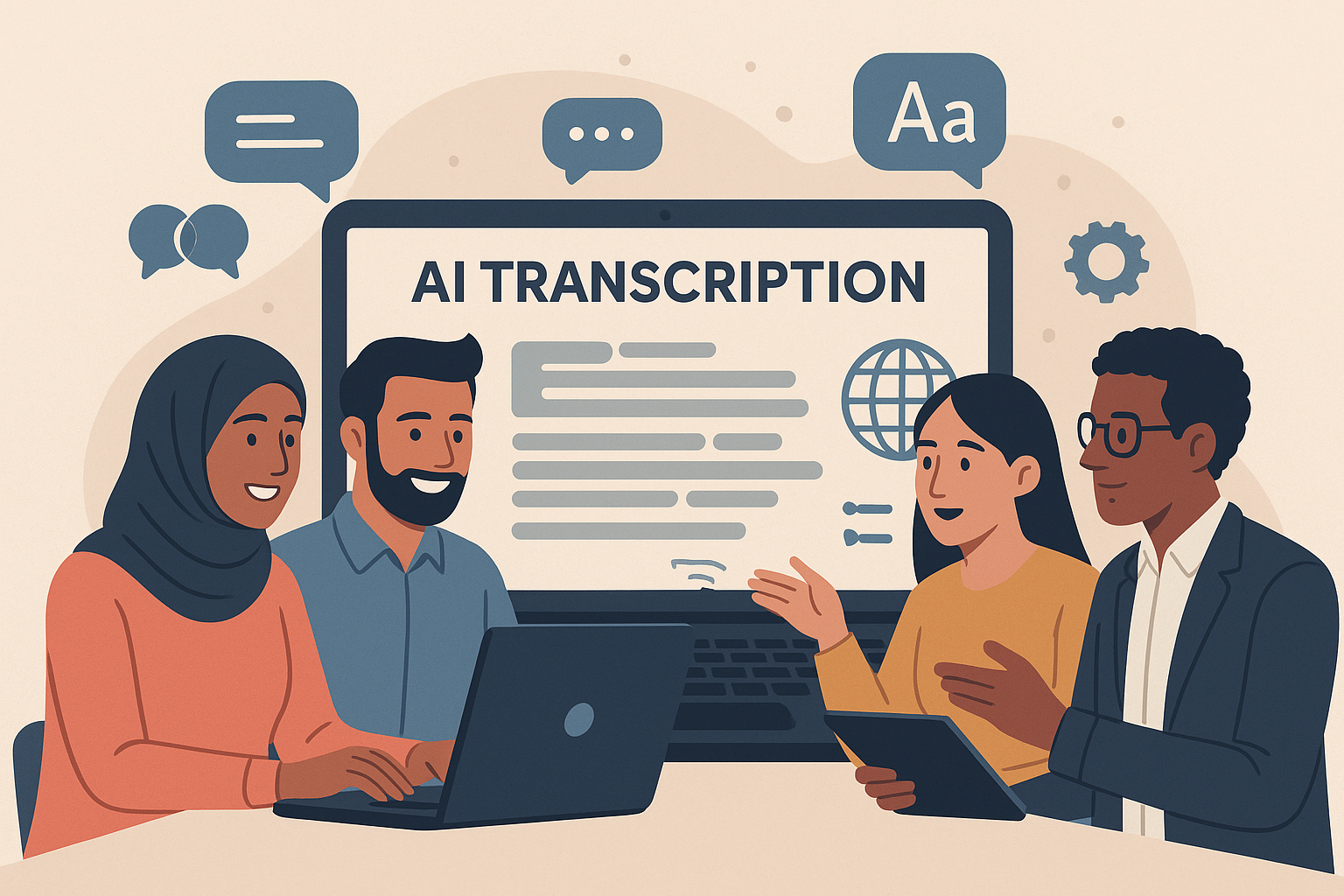
- Real-time transcription: Instantly converts speech to text, helping non-native speakers keep up.
- Language support: Handles dozens of languages, even within a single conversation.
- Speaker identification: Differentiates voices for clearer records.
- Translation features: Provides on-the-spot translations alongside transcripts.
- Integration: Works with tools like Slack, Microsoft Teams, and Jira.
- AI summaries: Highlights key decisions and action items for quick reviews.
How to Build Multilingual Speech Transcription and Translation Solutions with Azure AI
Key Features and Benefits of AI Transcription Tools
AI transcription tools have evolved far beyond simple speech-to-text conversion. They now offer a variety of features tailored for teams working across languages and time zones. By understanding these capabilities, organizations can choose the right solution and maximize their investment in communication tools. Let’s break down the features that make these tools a game-changer for multilingual teams.Main Features of AI Transcription Tools
Support for multiple languages is essential for global teams. These tools can handle dozens of languages within a single conversation. Whether team members switch between languages or use technical terms, the AI adapts on the fly, eliminating the need for separate tools for different languages. Real-time transcription ensures spoken words are converted to text instantly. This feature helps non-native speakers follow along more easily and ensures no one misses key details during discussions. Speaker identification is another standout feature. The AI can differentiate between voices and assign labels like “Speaker 1” or even specific names when configured. This makes meeting notes and follow-ups much clearer by showing exactly who said what. Translation capabilities take communication a step further. These tools can provide instant translations alongside the original text, bridging language gaps and ensuring everyone stays on the same page. Seamless integration with existing tools simplifies adoption. Many transcription platforms connect directly with software like Slack, Microsoft Teams, and Jira. For example, Zight integrates effortlessly with these platforms, streamlining workflows and reducing disruptions. AI-powered summaries condense lengthy conversations into concise highlights. Instead of combing through entire transcripts, teams get a quick overview of decisions, action items, and key topics, saving time and effort. Together, these features elevate communication and collaboration for multilingual teams.How Multilingual Teams Benefit
Improved documentation accuracy is one of the biggest advantages. AI transcription tools capture every word, including accents and rapid speech, creating detailed records that are invaluable for compliance-heavy industries or complex discussions. Enhanced meeting accessibility ensures language barriers don’t hinder participation. Team members can follow along in real time or review transcripts later, fostering inclusivity and better decision-making. Flexibility across time zones becomes much easier to manage. With accurate transcripts, team members who miss live meetings can catch up quickly and contribute without needing lengthy recaps. Boosted productivity is another key benefit. By automating note-taking and summary creation, teams can focus their energy on meaningful discussions instead of administrative tasks. Detailed, searchable transcripts also serve as a long-term resource, preserving institutional knowledge for onboarding and future reference.Feature Comparison Table
| Feature | Real-time Processing | Deferred Processing | Language Coverage |
|---|---|---|---|
| Multi-language Support | Detects and switches languages instantly | Enhanced accuracy with additional processing | Handles dozens of languages |
| Speaker Identification | Basic voice separation | Advanced voice pattern recognition | Works across supported languages |
| Translation Services | Quick, rough translations | Refined, context-aware translations | Varies by language pair |
| Integration Capabilities | Live connections to platforms | Batch uploads to tools like Jira | Broad compatibility |
| Summary Generation | Simple bullet points during meetings | Detailed summaries with actionable insights | Tailored by language |
Best AI Transcription Tools for Multilingual Teams
Picking the right AI transcription tool can make a world of difference for multilingual teams. With the market expected to grow from $1.3 billion in 2022 to $6.4 billion by 2025, it’s clear that demand is on the rise. To get the most out of these tools, focus on finding one that balances accuracy, language support, and seamless integration. Let’s dive into how top platforms, especially Zight, meet these needs.Leading Platform Overview
Zight stands out by combining screen recording, video creation, and AI transcription into a single platform. This makes it a go-to for multilingual teams who need to capture both visual and audio content during meetings, training sessions, or collaborative projects. Its AI transcription features support multiple languages and even generate automatic summaries. This is particularly helpful for catching up on missed meetings or revisiting important decisions. Plus, Zight integrates smoothly with workplace tools, allowing teams to record, transcribe, and share content without disrupting their workflows. Zight offers various pricing plans to fit different needs:- Free Plan: Includes 5-minute recordings.
- Pro Plan: Priced at $7.95 per month.
- Team Plan: Costs $8 per user per month.
- Enterprise Options: Custom pricing for larger organizations.
Key Considerations for AI Transcription
Accurate transcription can significantly enhance productivity and inclusivity for global teams. While Zight offers a strong solution, here are a few other factors to keep in mind when choosing the right tool for your team. Accuracy and Integration Transcription technology has seen a 25% improvement recently, with many platforms achieving up to 95% accuracy and some reaching an impressive 99%. Integration is equally important – 85% of businesses have either adopted or plan to adopt AI transcription tools, primarily because they integrate so well with existing communication and project management systems. Language Support While some platforms claim to support over 100 languages, the reliability of transcription can vary depending on the language pair. It’s essential to choose a tool that provides dependable support for the specific languages your team uses. Pricing and Scalability The rise of remote and hybrid work has led many companies to start with free or low-cost plans to test a tool’s performance before committing to a larger investment. This approach makes sense, especially when 80% of teams report increased productivity and collaboration after adopting AI transcription tools, and 75% of employees say these tools help them capture critical information during virtual meetings. When selecting an AI transcription solution, look for features like real-time transcription, robust language support, seamless integration, and compliance with privacy standards. Balancing these considerations with your team’s budget and technical needs will help you find the perfect fit for your multilingual team.sbb-itb-5d91f01
How to Implement AI Transcription in Your Workflow
Introducing AI transcription into your workflow, especially for multilingual teams, doesn’t have to be complicated. With the right approach, it can become a seamless part of how your team communicates and collaborates across language barriers. The key is tailoring the setup to meet your team’s specific needs and ensuring it integrates smoothly with your existing processes.Implementation Steps
Start by evaluating your team’s meeting schedule to pinpoint where transcription would add the most value. Many teams find it effective to begin with crucial meetings – like weekly standups, client calls, or training sessions – before rolling it out to other areas. Next, set up Zight with a plan that aligns with your recording needs. Identify key meetings and integrate Zight with tools like Slack, Microsoft Teams, and Jira to ensure content flows effortlessly. During the initial configuration, set language preferences for each team member to improve transcription accuracy right from the start. It’s helpful to begin with a pilot group. Train this smaller team on how to use audio capture tools, screen recording features, and transcription settings. This group can then act as internal advocates, helping others adopt the technology more easily. To keep things organized, establish clear naming conventions for your files. For example, use formats like “Project-Date-Language” to make it easier to manage recordings across multiple languages and time zones. Lastly, focus on optimizing audio quality during recordings to ensure the best transcription results.Improving Accuracy and Protecting Data
High transcription accuracy starts with clear audio. While AI tools are designed to handle different accents and dialects, they perform best with high-quality input. Use reliable audio equipment and record in quiet environments to minimize background noise. Language-specific settings are another factor to consider. AI transcription tools are improving, but they may still miss subtle nuances or context, especially when compared to human interpreters. Make sure to select the correct source language for each recording and avoid mixing languages (code-switching) within the same session, as this can confuse the transcription algorithms. Encourage speakers to use clear, grammatically correct language and limit the use of industry-specific jargon or idioms, which can sometimes trip up AI tools. For technical terms, consider creating a glossary to help ensure consistency. Data security is equally important. While Zight processes transcriptions securely, you should establish clear guidelines on recording sensitive discussions. For example, decide in advance whether to transcribe client meetings, HR discussions, or other confidential sessions. Always inform participants when a meeting is being recorded. Proactively address common challenges like background noise, poor audio, or homophones, as these can reduce transcription accuracy. Using headsets, recording in quiet spaces, and reviewing transcripts for context-specific errors can go a long way in improving results.Organizing Transcripts and Translations
Once your transcriptions are accurate and secure, organizing them properly will save your team time and effort. Use a consistent folder structure – such as organizing by date, project, and language (e.g., “2025/August/Product-Launch/EN-US”) – to keep related files together. Tagging transcripts with project codes, participant names, and key topics also makes them easier to find. Zight’s search function can scan transcribed content, so tagging consistently ensures quick retrieval. Sharing protocols are important for balancing accessibility and privacy. Automatically share transcripts with core team members, but restrict access to sensitive content. Zight’s integration features make it easy to push summaries to Slack channels or project management tools, so your team gets the highlights without being overwhelmed by full transcripts. As your transcript library grows, develop a plan for archiving and retention. For instance, daily standups might only need to be stored for a short time, while training sessions could be useful for months. Regularly cleaning up your files helps avoid storage issues and keeps your system manageable. When creating translated versions of transcripts, organize them alongside the originals. This way, you can easily cross-reference translations with the source material to verify context or meaning. Finally, take advantage of Zight’s AI-powered summaries to create quick reference documents. These summaries can highlight key decisions and action items, making it easier for team members to catch up on missed meetings or review important points without listening to the entire recording.Future Developments in Multilingual AI Transcription
The future of multilingual AI transcription holds exciting possibilities. As technology evolves, we’re seeing advancements that could make collaboration across languages smoother and more intuitive for global teams.Advancements in AI Technology
Emerging systems are set to take translations to the next level by interpreting broader conversational contexts, making transcripts more accurate and meaningful. They’ll also improve at recognizing different dialects and accents, ensuring a more inclusive experience. Another exciting area is the ability to detect tone and emotion, capturing the subtleties of communication that often get lost in text. These tools will also expand their reach by supporting languages that currently lack robust transcription options and handling conversations that switch between languages seamlessly. These improvements could transform how global teams communicate and collaborate.Impact on Global Teams
With better transcription quality and features like automated summaries, teams will spend less time reviewing and more time focusing on meaningful discussions. As tools become more adept at navigating linguistic and cultural differences, onboarding new team members and fostering collaboration across diverse groups will become much easier. Though many of these advancements are still in development, they highlight the growing trend toward smarter, more intuitive transcription tools. These innovations aim to simplify communication and strengthen connections for multilingual teams worldwide.Conclusion
AI transcription is reshaping how multilingual teams communicate. This guide explored how advanced tools and smooth integration help global teams tackle challenges that often come with international collaboration. By automating tasks like creating summaries and translating in real time, teams can save time, make communication more accessible, and maintain searchable records of their interactions. A great example of this technology in action is Zight. It offers a robust set of tools, including screen recording, auto-transcription with captions, and AI-driven translation in over 50 languages. The platform goes further by generating smart titles, chapters, and video summaries, allowing teams to absorb information quickly – no matter the time zone or language barriers. Here’s what users are saying about it:“The AI features you guys built are amazing for my use case, as I send a lot of videos to my team. It makes it nicer for them on the receiving end.” – Daniel R. Odio, CEO, Storytell.aiWith the global language translation market expected to hit $43.91 billion by 2025, it’s clear that AI transcription technology is not just a trend – it’s a growing necessity. For teams looking to adopt this technology, the tools available today are ready to deliver immediate benefits while continuing to evolve for the future. Platforms like Zight are making multilingual collaboration smoother, more efficient, and more inclusive than ever.












