
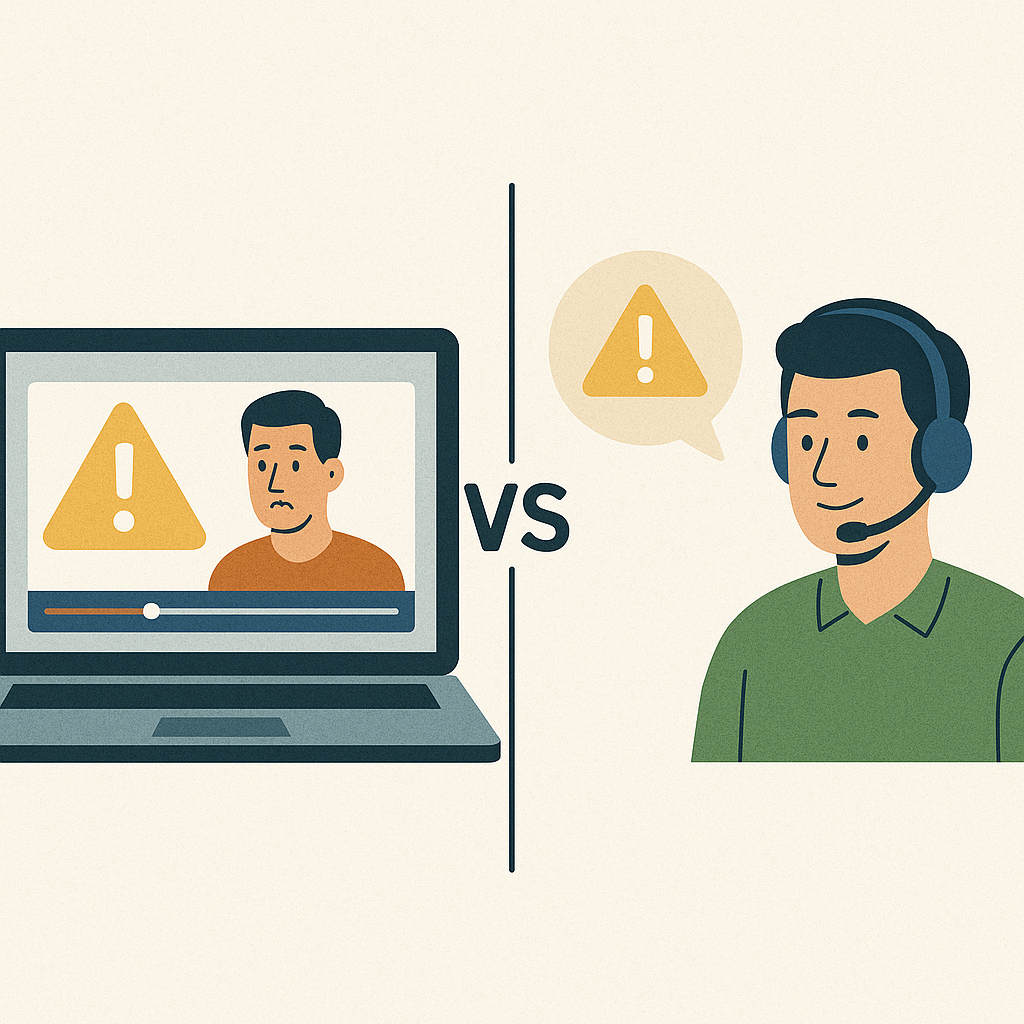
- Screen Recording: Ideal for documenting issues, creating tutorials, and providing reusable visual guides. It’s great for asynchronous communication and recurring problems.
- Live Support: Best for real-time problem-solving, personalized assistance, and handling complex or urgent issues.
Quick Comparison
| Factor | Screen Recording | Live Support |
|---|---|---|
| Response Time | Available anytime | Immediate, but depends on agent hours |
| Cost | Reduces support costs | Higher due to staffing |
| Scalability | Unlimited users | Limited by agent availability |
| Complexity Handling | Suitable for simple, repeatable issues | Ideal for complex, unique problems |
| Documentation | Automatically creates a reference | Requires manual documentation |
The Basics of Creating Screen Recordings
Screen Recording for Troubleshooting
Screen recording has revolutionized troubleshooting by providing clear, visual solutions. Instead of relying on long, detailed emails or confusing phone calls, support teams can now visually demonstrate each step of a solution. This approach isn’t just more effective – it’s also efficient. For instance, businesses that use video tutorials for support have cut their support costs by 30%. And customers who include a video when submitting support tickets experience 30% faster resolution times.What Screen Recording Brings to the Table
Modern screen recording platforms go beyond simple video capture, offering tools that make visual communication seamless. Users can create step-by-step guides, capturing everything from button clicks to navigating intricate software. These recordings serve as a permanent reference for identifying and solving issues. Features like annotations – arrows, text boxes, and callouts – make it easy to highlight critical steps. Webcam overlays add a personal element to technical explanations, while AI-driven tools, such as transcription and summaries (as seen with platforms like Zight), generate searchable text and condensed versions of longer recordings. For quick demonstrations, GIF creation offers a fast and engaging way to showcase specific actions without requiring viewers to sit through an entire video.When to Use Screen Recording
Screen recording shines in situations where visual explanations are more effective than verbal or written instructions. For recurring issues, a single detailed video can save time by eliminating the need to repeatedly explain the same solution. Asynchronous collaboration is another strong use case, especially for teams spread across different time zones. Developers and designers can record problems or suggestions and share them for review at a convenient time. Screen recordings are also perfect for creating training materials, allowing new employees to learn at their own pace while building a library of resources for future use. When dealing with complex software that requires multiple steps or precise timing, a recorded walkthrough provides clarity that written instructions often lack. For quality assurance, screen recordings offer an up-close view of how agents interact with customers and handle tasks, providing real-life examples of problem-solving in action.Integration and Device Compatibility
The effectiveness of screen recording tools also depends on how well they integrate into your workflow and their compatibility across devices. Cross-platform support ensures your team can create and view recordings regardless of their device. Platforms like Zight work on Mac, Windows, Chrome, and iOS, making them ideal for remote teams using a mix of operating systems. Workflow integration is another game-changer. Tools like Slack and Microsoft Teams allow support teams to instantly share recordings in meetings or relevant channels. Platforms like Jira enable developers to attach video demonstrations directly to bug reports or feature requests, streamlining communication. Screen recordings can also become valuable resources for the entire organization. By embedding them into internal knowledge bases, teams can create a searchable library of visual solutions. This turns one-time troubleshooting efforts into reusable assets. Secure file sharing with customizable permissions ensures that recordings reach the right people quickly and safely. The real power of integrated screen recording platforms lies in how they make visual knowledge a natural part of daily workflows.Live Support for Troubleshooting
Live support brings back the human touch to solving technical issues. When customers encounter problems, they often prefer speaking directly with an expert who can offer immediate help. This approach resonates with many – 53% of customers prefer chat over other digital methods, and 85% of customers are satisfied with live chat support. What makes live support stand out is its speed. While emails can take hours or even days for a reply, live chat provides responses within 2 minutes on average, with an initial response time of just 46 seconds. This quick reaction can be the difference between a frustrated customer and one who feels valued. This discussion of live support complements earlier topics like screen recording by emphasizing the value of real-time, human-driven assistance.Main Benefits of Live Support
The biggest draw of live support is its interactive, personalized approach. Unlike static guides or pre-recorded videos, live support tailors solutions to each customer’s unique situation. Agents can ask follow-up questions, simplify explanations, and adjust their guidance based on the customer’s level of understanding.“It’s instantaneous communication that doesn’t involve phone support tag.” – Jon Daniels, Technical Support Engineer at ZendeskThis back-and-forth is especially useful for complex technical issues. For example, when a customer struggles with software integration or encounters an error they can’t resolve, live agents can guide them step-by-step, adapting as new challenges arise. Live support also helps build stronger customer relationships. Agents can proactively assist customers, often solving problems before they escalate. This personal touch influences buying decisions – live chat can increase conversion rates by 8 to 20% and reassures customers about their purchases. From a business perspective, live support is also cost-effective. Live chat can be up to 30% cheaper than phone support, while still delivering the personal interaction customers value. Additionally, the data gathered from these interactions can help businesses refine their products and services. However, live support isn’t without its challenges.
Common Problems with Live Support
Despite its advantages, live support has its hurdles. It requires constant availability. Unlike automated tools like screen recordings, live support depends on agents being present when customers need help. This means businesses must either limit support hours or invest in 24/7 staffing. Training agents is another challenge. Representatives need to juggle multiple tasks – typing quickly, thinking clearly, and maintaining in-depth product knowledge. The absence of verbal cues in chat-based support can also lead to misunderstandings, particularly for complex technical issues. Customer expectations add even more pressure. With response times averaging around two minutes, customers often expect immediate and flawless solutions. When agents can’t deliver, 79% of customers are likely to switch to a competitor offering better service. Moreover, 56% of consumers don’t complain about poor service – they simply leave for another company. The repetitive nature of support work can also be draining. Customers often have to repeat their issues to multiple agents, leading to frustration on both sides. For agents, this can contribute to burnout – 40% report that angry customers make their jobs more stressful.When Live Support Works Best
Live support excels in situations where human interaction is essential. Time-sensitive issues are a prime example. If a customer needs to access their account to retrieve a report for an urgent meeting, live support can provide the immediate assistance they need. It’s also ideal for less tech-savvy customers. While some users prefer self-service solutions, those who struggle with technology benefit greatly from patient, real-time guidance. In fact, 70% of consumers say they’d rather talk to a human than use an automated system. For complex integration problems, live support is invaluable. For instance, if a customer can’t integrate their CRM with an email marketing tool despite following online instructions, a live agent can share their screen and guide them step-by-step. This hands-on approach often resolves issues that static resources can’t. Language barriers are another area where live support shines. Agents can adjust their communication style, clarify misunderstandings, and use visual tools to ensure customers understand the solution. This flexibility makes live support especially effective for diverse audiences. Finally, live support is a powerful tool for building relationships with high-value customers. The personal interaction can set a business apart from competitors, creating positive experiences that encourage long-term loyalty.sbb-itb-5d91f01
Screen Recording vs. Live Support Comparison
Understanding the key differences between screen recording and live support can help you decide which approach is better suited for your troubleshooting needs.Side-by-Side Comparison Table
| Factor | Screen Recording | Live Support |
|---|---|---|
| Response Time | Available on demand 24/7 | Real-time assistance, dependent on agent availability |
| Cost Efficiency | Can lower support costs by 30% | Higher costs due to staffing requirements |
| Scalability | Handles unlimited simultaneous users | Limited by the number of available agents |
| Documentation | Creates a permanent, searchable record | Requires manual documentation for records |
| Personalization | Standardized approach | Tailored responses to individual needs |
| Learning Style | Great for visual learners (65% of people) | Ideal for those who prefer interactive, real-time dialogue |
| Issue Complexity | Best for simple, repeatable problems | Effective for complex issues needing detailed analysis |
| Bandwidth Usage | Requires 500kbps; approx. 1.5MB per minute | Lower bandwidth needed for text-based interactions |
| Compliance | Provides a verifiable record of processes | May need additional documentation to fulfill compliance requirements |
Pros and Cons of Each Method
Let’s take a closer look at why screen recording and live support work better in different scenarios. Screen recording shines when it comes to consistency and scalability. It’s perfect for addressing repeatable issues like password resets or account setups. With 65% of people identified as visual learners, screen recordings offer a clear, reusable resource that customers can revisit anytime. However, they lack the flexibility to handle unique situations or follow-up questions. Additionally, technical issues like low resolution, compression artifacts, or hardware limitations can sometimes affect the quality. Live support, on the other hand, is the go-to option when personalized, real-time assistance is needed. Support agents can adapt their responses on the fly, making it especially effective for diagnosing complex or nuanced problems. This human interaction can also help build stronger customer relationships. However, live support comes with higher costs due to the need for ongoing staffing and training. As Mike Spink explains:“Some clients will never want to use video, no matter what, which is part of the reason why live support is going to be necessary for every technical support team. Even if it’s three minutes, they’ll be like, ‘No, I don’t have time to watch a video. Just tell me the answer.'”The best troubleshooting strategies often combine both methods – using screen recordings for simple, repetitive tasks, while reserving live support for more complex, real-time problem-solving. Up next, we’ll explore how to choose the right method for your specific needs.












