

Most AI agents can read text and call APIs, but they still struggle with visual troubleshooting and communication. Zight closes that gap with visual workflows agents can trigger natively: request a recording, receive visual evidence, and respond with clear, shareable video or screenshot guidance.
How AI Agents Use Zight
Request Visual Context on Demand
Agents can ask users for a quick screen recording or screenshot through a simple link, reducing clarification loops and accelerating resolution.
Reply with Visual Clarity
Agents can send short walkthrough videos or annotated screenshots instead of long text blocks, improving understanding and action rates.
Keep Humans in Control
Every visual artifact can be reviewed, approved, and shared with the right audience, making AI-assisted communication safer for customer-facing use.
How it works
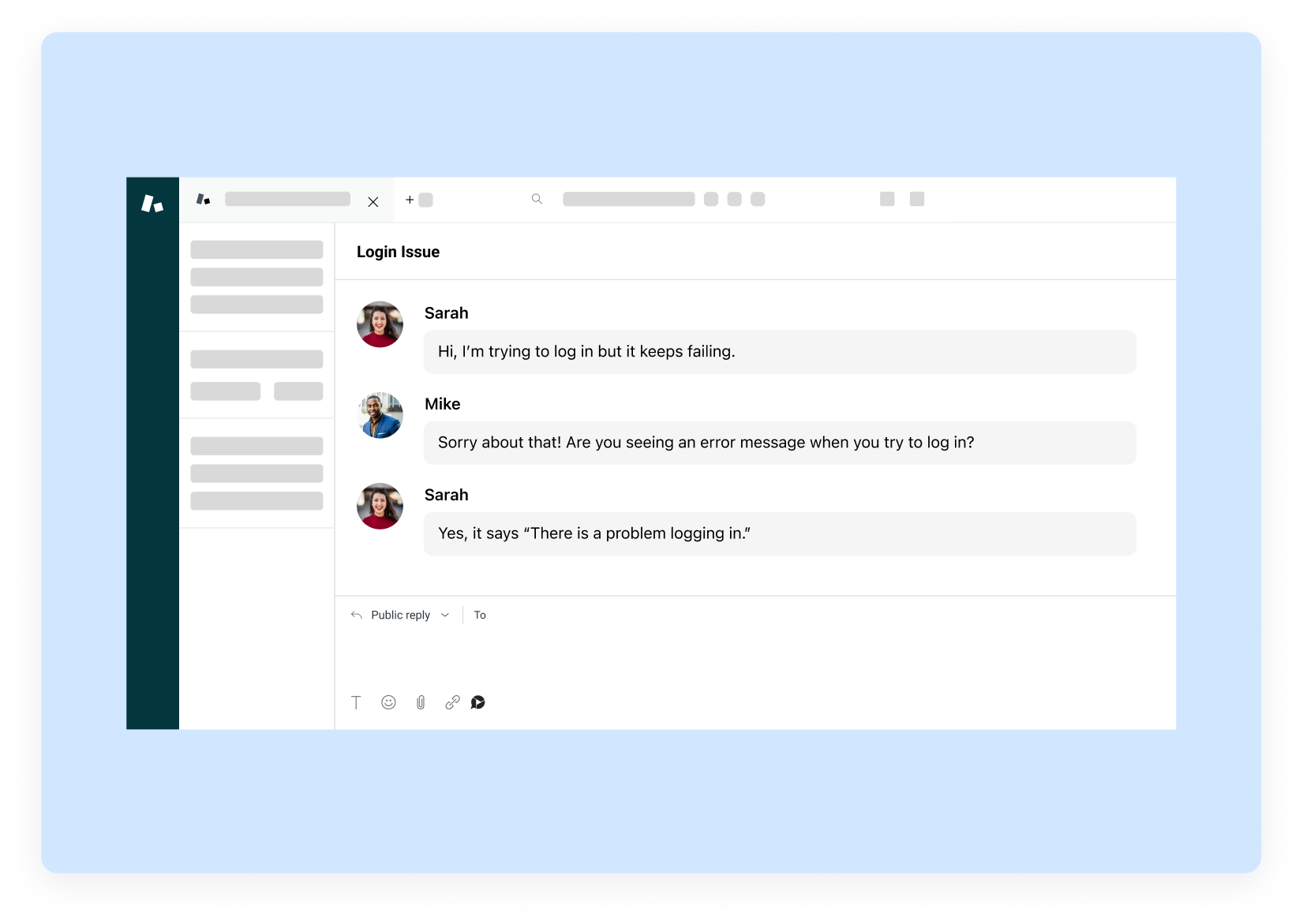
Agent detects a situation where visual context is needed.
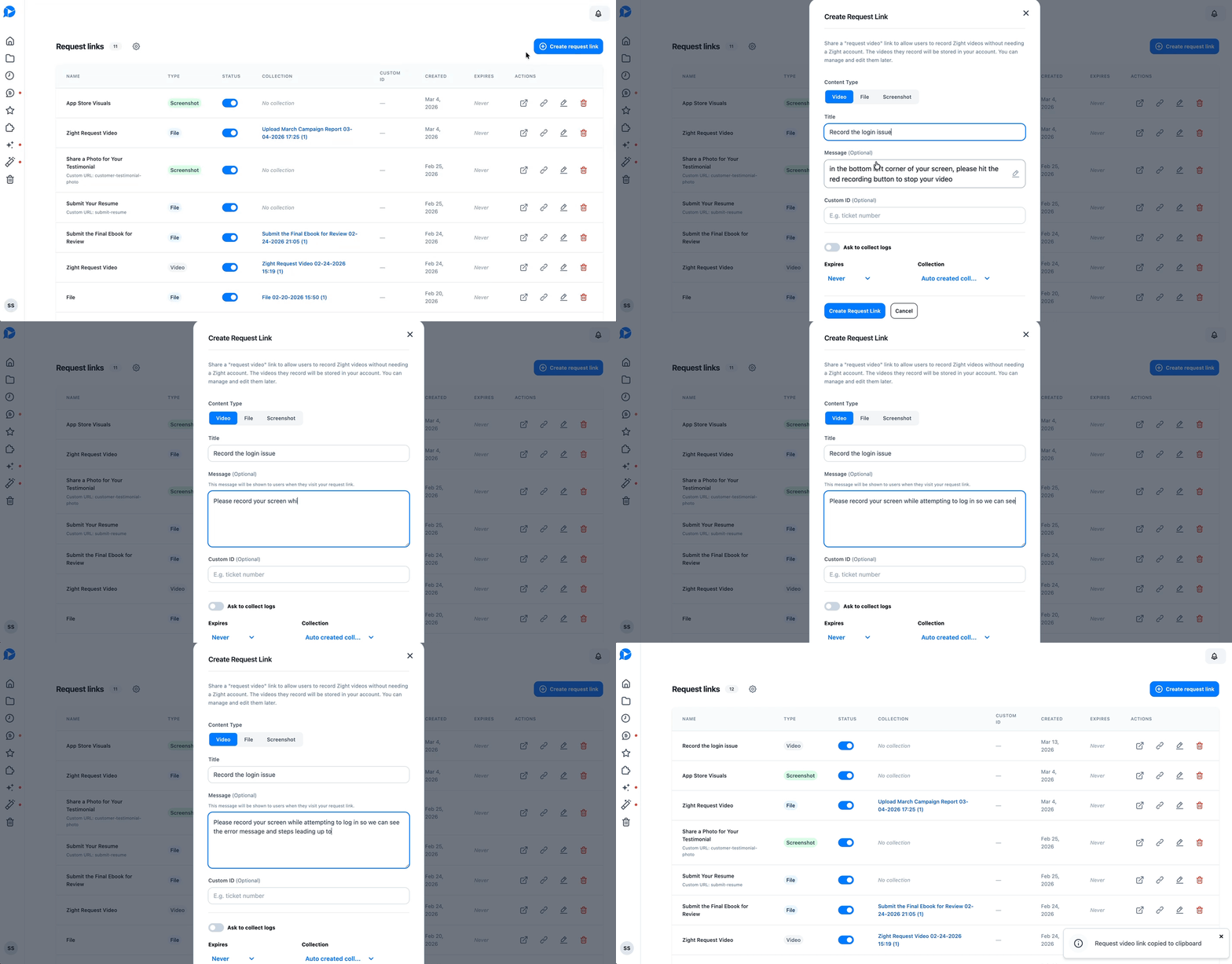
Agent sends a Zight request link.
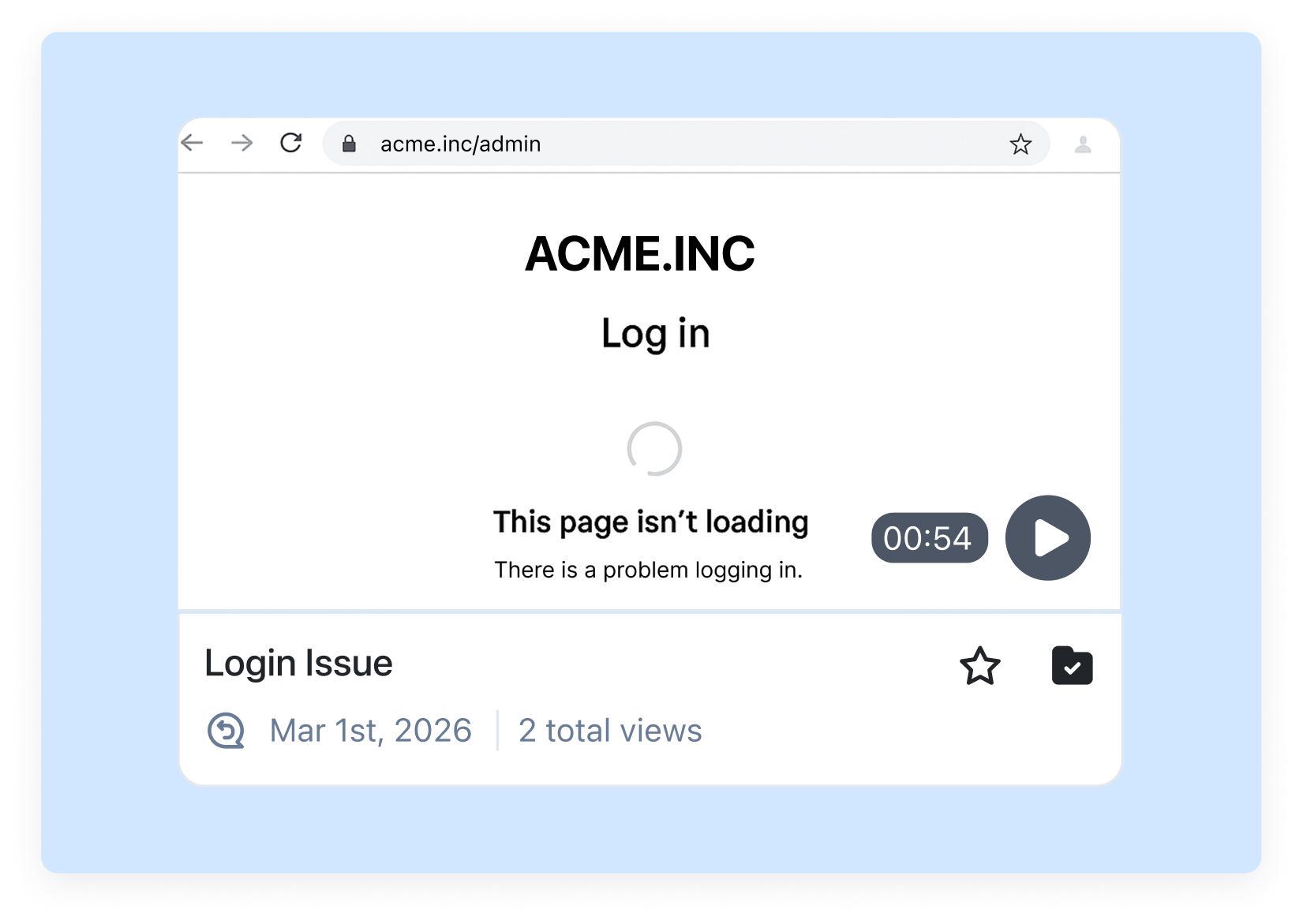
User submits visual context.
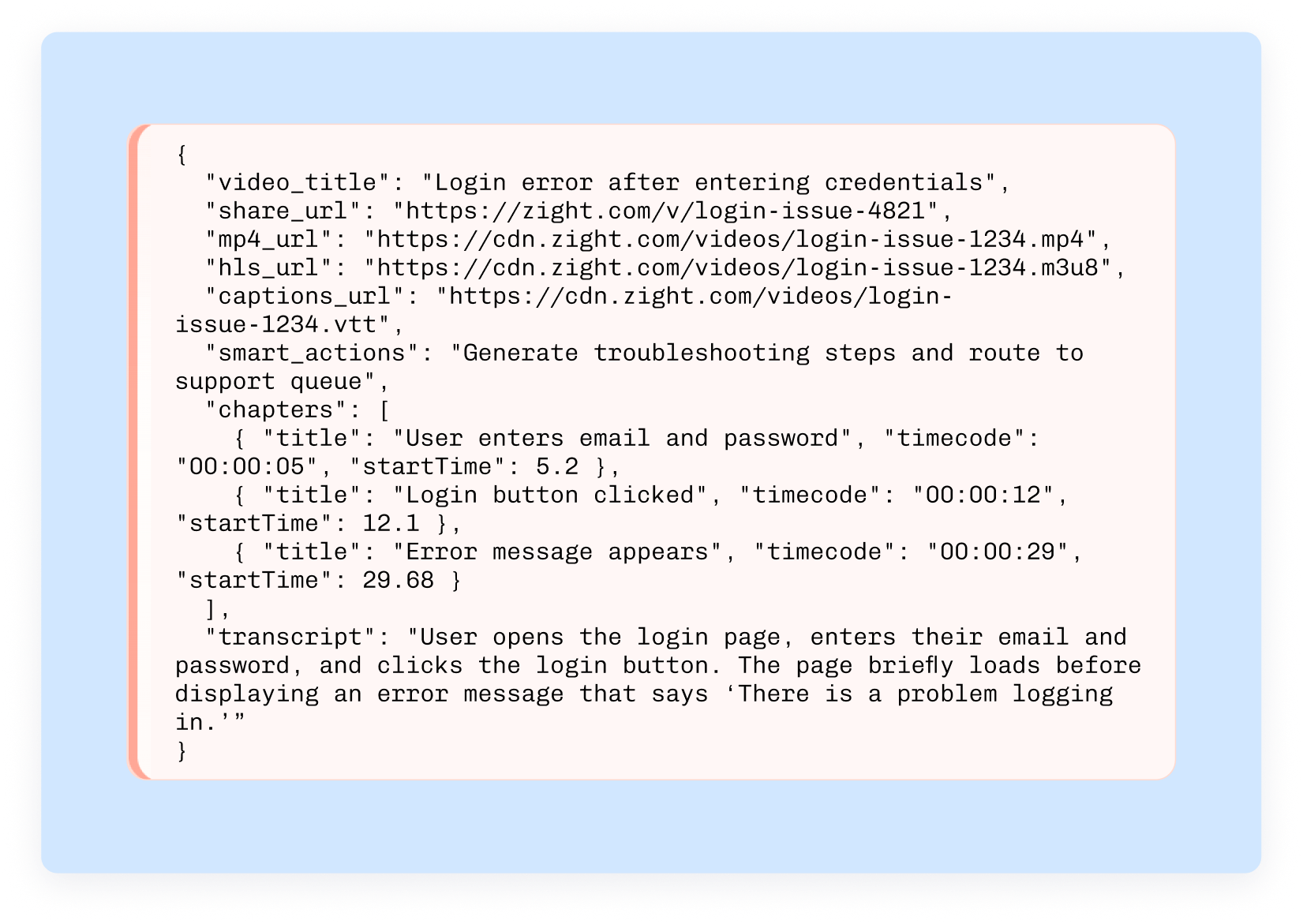
Agent summarizes context, routes it, or sends a visual response.
Give Vision to Your AI Agents
Zight is one of the first screen recording for AI agents in the world. Signup on the waitlist to gain access
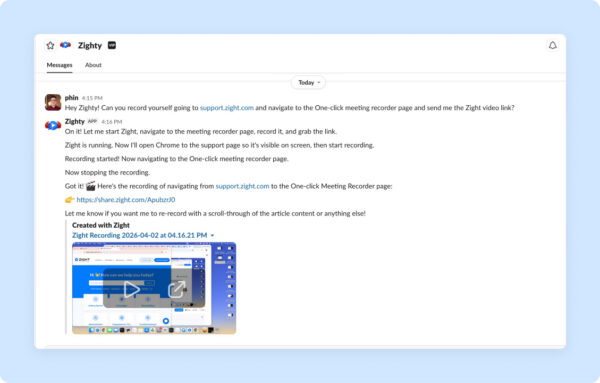
Resolve Issues Faster with Visual Context
Team closes the loop faster with fewer back-and-forth messages.
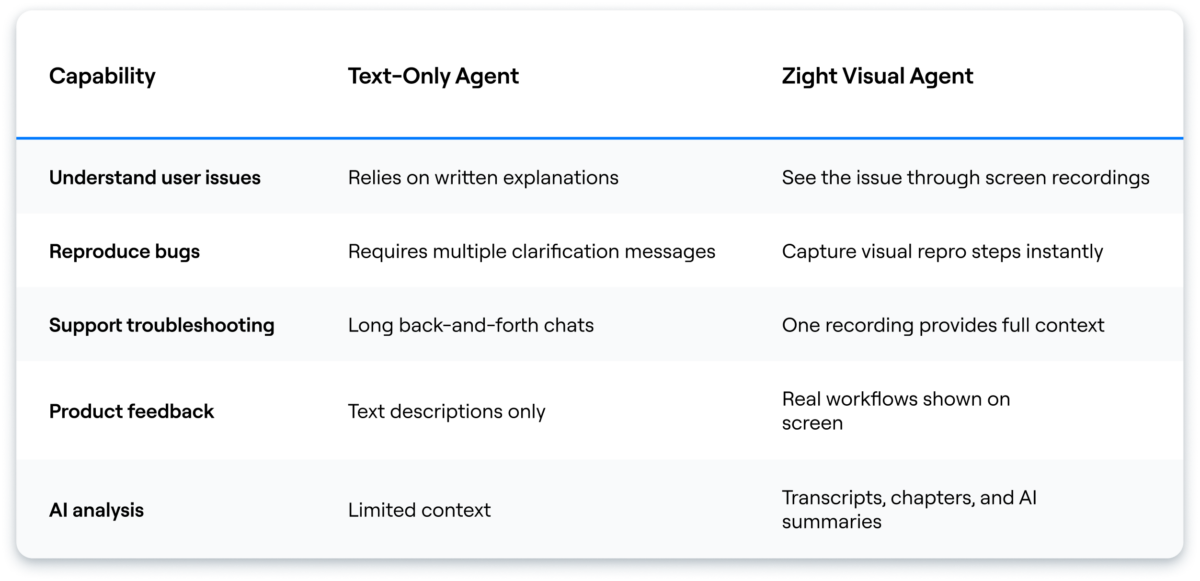
AI Agent Workflows Across Teams
Support
Handle bug triage faster by collecting recordings and reproducible steps.
• Capture screen recordings from users
• Collect reproducible steps
• Resolve issues faster
Example request: “Please record what happens after you click Save.”
Marketing & Sales
Create personalized follow-ups that explain products visually.
• Record quick walkthroughs
• Send tailored product clips
• Improve response and conversion rates
Example request: “Share a 60-second walkthrough of how your team uses this feature.”
Internal Ops
Document workflows and handoffs with visual context.
• Capture internal processes
• Turn recordings into step-by-step guides
• Keep teams aligned
Example request: “Record the steps your team follows when approving requests.”
Product & Engineering
Collect reproducible user context before escalating bugs.
• Request visual steps to reproduce issues
• Capture UI state and actions
• Speed up debugging and fixes
Example request: “Please show what happens right before the error appears.”
Why now?
AI agents are getting better at reasoning, but communication quality still bottlenecks outcomes. Visual communication is the missing interface between machine reasoning and human understanding.
Help shape Zight for AI Agents
Join the waitlist and tell us how your agents should request, read, and send visual communication.
See the Zight skill on Clawhub Join the WaitlistFrequently Asked Questions
No. It also fits PMM, sales, customer success, product, and internal ops workflows where visual context speeds decisions.
No, the goal is frictionless request links so users can quickly submit what the agent needs.
Yes. Human review/approval can be inserted wherever your workflow needs it.
Email plus a short freeform answer about how teams want agents + visual communication to work together.












