

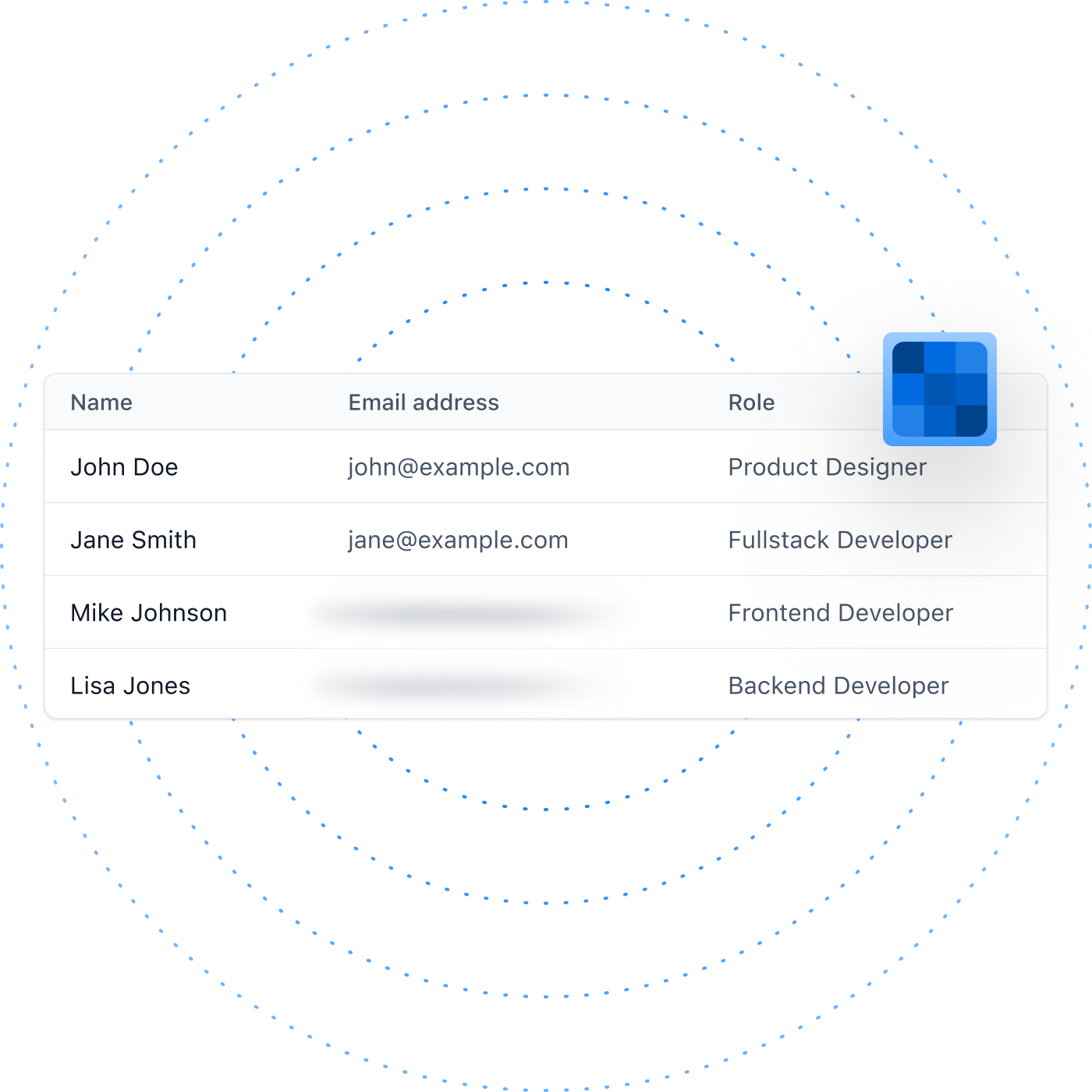
Powering the World’s Best Teams
Join 5m+ users who rely on Zight to increase their productivity







How it Works
Blur what you need before recording, right from the Zight Chrome extension.
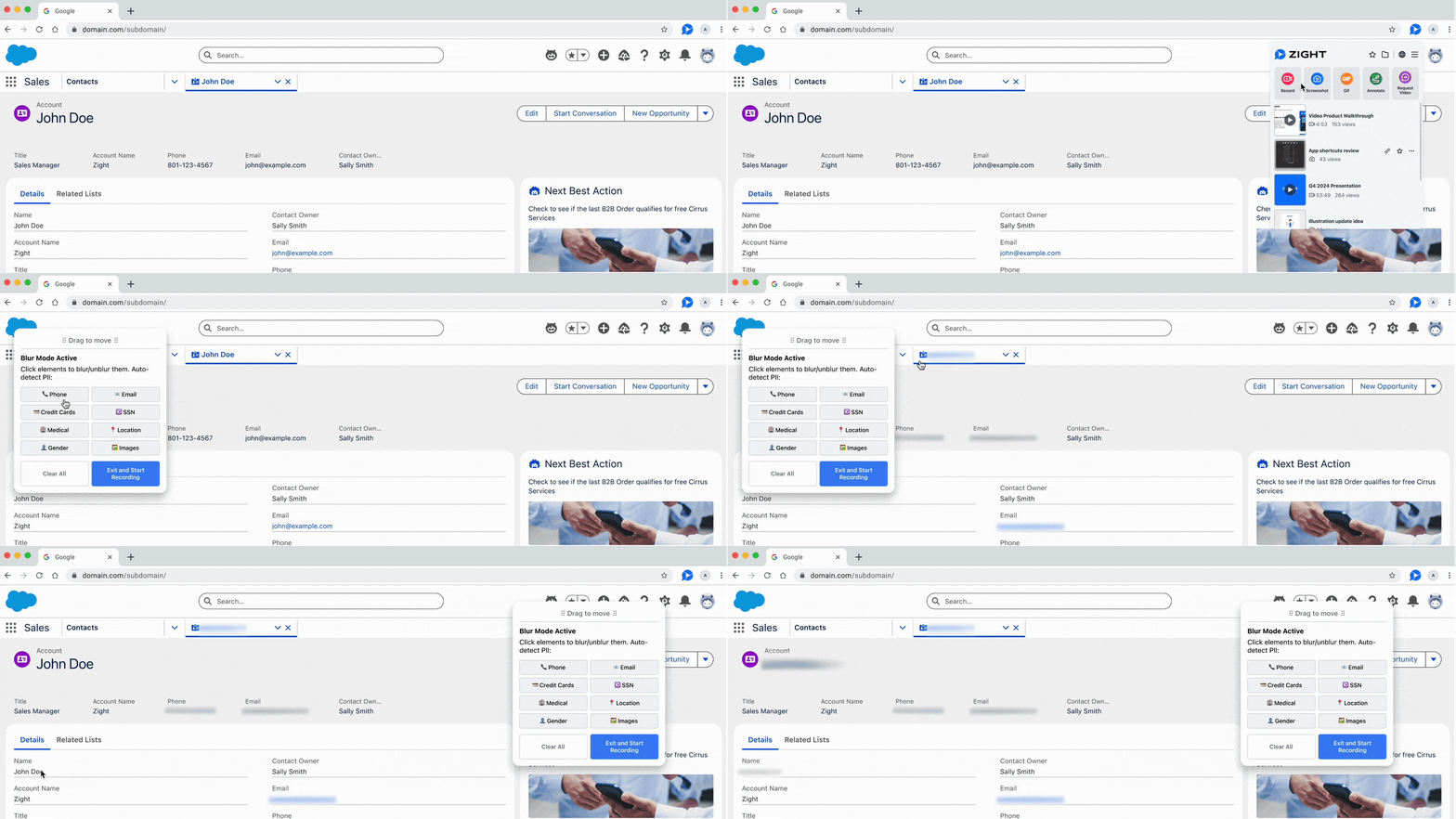
- Open the Zight Chrome extension
- Choose your recording type (Screen, Webcam, or Both)
- Click “Blur content” before you hit record
- Blur auto-detects common elements like emails or phone numbers
- Or you can drag blur boxes over any area you want to hide
- Start recording, your blur stays locked in, even across multiple tabs or screens.
Why Blur in Videos?
Auto-detect sensitive data
Zight automatically finds things like emails, phone numbers, and other private details so you can quickly blur them before recording.
Built for security
Once you start recording, your blur stays in place, keeping sensitive information hidden from start to finish.
Blur across multiple tabs
Move between screens or tabs without worry. You can set your blur boxes anywhere before you begin.
No editing required
There’s no need for post-production. What you blur before recording is exactly what appears in your final video.
The Only Lines We Blur Are the Ones That Keep Your Data Private
From customer walkthroughs to internal trainings, Blur lets every team record real environments without exposing private details.
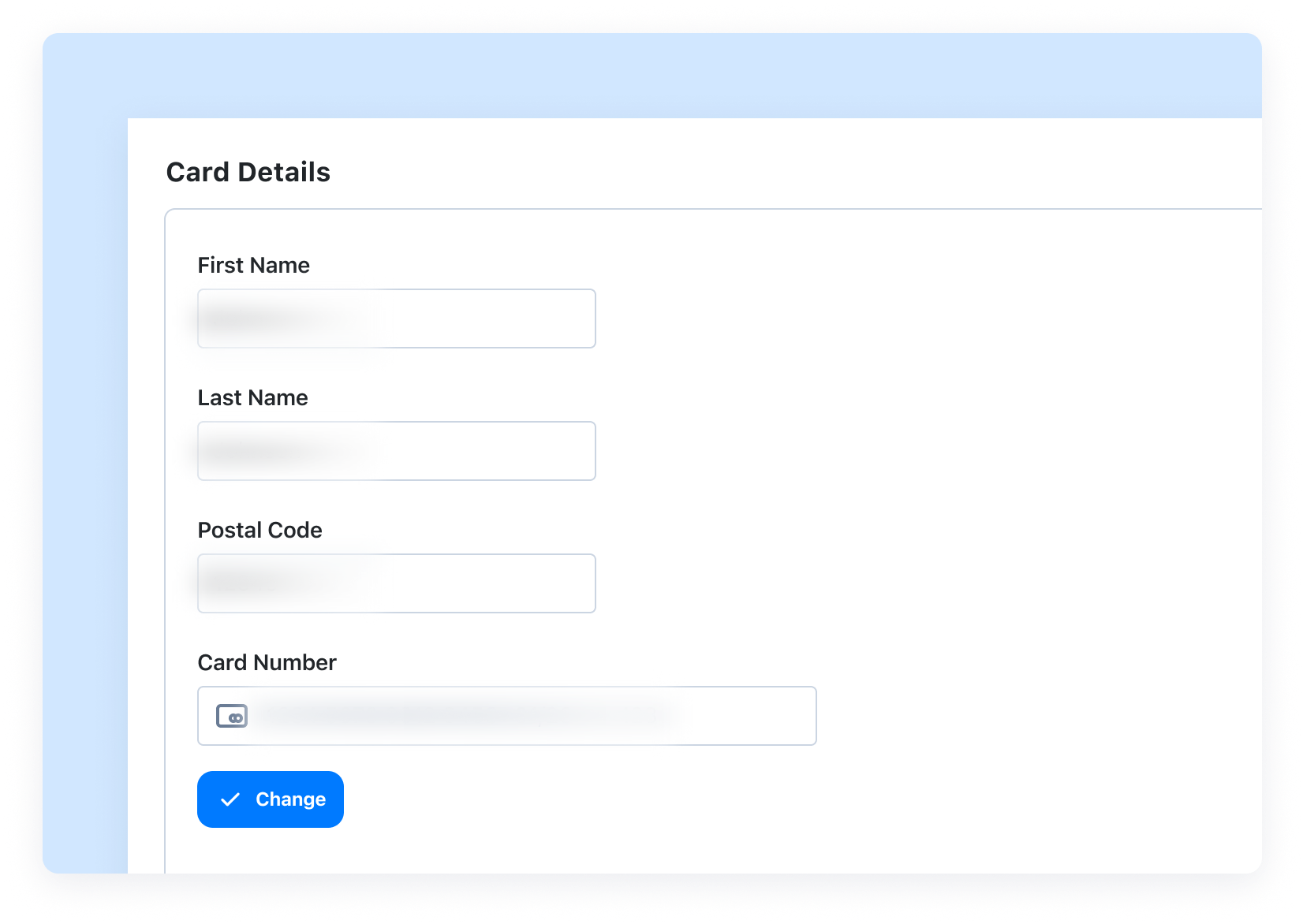
Support & Success
Show customer environments without exposing private data. Blur sensitive details so you can create walkthroughs and how-to videos that are safe to share with anyone.
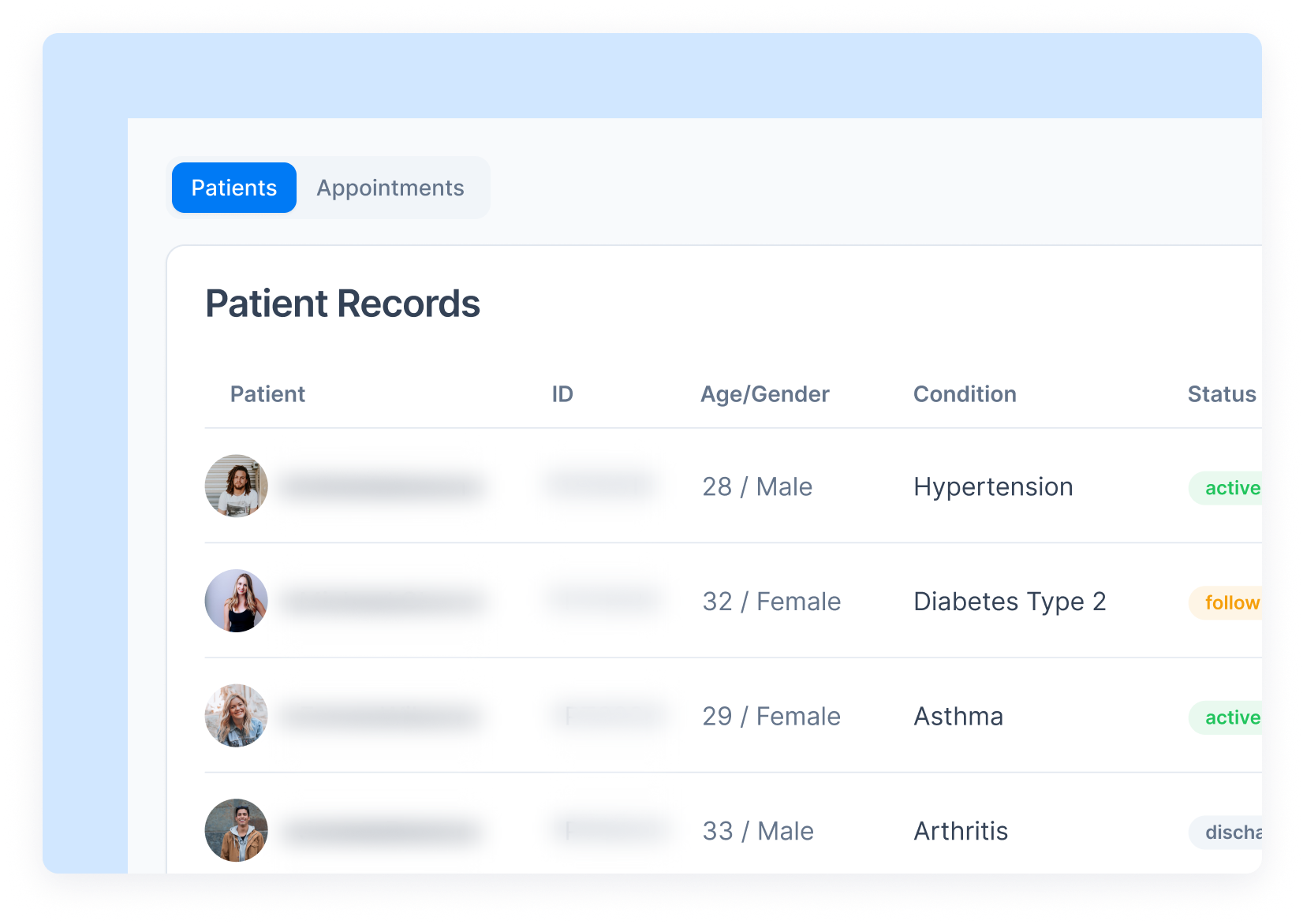
Healthcare & Compliance
Train staff using live systems while keeping patient information private. Blur PII like names, dates of birth, and record IDs to stay HIPAA-compliant from the start.
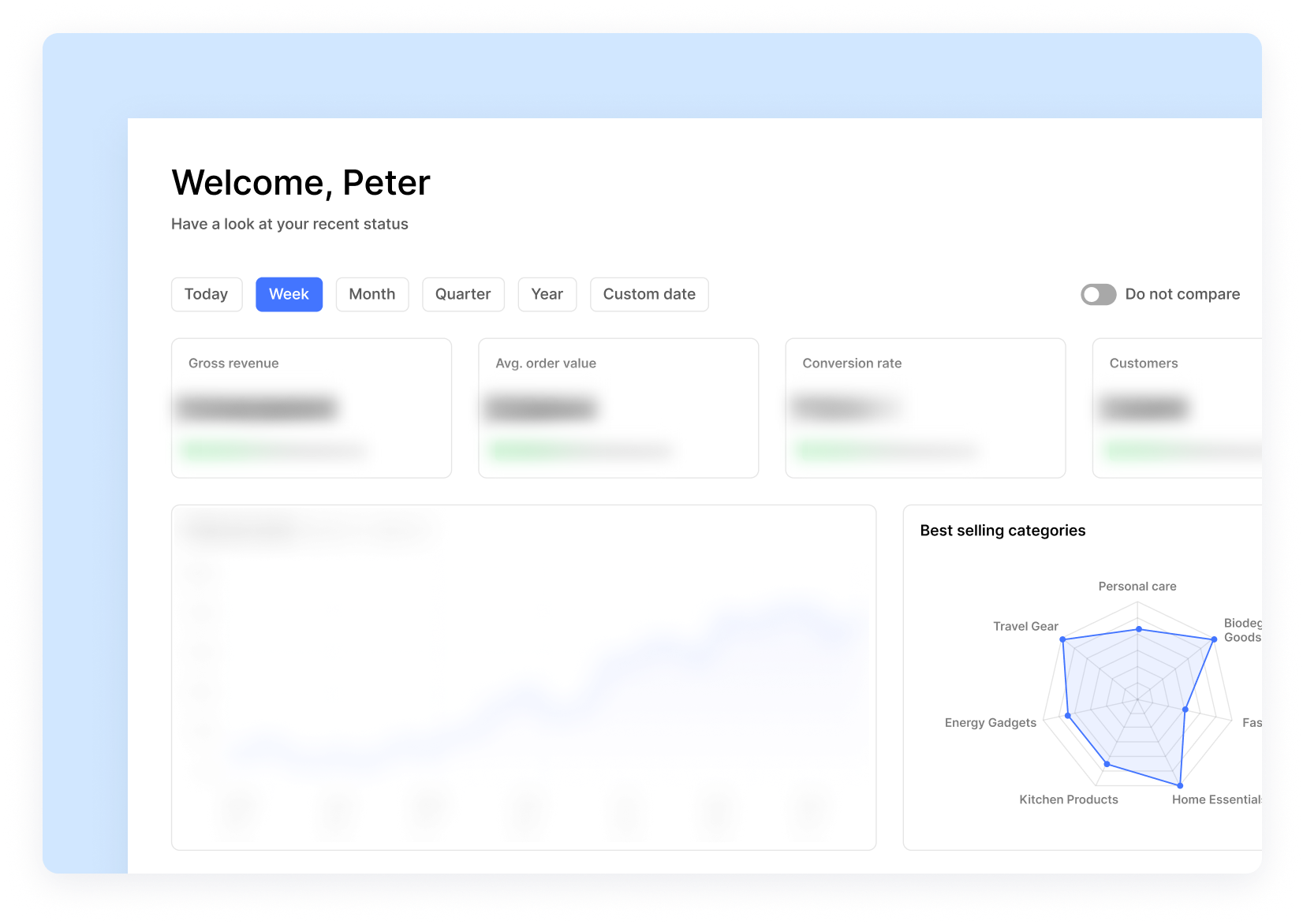
Sales & Onboarding
Create demos you can reuse without worry. Blur client names and account details so every recording feels personalized, polished, and ready to share again.
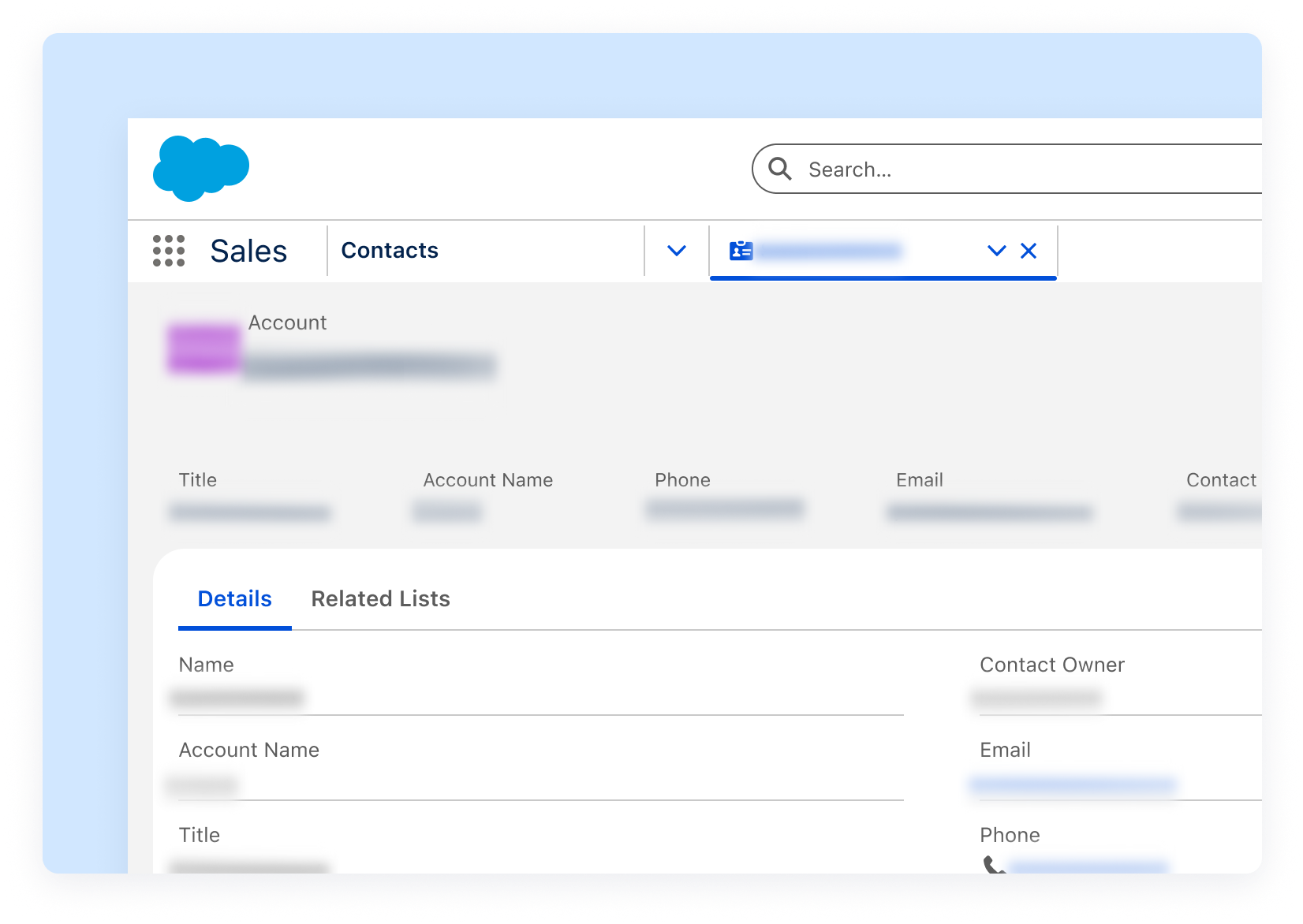
Product & Engineering
Capture internal tools and workflows securely. Hide proprietary data and configurations while still showing your process clearly.
Built for Compliance-Sensitive Teams
From HIPAA to GDPR, Blur helps your team stay aligned with data protection standards. By hiding sensitive info before you hit record, you reduce risk and increase confidence without extra tools or editing.

Ready to Record with Confidence?
Join the waitlist and be among the first to protect your sensitive data with Blur in videos.
Join the WaitlistFrequently Asked Questions
Not yet. This feature only works before you start recording in Chrome. The blur is applied during the recording process, ensuring your sensitive data is never captured.
No, blur is currently only available in the Chrome extension. We’re exploring future support for desktop apps and web-based editing workflows.
Yes, anything you blur before recording will appear in the final video. The blur is permanent and cannot be removed, ensuring your data stays protected.
This feature is currently in beta and will be available on paid plans and above. We’re rolling out to early access users first, join the waitlist to be notified when it’s available.
Yes! You can set up blur boxes across multiple tabs or screens before you start recording. This is perfect for complex demos or multi-screen workflows.
Blur in videos helps you meet compliance standards by preventing sensitive data from being captured in your recordings. However, always follow your organization’s specific compliance policies and data handling procedures.












