
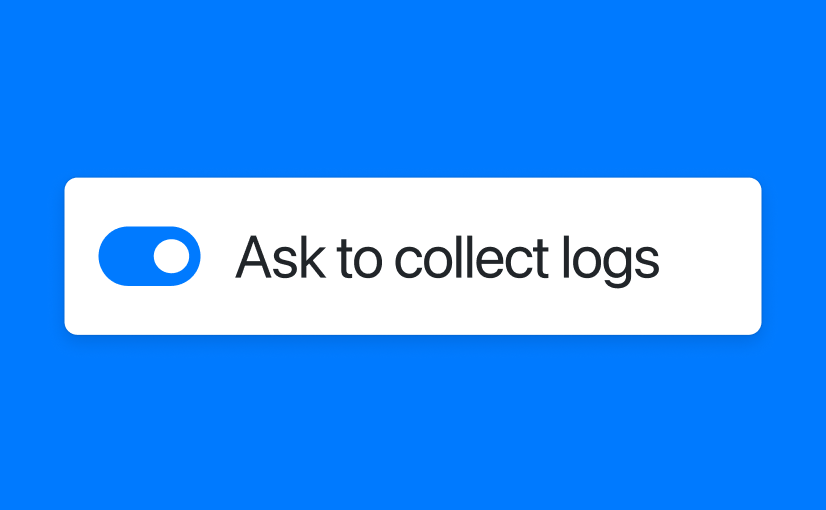
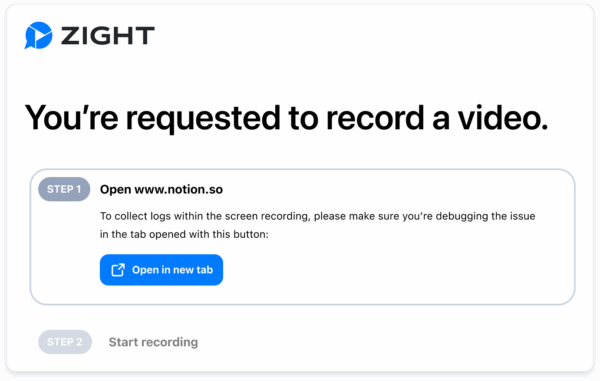
What’s new: session logs, captured automatically
Every time someone responds to a Request Video link, Zight automatically collects key session-level data and attaches it to the recording. Here’s what’s included:- Browser & version – detect compatibility or rendering issues
- Operating system – identify OS-specific bugs
- Screen resolution – helpful for UI/layout problems
- Network type – distinguish app issues from poor connections
- Console logs – surface client-side errors in real-time
- Network logs – view failed requests and response codes
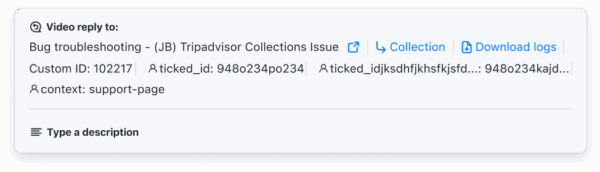 There’s nothing extra to set up. Your team gets the video and logs together—no need to ask customers to open dev tools or share screenshots.
 Why it matters: more context, less guesswork
Support and success teams spend too much time asking the same follow-up questions:- “What browser are you using?”
- “Can you send a screenshot of the error?”
- “Can you check the console for any messages?”
- Reduce escalations and speed up handoffs
- Confirm bugs and diagnose edge cases faster
- Eliminate manual troubleshooting steps
Use cases across teams
Customer success & support
- Escalate technical tickets with all the right context
- Cut resolution time by skipping repeated follow-ups
- Deliver better bug reports to product and engineering
Engineering & QA
- Reproduce issues with real-world environment data
- View console and network logs without needing direct access
- Troubleshoot faster and more accurately
Set it and forget it: admin defaults
Zight makes it easy to roll this out across your team with minimal effort. Admins can:- Automatically include logs with every Request Video
- Set team-wide defaults for video + log collection
- Ensure consistent data and workflows for escalations
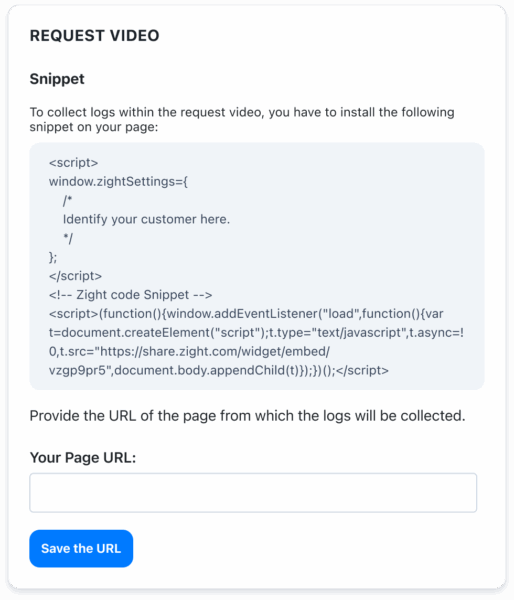
To enable logs in Request Video, install the snippet on your webpage.This gives your team structure, clarity, and a repeatable way to collect the context they need.
Integrate it into your workflow
Zight also integrates with tools like Jira, Confluence, Zendesk, Slack, and more, so the videos and logs you collect can be routed directly into your bug tracking, documentation, or alerting workflows. Example workflows:- Route log-backed videos into Jira for triage
- Add technical context to Confluence for support documentation
- Auto-archive user-submitted content in Google Drive
- Send Slack alerts when new log-rich feedback is received












