
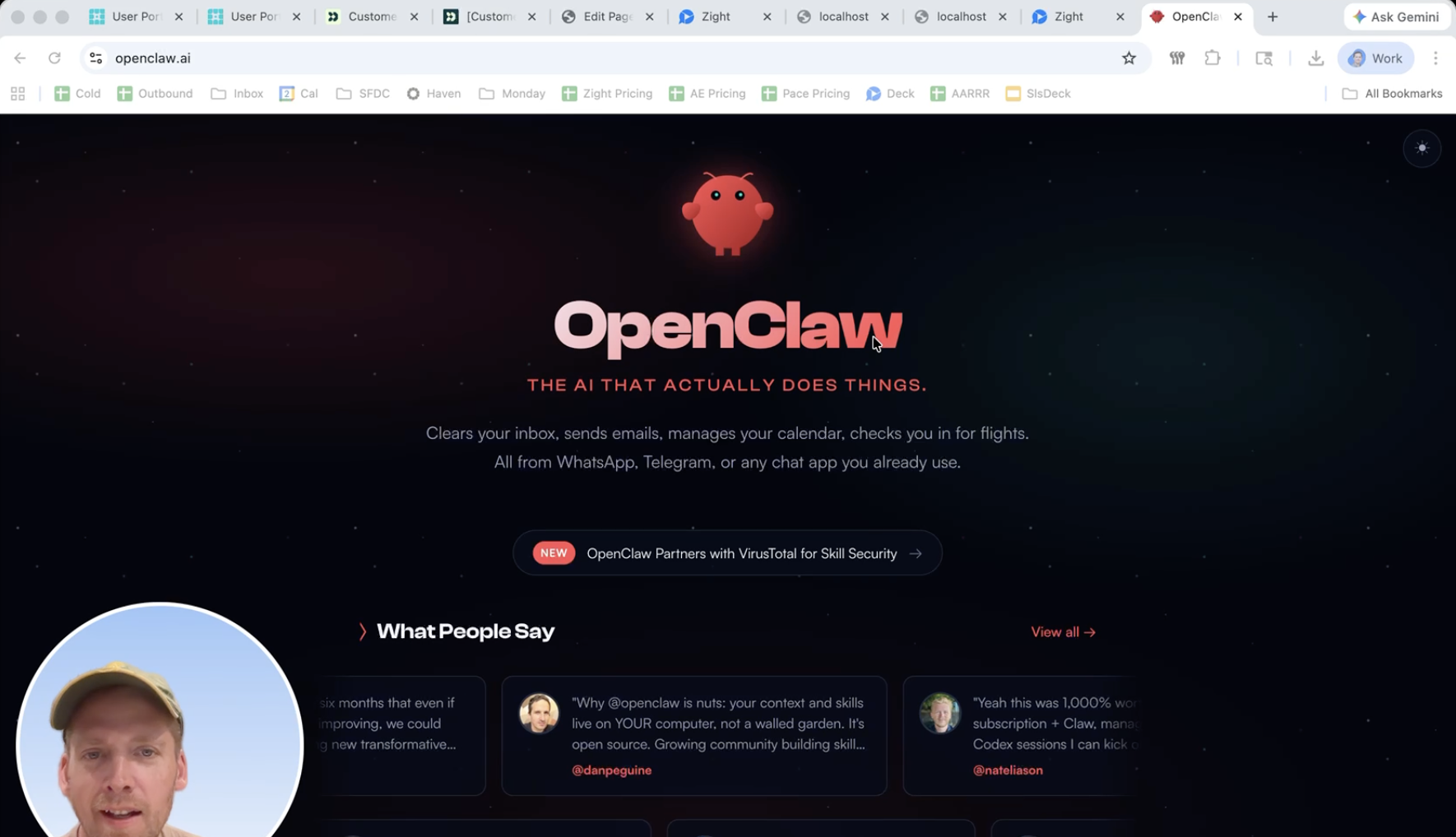
OpenClaw was everywhere for a while. Twitter, Reddit, founder group chats. Same screenshots, same excitement, same “this changes everything” energy.
Usually, that’s when I get uh pretty skeptical. I love trying new tools, but I’ve been burned enough times to know the pattern: great demo, messy reality, results aren’t what people say they are. What made this different was that I was excited and nervous at the same time. The product looked legit, but I also kept seeing stories about security mistakes and exposed keys.
So I made myself start smaller. Not at work, but at home.
I built an OpenClaw “Chief of Staff” for my family first. I ran it on an older 2020 MacBook Air M1, went through setup, picked integrations, and gave it a name. It felt like getting my first Tamagotchi or Pokemon. Within a day or two, it stopped feeling like a toy and started feeling useful.
If you’re curious about what a “Family AI” actually does once the hype dies down, here is how I’m using it so far:
1. The Core Philosophy
Cleo isn’t just a chatbot; she is an execution layer. She handles family ops, scheduling, reminders, logging, and recurring workflows across Telegram, Google Workspace, and iMessage.
The Technical Stack
-
Primary Interface: Telegram (Control Channel)
-
Secondary Interface: iMessage via BlueBubbles (Approval-based for safety)
-
Backend: OpenClaw running on 2020 M1 Mac
-
Database: Google Sheets (Health Logs, Coaching, Meal Planning) + TASKS.md
2. Workflows That Actually Stuck
These are the first four areas where the “messy reality” turned into a “clean win.”
Calendar & Task Management
One clean morning summary saved me more time than I expected.
-
Default Logic: All events go to our family calendar unless specified.
-
Capture: Quick Telegram messages (“Add to task: fix the leak”) automatically populate
TASKS.md. -
The Brief: Every morning at 8:00 AM, Cleo pulls from my work, personal, and family calendars to tell me what actually matters today.
Health & Consistency
I automated medication and routine reminders so consistency didn’t depend on memory.
-
Protocol Logging: Tracks my testosterone protocol (HCG + Clomid) directly to a Health Log sheet.
-
Garmin Integration: Every morning brief includes my Garmin sleep score, HR, activities, and weight.
-
Follow-through: Tracking open health tasks like screenings and doctor follow-ups.
Coaching Assistant (Lacrosse)
On practice days (Mon/Tue/Thu), Cleo becomes a strategist.
-
Contextual Prep: She pulls notes from the last practice and proposes a new plan using my coaching reference.
-
The Rule: She enforces my “last drill must be competitive” rule. A 3-on-2, 2-on-1, or the rush drill.
-
Output: Generates a Google Doc template I can print and bring to the field.
Grocery & Dinner Planning
Repetitive planning overhead is mostly gone.
-
Workflow: Cleo reads the “Meal Planning” sheet, lists family-approved meals, and provides an ingredients checklist.
-
Automated Ordering: The
grocery-orderskill builds a Smith’s Grocery Store cart based on approved item logic. -
The Guardrail: I still review everything with my wife before checkout.
3. How I Use Cleo Day-to-Day
I’ve learned to use Cleo as a command line for my life. Instead of opening five apps, I send a text:
“Log that I took HCG + Clomid today”
“What should we make for dinner?”
“Add to calendar: Jude Lacrosse game Saturday at 10 am”
“Run morning brief”
The Takeaway
The biggest lesson for me: If you’re excited about OpenClaw but cautious about risk, start where the stakes are lower and the repetition is high.
Family operations are a perfect proving ground. You get quick feedback, clear wins, and better habits before plugging automations into business-critical systems. I’m still early, but this already feels less like “trying AI” and more like building a real operating layer for everyday life.












