
Creating videos for business isn’t optional anymore – it’s essential. With 82% of internet traffic expected to be video-based and employees 75% more likely to watch a video than read a document, businesses need tools that simplify the process. Whether it’s marketing campaigns, training videos, or client presentations, the right video editing software can save time and deliver professional results.
Here’s a quick rundown of three popular tools for business users:
- Zight: Simple and fast, ideal for beginners. Features include screen recording, annotations, AI-powered summaries, and collaboration tools. Starts at $7.95/month.
- Camtasia: Great for training videos and presentations. Offers screen recording, annotations, and team-sharing options. Costs $179.88/year.
- Adobe Premiere Pro: Advanced editing for professional-grade content. AI tools, branding options, and cloud collaboration. Priced at $22.99/month.
Each tool fits different needs, from quick internal updates to high-quality marketing content. Choose based on your team’s expertise and project demands.
The Best Beginner Video Editing Software For Business Owners
1. Zight
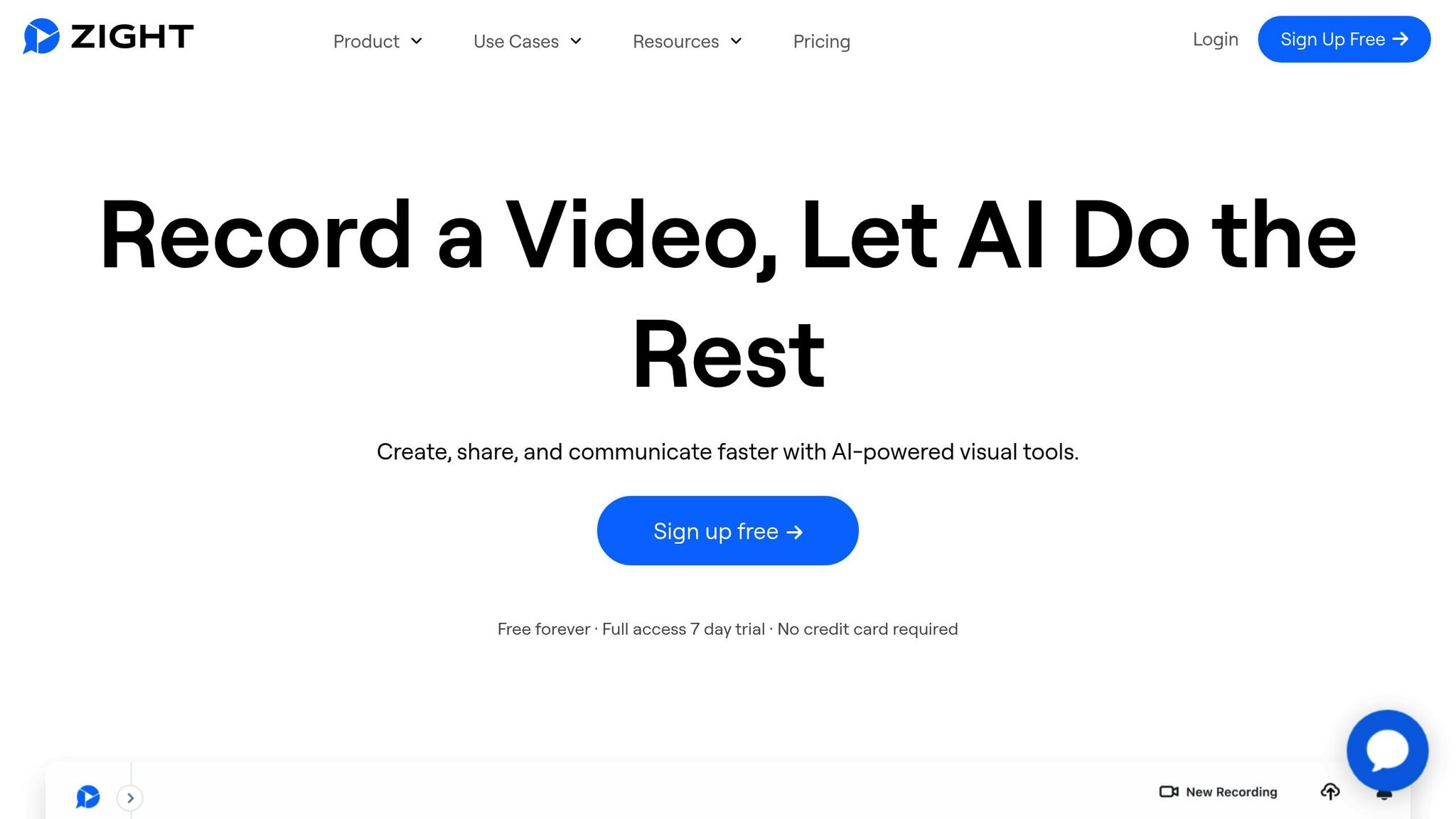
Zight is a visual communication platform tailored for businesses, combining screen recording, annotation tools, and collaboration features into a single, user-friendly solution. With over 5 million users boosting productivity through Zight, it’s become a go-to tool for creating professional videos and streamlining communication.
Screen Recording
Zight’s screen recording functionality isn’t just about capturing your screen – it’s about creating content that works for you. The platform automatically converts recordings into step-by-step guides with matching screenshots. This feature is perfect for training sessions, product tutorials, and documentation, cutting down the time spent on manual guide creation.
In 2023, Edward Wikstrom, Director of Technology at St. Dominic High School, leveraged Zight’s AI-powered features to turn recordings into print-ready guides with shareable links and editable screenshots.
“Zight allows me to put together training and troubleshooting materials, reduce in-person meetings and trainings, and AI helps me quickly organize videos and turn them into print user guides.” – Edward Wikstrom, Director of Technology, St. Dominic High School
For professionals, Zight offers unlimited recording time on paid plans and supports 4K resolution, ensuring high-quality output for everything from quick demos to detailed walkthroughs. Once your recording is complete, Zight’s annotation tools let you polish your visuals further.
Annotation Tools
When it comes to explaining complex ideas, clear visuals make all the difference. Zight’s annotation tools include text, shapes, arrows, and redaction features that let you highlight key information. These tools are invaluable for giving feedback on designs, explaining software workflows, or creating in-depth project documentation.
“Make your point faster, no more lengthy emails.” – Zight
You can annotate in real-time during recordings or edit them afterward, offering flexibility for different workflows. Whether you’re marking up a software demo or clarifying a process, Zight ensures your message is clear and concise.
Collaboration Features
Zight makes teamwork seamless by turning individual video projects into collaborative efforts. Every piece of content is automatically converted into a shareable link, eliminating the hassle of large file transfers or cumbersome sharing methods. The Collections feature organizes content, making it easy for teams to access and share resources.
Integrations with tools like Slack, Microsoft Teams, Jira, and Confluence further enhance collaboration. For example, in Q3 2023, HubSpot’s marketing team used Zight to create 20 video tutorials for new software features. Led by Marketing Director Sarah Lee, the project boosted sales team adoption by 15% and reduced support tickets by 10% within six weeks.
Zight also offers analytics to track viewer engagement and performance, helping teams refine their content. For enterprise users, admin controls and custom branding options – like adding logos and custom domains – ensure shared materials align with company branding.
AI Enhancements
Zight’s AI features simplify and enhance the video creation process. The platform includes AI-powered transcription and summary tools that automatically generate text versions of videos, making them searchable and accessible. Its AI-driven translation capabilities break down language barriers, enabling businesses to share content effectively with global teams and clients.
Whether you’re creating training materials, collaborating with a team, or reaching an international audience, Zight’s features make the process efficient and effective.
2. Camtasia
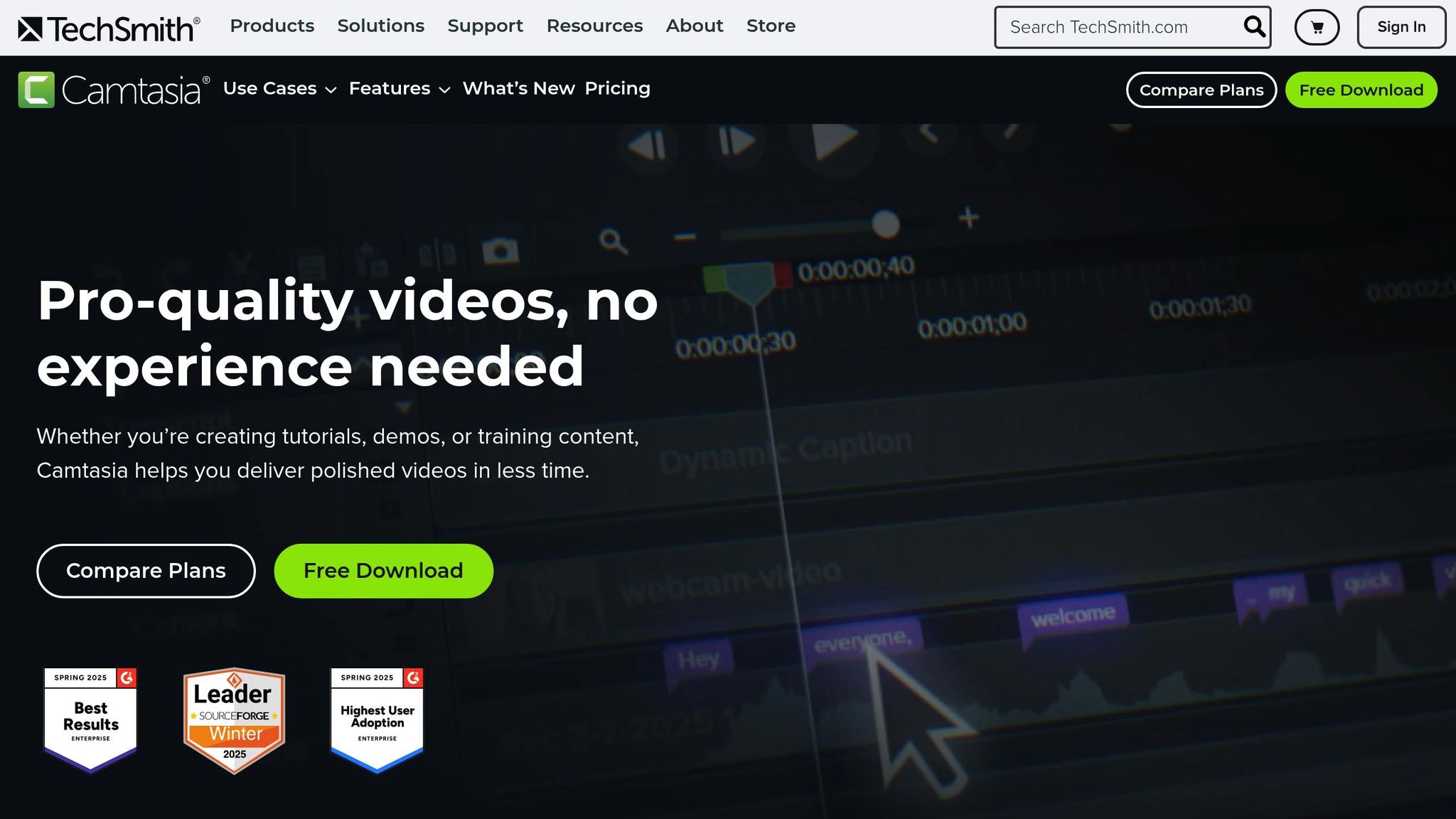
Camtasia is a go-to tool for professionals who need to create polished training videos and presentations. It combines high-quality screen recording with user-friendly editing features, making it a solid choice even for those without much video editing experience.
Screen Recording
Camtasia’s screen recording capabilities are designed with business professionals in mind. It records in 4K at 60 fps, capturing everything from screen activity and webcam footage to microphone and system audio. Even cursor movements are tracked on separate layers, giving users the flexibility to fine-tune each element independently. Need to tweak audio levels or clean up mistakes? Camtasia’s multi-track setup makes it easy to adjust without affecting the rest of your project.
“Camtasia is easy to learn and use. It creates beautiful videos. It has a ton of templates and features to help make them look professional quickly.” – Victoria Schmidt, President / Sr. Architect / Sr. Instructional Designer at CyberTrain, Inc.
For tasks like software tutorials or product walkthroughs, Camtasia also captures cursor clicks and keystrokes, making it easier to guide viewers step by step.
Annotation Tools
Camtasia offers a variety of annotation options, including callouts, arrows, shapes, blur effects, and keystroke annotations. These can be customized to match your branding – adjusting size, color, font, and style to suit your needs. You can also add animations, transitions, and visual effects to make your presentations more engaging. Considering that 83% of viewers prefer video for learning, these tools help simplify complex ideas and keep your audience’s attention.
Collaboration Features
Collaboration is a breeze with Camtasia’s built-in tools. You can invite team members to review or edit projects, with options to limit access to specific scenes. Automatic scene locking prevents overlapping edits, ensuring a smooth workflow. Teams can also share project files, templates, and themes to maintain brand consistency across all videos. For remote teams, cloud-based sharing and the ability to upload videos to Screencast make it easy to gather feedback and finalize projects.
“Camtasia’s ease of use, output quality, and output format options are a million times better than anything else I’ve been asked to use for creating video content.” – Sara Schiebner, Underwriting Communications and Training Specialist at Amerisure Insurance
sbb-itb-5d91f01
3. Adobe Premiere Pro
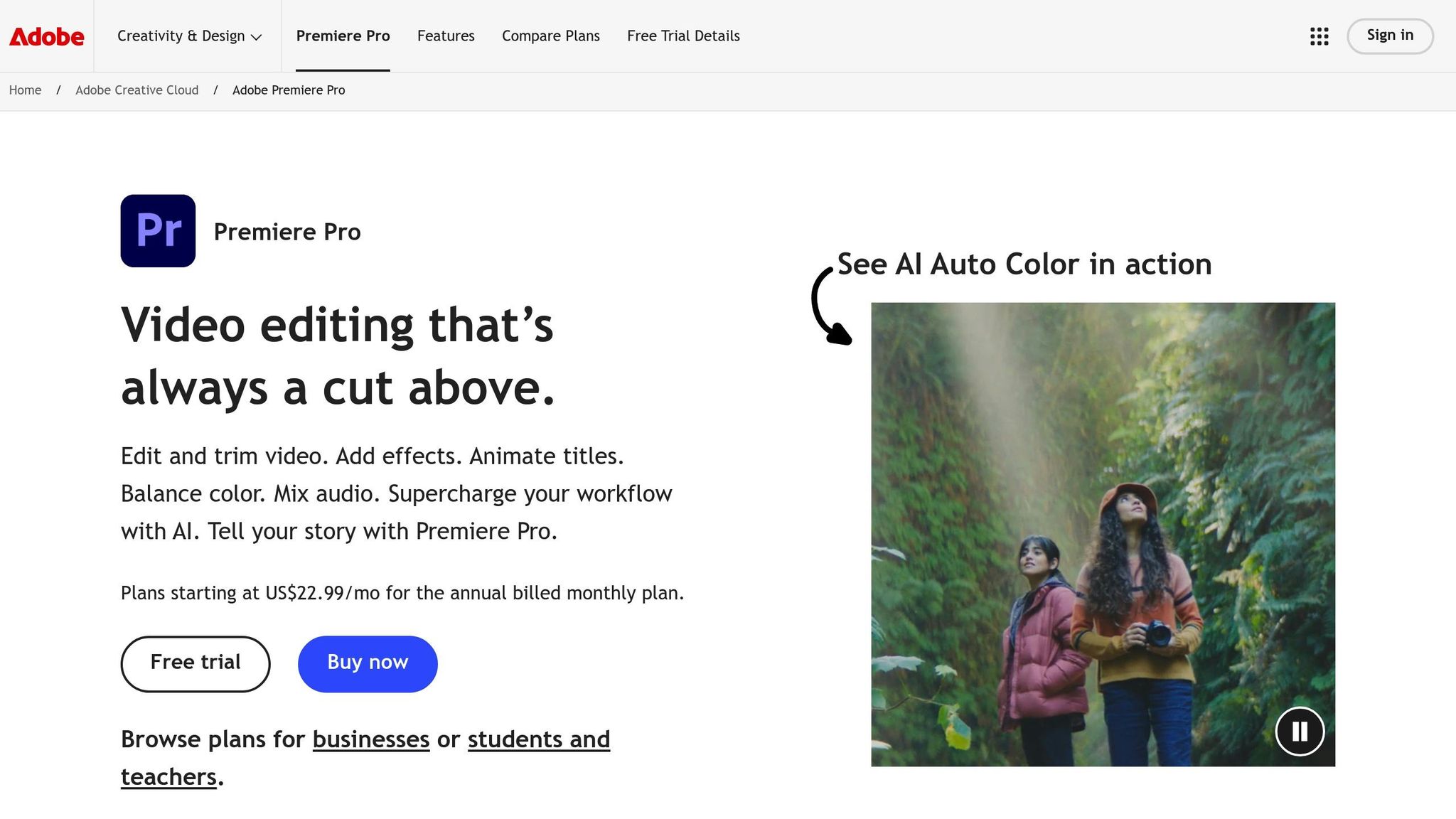
Adobe Premiere Pro stands out as a powerful tool for corporate video production, offering advanced features tailored for professional-grade editing. While it does come with a steeper learning curve, its cutting-edge tools and AI capabilities empower businesses to create high-quality training, marketing, and corporate content. It’s a platform designed for those who demand precision and flexibility.
AI Features That Streamline Editing
Premiere Pro leverages AI to simplify even the most intricate editing tasks. For instance, Adobe’s Firefly technology generates over one billion assets every month. In April 2025, Adobe introduced Generative Extend, an AI tool that extends video and audio clips seamlessly for smoother transitions. Another groundbreaking feature, Media Intelligence, allows users to search through massive amounts of footage in seconds using natural, conversational language.
“By harnessing the power of Firefly and our advanced AI capabilities, we’re transforming the video editing experience and enabling our customers to focus on what matters most to them – telling vivid, compelling stories.”
– Ashley Still, Senior Vice President and General Manager of Digital Media at Adobe
For businesses operating globally, the AI-powered Caption Translation feature is a game-changer. It automatically translates captions into 27 languages, making it easier than ever to create multilingual training content without relying on external translation services. This feature streamlines workflows for companies distributing content across different regions.
“I’m really excited by the AI products that Adobe is developing for filmmakers – especially new features like Media Intelligence, which helps me get to the edit that much faster.”
– Ernie Gilbert, filmmaker and editor
Advanced Annotation Tools
Premiere Pro offers more than just basic text overlays. Its annotation tools enable users to add text, arrows, shapes, and even file attachments, giving editors the ability to emphasize key points and provide context throughout their videos. With extensive font options and customizable text styles, businesses can ensure their videos align with corporate branding.
The platform’s seamless integration with other Adobe programs, like Photoshop, Illustrator, and After Effects, makes it easy to incorporate custom graphics and animations into projects. These tools are especially useful for creating polished training materials that look professional and maintain brand consistency.
Collaboration Made Easy
Premiere Pro provides several collaboration options tailored to different business needs:
- Team Projects: These live in the Creative Cloud and allow multiple users to work on the same timeline simultaneously. However, manual conflict resolution is required when changes overlap.
- Productions: Designed for larger projects, this feature prevents conflicts by locking others out of a project during editing. Productions can be hosted on any shared storage, making them ideal for complex workflows.
- Creative Cloud for Teams: This includes 1TB of cloud storage per user and features like Creative Cloud Libraries, Share for Review, and co-editing tools. Additionally, it provides a 180-day extended version history for cloud documents, offering teams the flexibility to roll back changes if needed.
Each option serves a unique purpose. Team Projects are perfect for simultaneous editing, while Productions work best for breaking down large projects into smaller, manageable parts. However, it’s worth noting that only Creative Cloud subscribers can participate in Team Projects, which might limit accessibility for some businesses.
Advantages and Disadvantages
When comparing video editing platforms, it’s essential to look at their strengths and weaknesses in terms of usability, collaboration tools, and advanced features. Each platform offers something unique, making them suitable for different business needs.
Zight stands out for its simplicity and speed. Its intuitive interface is perfect for beginners, allowing teams to create and share videos quickly without needing extensive training. Features like AI-powered smart summaries and automated transcriptions further enhance productivity. However, users have reported occasional crashes and freezes, which can disrupt workflows.
Camtasia strikes a balance between ease of use and professional tools. It includes helpful AI features like noise removal and text editing, while its Screencast functionality supports team collaboration by enabling feedback and shared assets. That said, its design – geared toward beginners – limits advanced customization, and users have noted issues with crashes, bugs, and export problems.
Adobe Premiere Pro offers professional-grade editing capabilities with advanced AI tools, such as automatic transcription, caption creation, and dialog cleanup, which streamline complex editing workflows. Its integration with other Adobe products makes it ideal for large-scale projects. However, the software’s steep learning curve and high hardware requirements can be barriers for teams seeking quick and straightforward solutions. As Ben Fagan, M.S. in Digital Media and a professional videographer, explains:
“Premiere Pro is a great program to learn on. If you’re interested in video editing, I would absolutely start learning Premiere Pro. When I began, I started learning on Premiere. Once you begin learning you can take it as far as you want. There is always more to learn!”
| Platform | Strengths | Weaknesses |
|---|---|---|
| Zight | Easy-to-use interface, fast content creation, AI-powered summaries and transcriptions, team sharing | Limited editing capabilities, occasional crashes and freezes |
| Camtasia | User-friendly design, AI noise removal, collaborative tools, balanced features | Frequent crashes, limited customization, poor keyboard commands, export issues |
| Adobe Premiere Pro | Professional tools, advanced AI features, seamless Adobe integration, industry standard | Steep learning curve, resource-heavy, complex interface, high hardware demands |
Pricing is another factor to consider. Zight’s video editing features are available on paid plans starting at $7.95/month for Pro users. Adobe Premiere Pro, on the other hand, follows a subscription model, with plans starting at $22.99/month for individuals or $37.99/month per license for teams.
Ultimately, the best choice depends on your team’s expertise and project scope. For quick and simple video creation, Zight is a solid option. Teams seeking mid-level editing tools with collaboration features might lean toward Camtasia, while those aiming for professional-grade results will find Adobe Premiere Pro a powerful solution – provided they’re ready to invest in training and robust hardware.
Conclusion
Choosing the right video editing tool depends on your team’s requirements and technical expertise. Each platform brings something unique to the table for creating business videos.
Zight is a budget-friendly option at $7.95/month. It’s perfect for quick internal communication and tutorials, thanks to its AI-powered transcriptions and smart summaries.
Camtasia is a great choice for creating demonstration and e-learning videos. Priced at $179.88/year, it offers powerful screen recording and collaboration features, making it a solid pick for training content.
Adobe Premiere Pro stands out for professional-grade video production. At $22.99/month, it integrates seamlessly with other Adobe tools, making it ideal for businesses with advanced video production needs and dedicated resources.
Each of these tools addresses specific business needs. For beginners, Zight and Camtasia provide an easy entry point to video editing. For companies with more complex requirements, Adobe Premiere Pro offers the advanced features needed to produce top-tier content.
FAQs
How can Zight’s AI transcription and summary features improve video content for businesses?
Zight’s AI transcription and summary tools simplify video production for businesses by automating accurate transcriptions, creating multilingual captions, and crafting brief summaries. These features ensure your videos are easier to review, more accessible, and ready to share with a wide range of viewers.
By eliminating time-consuming manual tasks and improving workflow efficiency, these tools allow businesses to concentrate on producing engaging content while boosting communication and overall productivity.
What makes Zight better suited for quick business video creation compared to professional editing tools like Adobe Premiere Pro?
Zight is designed with business professionals in mind, offering a streamlined way to create impactful videos with minimal effort. With features like screen recording, annotations, and ready-to-use templates, it’s a great tool for improving presentations, crafting training materials, or enhancing workplace communication. Its user-friendly interface allows you to produce polished videos quickly, without the hassle of a steep learning curve.
On the other hand, Adobe Premiere Pro is built for those tackling complex video projects. It comes packed with advanced effects, detailed customization options, and high-level editing tools. However, mastering it takes time and expertise. The main distinction lies in their focus: Zight emphasizes speed and simplicity, making it perfect for business tasks, while Premiere Pro caters to professionals who need precision and depth for filmmaking and advanced editing.
How do Zight’s collaboration tools help teams work more efficiently and communicate better in a business environment?
Zight offers collaboration tools that help teams communicate more clearly and work more efficiently. With features like video messages, screenshots, and GIFs, teams can share visual information that cuts down on confusion and speeds up decisions. These tools are especially useful for breaking down complex ideas quickly, without needing long emails or drawn-out meetings.
What’s more, Zight integrates smoothly with platforms like Microsoft Teams. This allows team members to easily provide feedback, comment on shared visuals, and collaborate in real time. The result? Better team alignment, improved communication, and a noticeable boost in productivity across the board.












